




Capture video and images on the screen of your Android
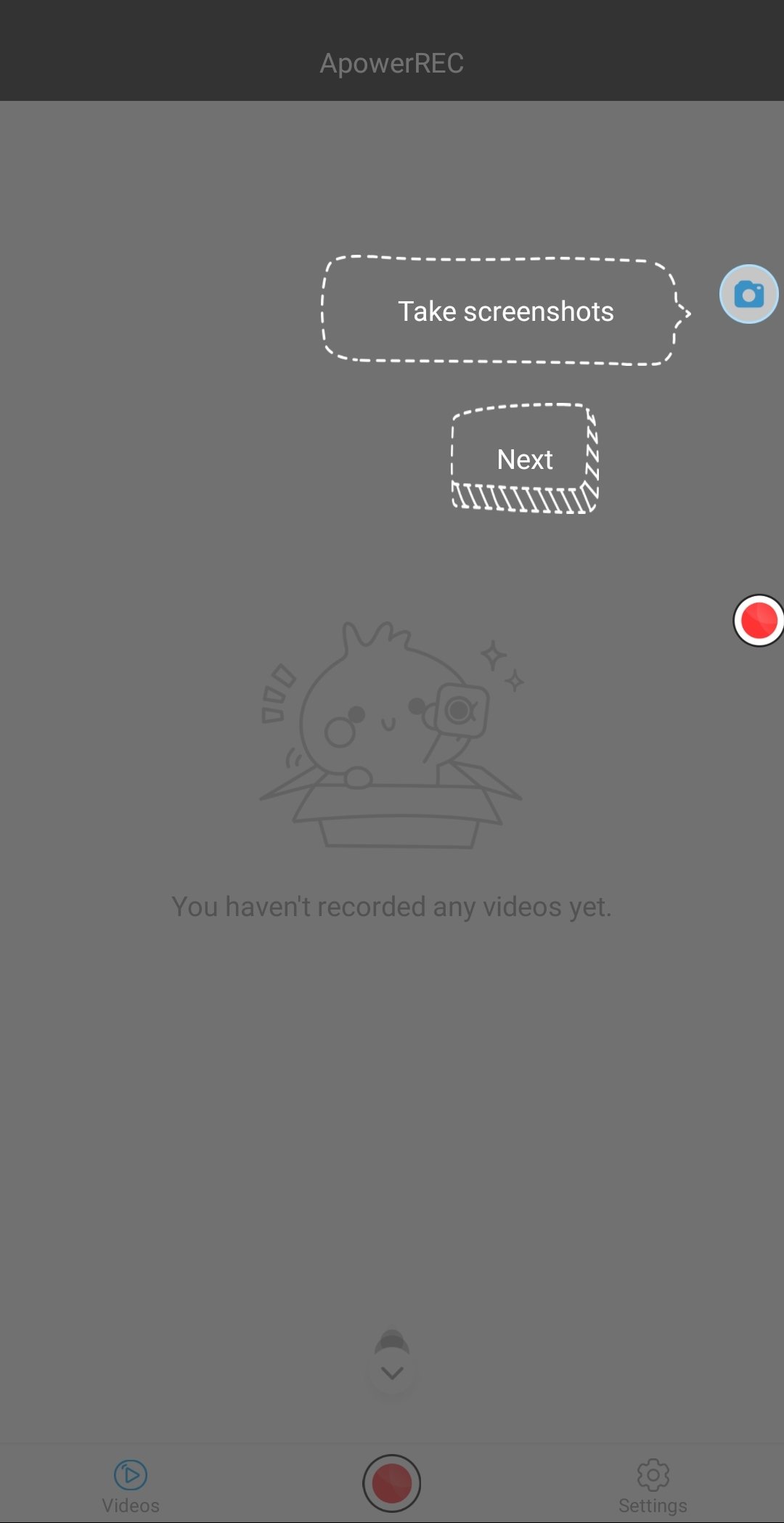
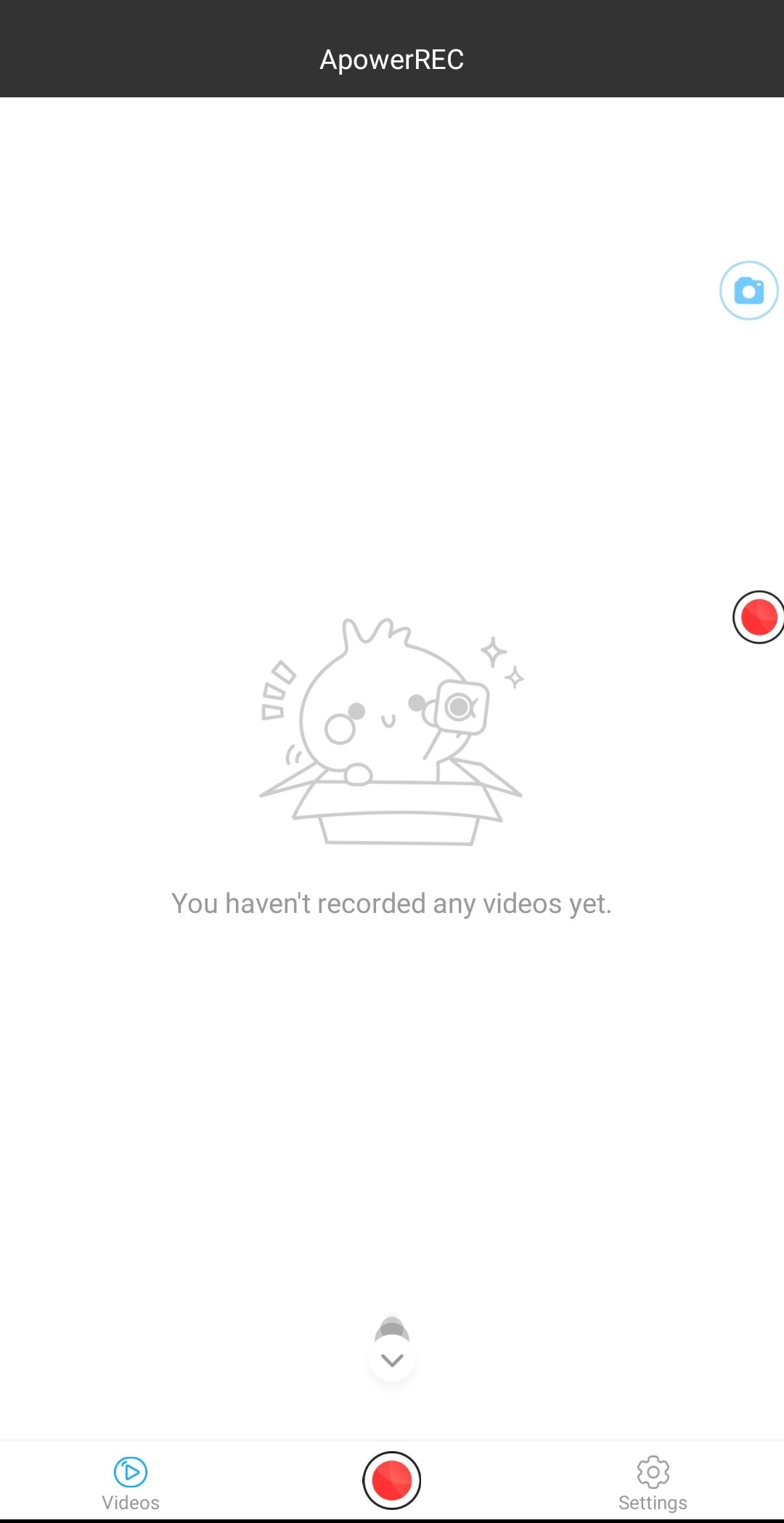
If you need to record everything that happens on the screen of your mobile device, you can opt to download an app like ApowerREC. This is a screen recorder that allows us to record or take screenshots and even to record while simultaneously using the phone camera.
This is a simple app with which we will be able to record videos of what we are doing on our device, which means that it could be a good option for recording gameplays or tutorials, regardless of what they are for.
Main features
These are the main functions offered by the app:
- Record and take screenshots in portrait or landscape mode.
- Simple controls on the side of the screen using floating icons.
- Record what is happening on the screen while also using the device's front camera.
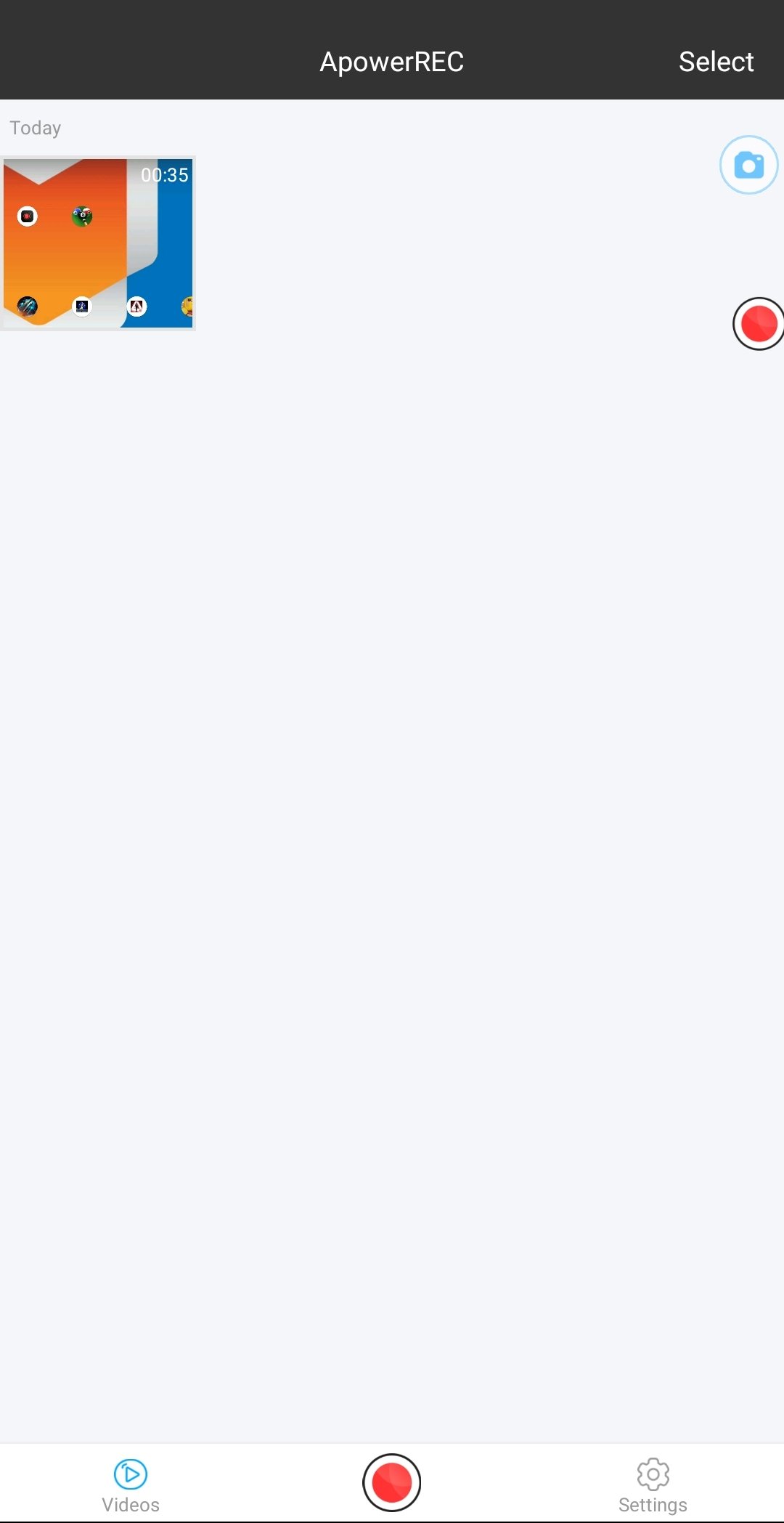
- Manage your recordings efficiently.
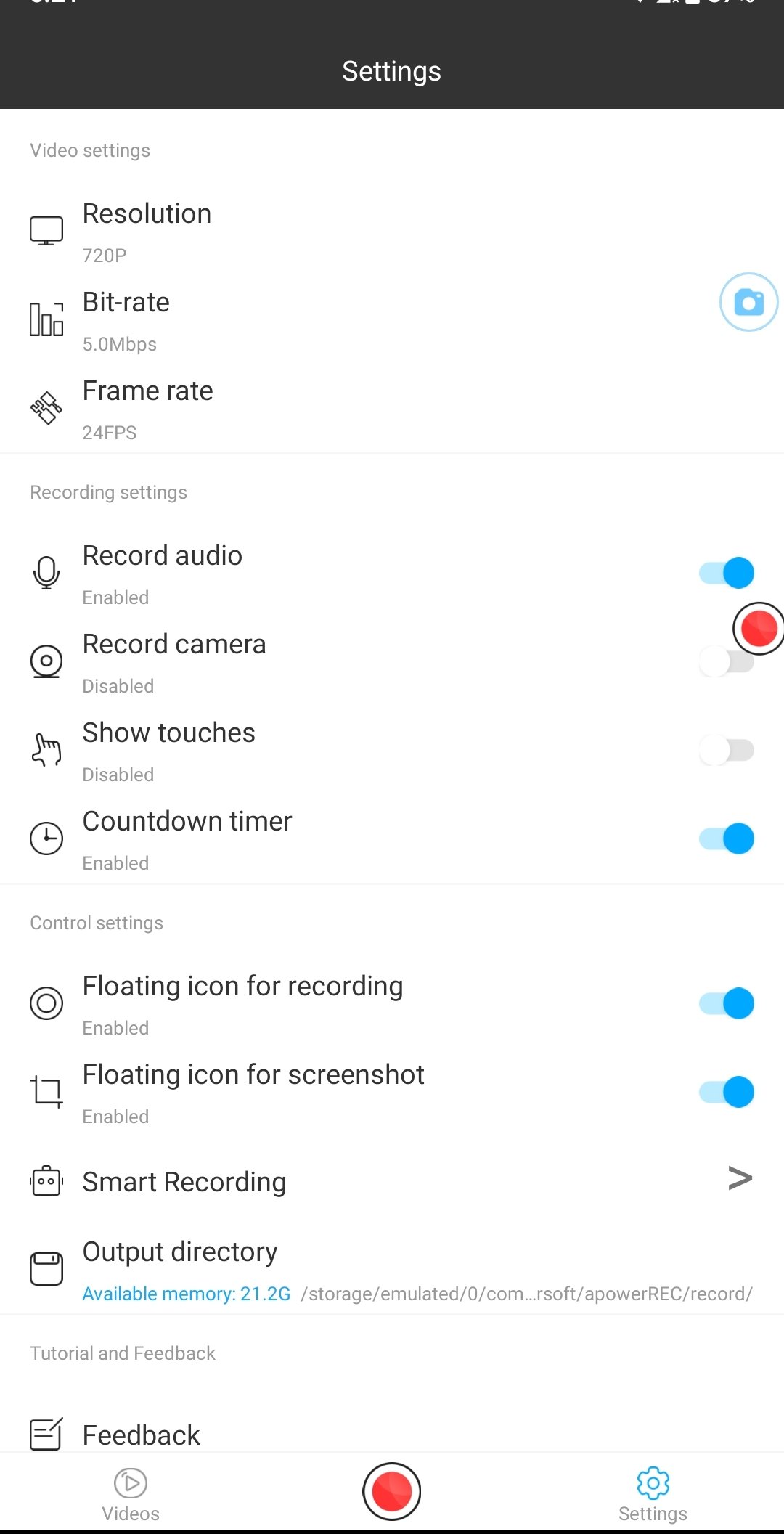
- Set different configurations for recording.
- 1080p video quality.
- Record with audio.
- Countdown to start recording.
- Adjust the speed of bits and frame rates.
- Unlimited recording time.
Requirements and additional information:
- Minimum operating system requirements: Android 5.0.
 Elies Guzmán
With a degree in History, and later, in Documentation, I have over a decade of experience testing and writing about apps: reviews, guides, articles, news, tricks, and more. They have been countless, especially on Android, an operating system...

Sean Mitchell