



Get fit today with Google
Thanks to apps that track our physical activity and all the fitness devices available today, we have more incentive to exercise. Google Fit APK, for example, can become your personal trainer as soon as you download it to your Android. Download Google Fit Android to remain active and control your activity levels.
Monitor your physical activity day by day and keep active
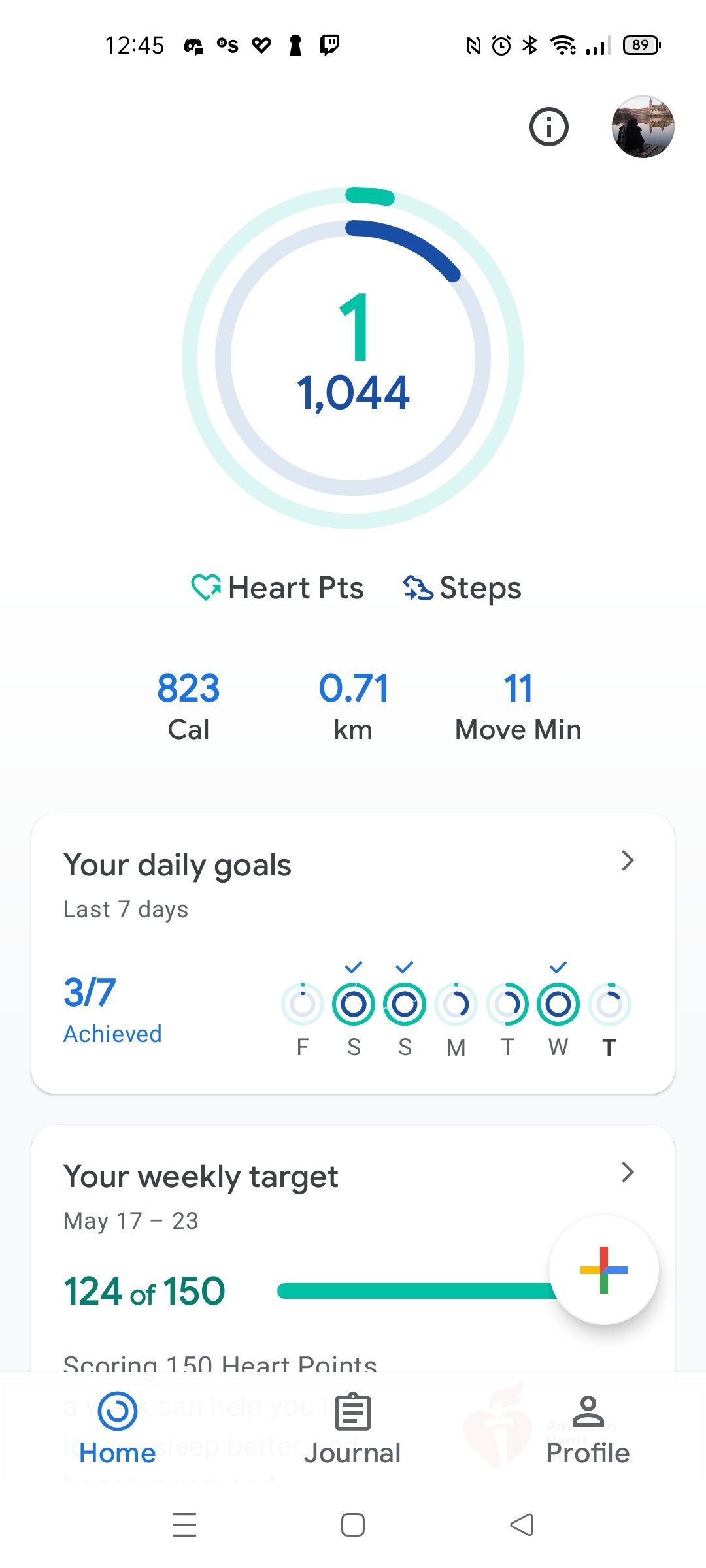
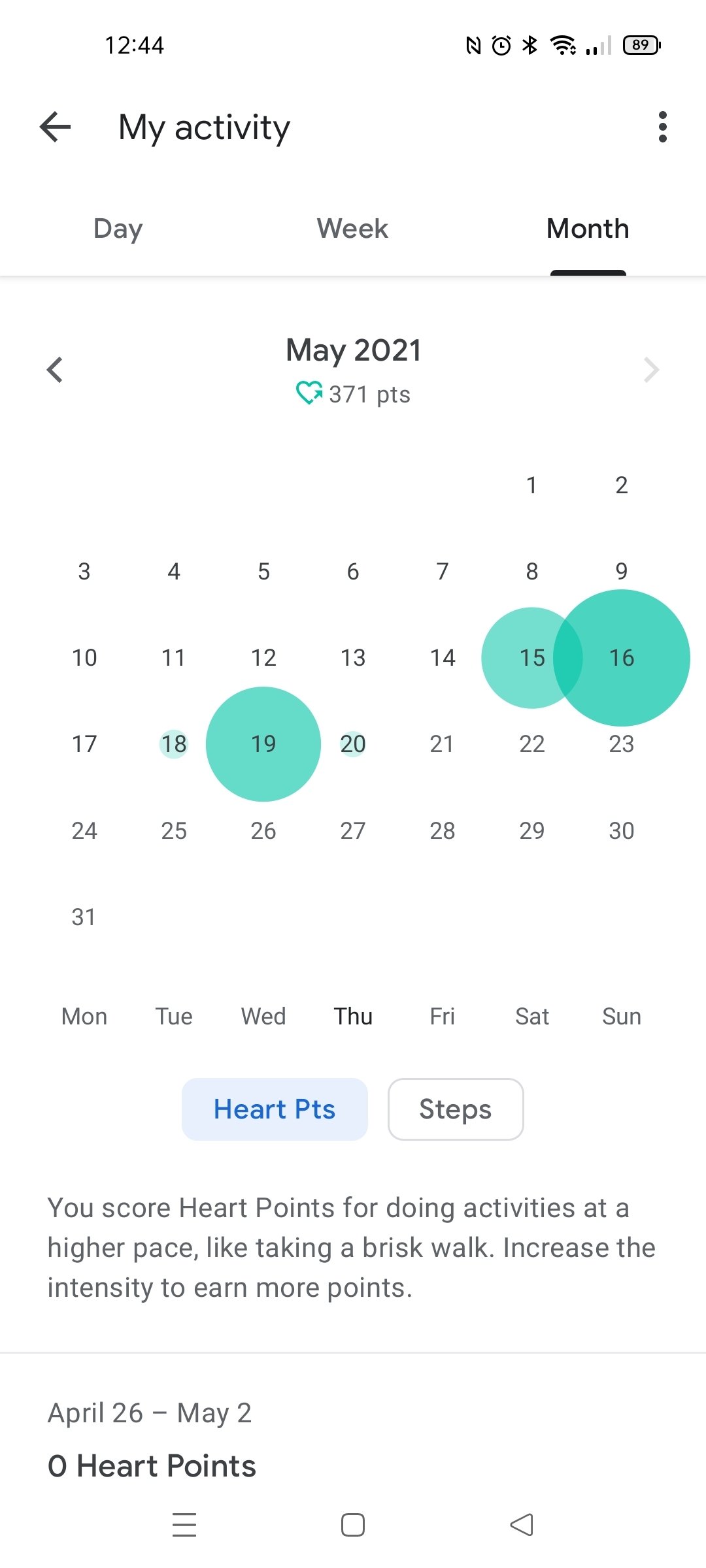
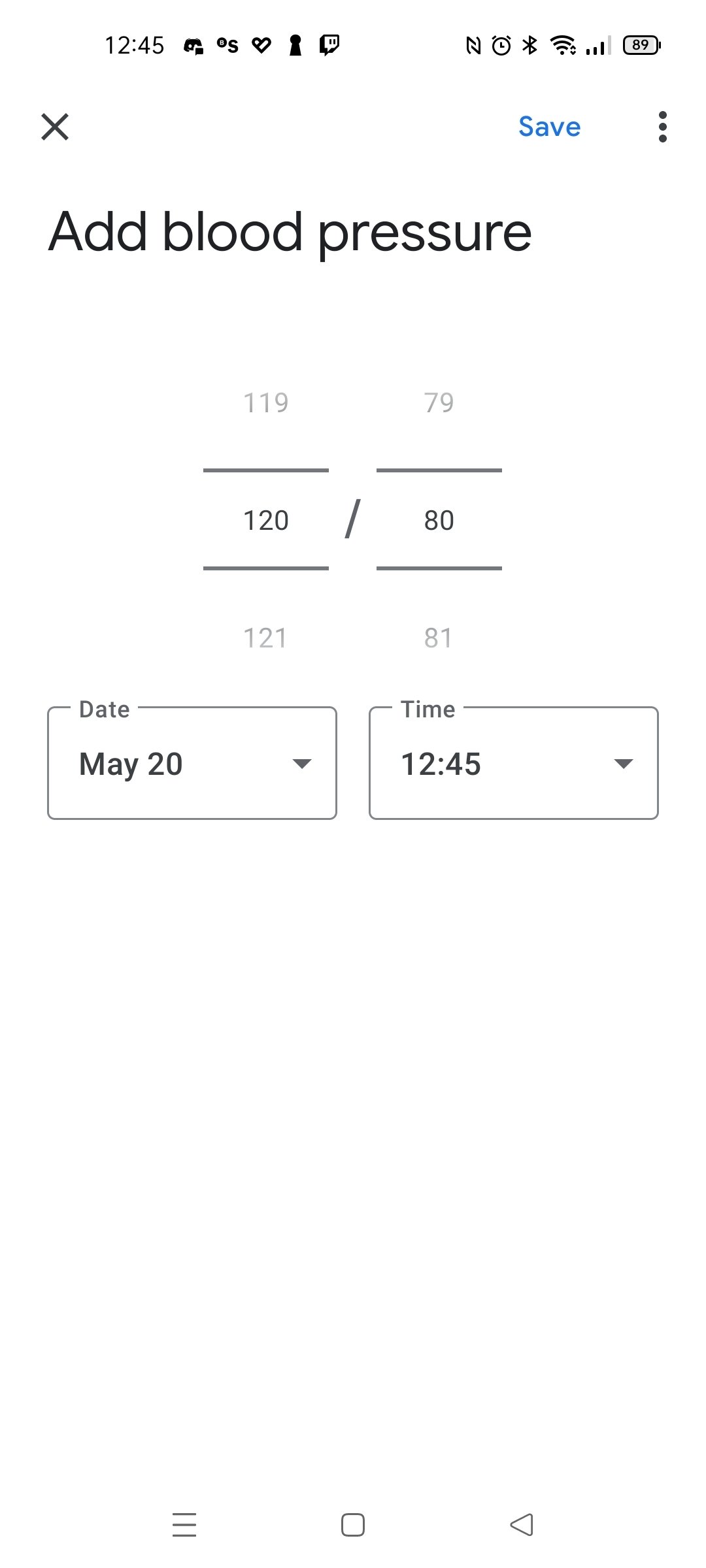
Google Fit APK can process information about your sports activities, so you can check your progress and set goals for each day. In addition, the service awards the user a Cardio Point for every minute of moderate activity such as walking or strolling and doubles them for more intense activities such as running or cycling. With this feature, the user can keep track of their daily exercise to motivate them to move more, improve their fitness, and overall well-being.
Once you download Google Fit Android, you'll have an innovative system that has been developed in collaboration with the World Health Organization (WHO) and the American Heart Association, which recommends at least 30 minutes of exercise five times a week to reduce the risk of cardiovascular problems.
Main features
Thanks to the following options, you will be able to motivate yourself every day to keep active:
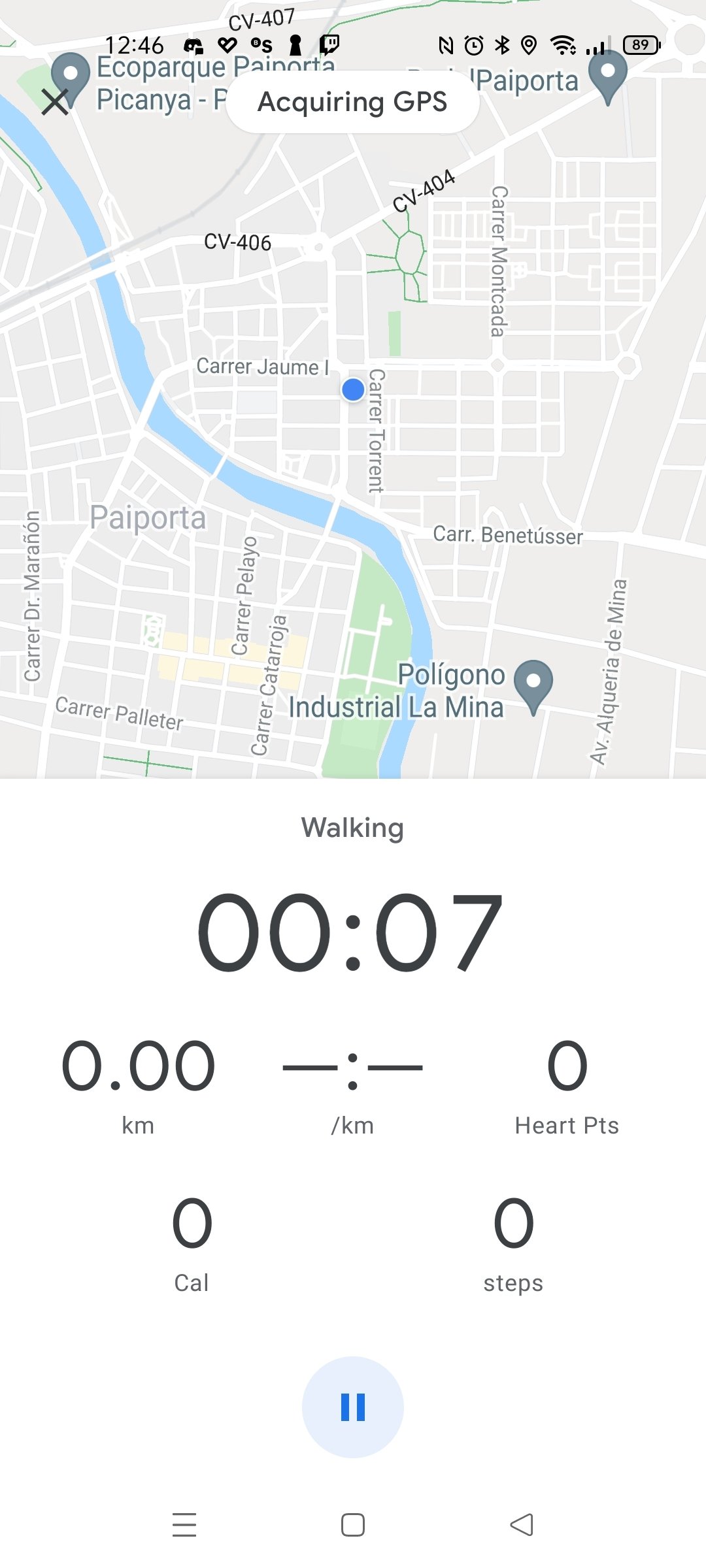
- Record minutes of daily physical activity, whether walking, running, or cycling.
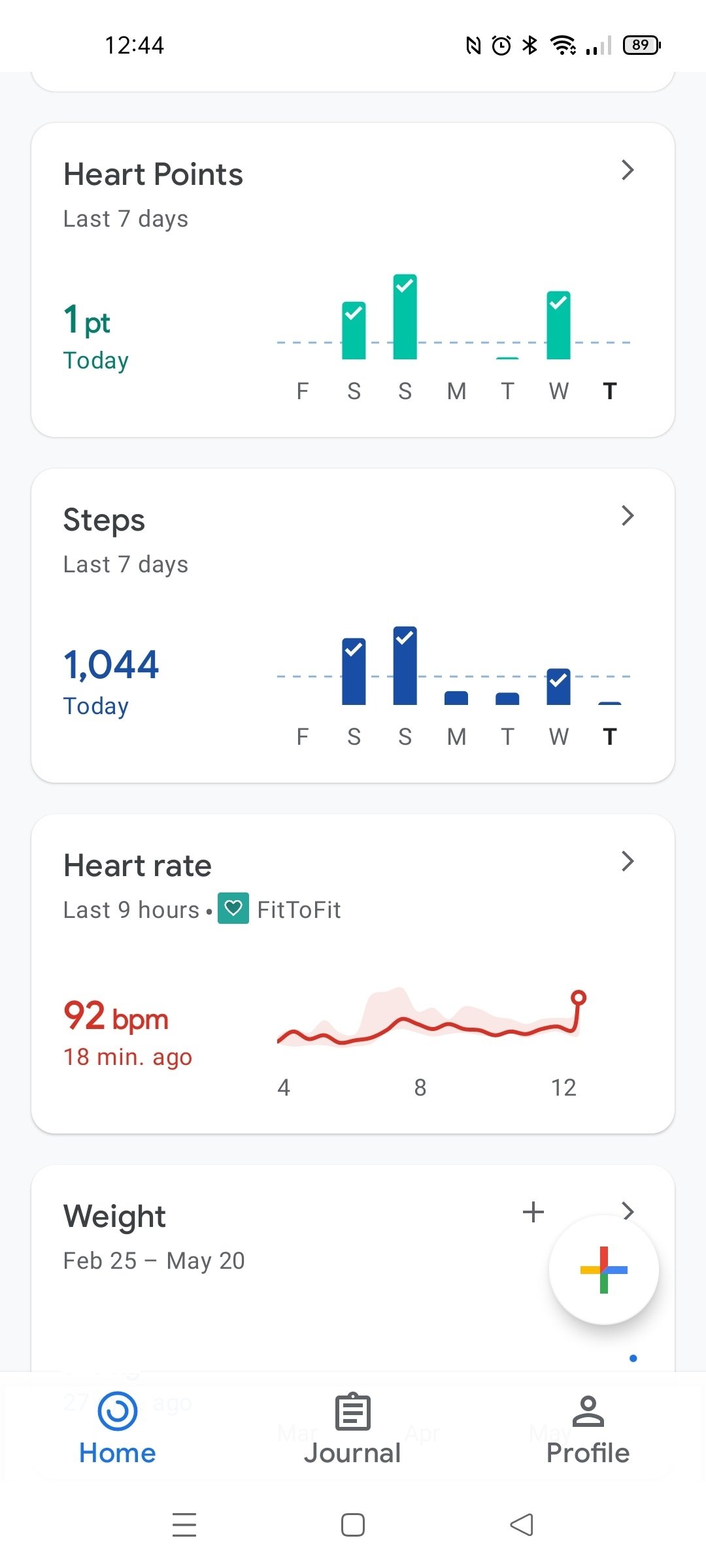
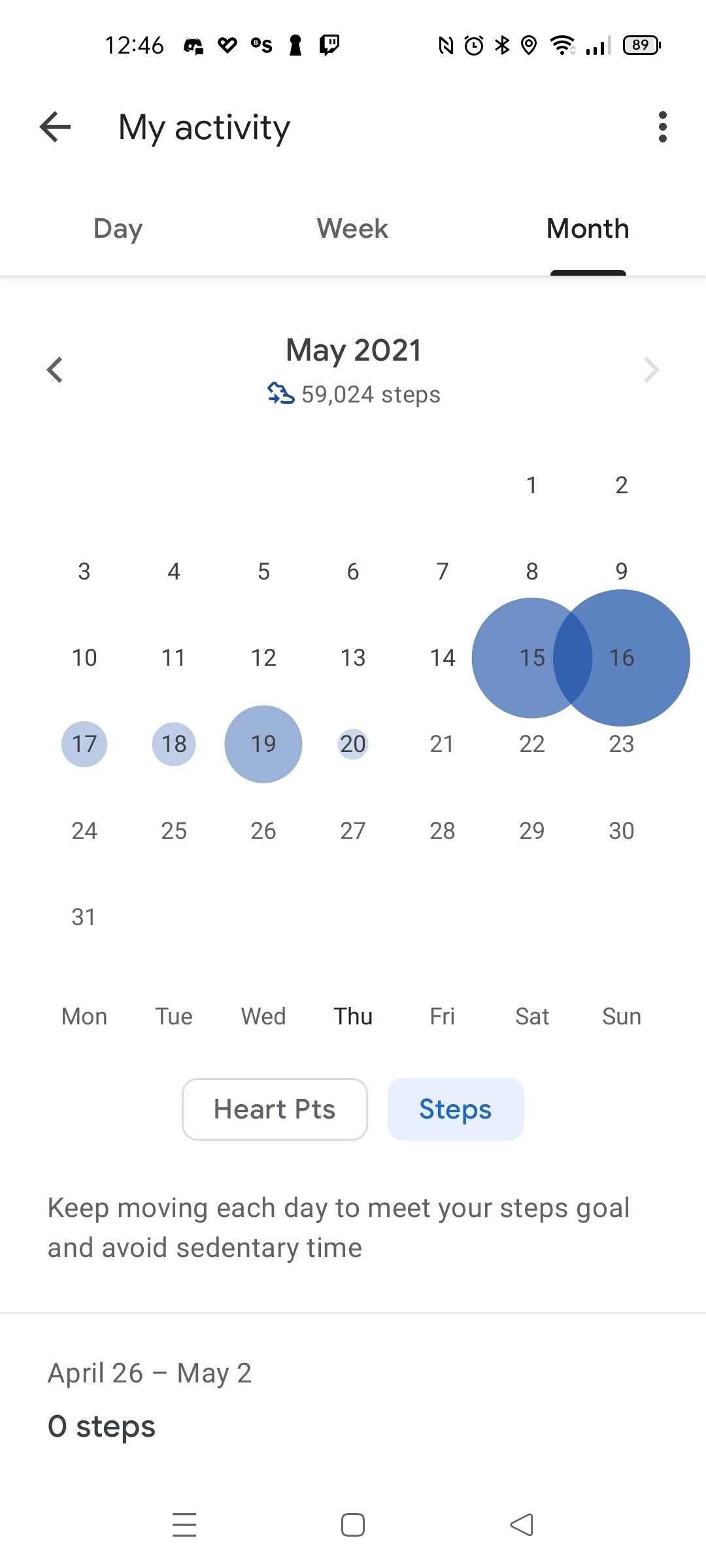
- Graphical display of the evolution of your activity and weight.
- Check the daily progress of the Cardio Points and step goals you have set.
- Possibility to set goals based on previously recorded data.
- It is compatible with most fitness devices on the market to get more accurate data by combining the information.
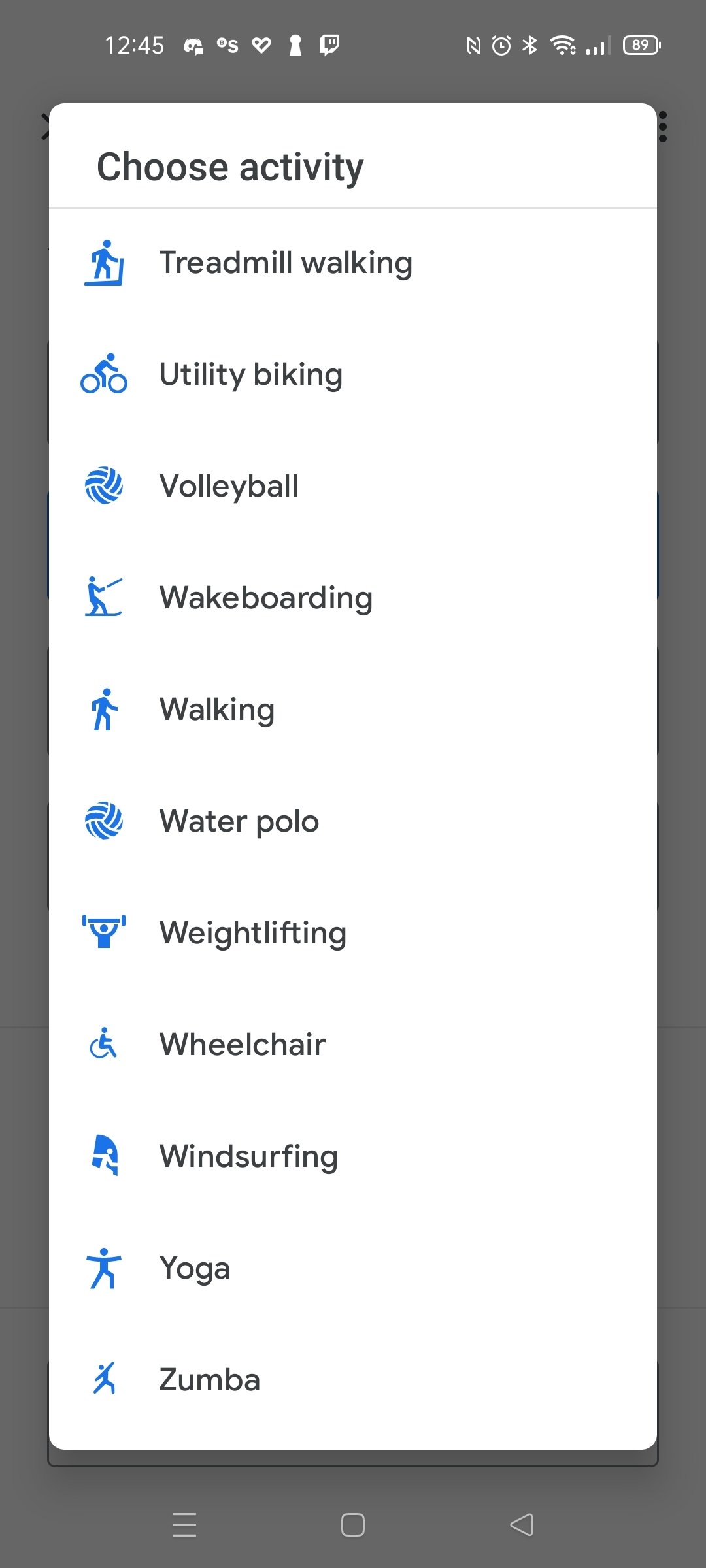
- It also lets you record all kinds of activities: aerobics, boxing, cycling, CrossFit, dance, elliptical, soccer, field hockey, kickboxing, pilates, running, yoga, Zumba, and, many more.
- Even if the user does not indicate the start of an activity, Google will automatically detect them and add them to the Google Fit diary.
What's new in the latest version
- No changelog available.
Requirements and additional information:
- Minimum operating system requirements: Android 6.0.
 Lauriane Guilloux
Hi, I’m Lauriane Guilloux. I grew up surrounded by gadgets and technology and everyone who knows me assumes that it will always be one of my greatest interests. I’ve evolved hand-in-hand with PCs, laptops, video gaming consoles, smartphones,...

Manuel Sánchez