



Configure your smartwatch settings with your smartphone
Most smartwatches can be controlled with a smartphone. However, Google has gone a step further to offer us an application with multiple functions that serve to complement the watch's features.
All the power of Google on your wrist
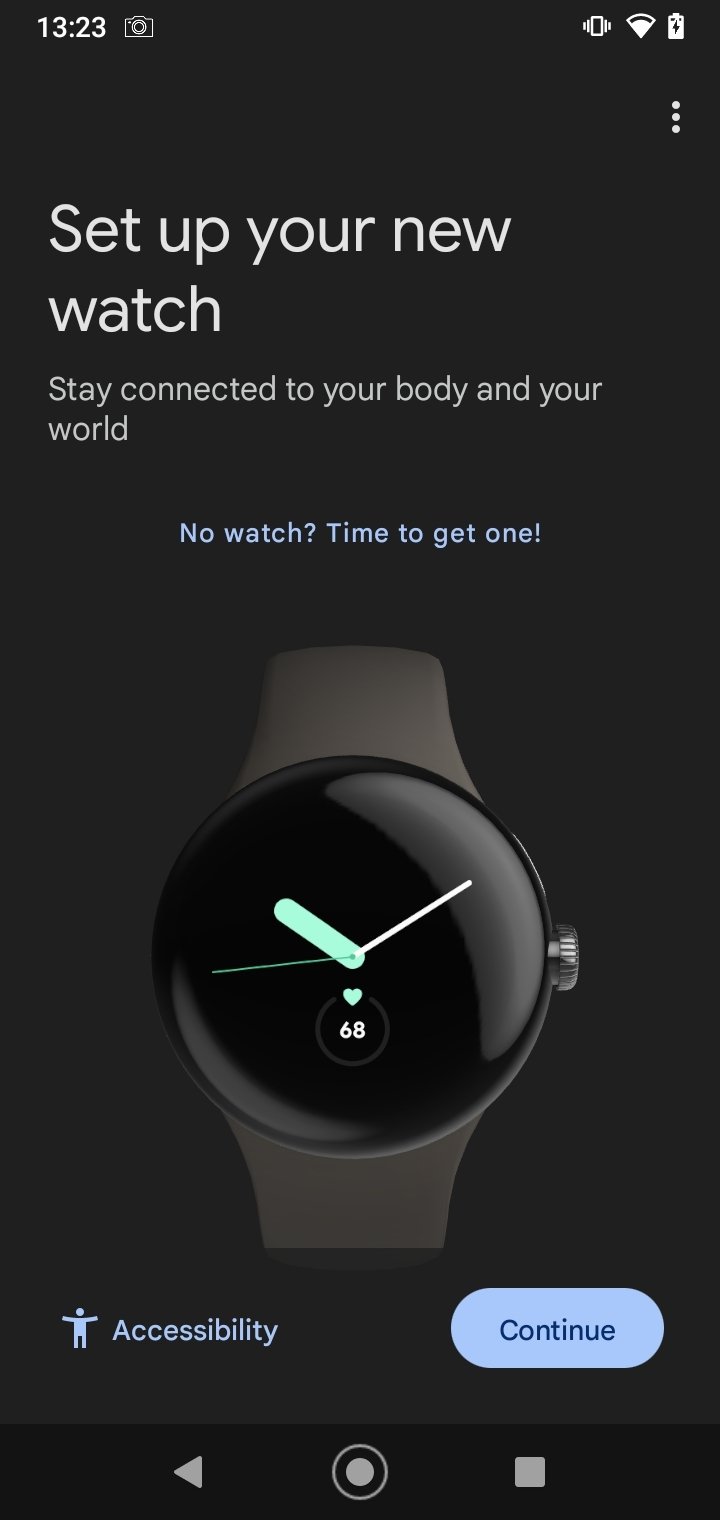
Google Pixel Watch is an official Google app used to configure and manage your smartwatch from an Android device. All you have to do to access the assistant is to pair your smartphone with your smartwatch. From here, we will have several settings at our disposal:
- Configure the watch settings.
- Customize digital watch faces.
- Manage notifications.
- Manage cards.
- Customize alerts and notifications.
- Manage Google accounts.
- Install and manage apps.
- Configure the mobile operator (only available in certain countries).
- Change privacy settings.
- Change colors, styles, designs, and clock display options.
You can easily customize your watch faces, set up Google Assistant and Google Wallet, manage notifications, and more.
In short, if we have a Google smartwatch, downloading the APK file of this app is a must. Thanks to this app, we will be able to create a customized smartwatch that adapts to our tastes and needs.
Requirements and additional information:
- Minimum operating system requirements: Android 8.0.
 Almudena Galán
With a degree in Law and Journalism, I specialized in criminology and cultural journalism. Mobile apps, especially Android apps, are one of my great passions. I have been testing dozens of apps every day for over six years now, discovering all...

Manuel Sánchez