


Tool to unlock iPhone and regain access to the device
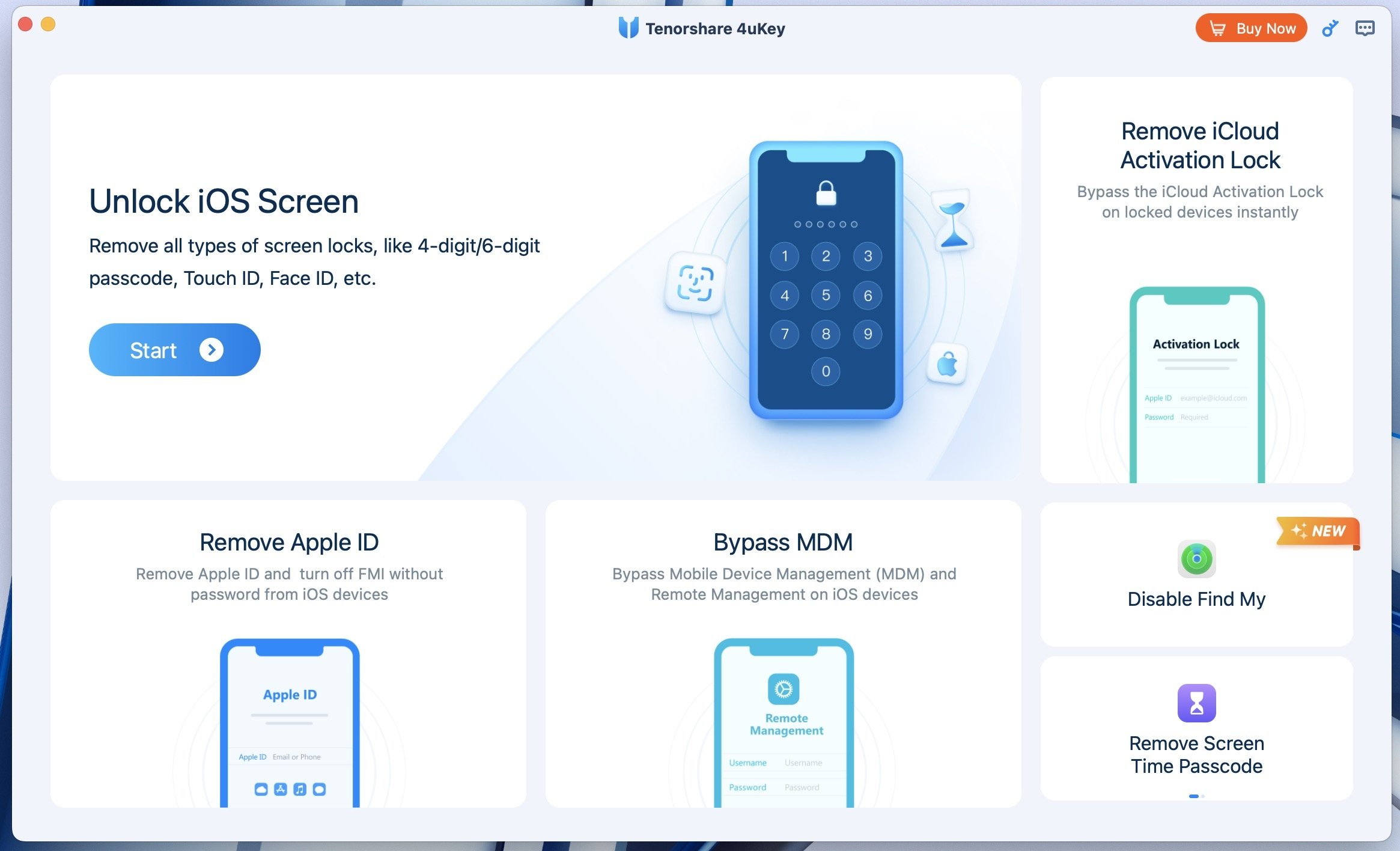
4uKey iPhone Unlocker for Mac lets you unlock your iPhone from a Mac and regain access to the device. Its tools can resolve lockouts related to iCloud, Apple ID, Screen Time, and MDM, while its step-by-step guided process makes the procedure simple for all types of users, even those who have never used this kind of tool before.
Download 4uKey iPhone Unlocker for Mac and get an up-to-date tool compatible with both older versions and the latest version of iOS.
Key features of 4uKey iPhone Unlocker for Mac
- Removes an iPhone passcode, whether it has 4 or 6 digits.
- Works with biometric authentication systems such as Face ID and Touch ID.
- Lets you remove an Apple ID without entering the password.
- Can remove Activation Lock and MDM restrictions.
- Lets you remove the Screen Time passcode.
- Compatible with iPad and iPod.
- Supports the latest iOS versions as well as older versions.
How 4uKey iPhone Unlocker for Mac works
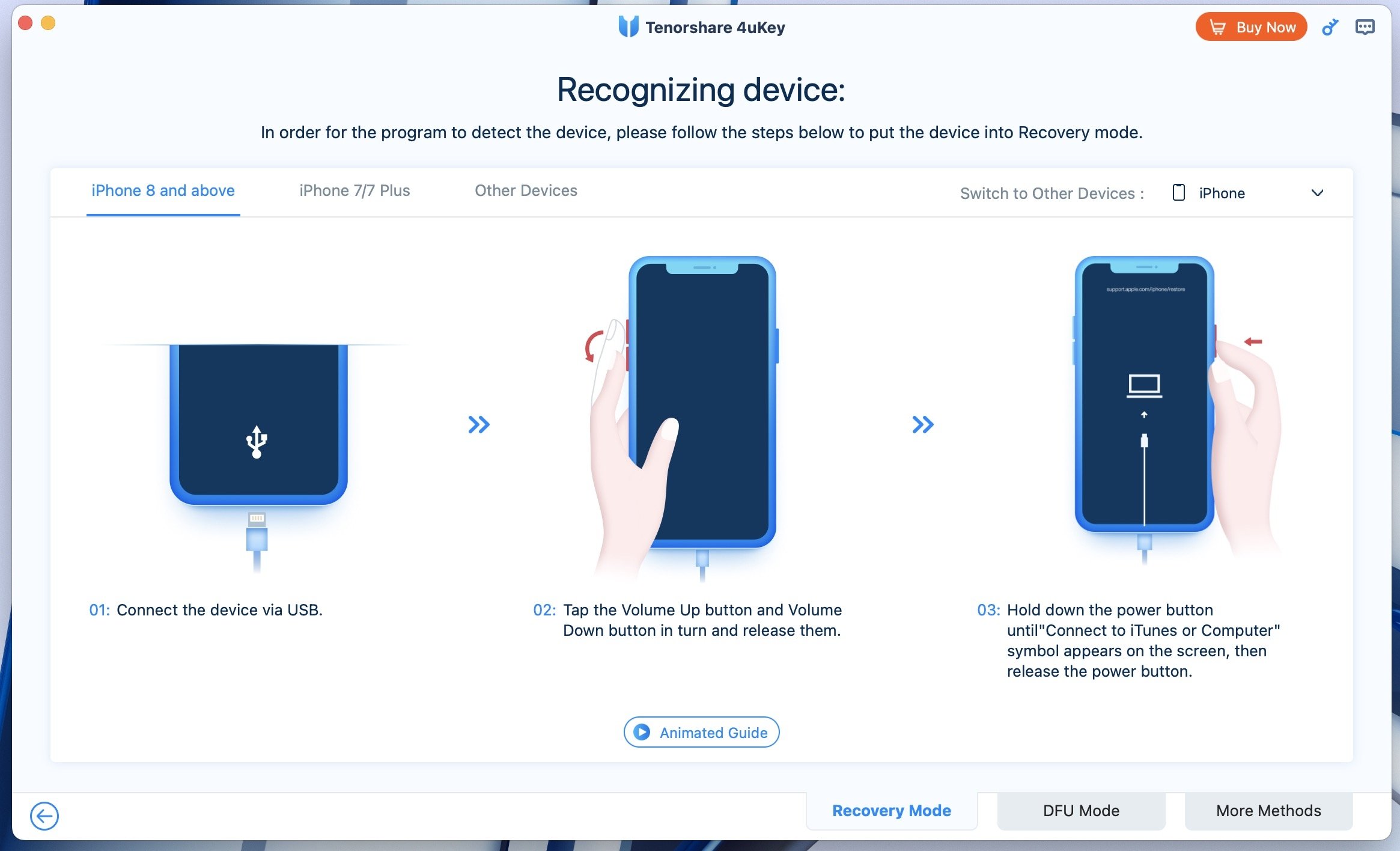
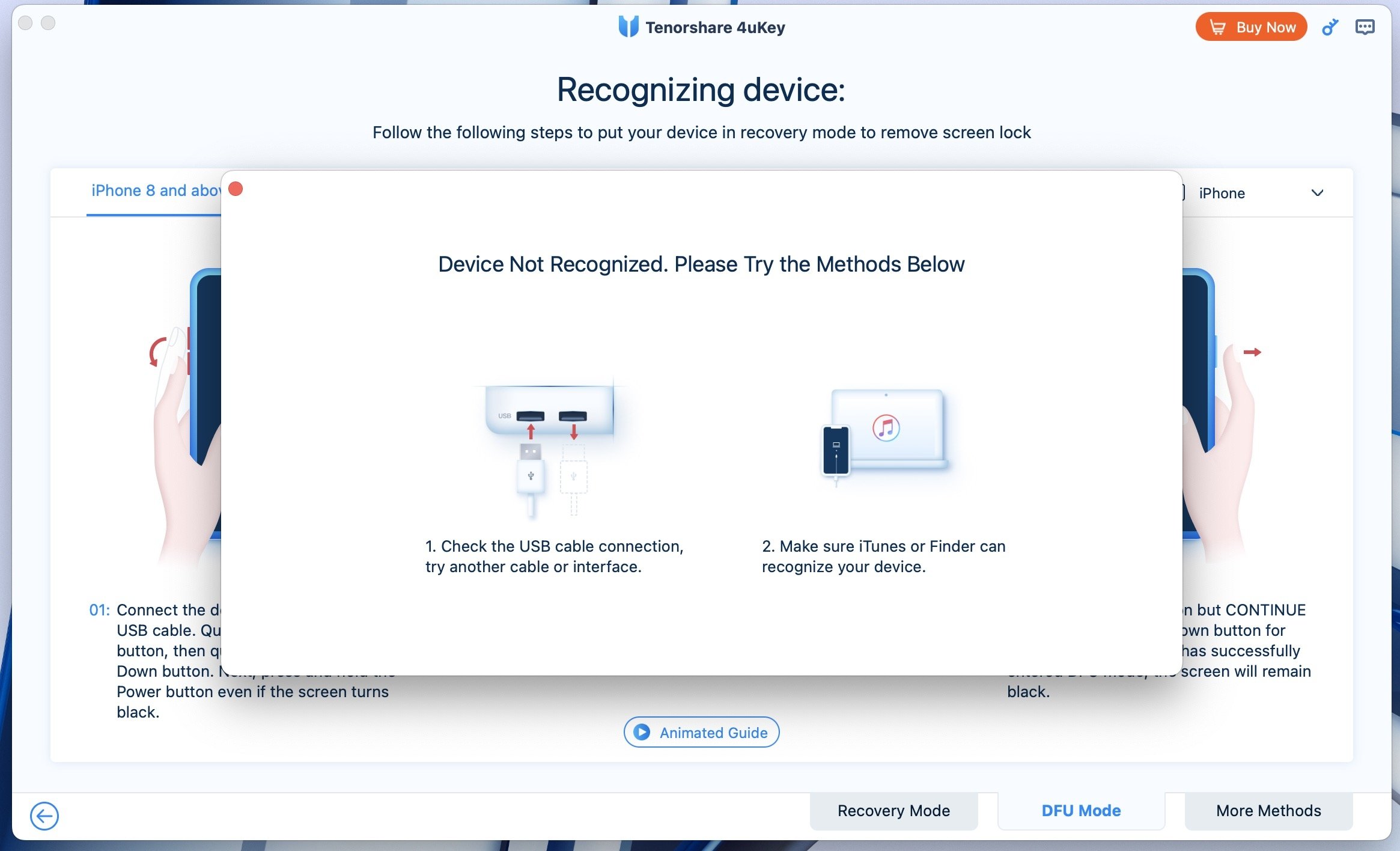
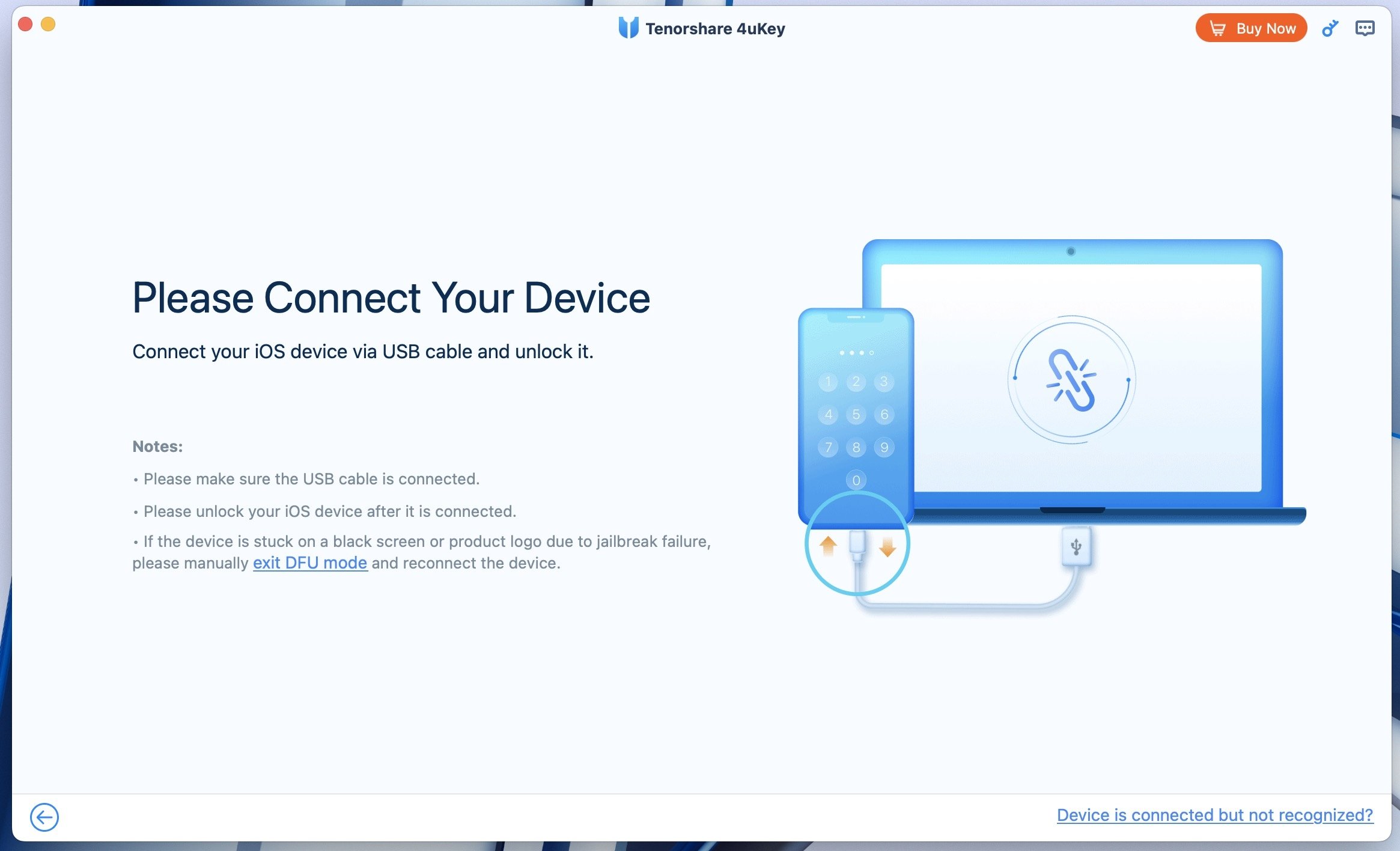
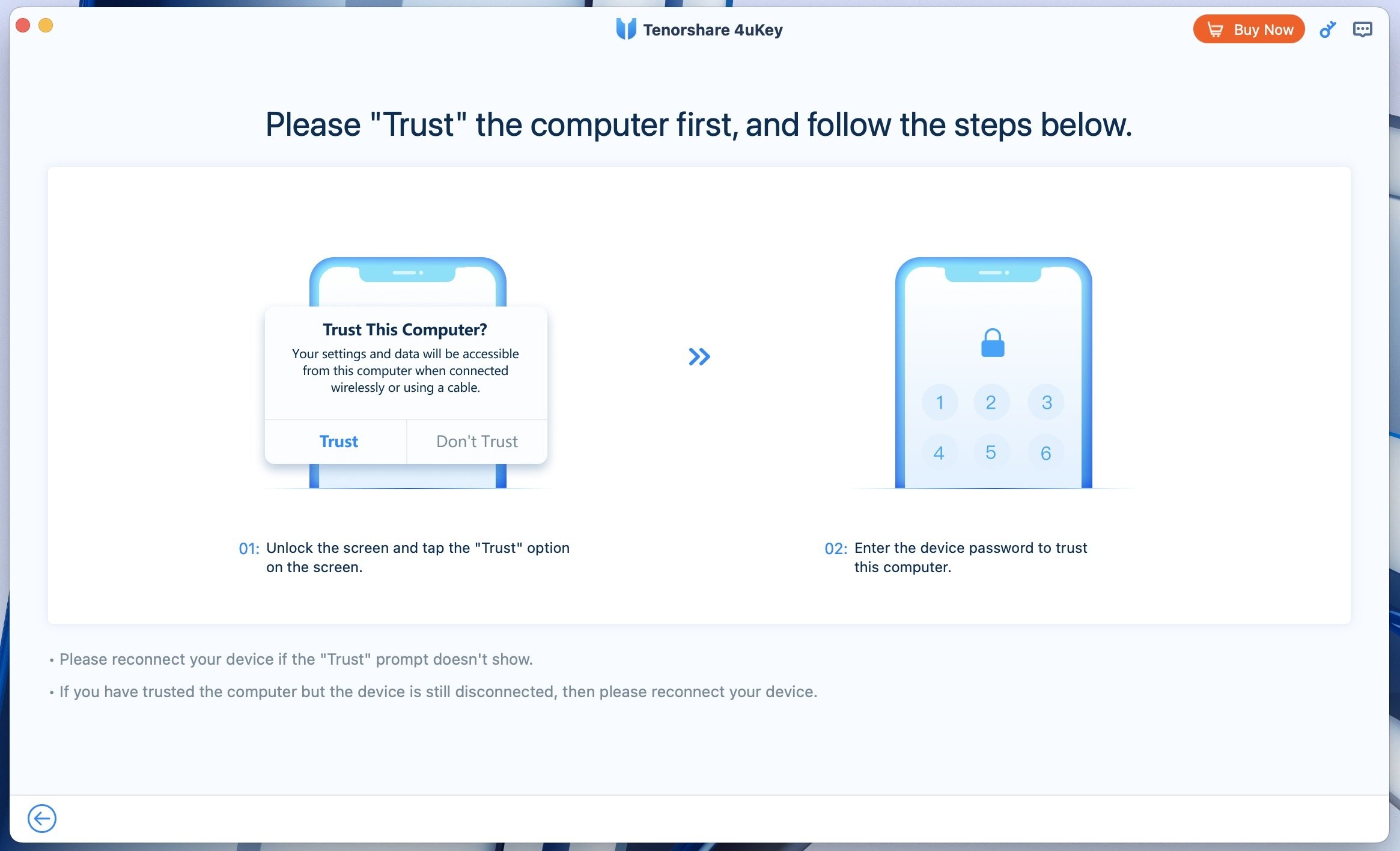
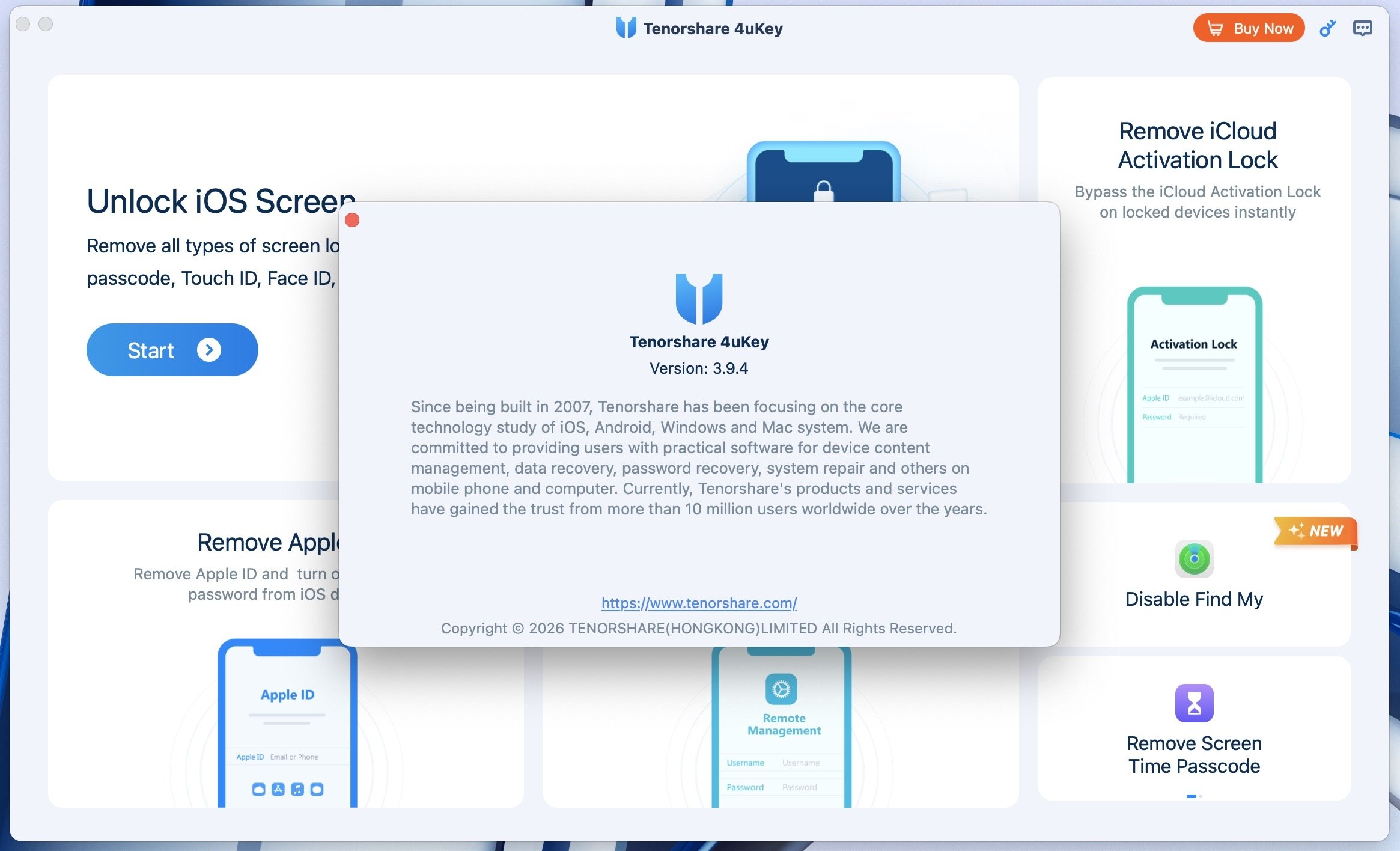
Once the iPhone is connected to the Mac, 4uKey iPhone Unlocker detects it and displays the available tools. After you select the appropriate option for your situation, the program prepares the process and indicates the actions you need to perform on the device. When necessary, it also explains how to enter recovery mode, which is often one of the main concerns for users. The entire process takes place within the 4uKey interface, which displays images to accompany the instructions at each stage.
Regaining access to your locked iPhone has never been easier.
Thanks to its simple and user-friendly interface, 4uKey iPhone Unlocker makes it easy to perform these procedures without jailbreaking, whether you need to unlock passcodes, work with Face ID and Touch ID, remove an Apple ID, or remove iCloud from an iPhone. This makes the process straightforward and easy, even for first-time users of this type of tool.
In short, if you need to regain access to your iPhone, you can download 4uKey iPhone Unlocker for Mac and enjoy a simple solution for managing different types of locks from a single program.
Requirements and additional information:
- Compatibility may vary depending on the device model, iOS version, and selected feature.
- Works with iPhone 4 and later; iPad, iPad mini, iPad Air, and iPad Pro; and iPod touch second generation and later.
- Some features, including Activation Lock removal and Apple ID removal, are subject to additional device and iOS version requirements. Check the official product page for the latest compatibility information.
- Minimum operating system requirements: macOS 26/15/14/13/12/11/10.10.
- Offers in-app purchases.
 Manuel Sánchez
Passionate about web browsing since the early days of the internet, I consider myself a digital veteran who lived the rise of the internet from his own trenches in specialized forums that no longer exist. And now that I look back, it amazes me...