


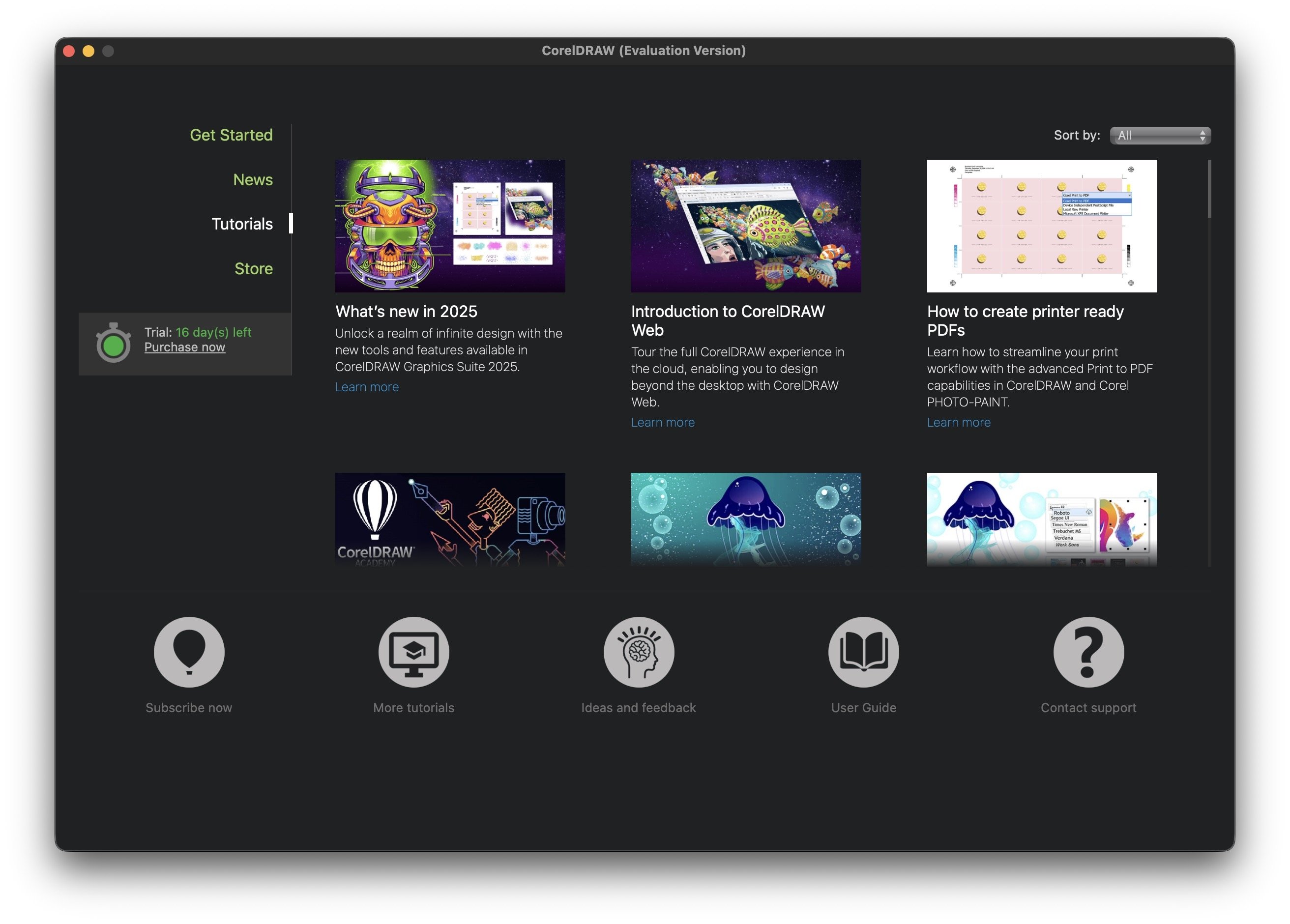
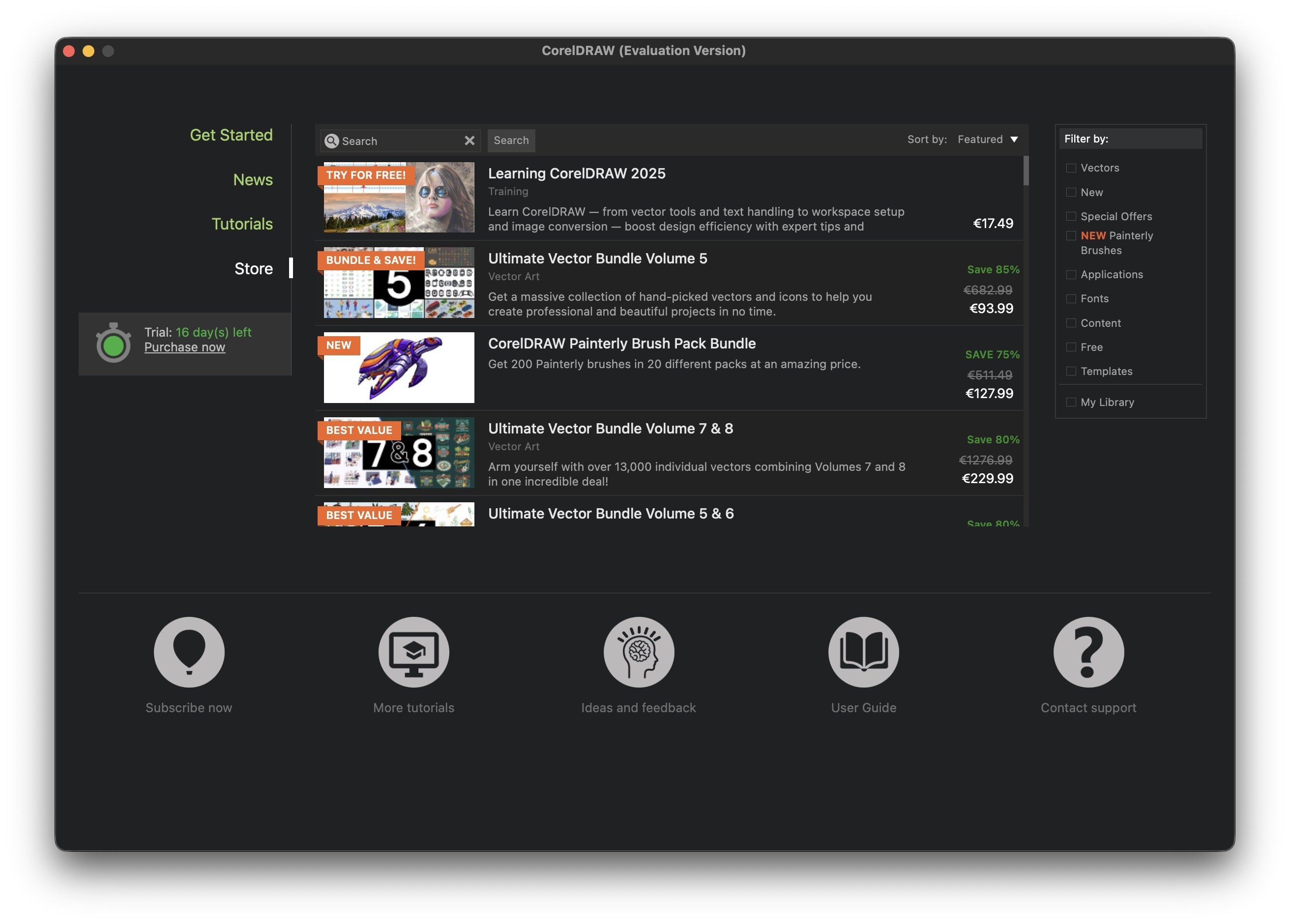
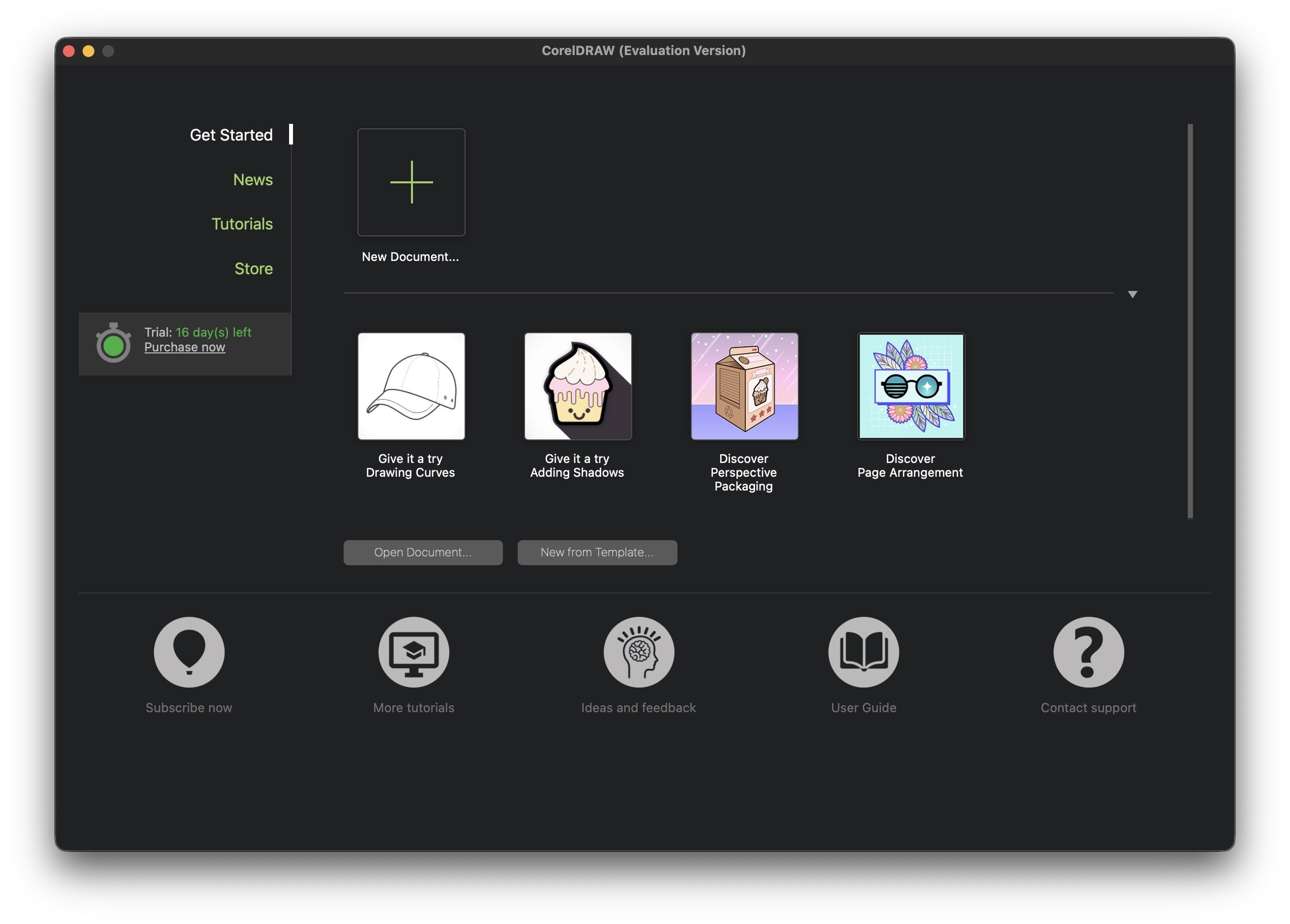
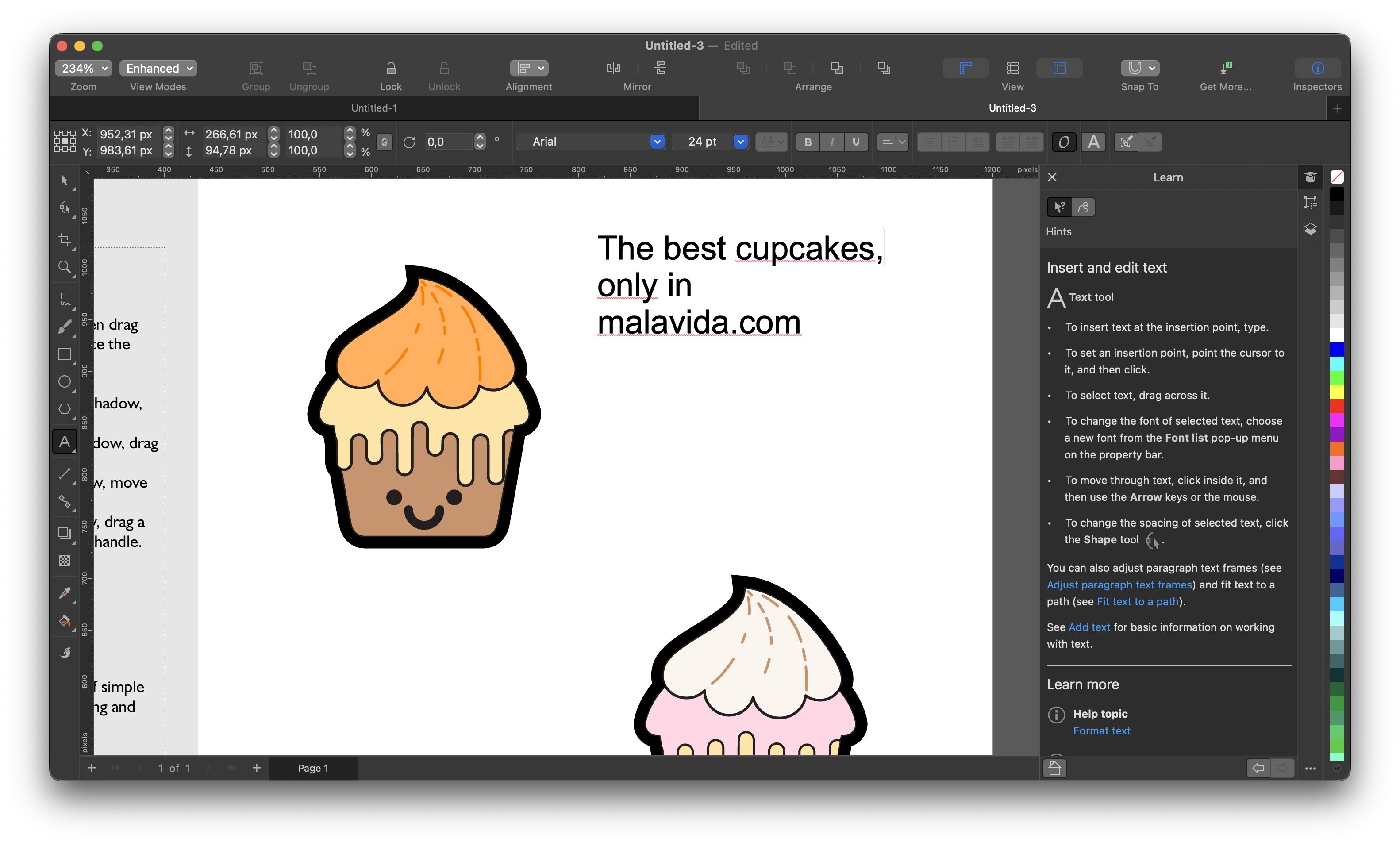
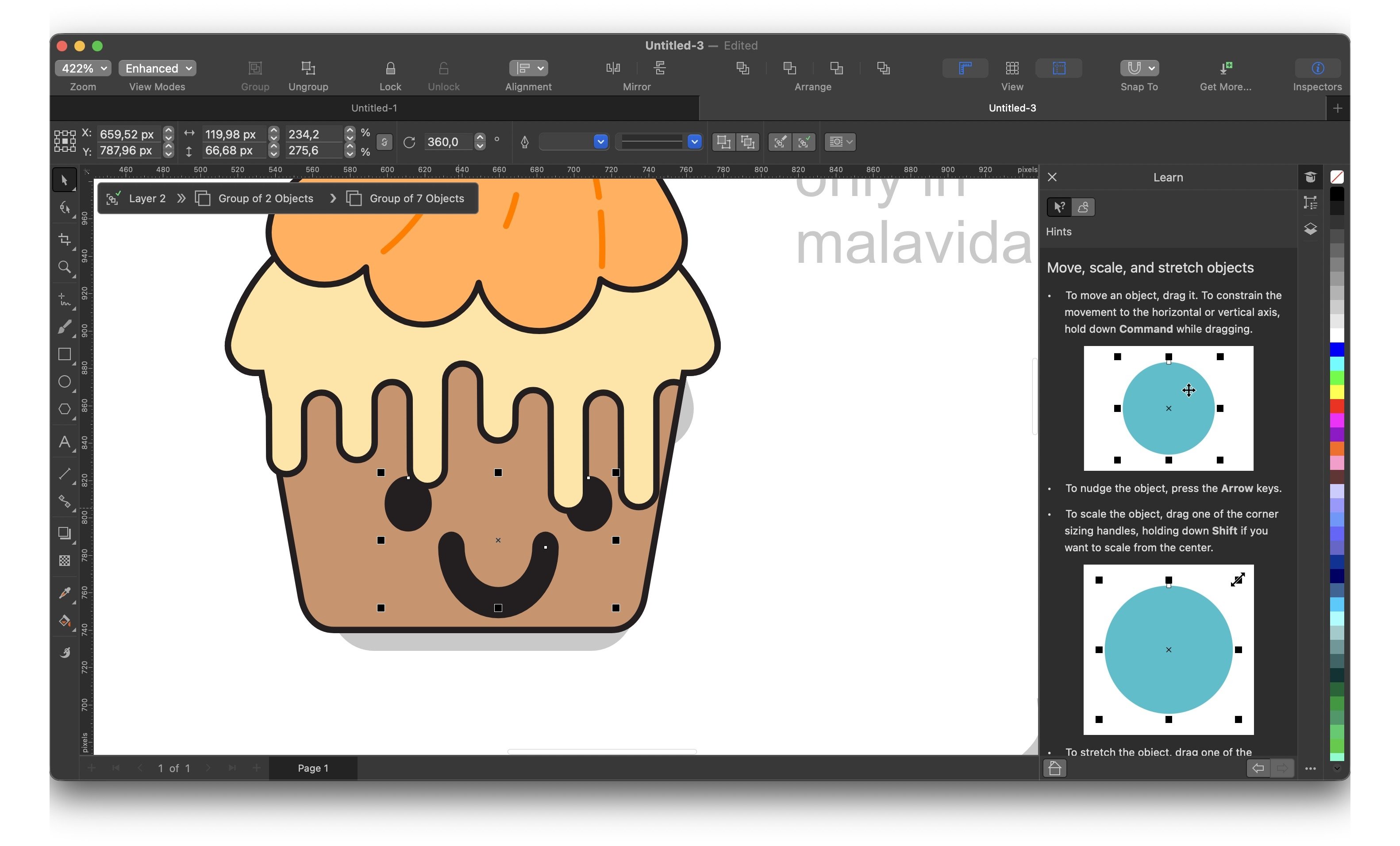
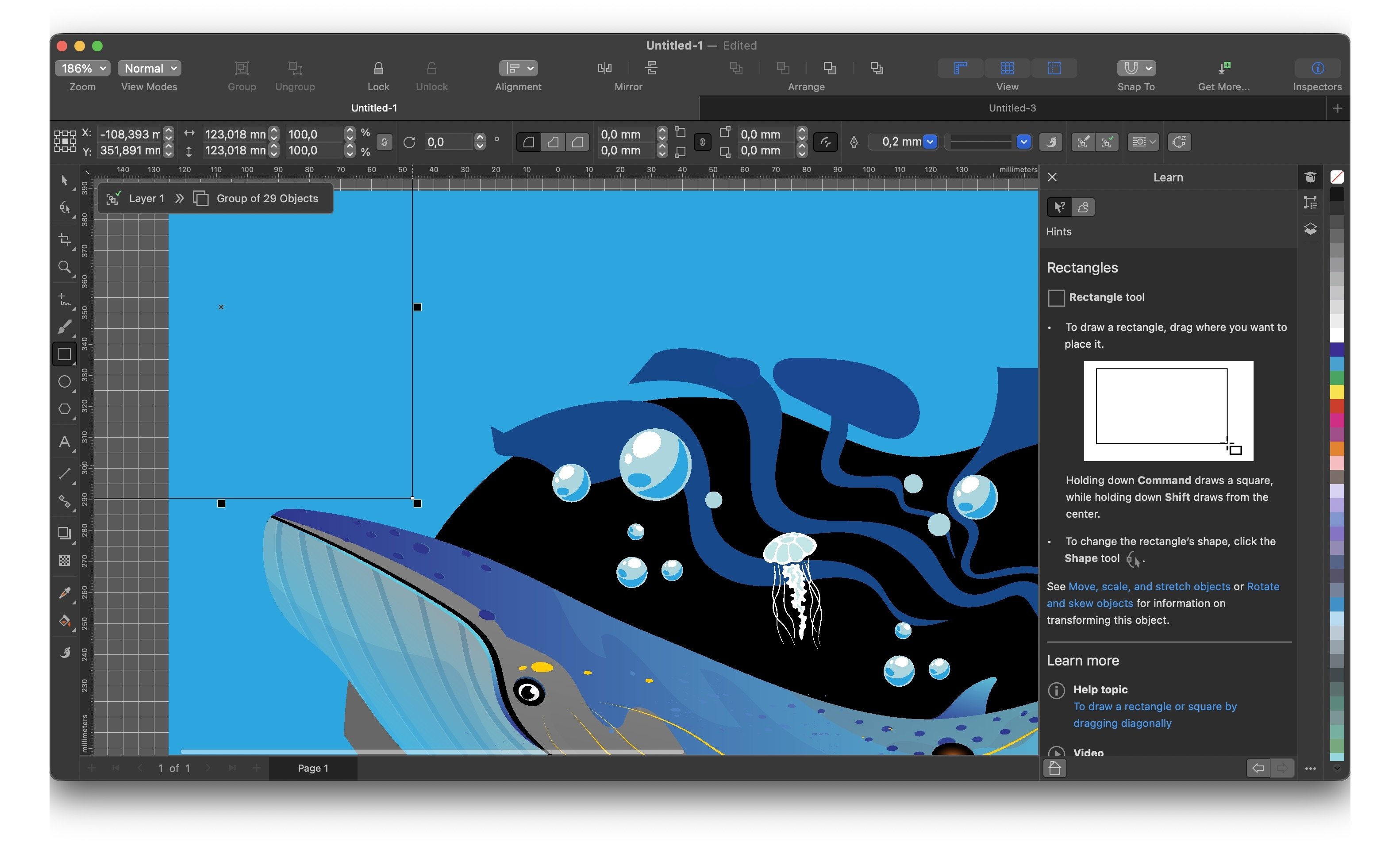
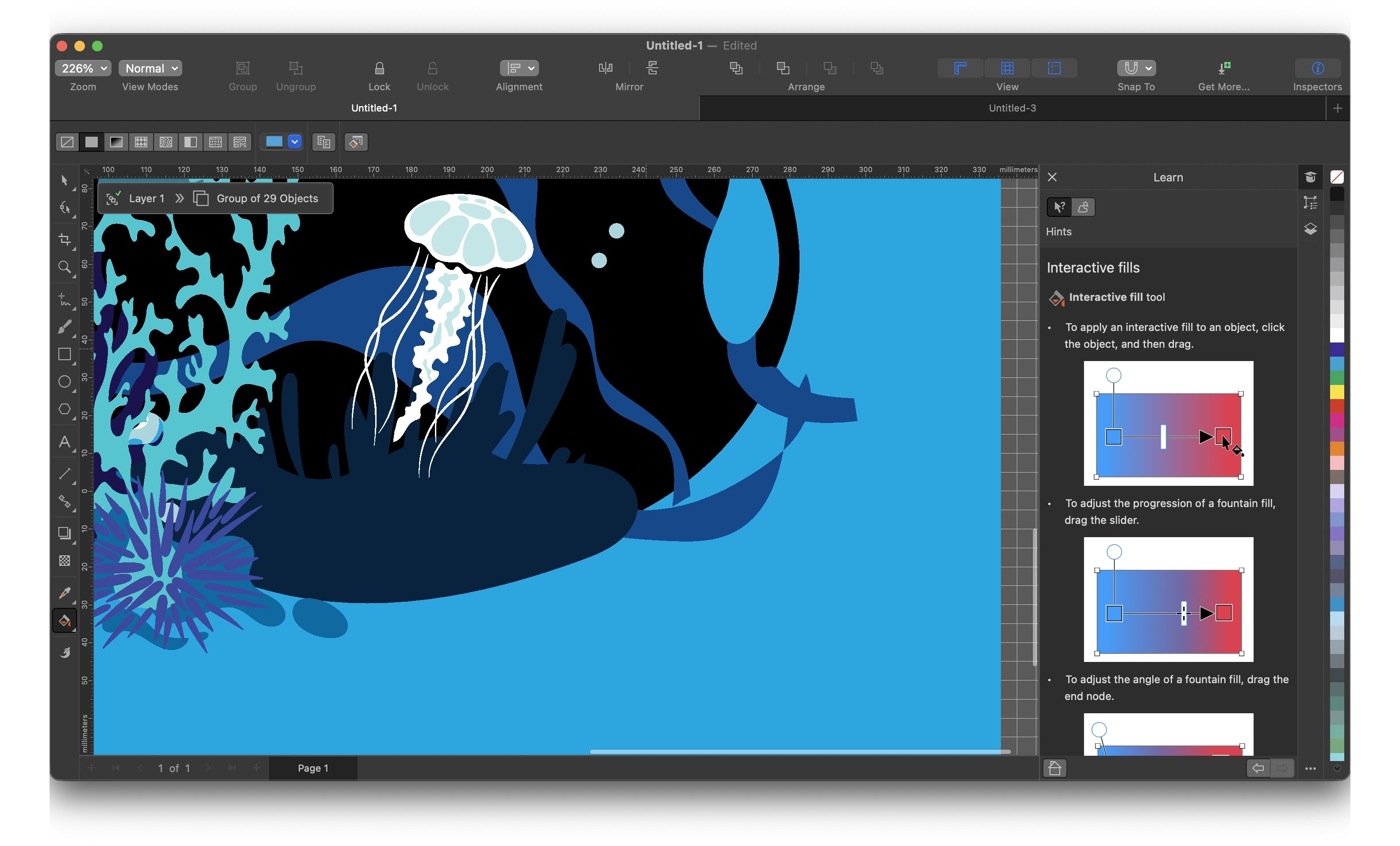
The macOS version of one of the best vector graphic design programs
CorelDRAW is one of the most recognized names in the world of professional graphic design. For decades, it has been the leading alternative to Adobe tools, providing a powerful and versatile software solution for creatives of all skill levels. With its latest version, it continues to demonstrate why it is a preferred choice for many when it comes to transforming ideas into designs.
What is CorelDRAW Graphics Suite 2025, and what is it for?
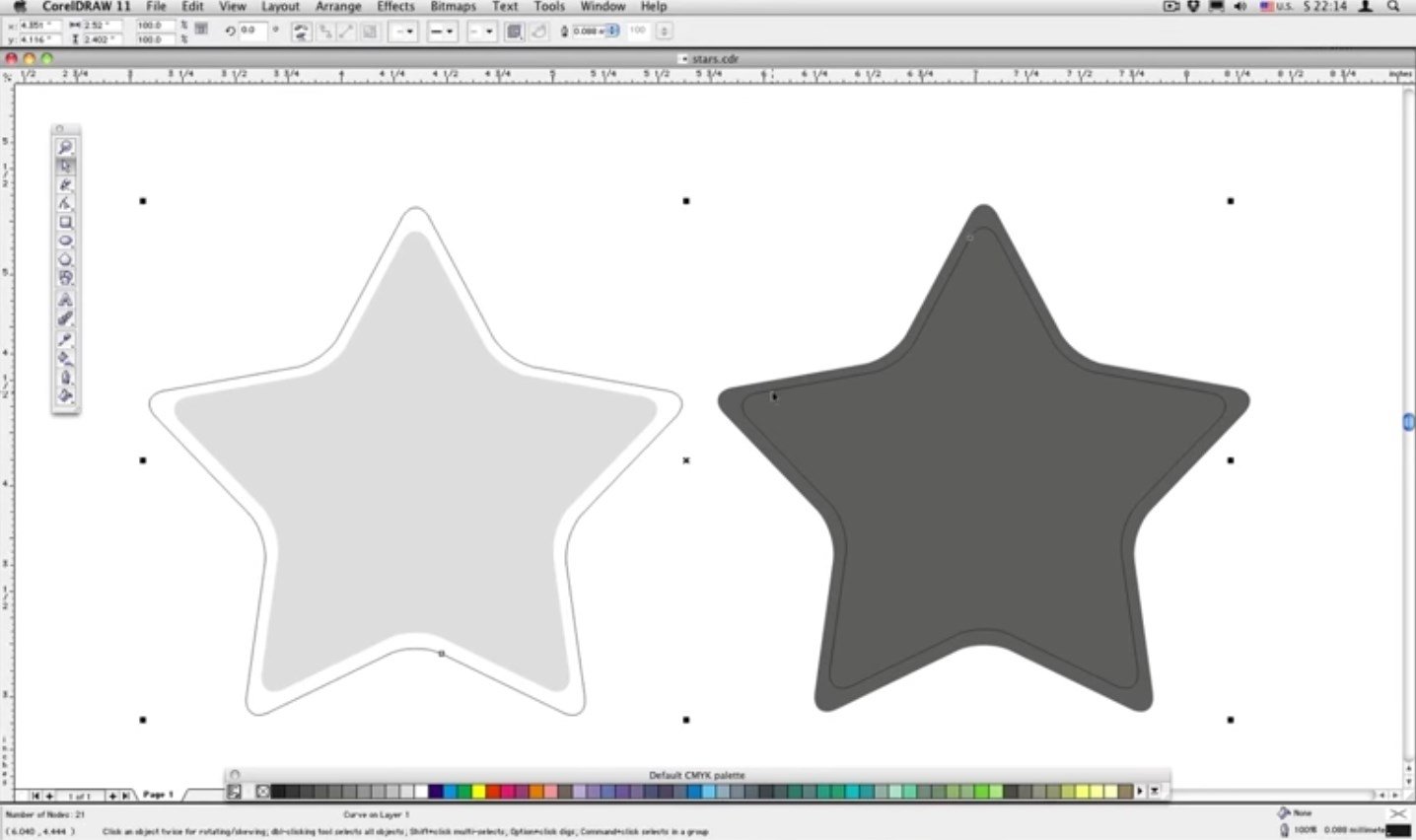
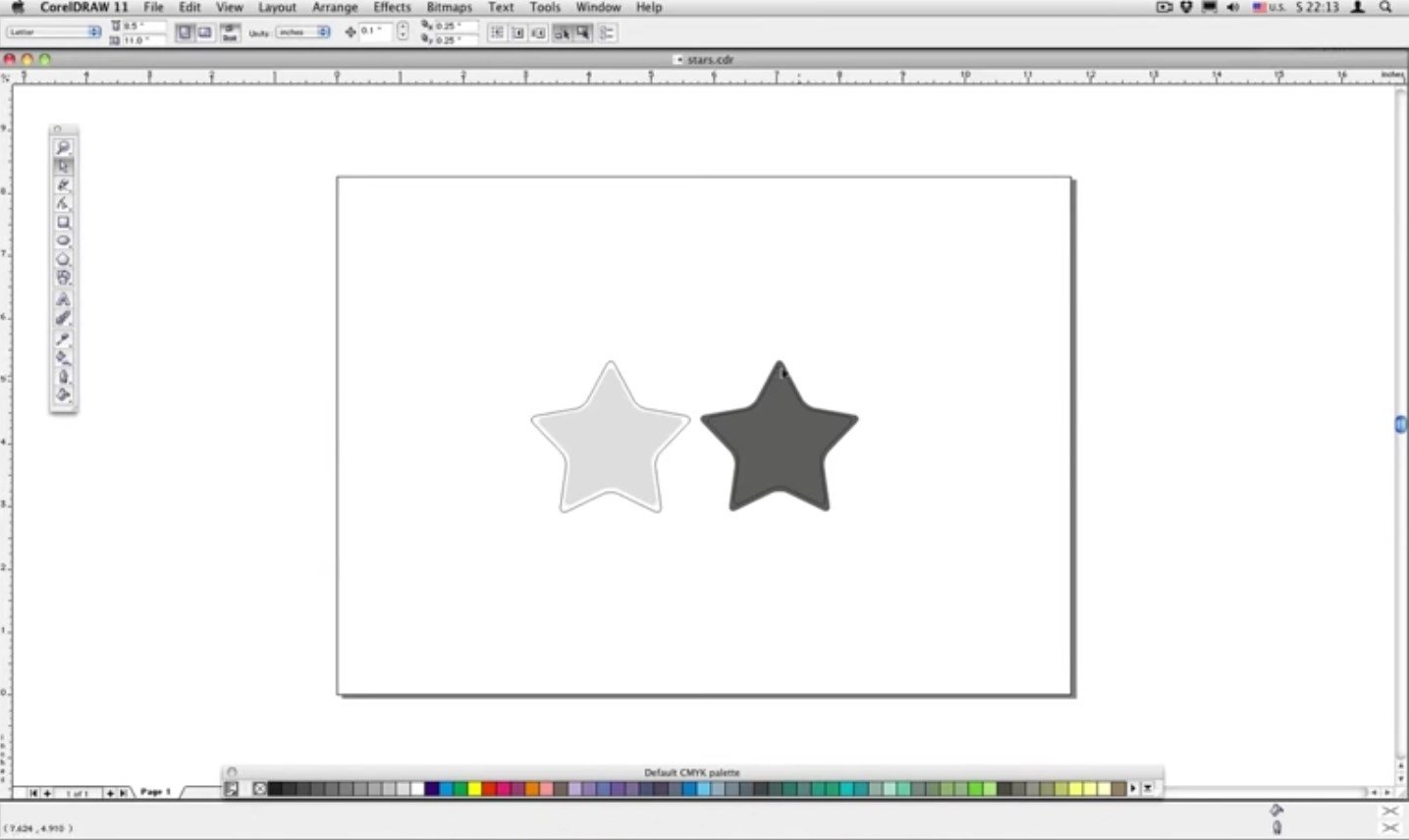
CorelDRAW Graphics Suite 2025 is a suite of integrated applications designed to tackle any design project. Its main strength lies in vector illustration, but the package goes much further, including tools for page layout, photo editing, font management, and working with graphics in the cloud. It is the ideal solution for creating everything from logos and complex illustrations to marketing materials, social media graphics, and large-scale print projects. Its focus on an intuitive workflow allows professionals and amateurs alike to achieve high-quality results.
Key features of CorelDRAW for Mac
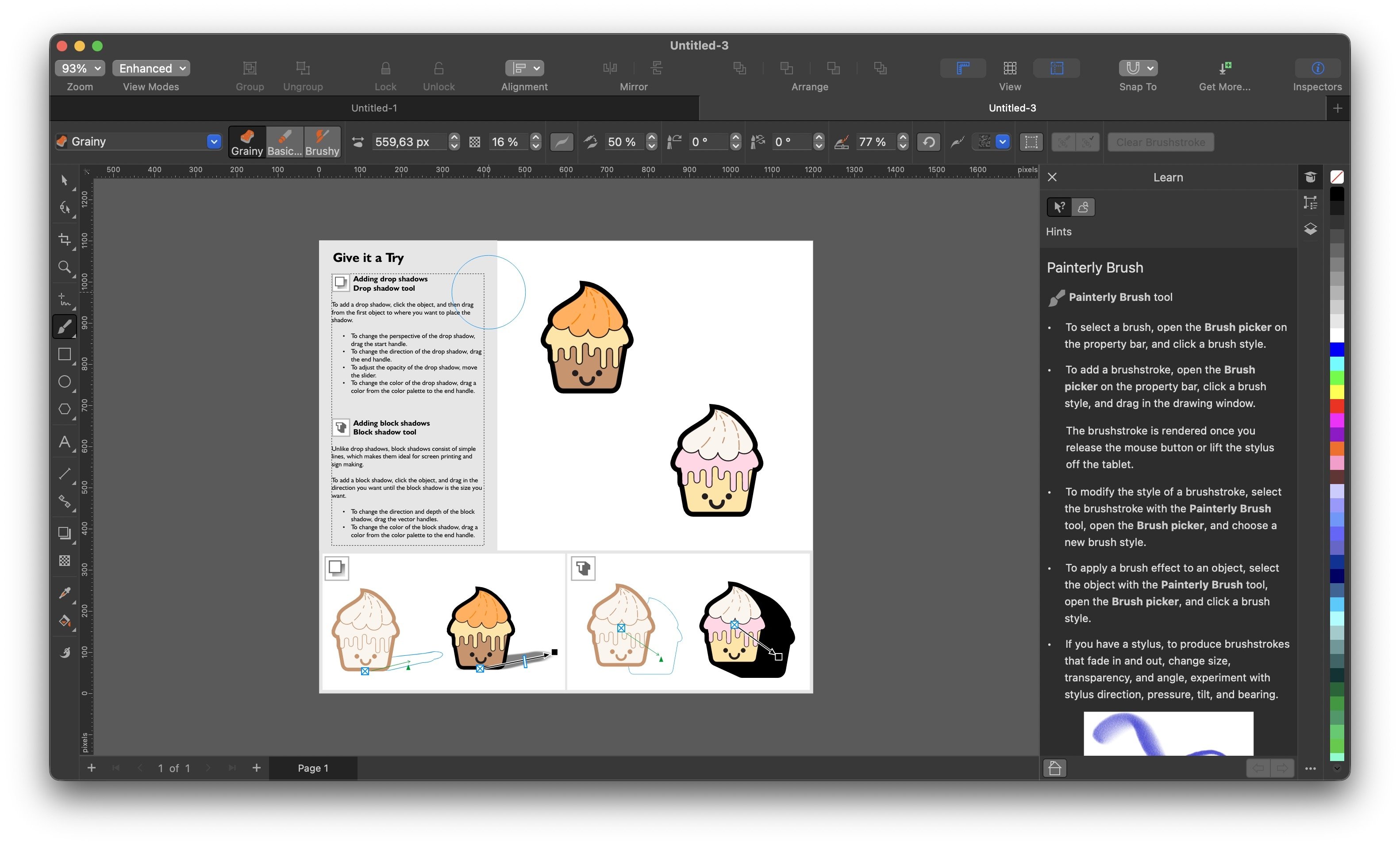
The macOS version of CorelDRAW Graphics Suite is not a simple adaptation; it has been developed to take full advantage of the Apple ecosystem. It offers a native experience, with support for dark mode, the MacBook Pro Touch Bar, and the Sidecar feature, which lets you use an iPad as a second display. Compatibility with the Apple Pencil is exceptional, providing pixel-perfect precision and pressure sensitivity for digital illustration. In addition, its performance is optimized for Apple Silicon chips (M1 and later), ensuring smoothness and speed even in the most demanding projects. Its main features include:
- Graphics creation.
- Web design.
- Image editing.
- Vector animations.
- Support for printing and digital output.
- Tools for drawing basic shapes.
- Ability to turn objects into symbols.
Can I get CorelDRAW for free?
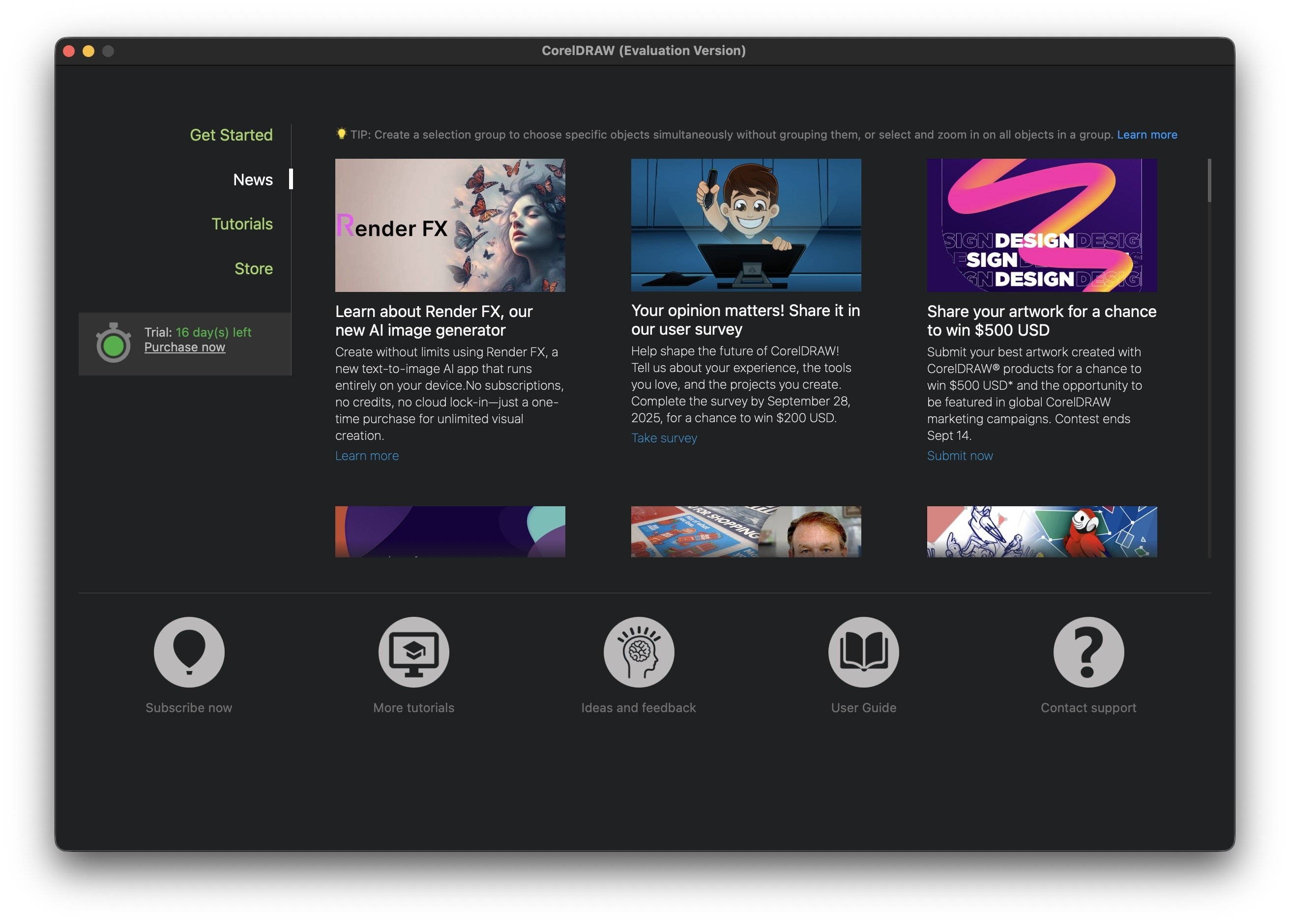
Although CorelDRAW is a professional paid software, it is possible to test its full potential before purchasing it. You can download CorelDRAW for free through its 15-day trial version, which offers full access to all tools without limitations. This is the best way to assess whether it suits your needs. Once the trial period is over, you can purchase the suite with a single payment or opt for a subscription. Please note that your subscription includes access to CorelDRAW Online or CorelDRAW Web, a browser-based version that facilitates collaboration and allows you to work from anywhere.
Requirements and additional information:
- This is a 15-day trial version.
- Minimum operating system requirements: macOS 12.
 Edgar Otero
Computer systems technician, passionate about software and everything that enables the interaction between a machine and the user. Professionally, I have been testing applications and operating systems for over a decade. As a result of my...

Manuel Sánchez