


Powerful text editor with tag and command recognition
If you are one of those people that don't need a complicated development environment to program your small utilities or to create website projects, you have a versatile solution, no matter what programing language you use: Crimson Editor.
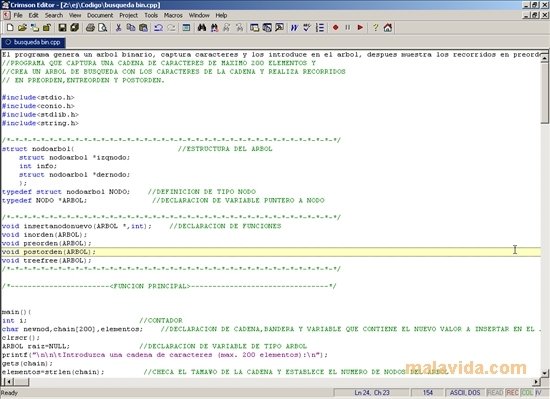
Crimson Editor is an all-purpose notepad that recognizes commands and tags in more than 100 programing languages. What started in 1999 as a humble project that included simplicity to edit in HTML, C/C++, Perl, Java, MATLAB and LaTeX, has become, thanks to the collaboration of many users, into a powerful application that recognizes PHP, SQL, Delphi, JScript, MIPS, Scilab, C#, Visual Basic, MySQL, FORTRAN, among many others.
Main features
This application is perfect to avoid the typical writing errors that happen after several hours writing code. Furthermore, Crimson Editor offers a good number of interesting functions:
- Edit multiple documents.
- Add new commands or tags.
- Various levels to undo/redo changes.
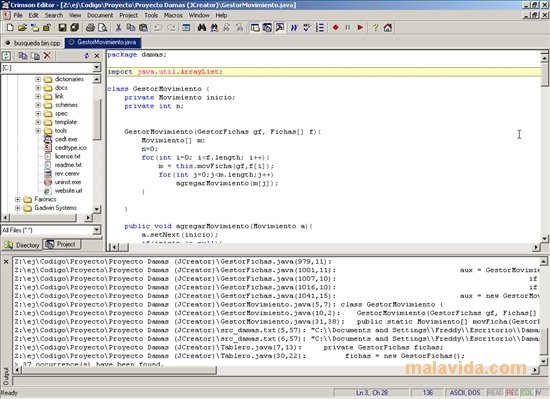
- Creation of projects that contain various files.
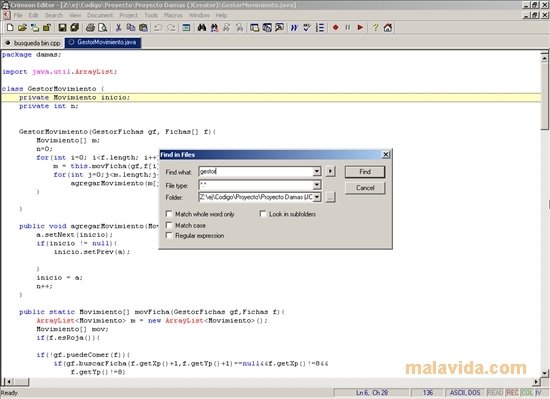
- “Search/Replace” function.
- Print and Print preview.
 Vanessa Martín
¡Hi! I am Vanessa Martin, I like to travel, music, photography, and I am passionate about the Internet, as it is a great source of information where you can find everything you need. If it exists, it is on the Internet. Another of my great...

Antony Peel