


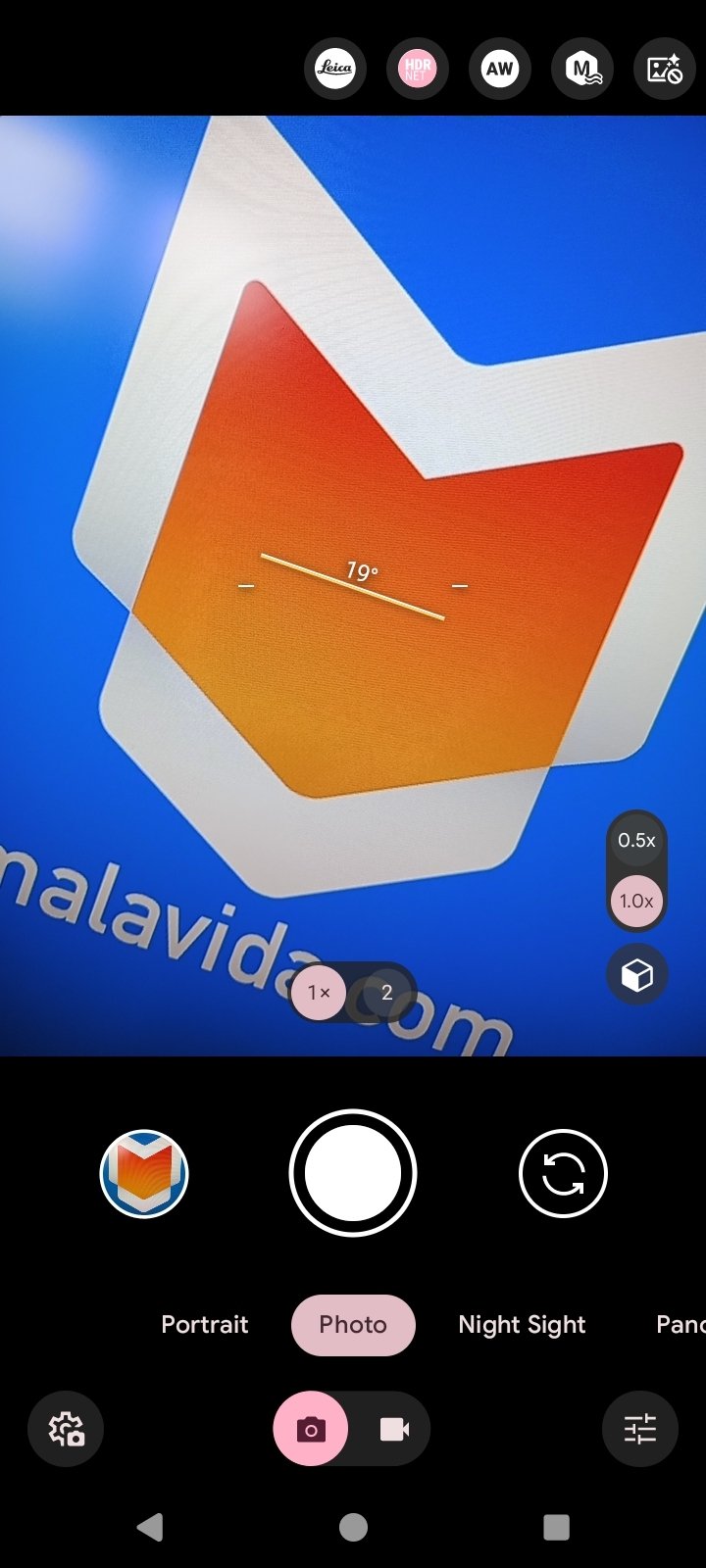

Bring Google Pixel's camera to any Android device
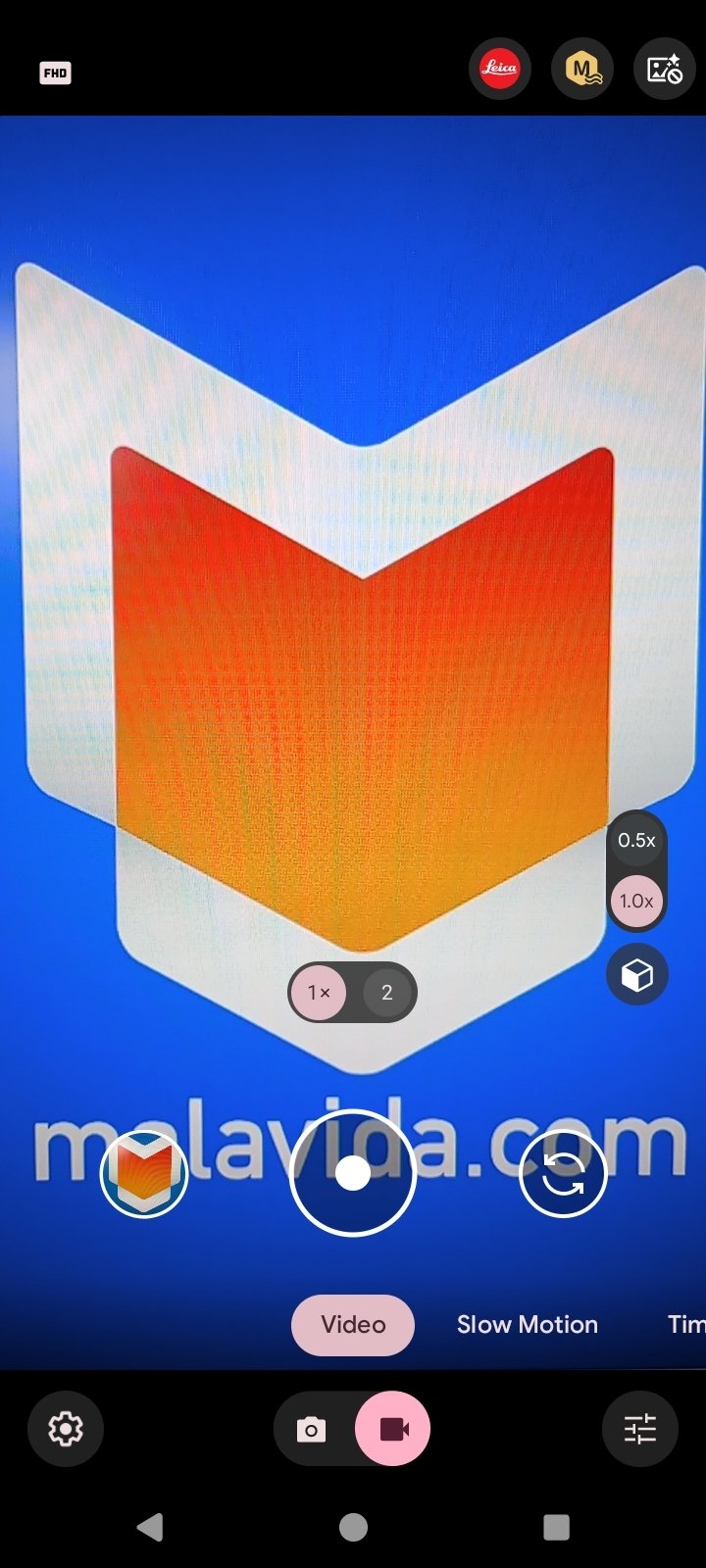
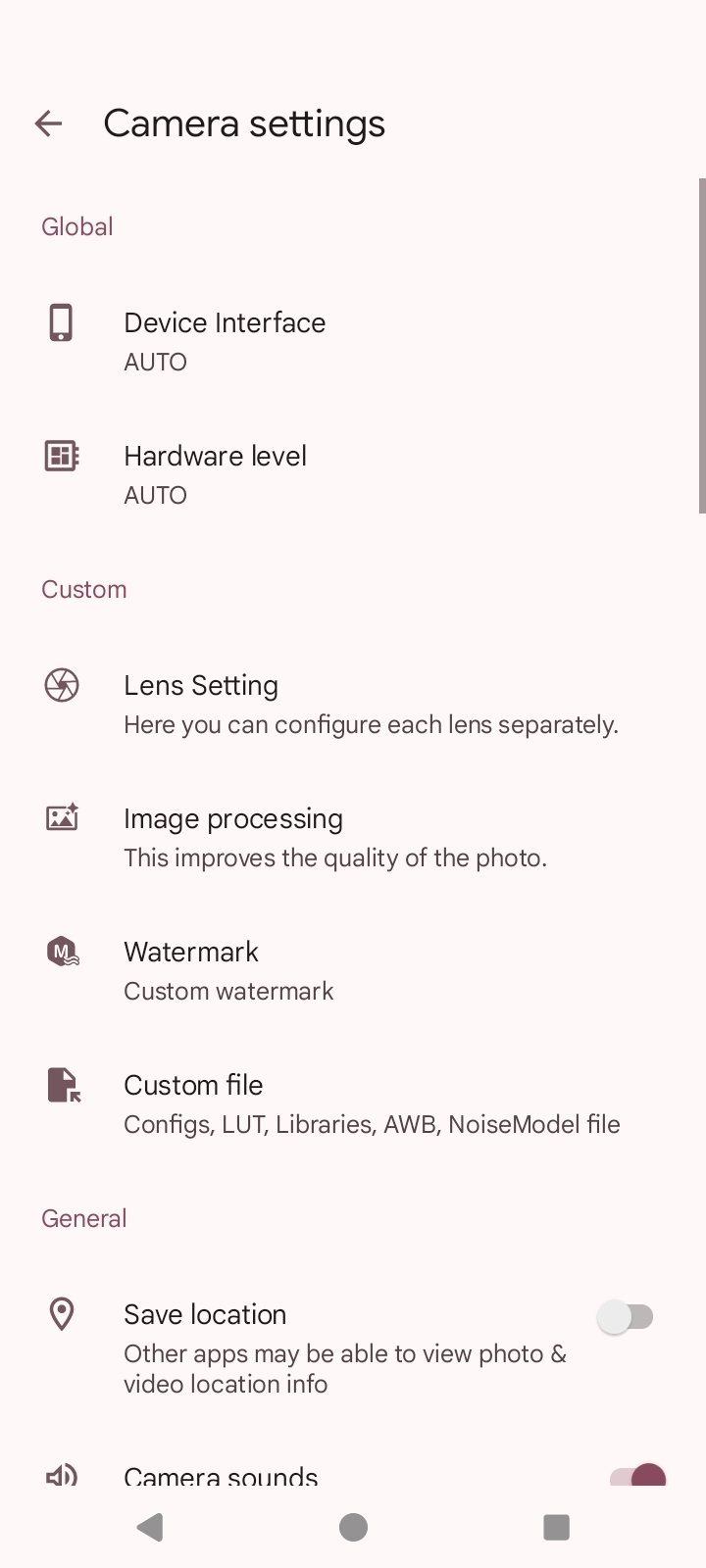
GCam APK is a photo and video camera app based on the camera app for the Google Pixel devices, but modified to work on other Android phones. It aims to improve the quality of photos, especially for mid-range or low-end devices, by offering exclusive features of Google phones.
Although it is not an official app, it has become one of the most sought-after apps to get high-level photographic results on smartphones. Additionally, thanks to its community, you'll find numerous GCam ports adapted for specific brands or models, such as GCam for Xiaomi or GCam for Poco X6 Pro and Poco F5. This allows virtually any user to benefit from this app, as long as they find a version compatible with their device.
The magic of Google Camera, now in (almost) any Android device
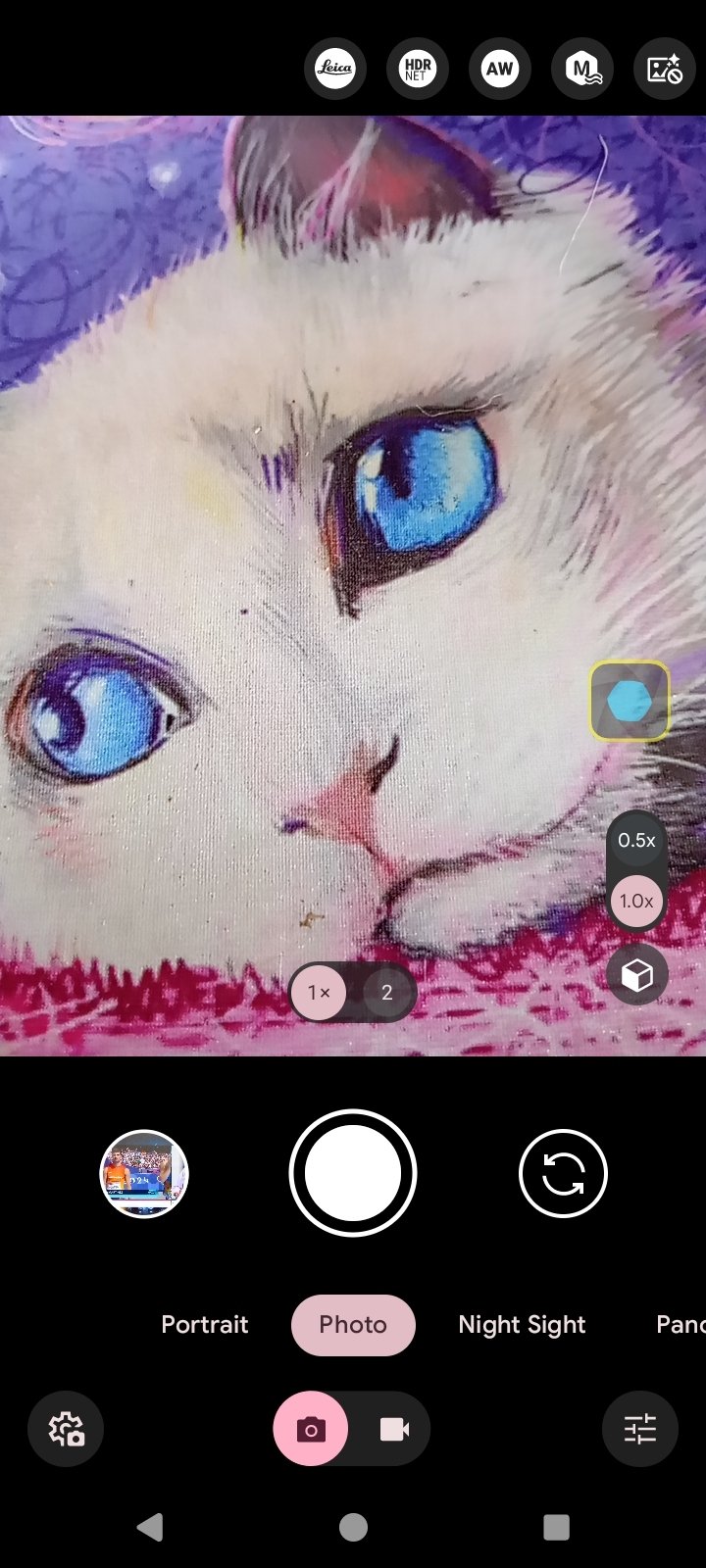
One of the major attractions of the GCam Android app is its image processing system. It goes beyond applying filters, as it analyzes each photo to improve light, color, and details. It works especially well in difficult situations, such as night shots or high-contrast scenes.
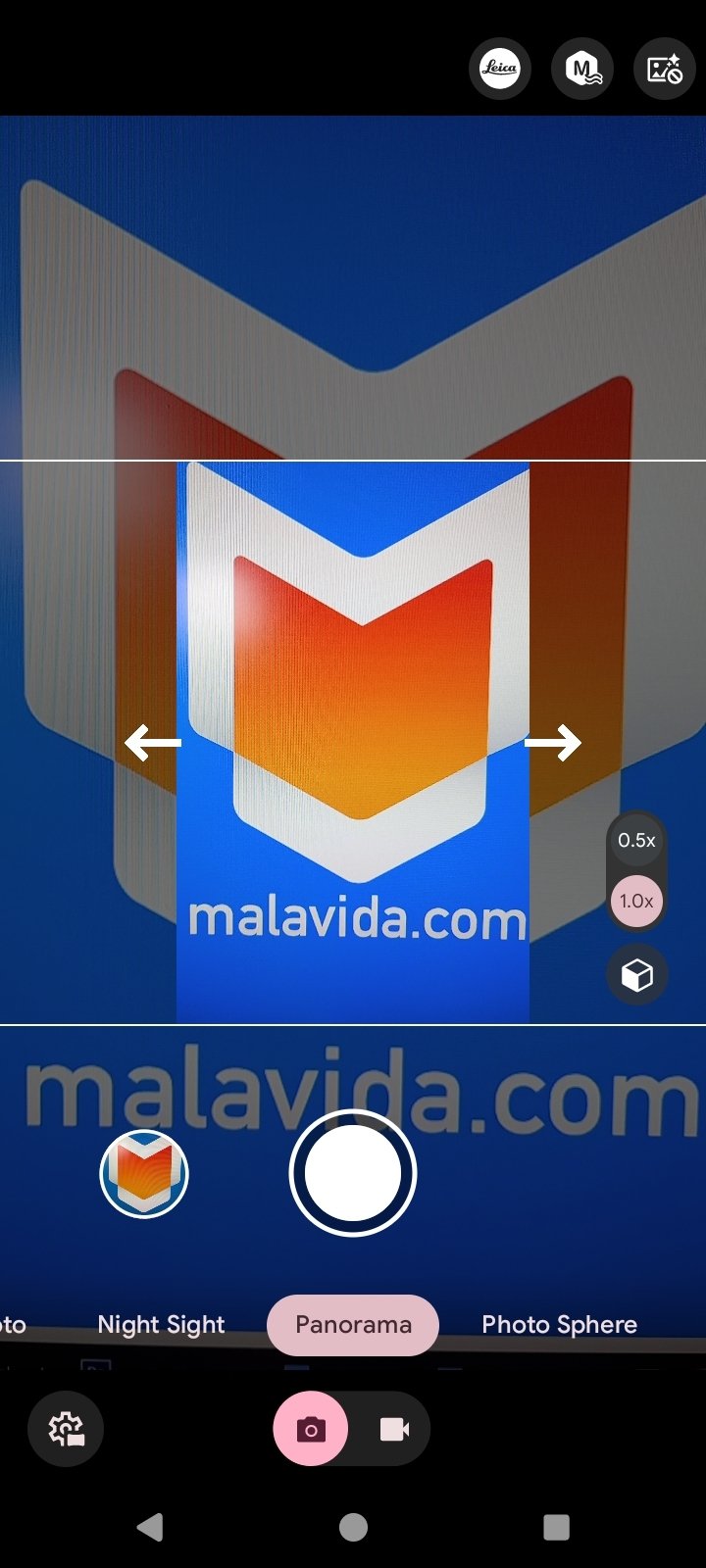
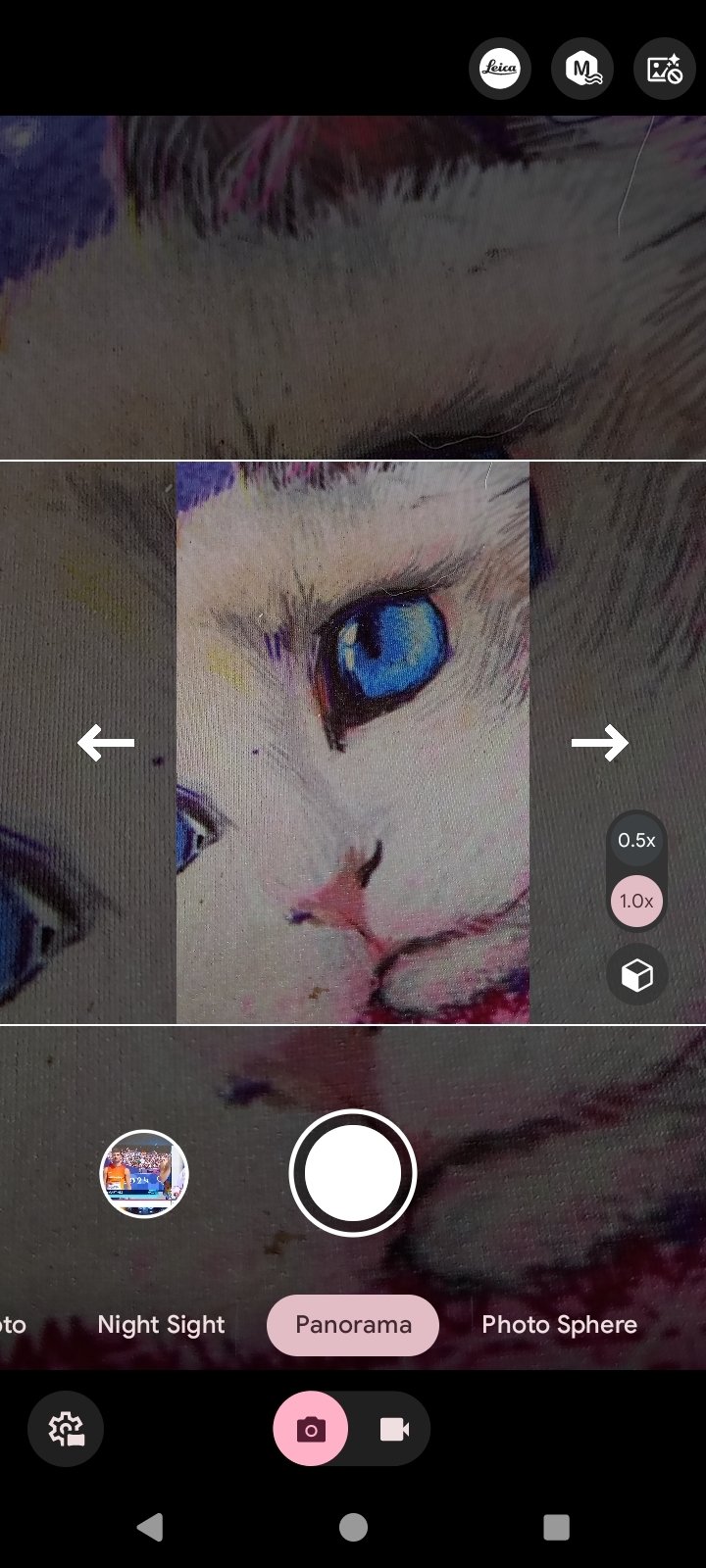
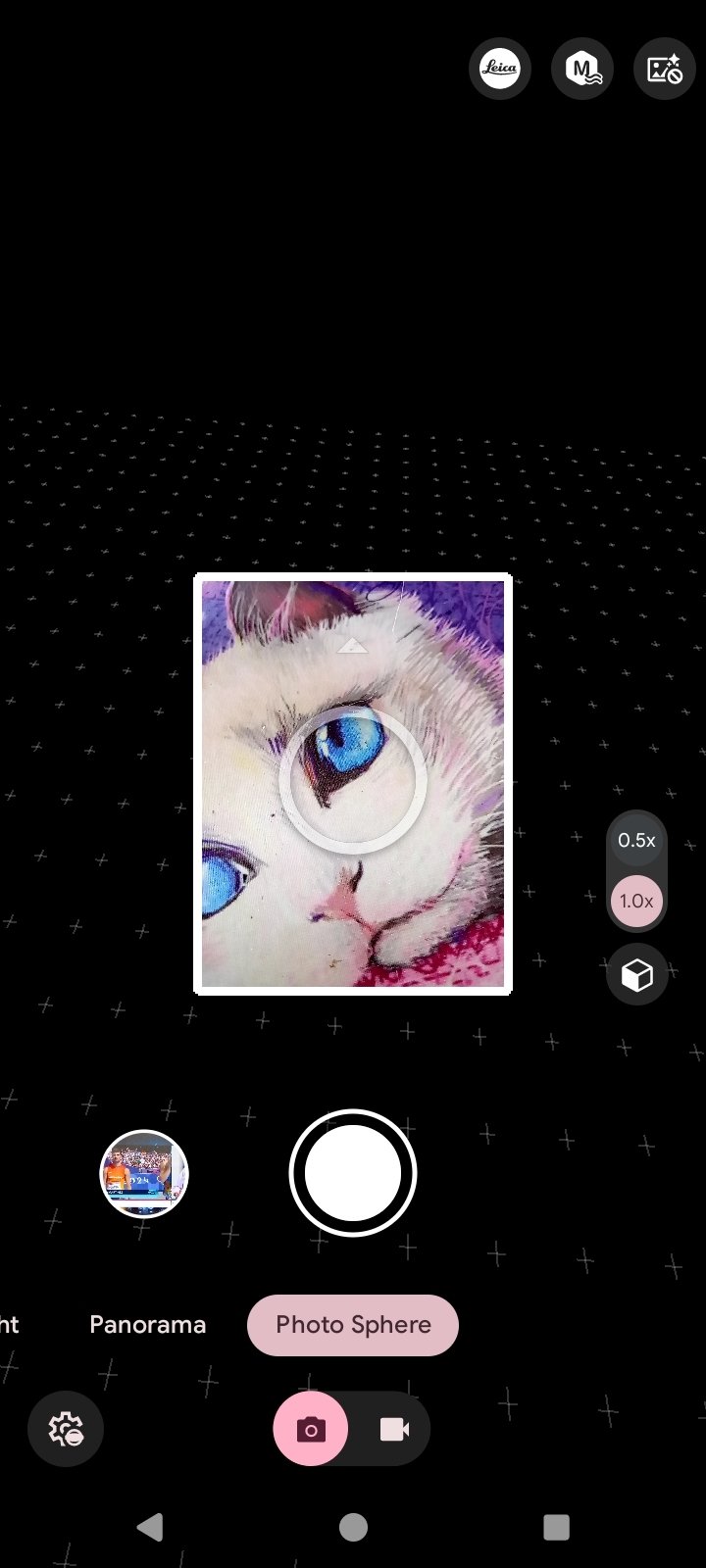
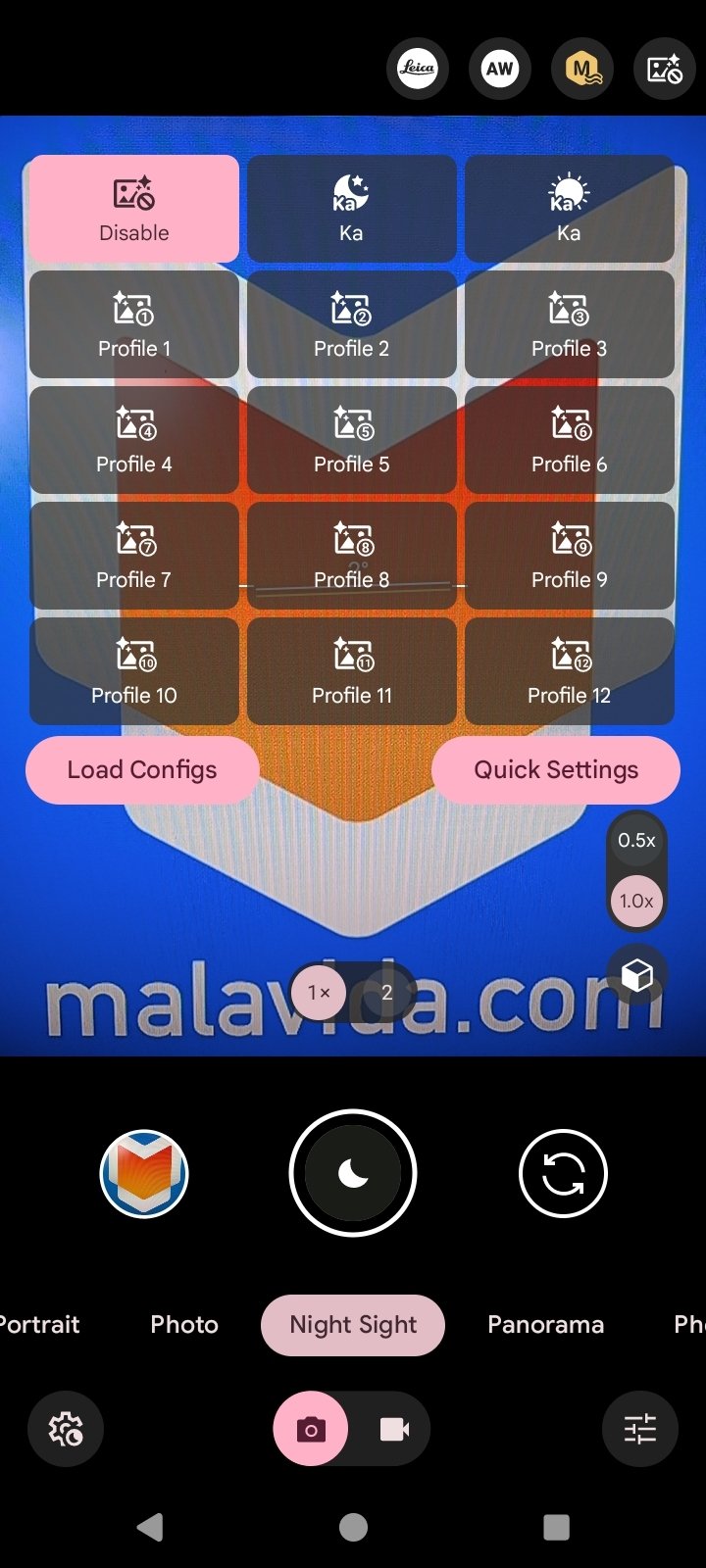
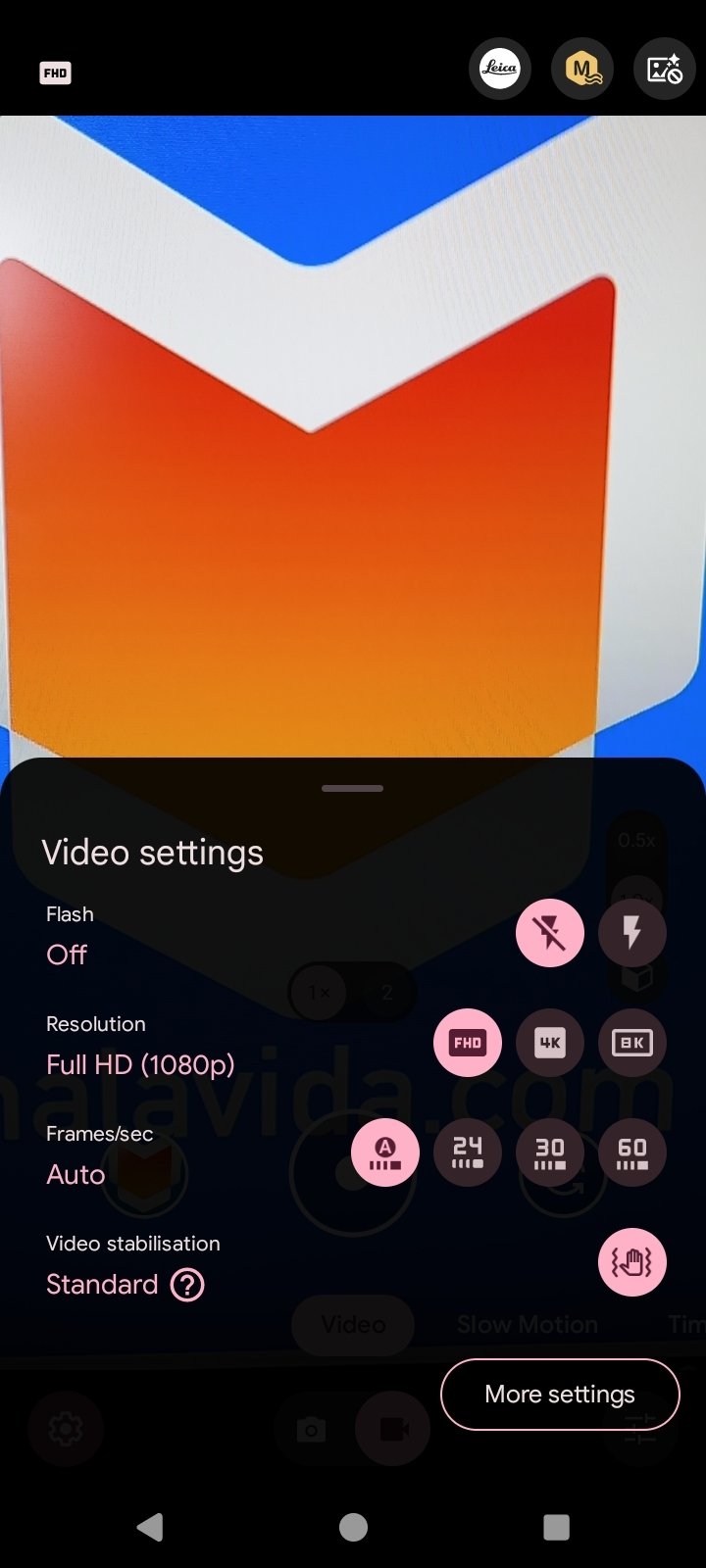
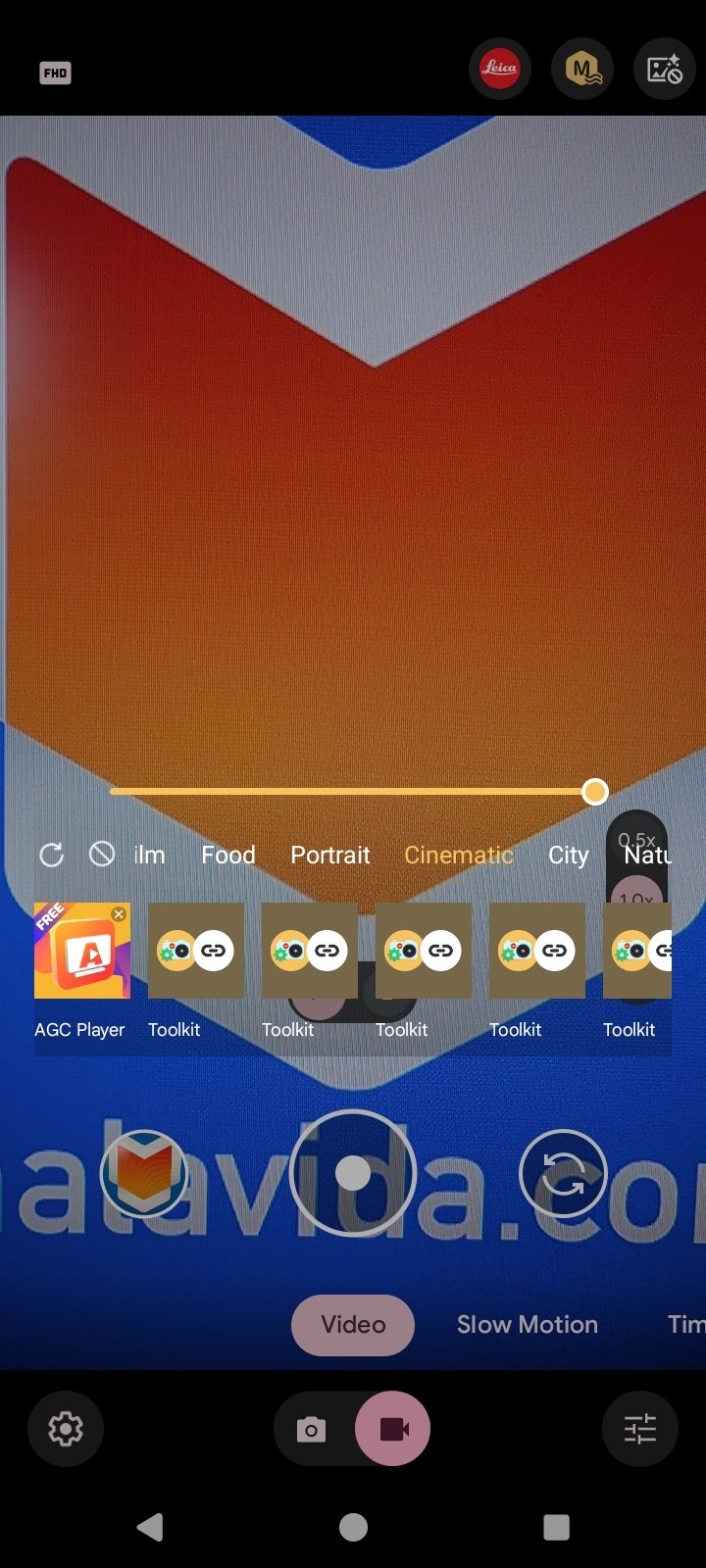
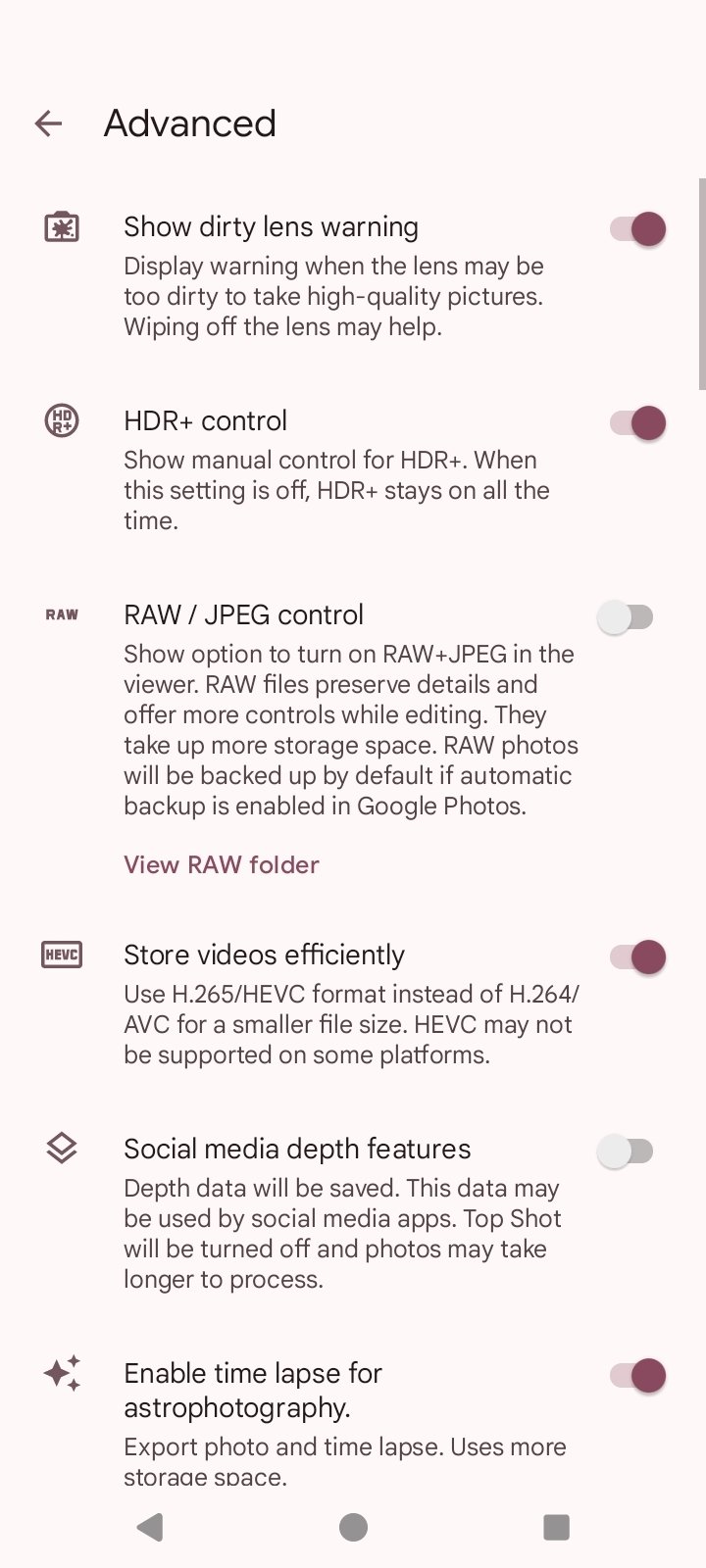
Moreover, GCam incorporates modes you won't find in standard cameras. Some include HDR+ for capturing a broader and more dynamic range, portrait mode with natural blur, night vision, motion capture, panoramas, lens blur, slow-motion video, and 60 fps recording.
A modified version of the Google Camera app, also known as Pixel Camera.
It should be noted that GCam is not open-source and is not officially designed for all smartphones. This means that, in some cases, it may fail or not fully utilize all the functions of each sensor. Still, for many users, it is the best way to enhance photos without having to buy a new phone.
GCam main features
- A camera app that allows us to use the Google Pixel camera on virtually any Android device.
- Advanced processing for sharper photos and truer colors.
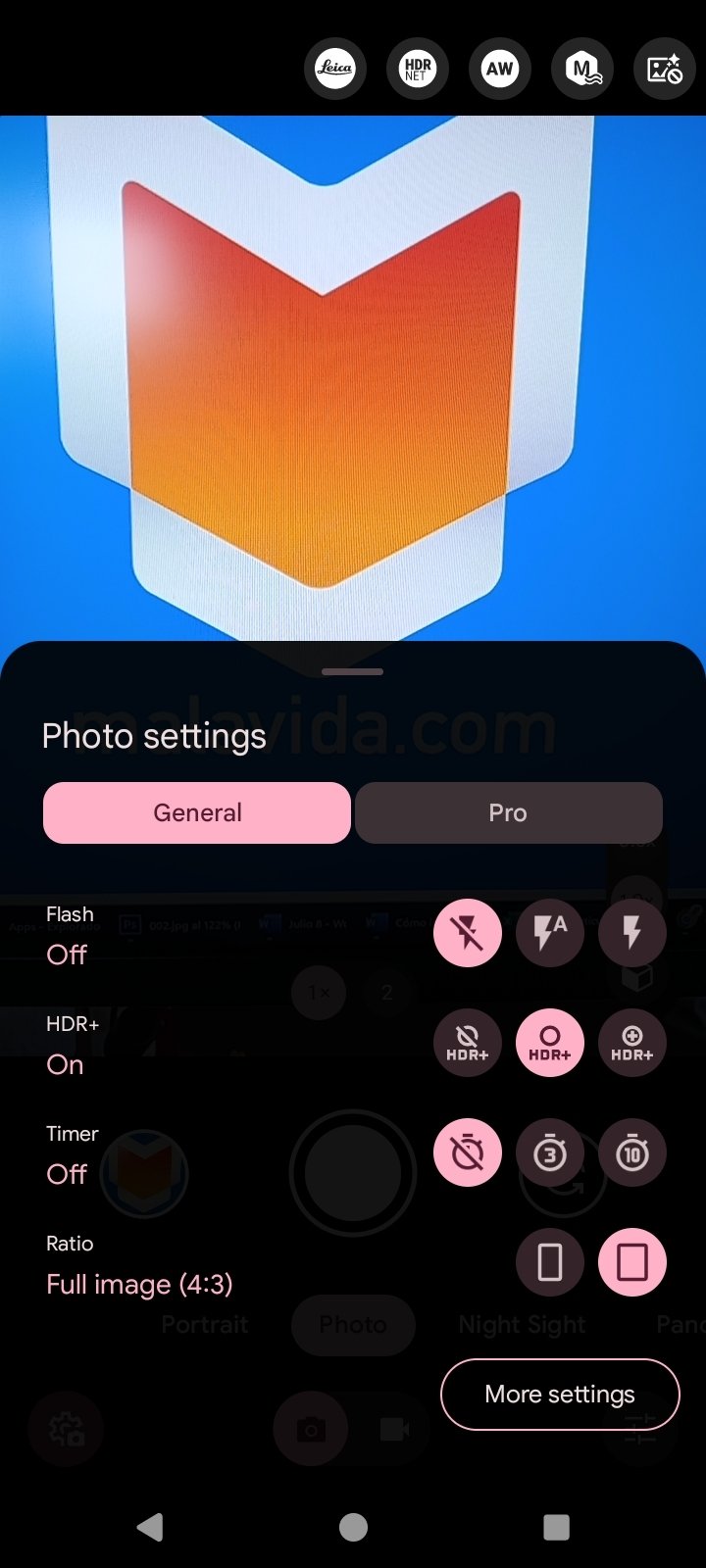
- HDR+ to capture high-contrast scenes and maintain detail in shadows and highlights.
- Night vision for clear photos in low-light conditions.
- Portrait mode with accurate bokeh and sharp edges.
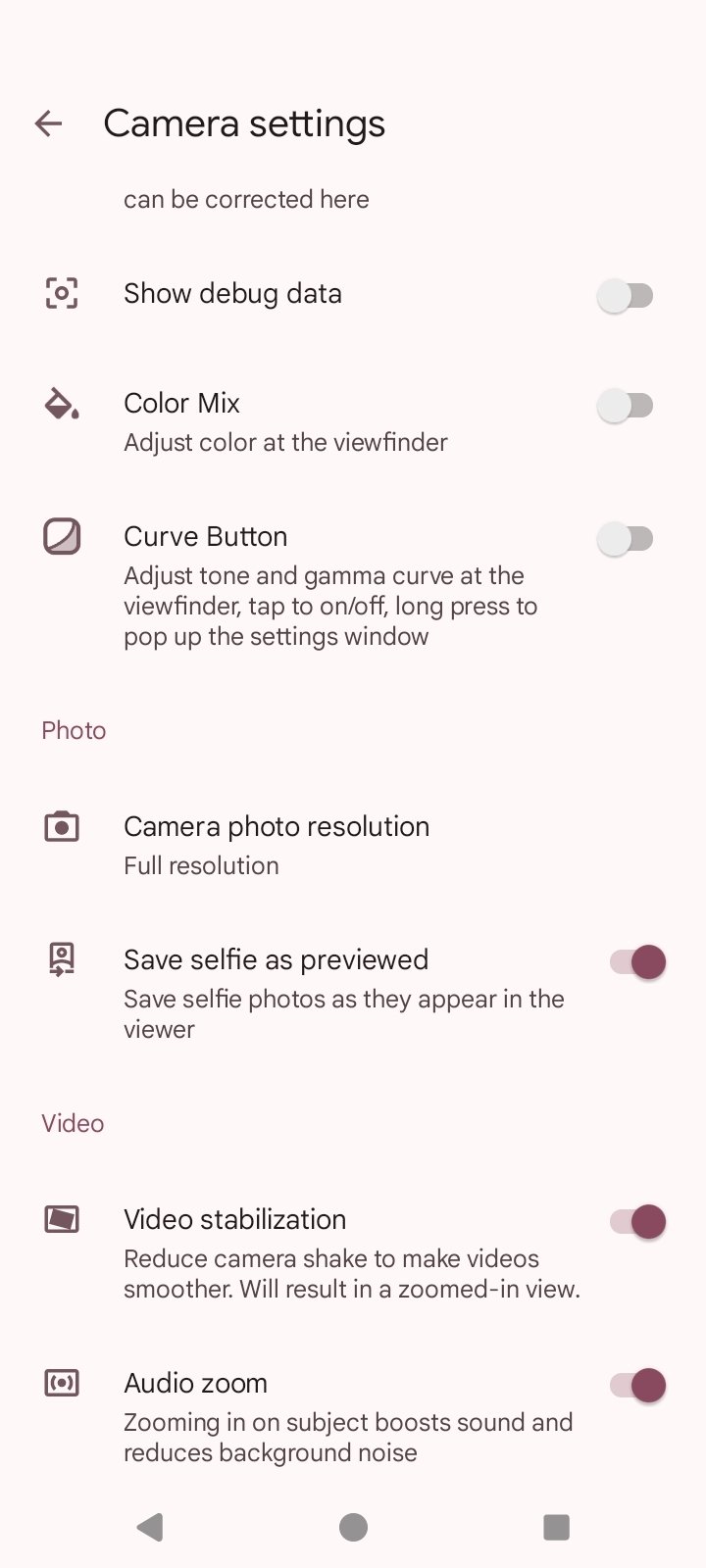
- Smooth videos thanks to its 60 fps and slow-motion recording.
- Functions such as Motion Photos, panoramas, or lens blur.
- It offers several camera modes.
- Angle correction.
- The GCam port is available for popular models such as Xiaomi, Poco X6 Pro, or Poco F5.
The GCam app is neither perfect nor official, but it allows you to get amazing results on almost any Android smartphone. If you enjoy taking photos or videos, you should download GCam for free to see for yourself the difference in the quality of your photos.
Requirements and additional information:
- The installation of the app by means of the APK file requires the activation of the "Unknown sources" option within Settings>Applications.
 Almudena Galán
With a degree in Law and Journalism, I specialized in criminology and cultural journalism. Mobile apps, especially Android apps, are one of my great passions. I have been testing dozens of apps every day for over six years now, discovering all...

Manuel Sánchez