


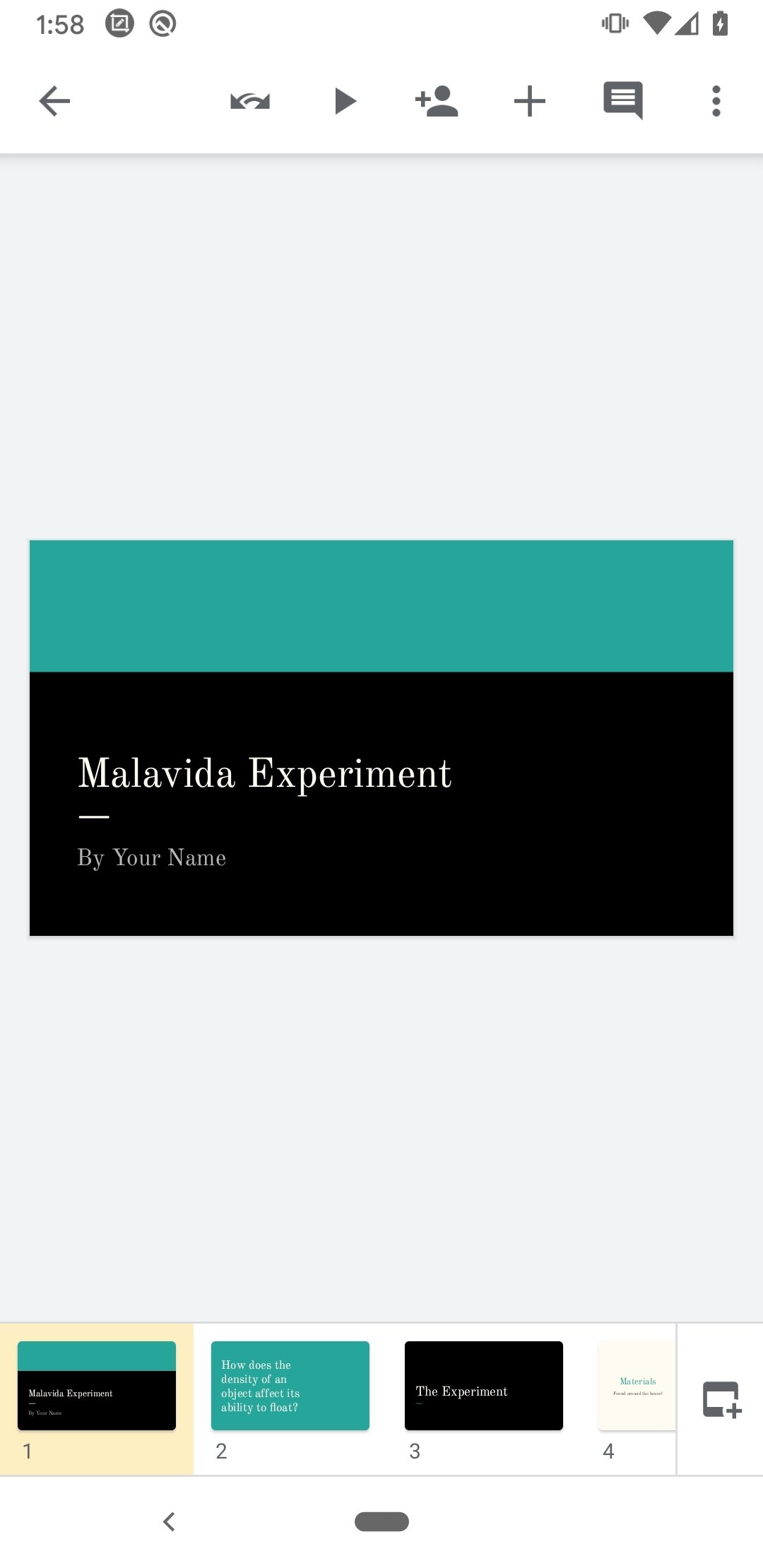
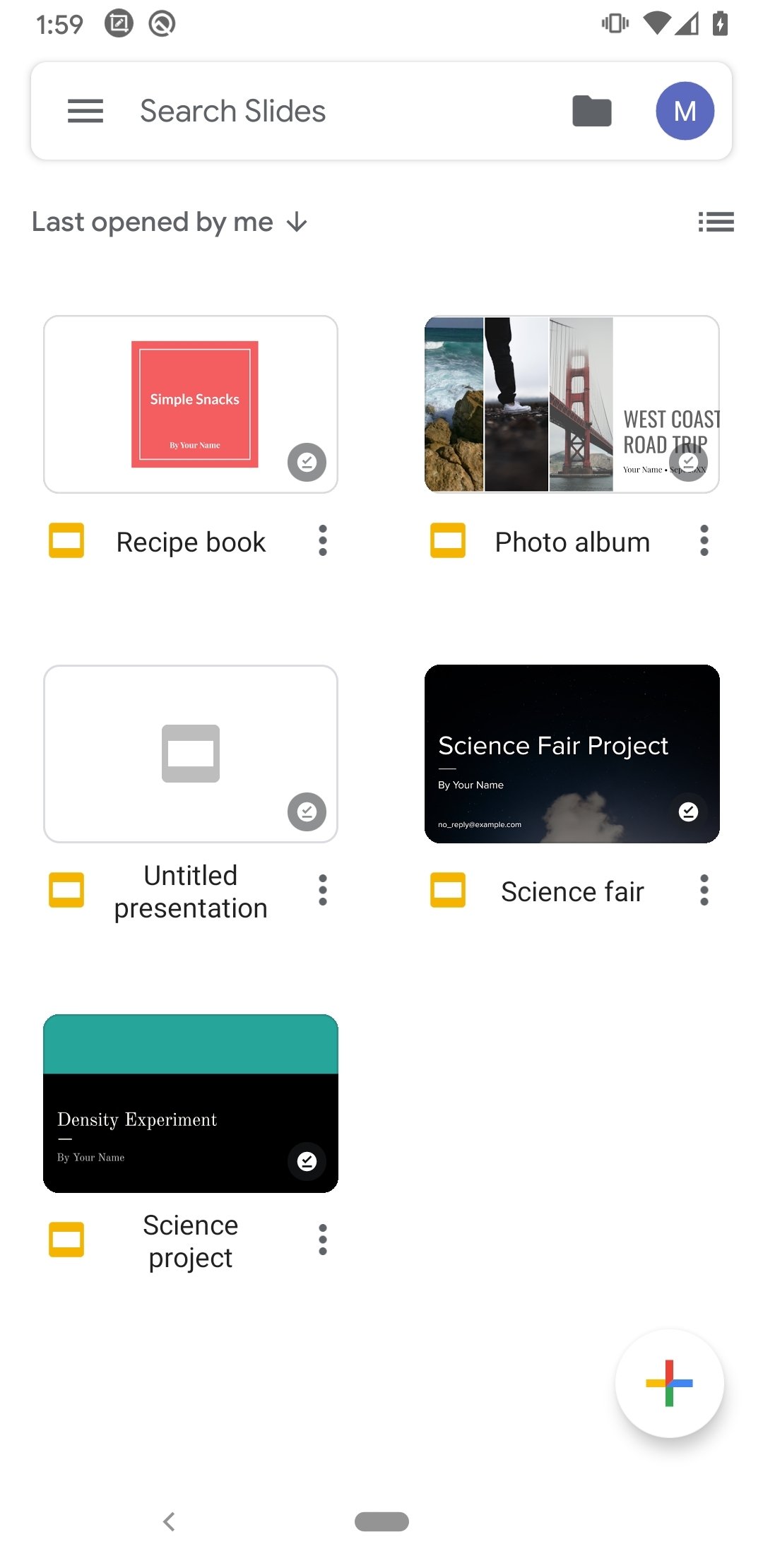
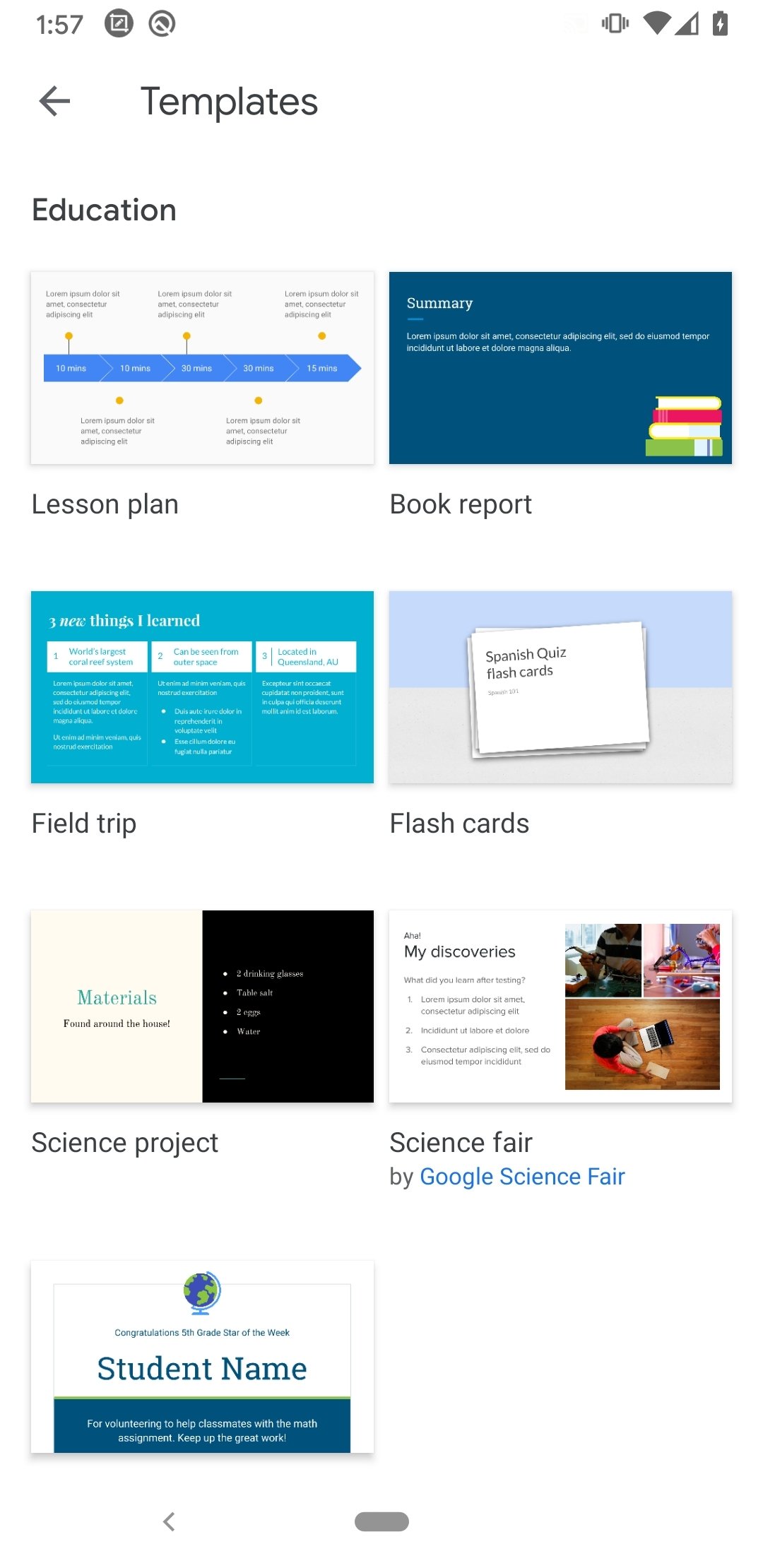
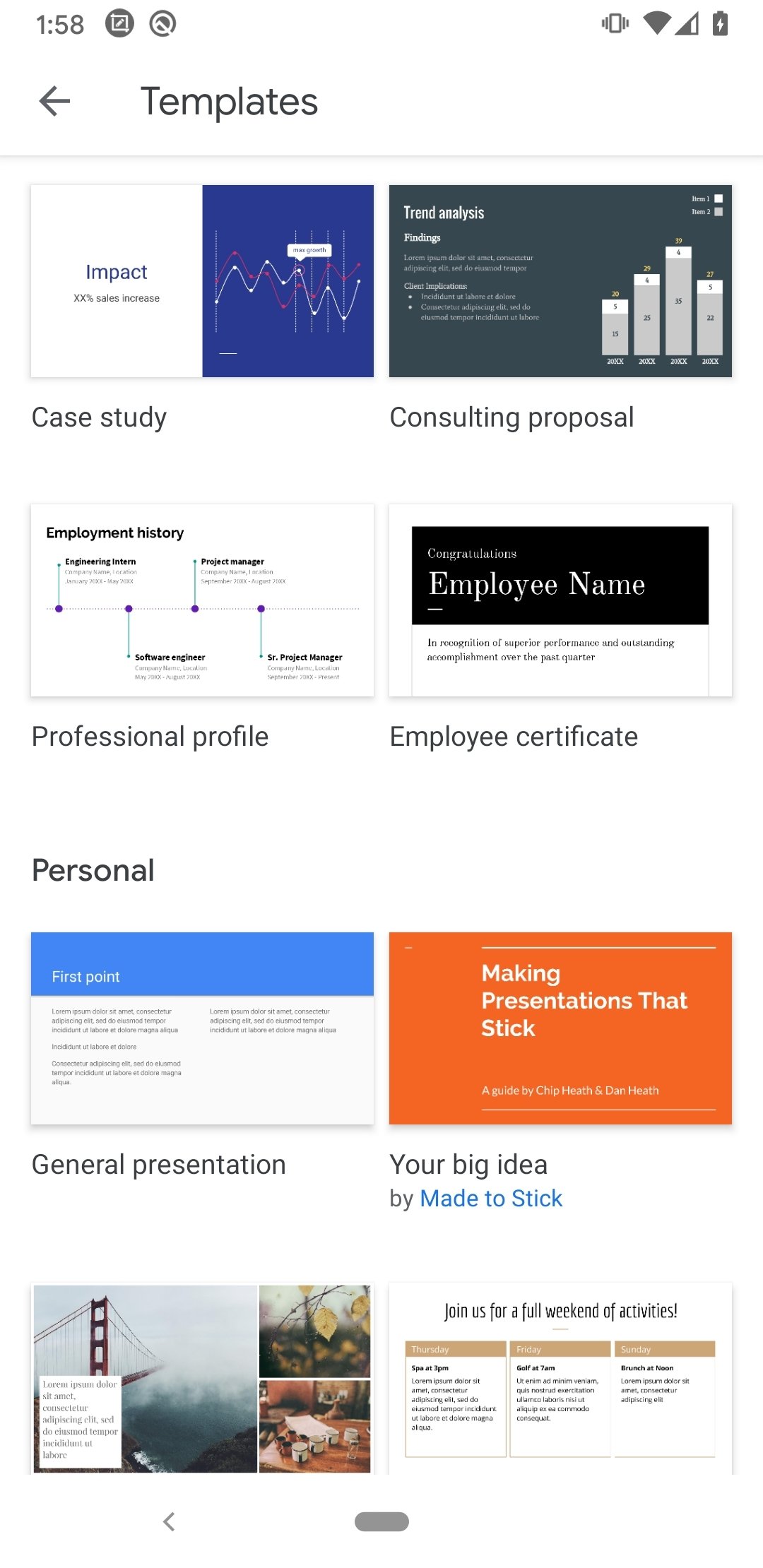
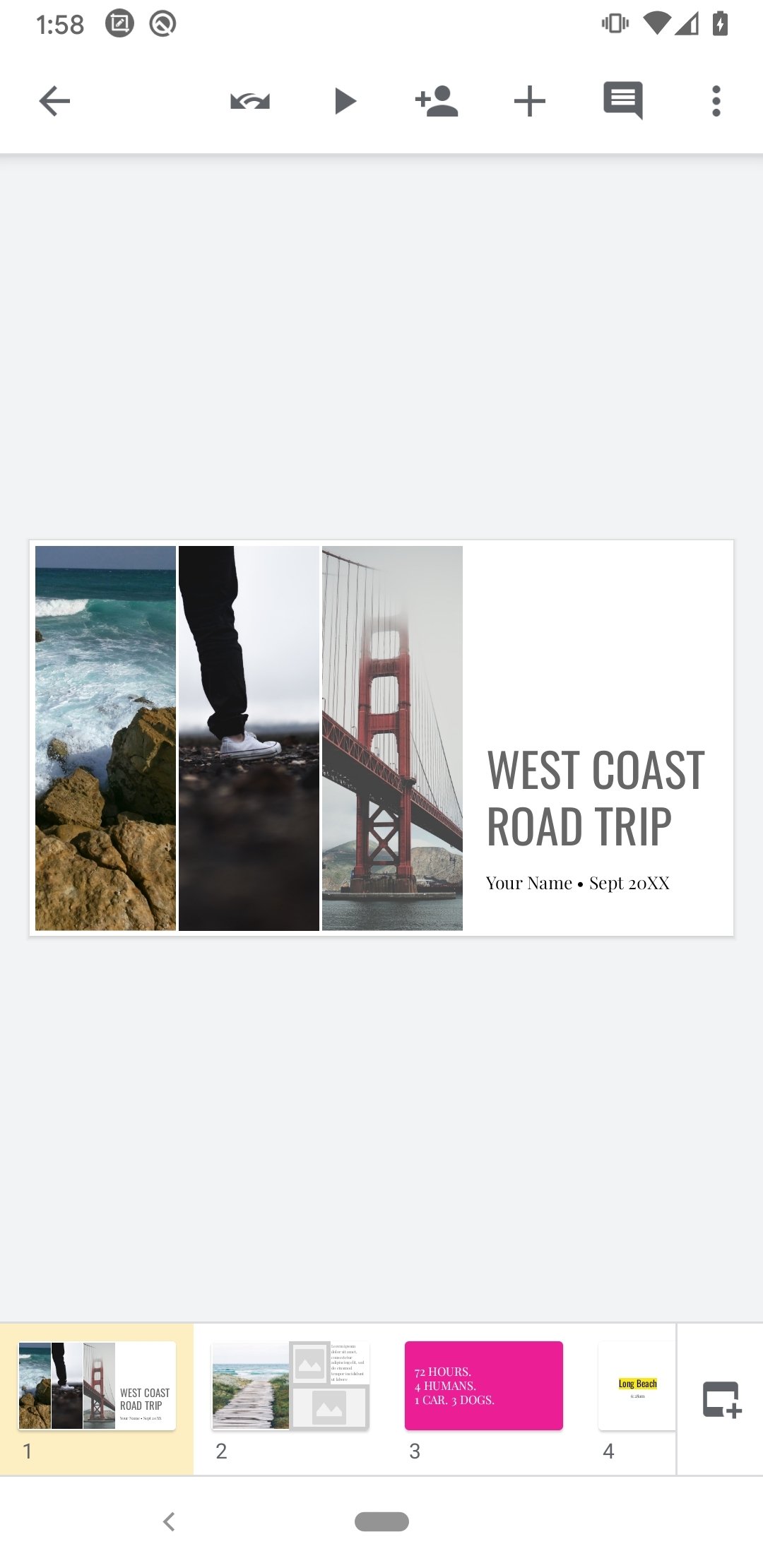
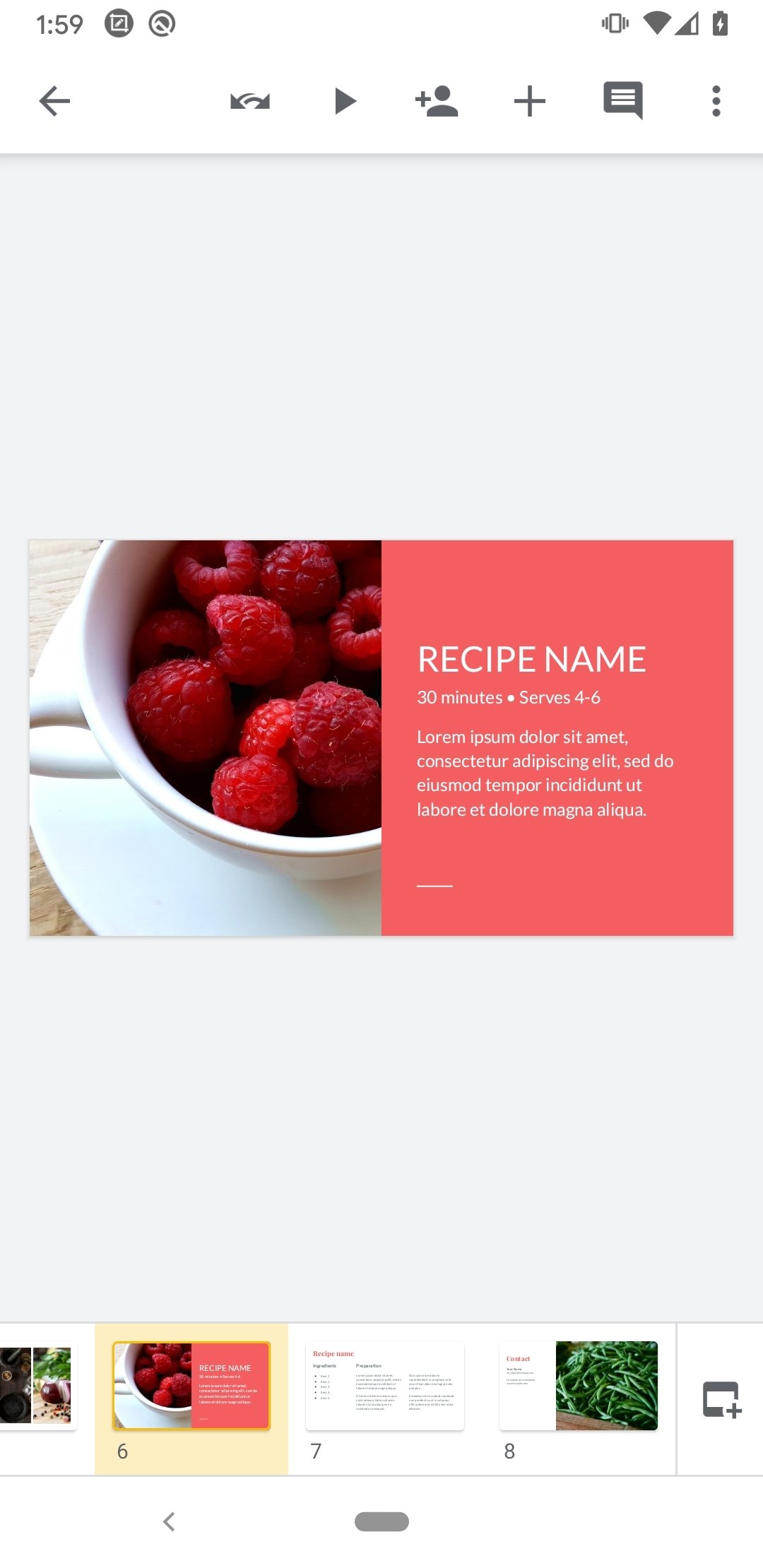
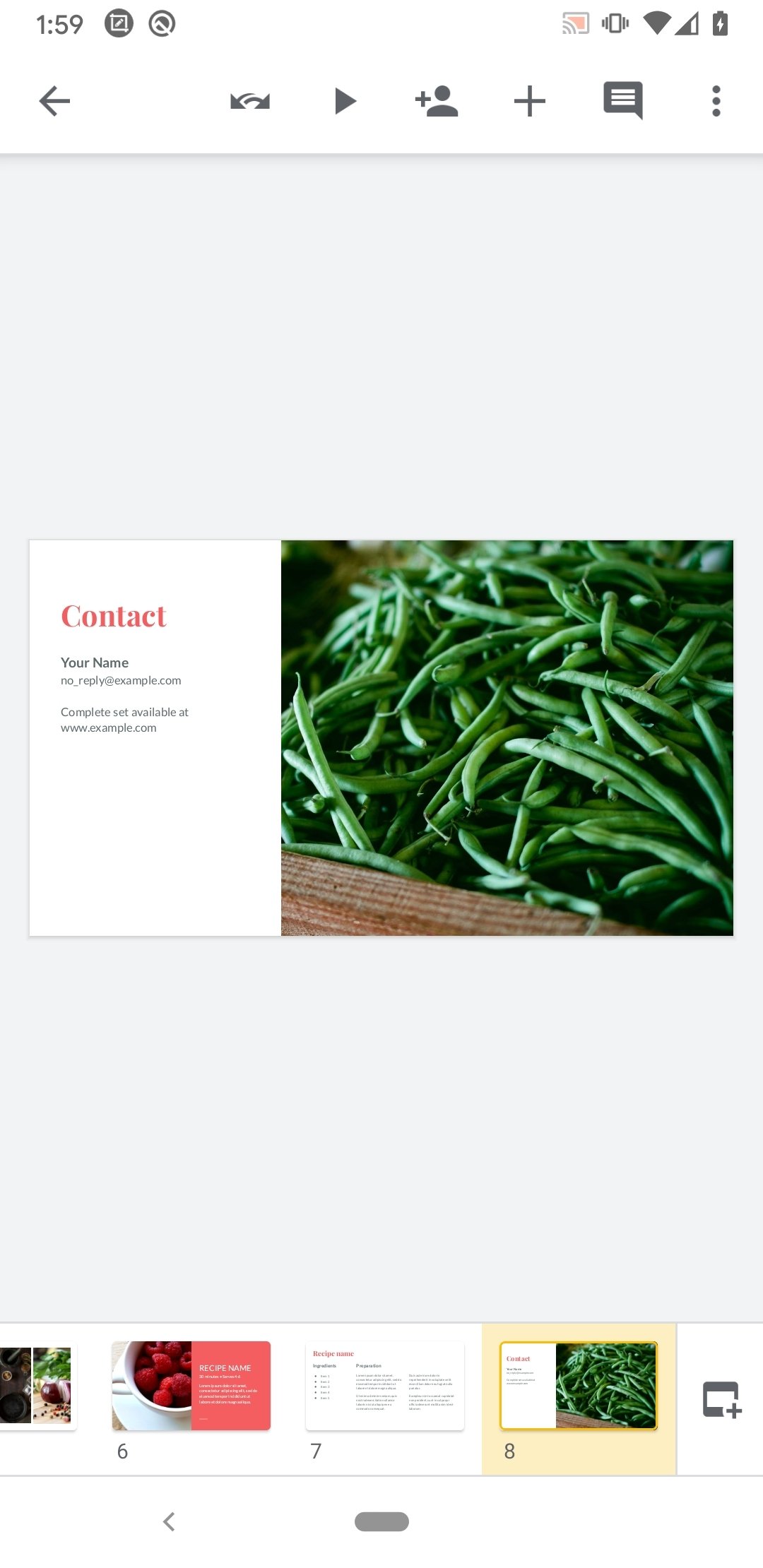

Prepare presentations from your smartphone
You can now make presentations of your work or projects using your cell phone. All you need is the Google Slides APK and you will have everything you need to organize any content to present in public. And just like the majority of products from big G, you can download Google Slides Android for free.
Create any presentation from your cell phone or tablet.
Main features of Google Slides APK
In its online service and presentations applications, Google offers all the necessary options for users to work on this type of content:
- Create new presentations or edit existing ones on the web or other devices.
- Share presentations and work on them collaboratively.
- Open, save, and edit Microsoft PowerPoint files.
- Create outstanding presentations instantly thanks to the Explore function.
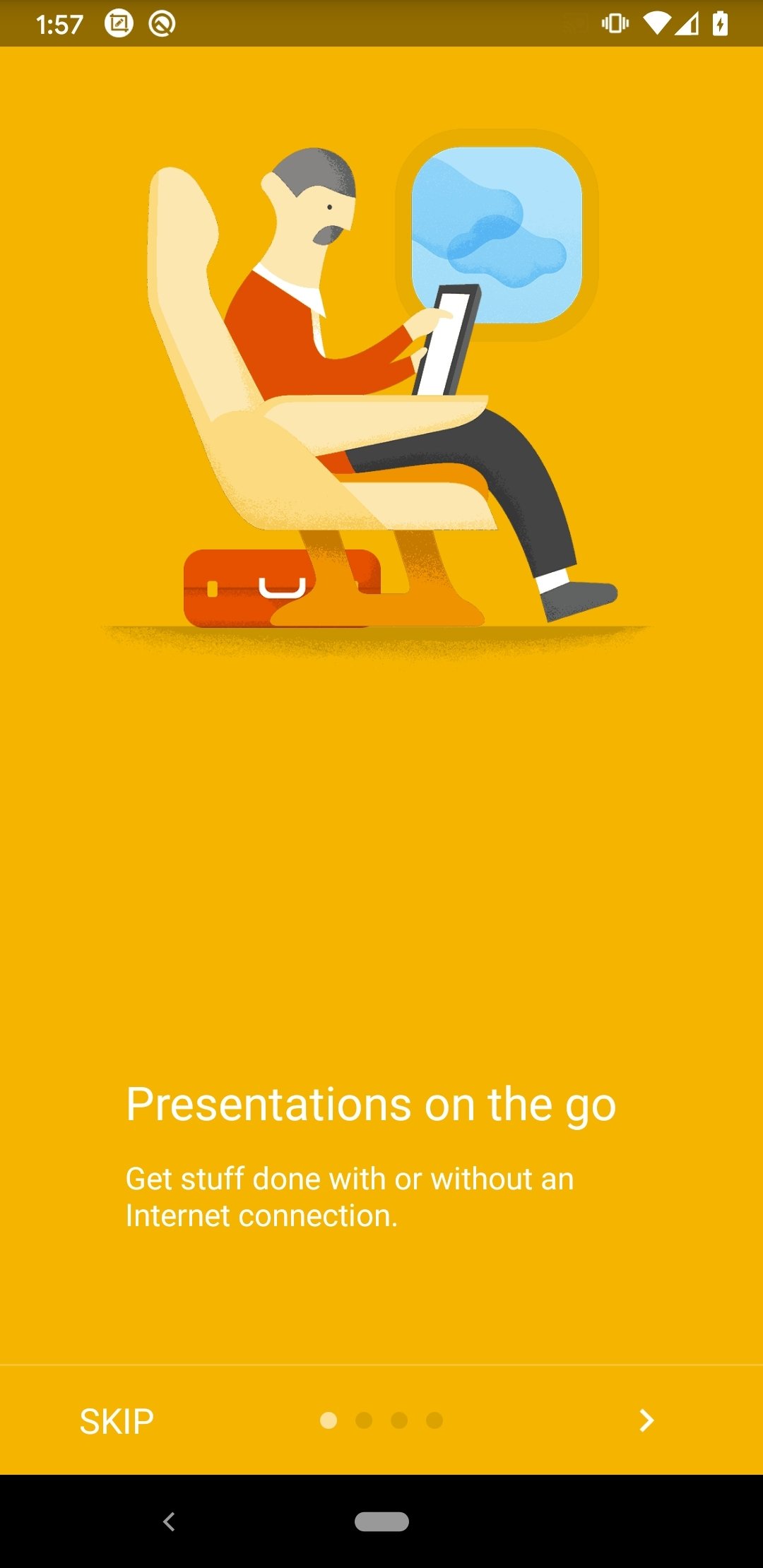
- Work without an Internet connection.
- Add and rearrange slides and format text.
- Make presentations from your device.
- Automatically save your work as you type to avoid potential loss of information.
- Show presentations during video calls.
- Add and respond to comments.
Download Google Slides Android now and have in your hand a simple but efficient tool with everything you need to present your work in public elegantly.
What's new in the latest version
- Bug fixes and performance improvements.
Requirements and additional information:
- Minimum operating system requirements: Android 8.0.
 Lauriane Guilloux
Hi, I’m Lauriane Guilloux. I grew up surrounded by gadgets and technology and everyone who knows me assumes that it will always be one of my greatest interests. I’ve evolved hand-in-hand with PCs, laptops, video gaming consoles, smartphones,...

Susana Arjona