




Advanced software for spying on smartphones and PCs
mSpy is a monitoring and parental control web app designed to supervise activity on Android and iOS devices, as well as Windows and macOS computers. Its purpose is to help families and businesses monitor digital activity remotely, offering advanced geolocation tools, application control, and communication monitoring.
This solution focuses on cybersecurity for children and information protection in work environments, providing insight into the way a smartphone or PC is used, what content is shared, and the digital footprint left behind. However, it must always be used within the limits of the applicable laws and with the corresponding informed consent.
One of the best apps for monitoring smartphones for parental control purposes.
What is mSpy, and what is it used for?
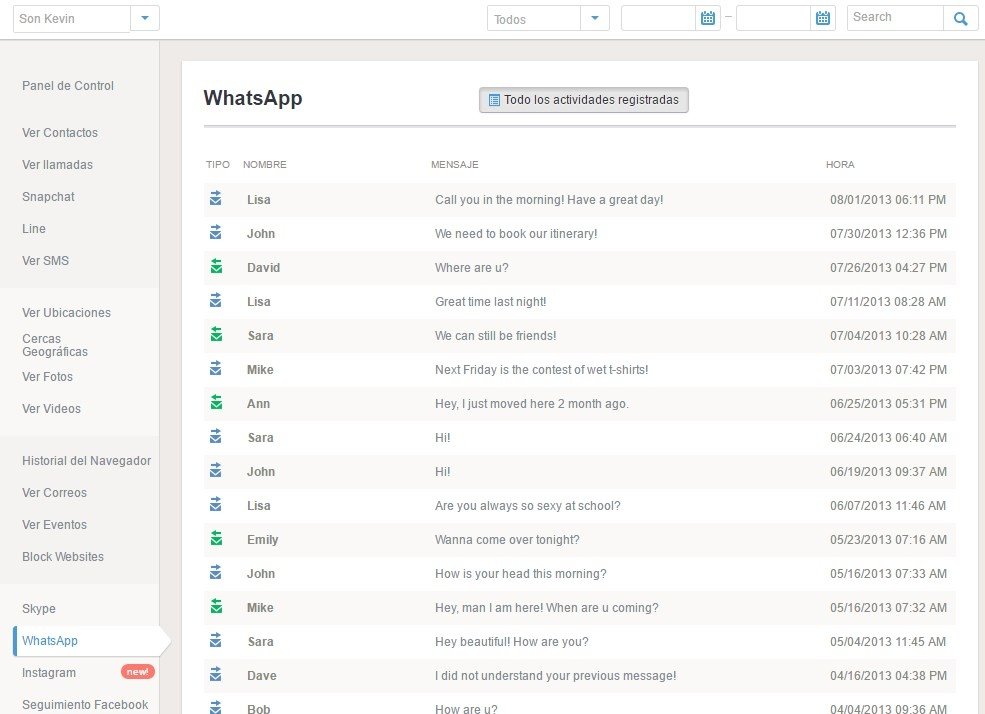
mSpy is an advanced paid monitoring software that allows you to monitor the digital activity of a mobile device or computer in detail from a remote control panel. Unlike other tools that focus solely on limiting screen time, this solution offers complete control over communications, location, multimedia content, features, apps, and online behavior.
Its main use is in parental control and business supervision. Families can use it to detect risky situations such as contact with strangers or access to inappropriate content, helping to protect children's cybersecurity. In the workplace, it can be used to verify compliance with internal policies and prevent leaks of sensitive information.
This type of monitoring software also facilitates analysing the user's digital footprint, allowing you to check how they interact with social networks, applications, and online services. However, devices may only be monitored remotely for technical and preventive purposes, and not in an invasive or unlawful manner.
How does mSpy work?
mSpy works by installing an application on the device you want to monitor after temporarily disabling Play Protect from the Google Play Store app. After paying the subscription and configuring the account, the data is synchronized with an online control panel you can use to access the information collected in real time.
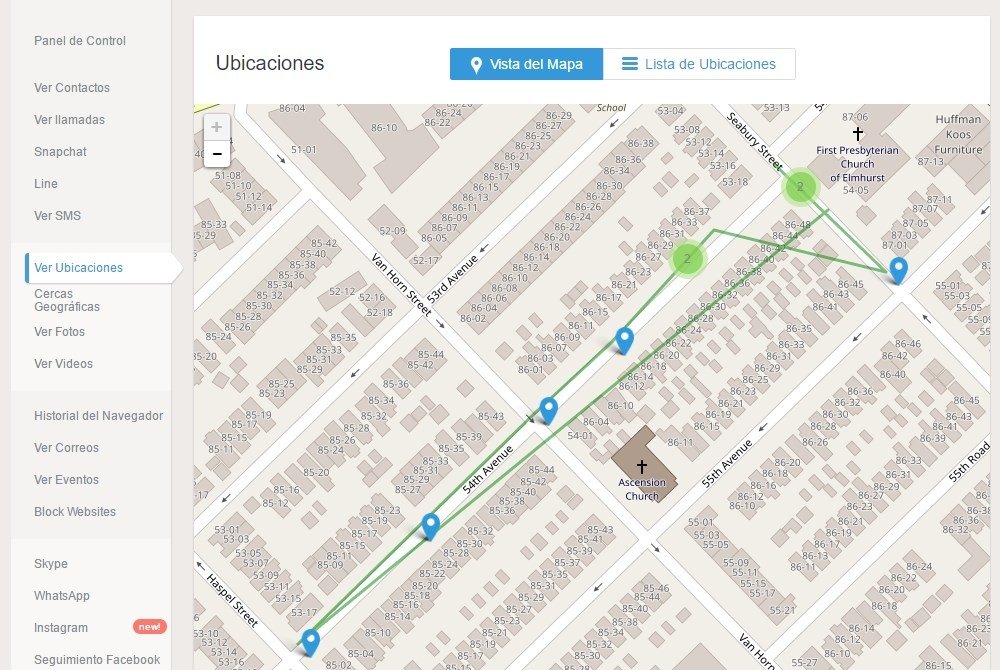
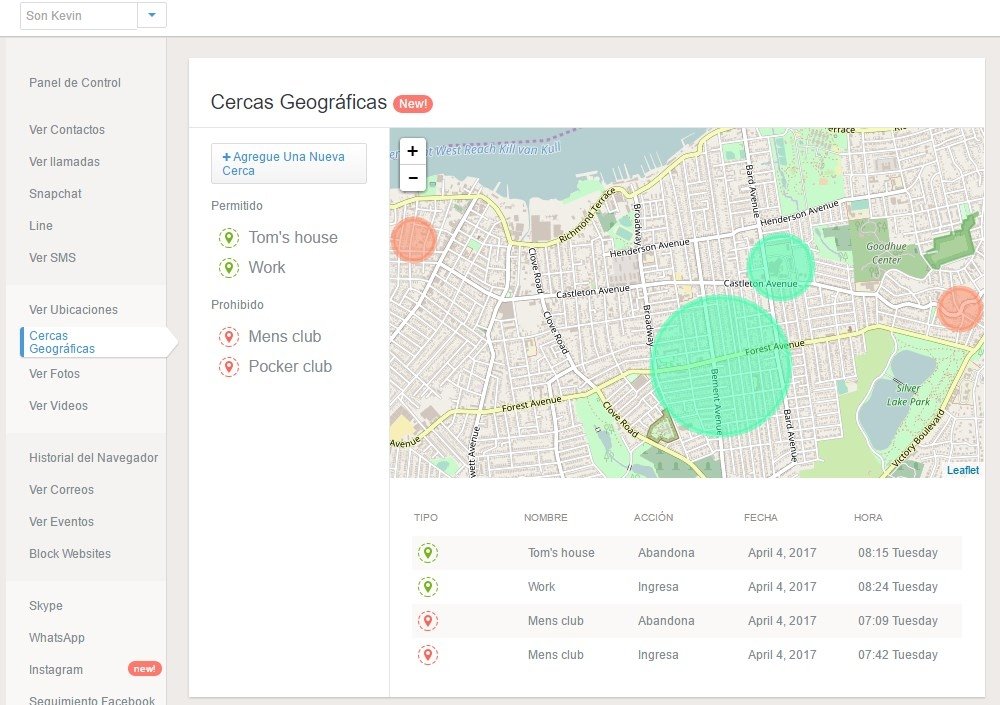
Its features include GPS tracking and remote geolocation, which help you locate the device, set up safe zones, and receive geofence alerts. It also incorporates activity tracking systems and notifications for certain risky behaviors, such as cyberbullying.
It is important to note that some applications use end-to-end encryption. This may limit access to certain content if certain technical requirements are not met.
Key features of mSpy
This monitoring software lets you control multiple device features, providing a deeper level of supervision than most conventional parental control apps. Among the information we can extract, the following stands out:
- Contacts in the address book. Complete display of stored numbers and names.
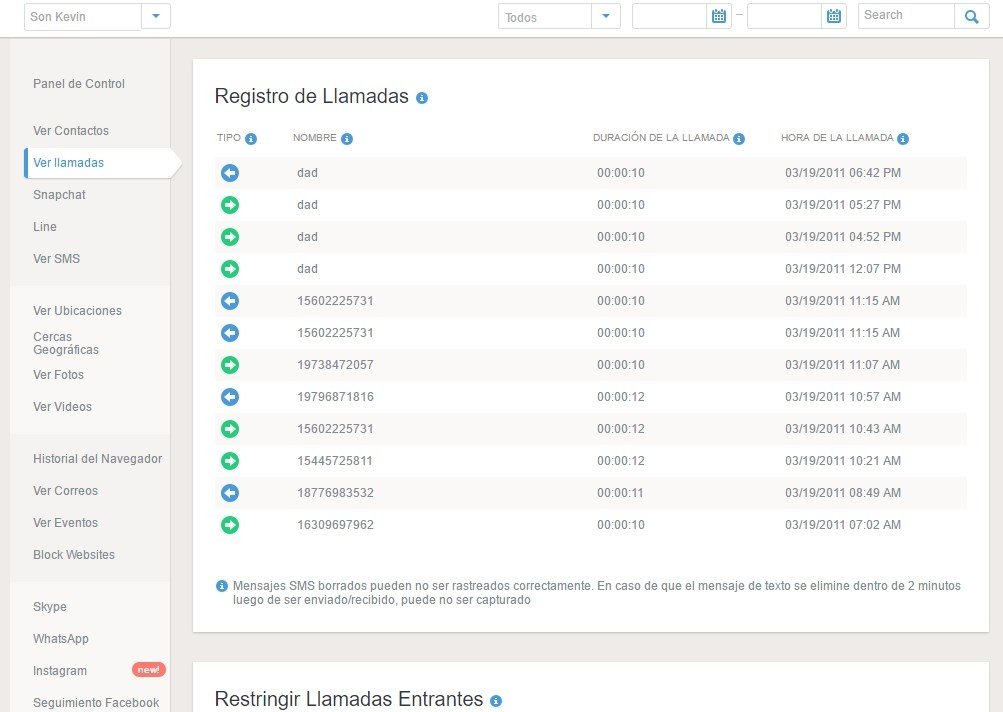
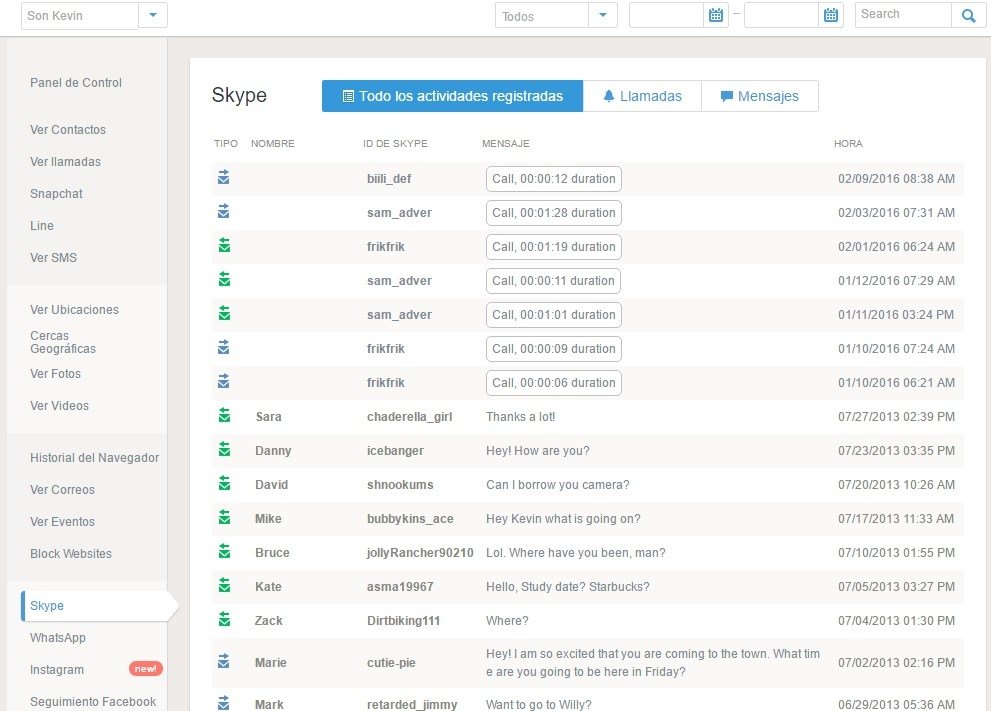
- Call log. Detailed history of incoming and outgoing calls, including duration.
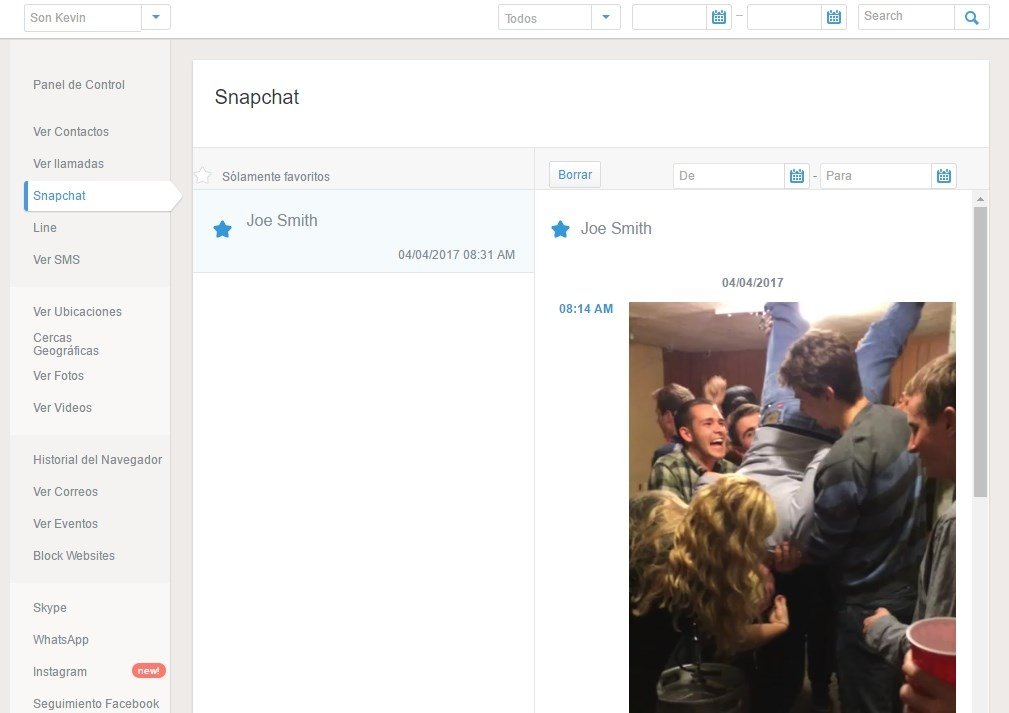
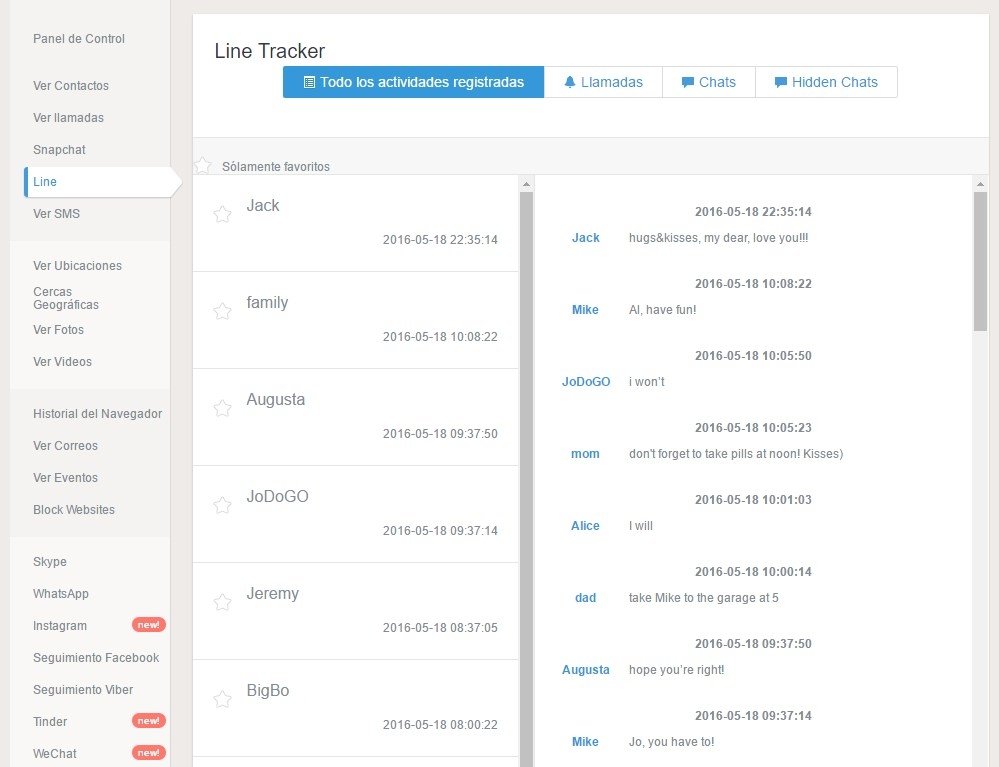
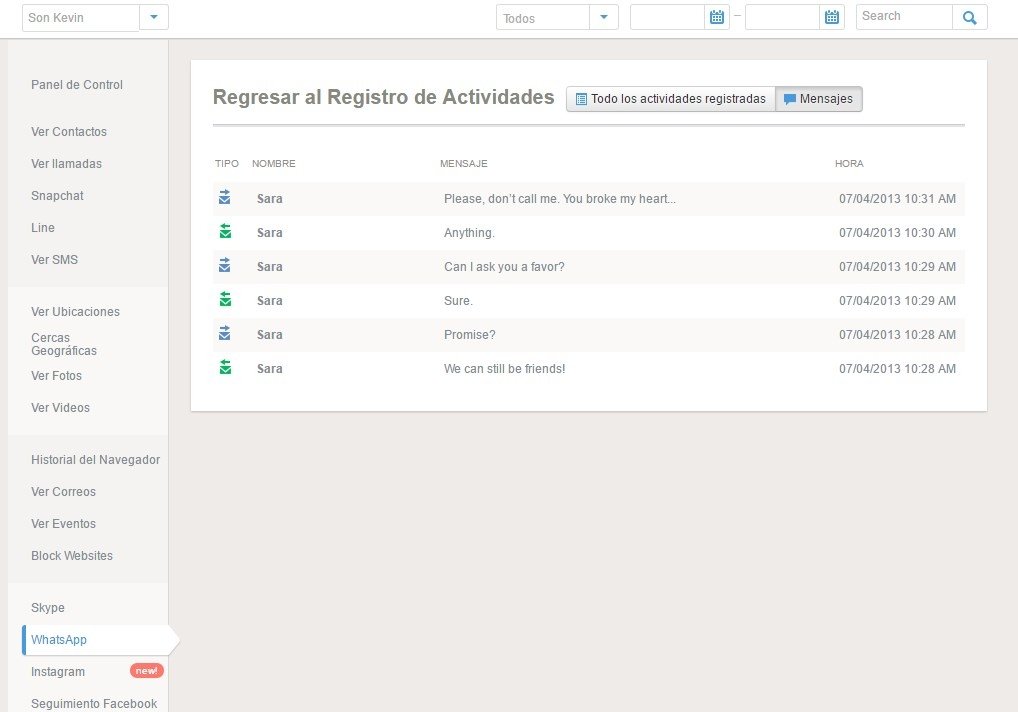
- Instant messaging applications. Monitoring of conversations and shared files in apps such as WhatsApp, Telegram, or Snapchat (depending on technical compatibility).
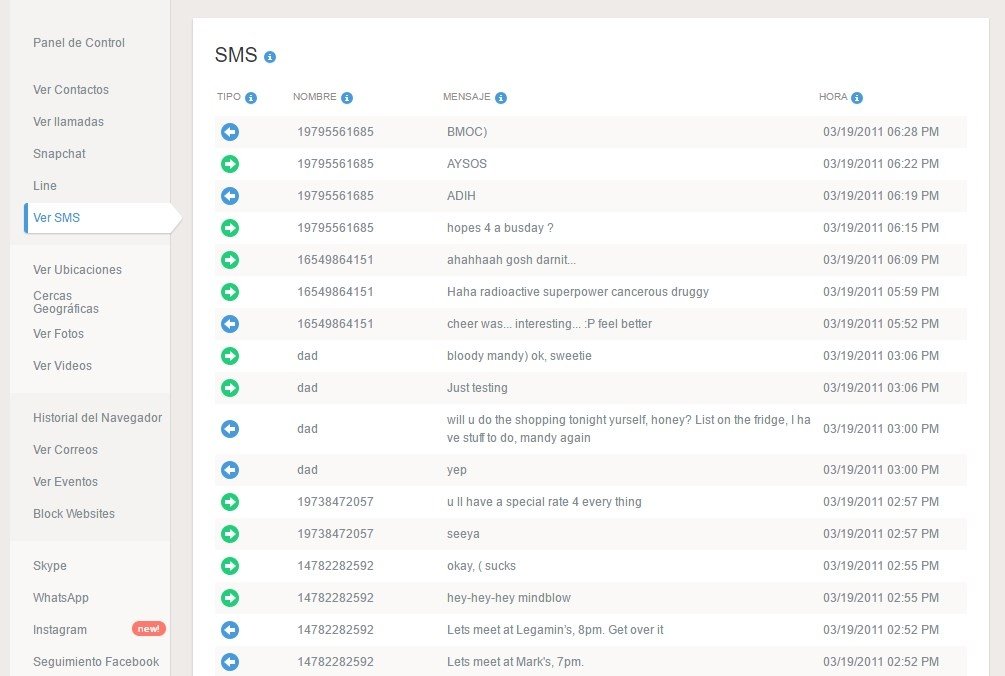
- SMS. Access to sent and received messages.
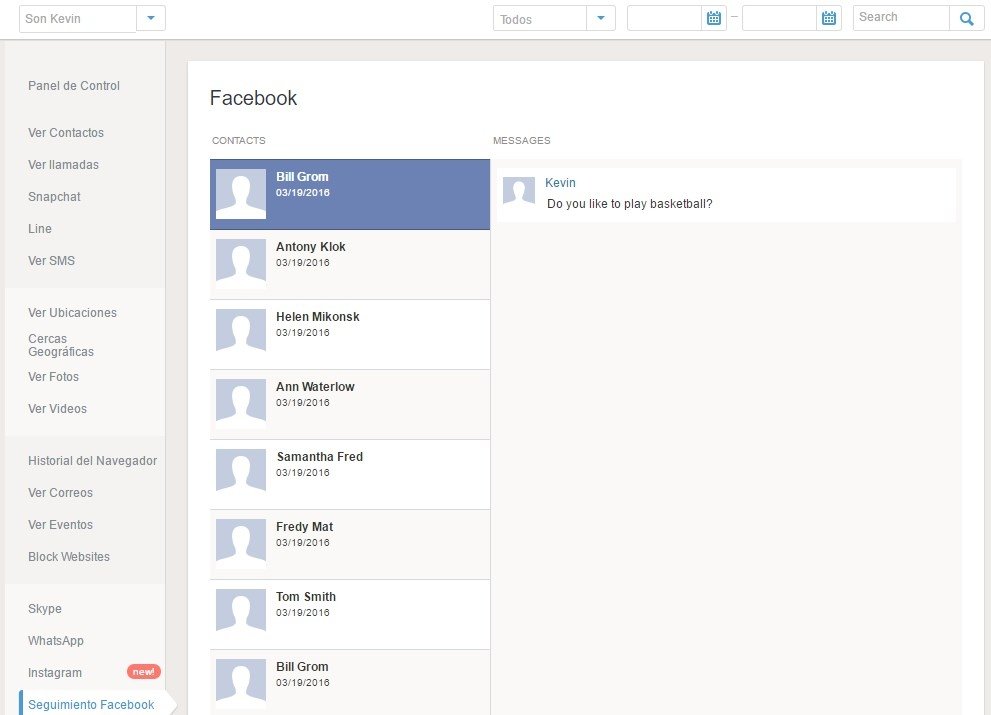
- Social networks. Monitoring activity on platforms such as Instagram, Tinder, or Facebook.
- Browsing history. Record of the list of websites visited.
- E-mails. Review of sent and received messages.
- Location history. GPS location tracking with a detailed log of visited places.
- Apps. Control of apps installed on the device.
- Keylogger. Recording of keystrokes under certain conditions.
- Wi-Fi networks. Information about wireless connections used.
- Alerts. Includes alerts when secure areas are breached or when suspicious keywords are detected.
- Camera and microphone. You can record ambient sound, record the screen, and even activate the camera remotely.
- Calendar. Access to the agenda recorded in the device's calendar.
- Website and application blocker. Apply automatic limits on the device.
- AI monitoring. Monitoring conversations with apps such as ChatGPT and Gemini.
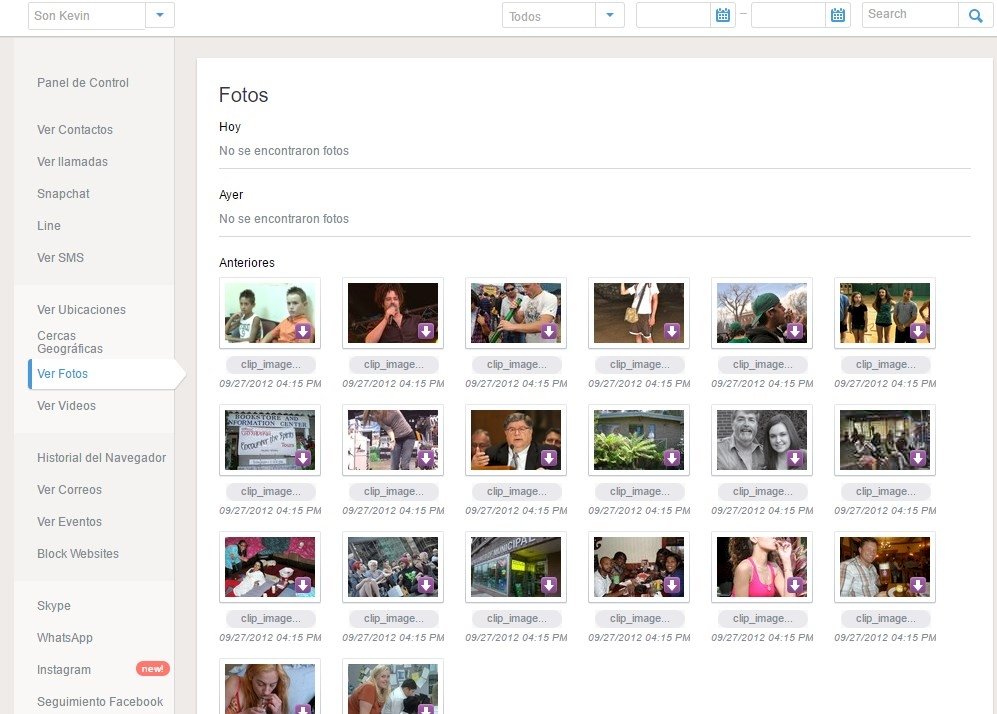
- Photo and video viewer. Access to the device's multimedia content.
How to install and configure mSpy on your device
To install mSpy, you must follow a series of specific steps that vary slightly depending on the operating system. Furthermore, it is important to note that the process requires initial access to the device that you wish to monitor. Below is a detailed description of the general procedure for both mobile devices and PCs.
- Create an account and purchase a plan. After registering on the official mSpy website and selecting the appropriate subscription, you will have access to the online control panel.
- Physically access the device you are going to monitor. You need complete access to it at least during the initial setup.
- Temporarily disable Play Protect. To install the app on an Android device, you must first disable this option from the Google Play Store main menu to allow the APK to be installed.
- Download the installation file. Open the link provided in the panel from your device's browser and download the official APK file.
- Install the app you just downloaded.
- Grant the necessary permissions. You will need to enable accessibility, location, storage, and background execution permissions to ensure proper monitoring and tracking.
- Link the device to the panel. Enter the registration code to start synchronizing the data.
- Advanced settings. You can also activate keyword alerts, geofencing zones, ambient recording, or monitoring of specific applications.
In most cases, it is not necessary to root your Android smartphone to use mSpy. However, rooting may be necessary if you want to access advanced deep monitoring features, especially those related to screen recording or reading messages.
This is because Android restricts internal access to certain system data for security and user protection reasons. By rooting the device, you obtain administrator (superuser) permissions, allowing the monitoring software to access deeper layers of the operating system.
However, the rooting process involves high technical risks, such as loss of warranty or potential vulnerabilities if not performed correctly. Furthermore, not all users require this level of access. For standard parental control or basic business supervision, the non-rooted version is usually sufficient.
Compatibility and technical requirements
mSpy is not compatible with all devices or all operating system versions. Furthermore, some functions depend on the installation method and permission level. The following devices are compatible:
- Android: Devices running Android 5.0 or higher. However, the level of monitoring may vary depending on the manufacturer and system version.
- iOS: Works with modern versions as long as iCloud Backup synchronization is active. It is not compatible with older versions or with all methods if extra security measures are enabled, such as two-factor authentication.
- Windows and macOS: Desktop and laptop computers with recent versions of their operating systems.
In addition, there are certain prerequisites to using this app. First, you need physical access to the device you want to control to install the software or enter your credentials. You also need to enable background monitoring and internet connection permissions. Additionally, active iCloud Backup and Apple ID verification are required for iOS without jailbreak.
mSpy vs. other parental control apps
The differences between mSpy and other parental control tools lie in their approach and monitoring depth. Below, we compare some popular apps with mSpy:
- mSpy vs Qustodio. While mSpy focuses on monitoring background activity (GPS location, messages, contacts, browsing history, etc.), Qustodio is more geared toward filtering content and controlling usage time.
- mSpy vs Google Family Link. Google Family Link limits and monitors basic actions (such as screen time or app limits) without monitoring chats or precise location, but mSpy offers access to communications and internal data.
- mSpy vs Norton Family. Norton Family stands out for combining web protection with certain control features, but it does not have the same level of private communication monitoring as mSpy.
In general, mSpy offers a more advanced level of technical monitoring than other solutions, thanks to its continuous tracking, remote geolocation, and communications monitoring.
Legal aspects and responsibility in the use of mSpy
The use of this type of software must strictly comply with current legislation:
- Mandatory legal framework. It is essential to comply with regulations on data protection and users' right to digital privacy.
- Permitted purpose. This tool should only be used for parental control or authorized business monitoring.
- Respect for privacy. It cannot be used to violate fundamental rights.
- User responsibility. The person who installs the software assumes the legal consequences arising from its use.
- Transparency and security. It is advisable to adequately inform the monitored user and ensure informed consent when required.
However, it is important to know that there are ways to discover if someone is spying on your Android device. Therefore, if the recipient notices suspicious activity, it can detect unauthorized tracking practices. In any case, mSpy is a powerful digital monitoring tool that should be used ethically, responsibly, and within the applicable legal framework.
Requirements and additional information:
- This service offers different plans and prices.
- Requires rooting the device to access certain features.
 Almudena Galán
With a degree in Law and Journalism, I specialized in criminology and cultural journalism. Mobile apps, especially Android apps, are one of my great passions. I have been testing dozens of apps every day for over six years now, discovering all...

Manuel Sánchez