


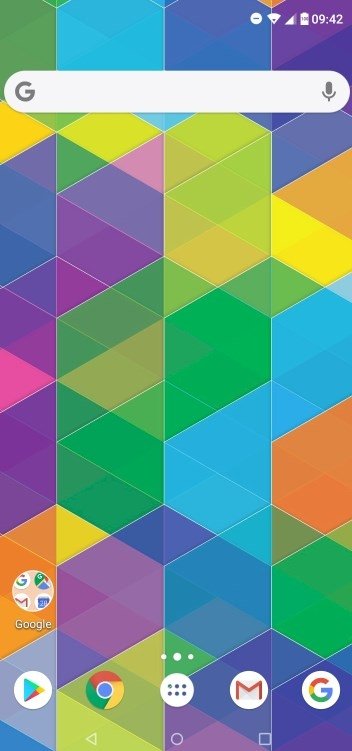
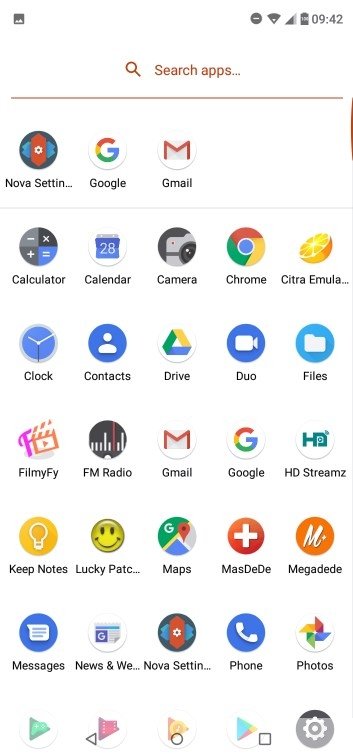
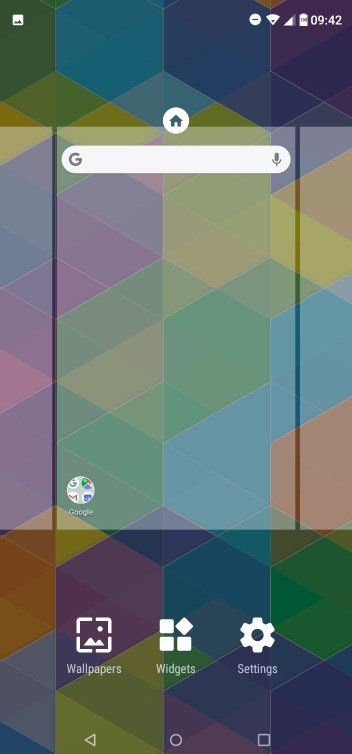
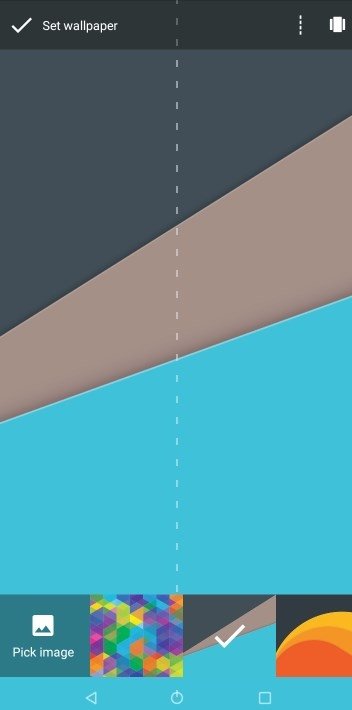
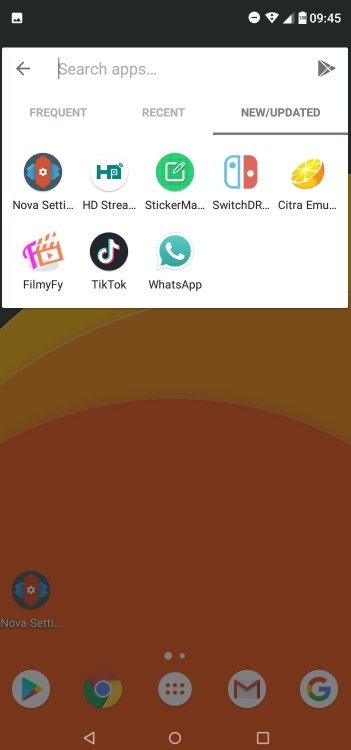
Customize your Android with one of the best application launchers
Listening to Android and iOS fanboys trying to discuss which mobile operating system is the best can be tiresome, although both parties have reasons to believe it's theirs. However, nobody can deny that Android users are right to say that customization is a great advantage of their operating system regarding iPhone. That's a property inherent to Android. In fact, if you use the stock version you've already got quite a lot of flexibility when it comes to organizing certain aspects (somewhat more limited when dealing with custom layers). But if you download an application launcher those possibilities are greatly increased. And that also goes for Nova Launcher APK. If you want to customize the Android interface however you wish, it's always recommendable to download Nova Launcher Android for free.
The application to customize Android
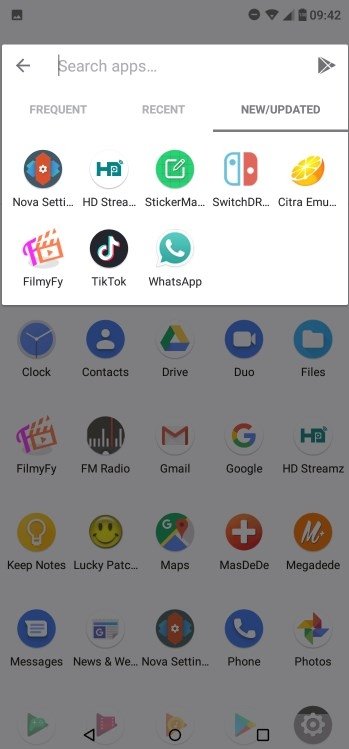
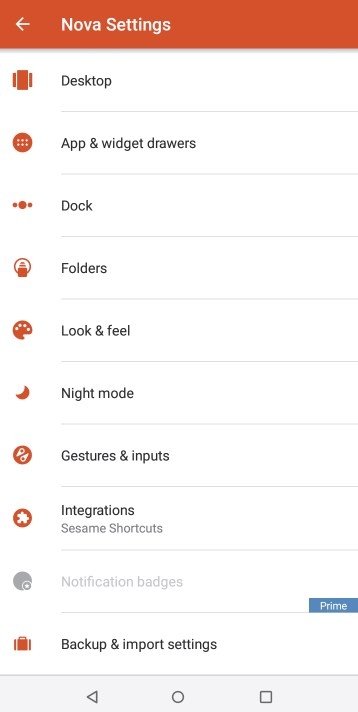
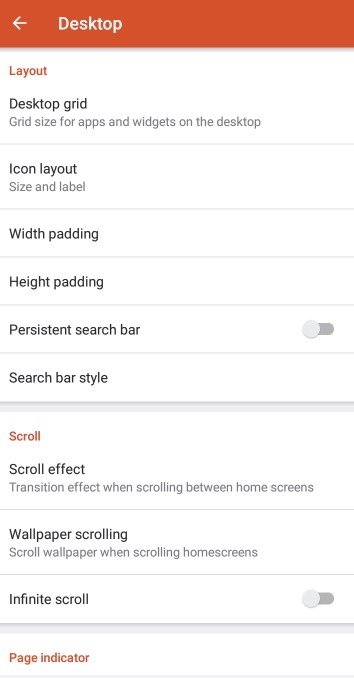
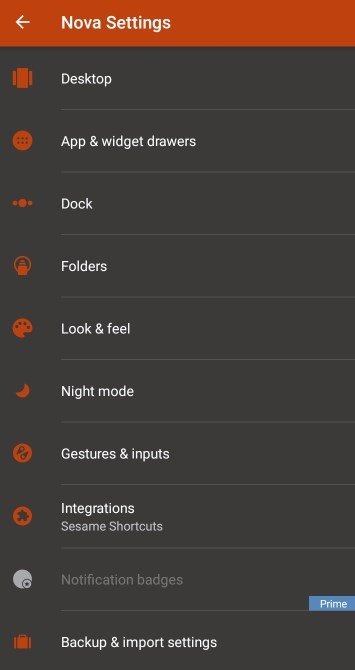
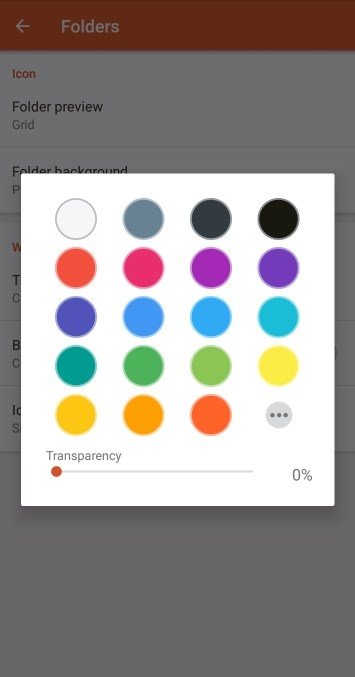
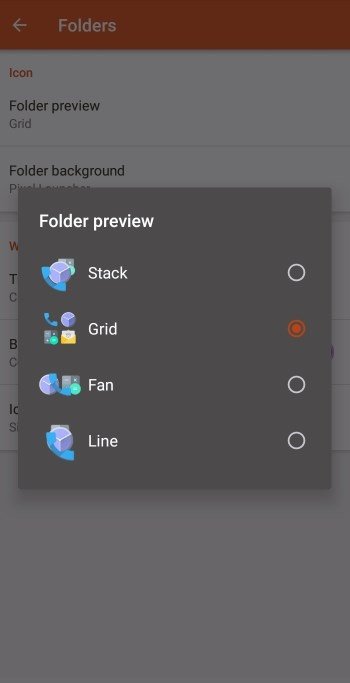
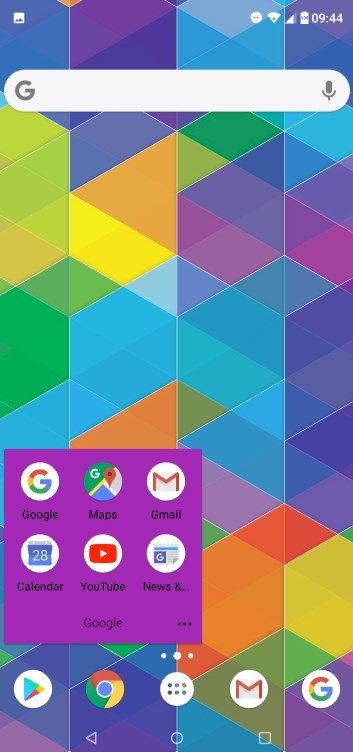
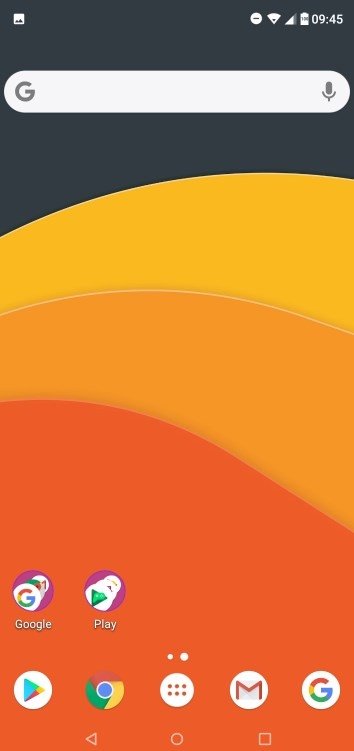
Once we download Nova Launcher Android we can adjust visual aspects of the operating system's environment but also certain functions that aren't included by default. It comes along with a wide range of elements that can help us to modify how our phone's functions perform. Therefore, we can make use of new elements that range from themes and icons to scroll effects and an improved organization of widgets and apps.
All these functions have been updated and improved as the operating system has also evolved. In other words, older versions (5.4.1 or 5.5 to name just a few of the most popular ones) have adapted to the times of Android 11, for instance.
A much more personal and flexible Android user experience.
Main features of Nova Launcher APK
This app has been designed to consume as little resources as possible so that its installation is a real advantage, unlike other launchers that waste too much space and battery and end up hindering the performance of our phone. These are some of its main features and functions:
- Customize the aspect of your operating system.
- Scrollable dock for applications.
- Visual scrolling effects.
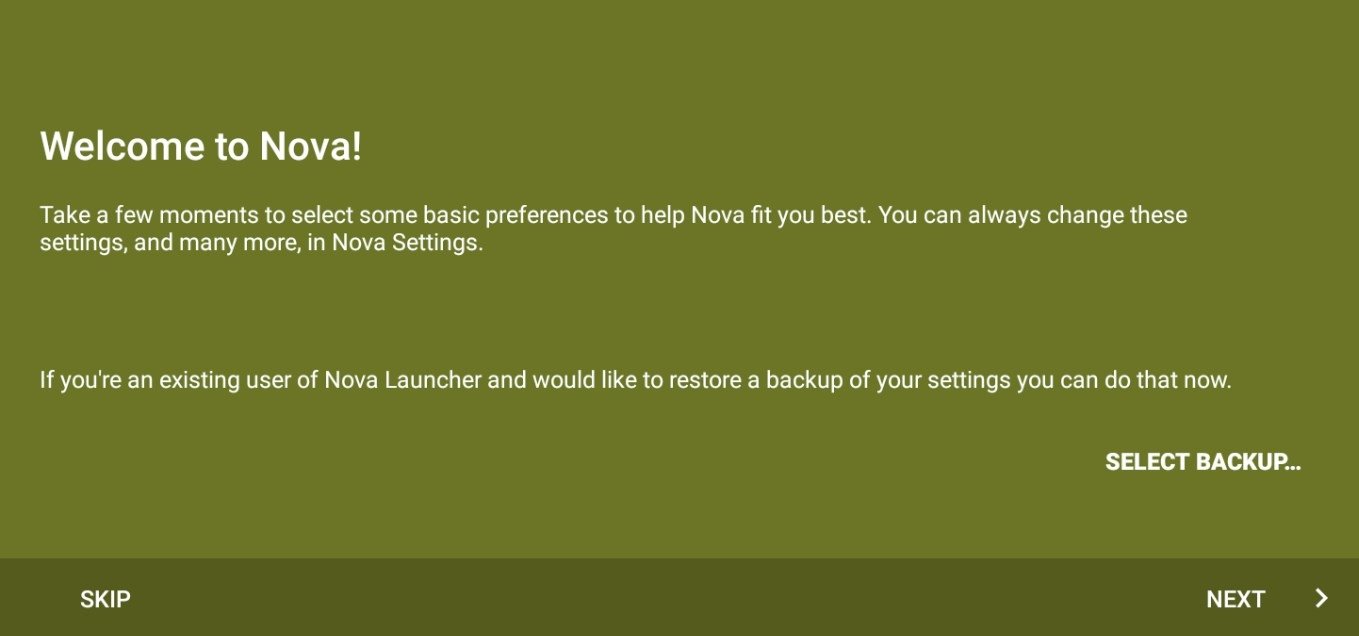
- Possibility to make backups of your settings and restore them.
- Hidden task manager.
Download this app to your smartphone right now and enjoy a more personal style with greater configuration freedom.
What's new in the latest version
- New weather icon in the search bar.
- Improved Nova search.
- Renovated theme icons.
Requirements and additional information:
- Minimum operating system requirements: Android 8.0.
- Offers in-app purchases.
 Elies Guzmán
With a degree in History, and later, in Documentation, I have over a decade of experience testing and writing about apps: reviews, guides, articles, news, tricks, and more. They have been countless, especially on Android, an operating system...

Antony Peel