


The best free Nintendo Switch emulator for Android
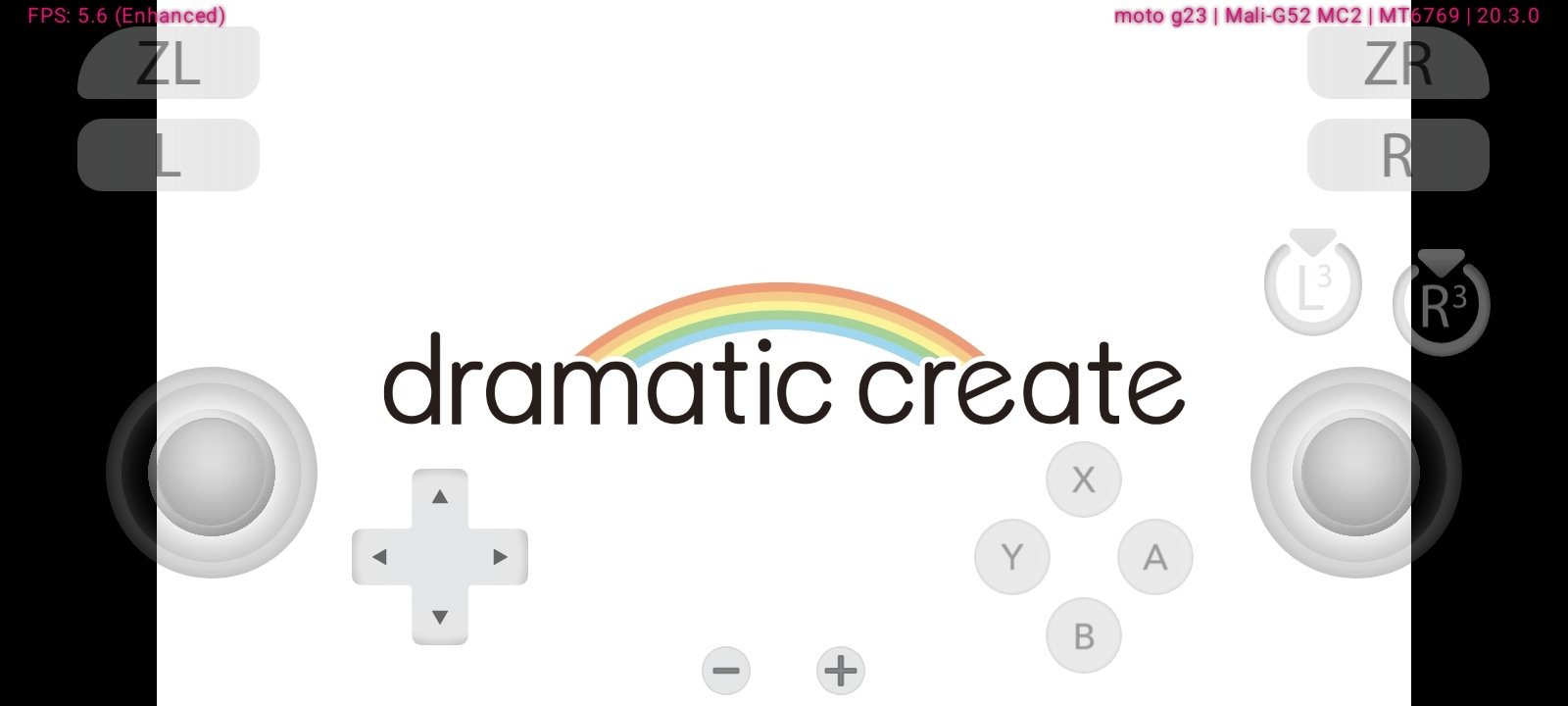
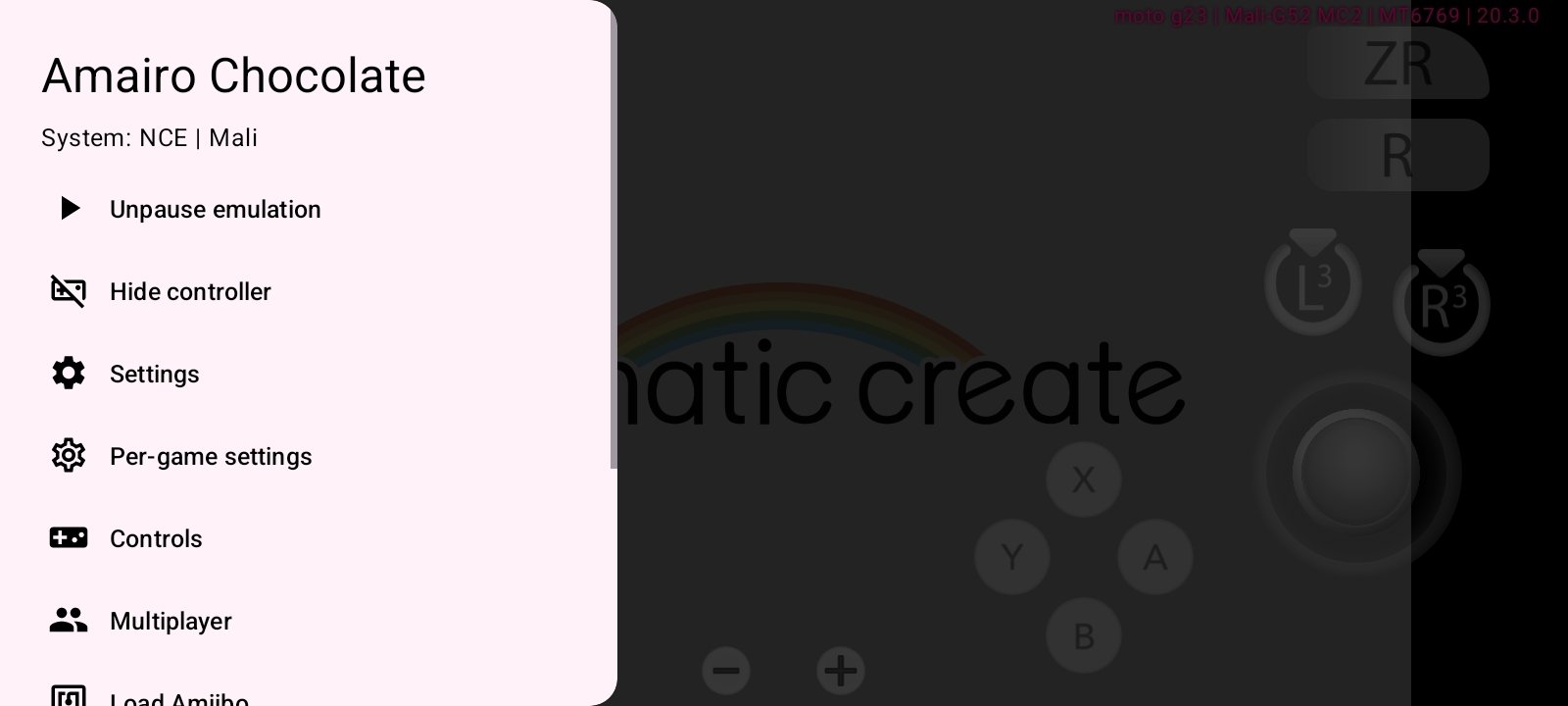
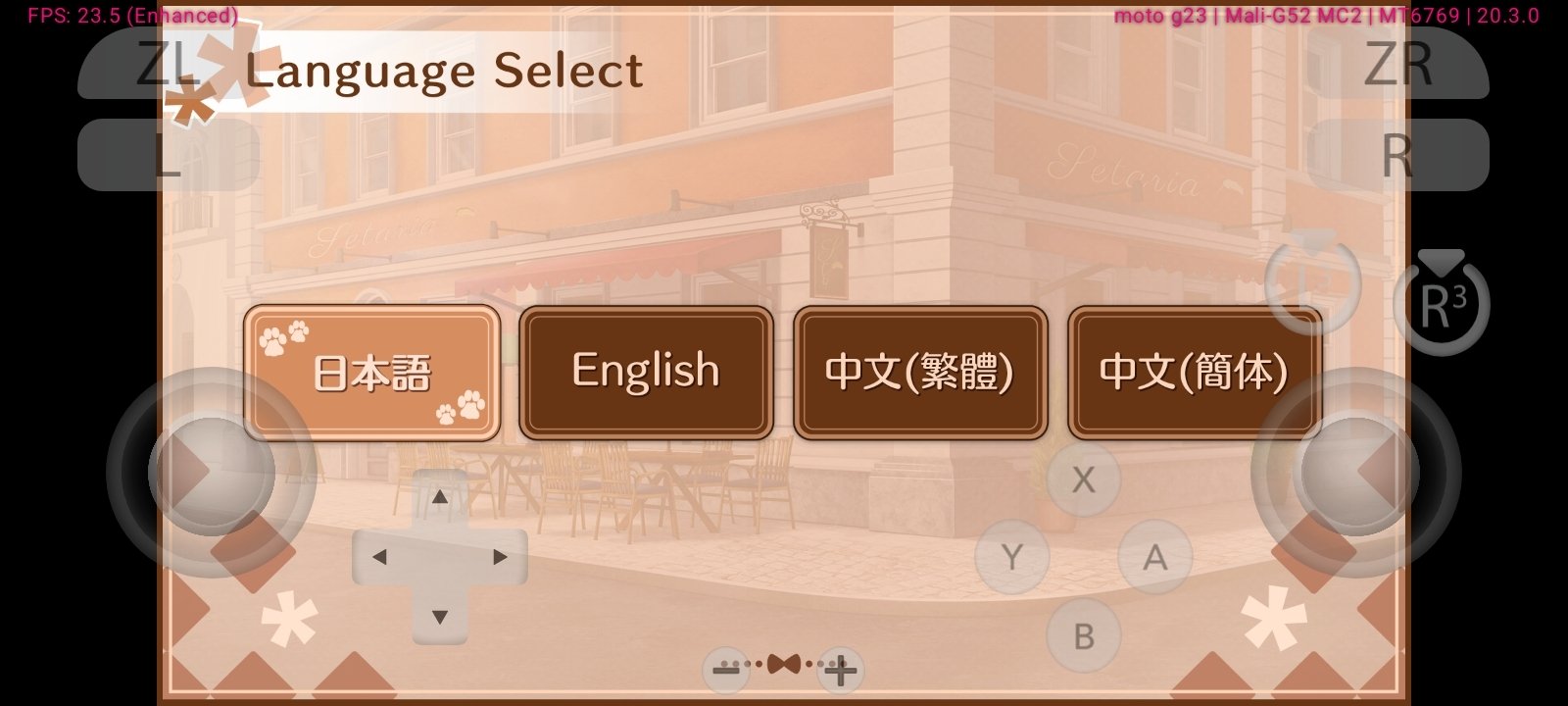
Eden Nightly APK is a free app that contains a Nintendo Switch emulator designed to run video console games on Android mobile devices. All of this comes with performance improvements, high-definition graphics, and optimized stability. It is a continuously developing version with certain experimental features and frequent updates to improve compatibility and the gaming experience.
How to play your Switch games on your Android mobile
When you download Eden Nightly Android for free you will have your hands an advanced solution within the genre of Nintendo Switch emulation on Android. Now then, it is a version in on-going development, with patches that fix errors and optimize performance. This implies that it is not always a completely stable app.
A next-generation, high-performance emulator designed to bring Nintendo Switch games to PC, Android, macOS, and other platforms with higher speed, better graphics, and greater stability.
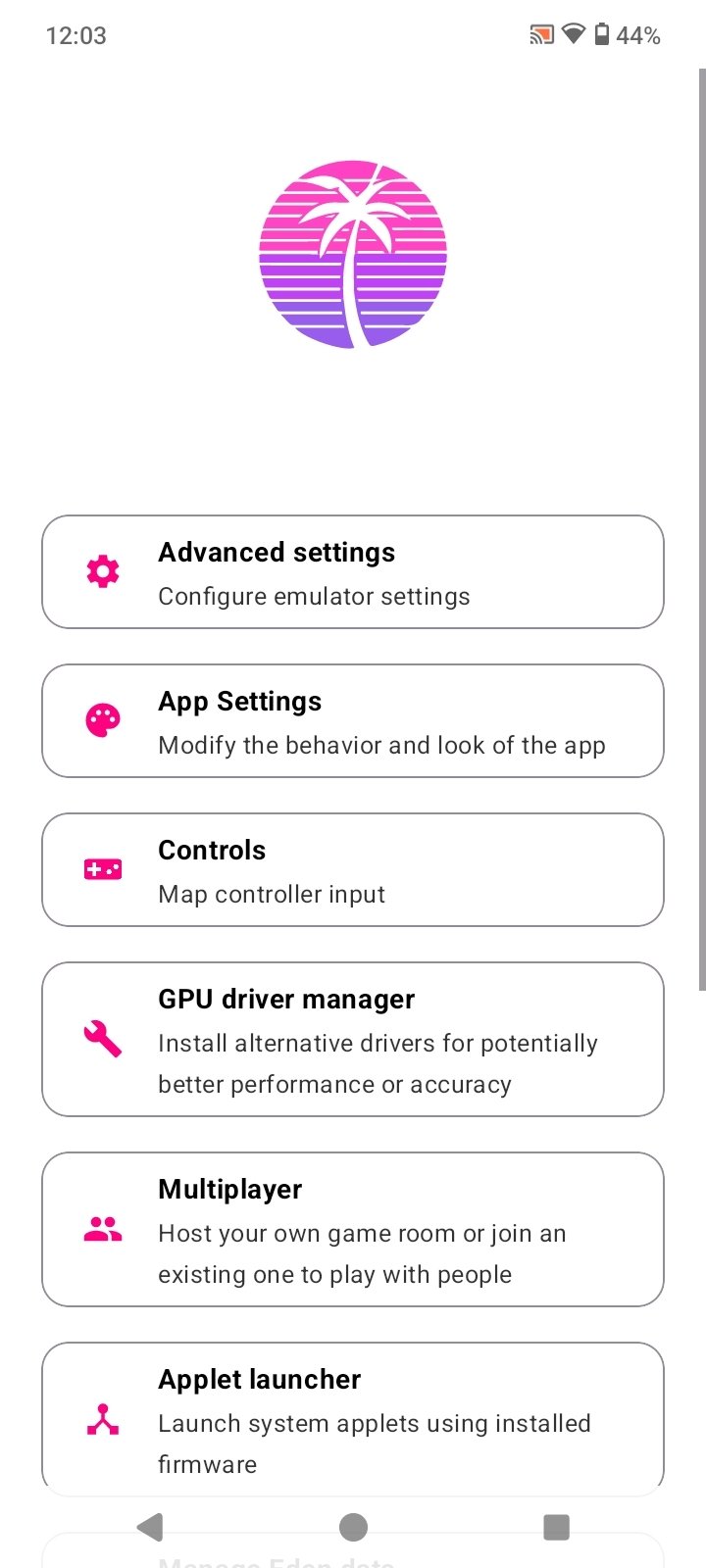
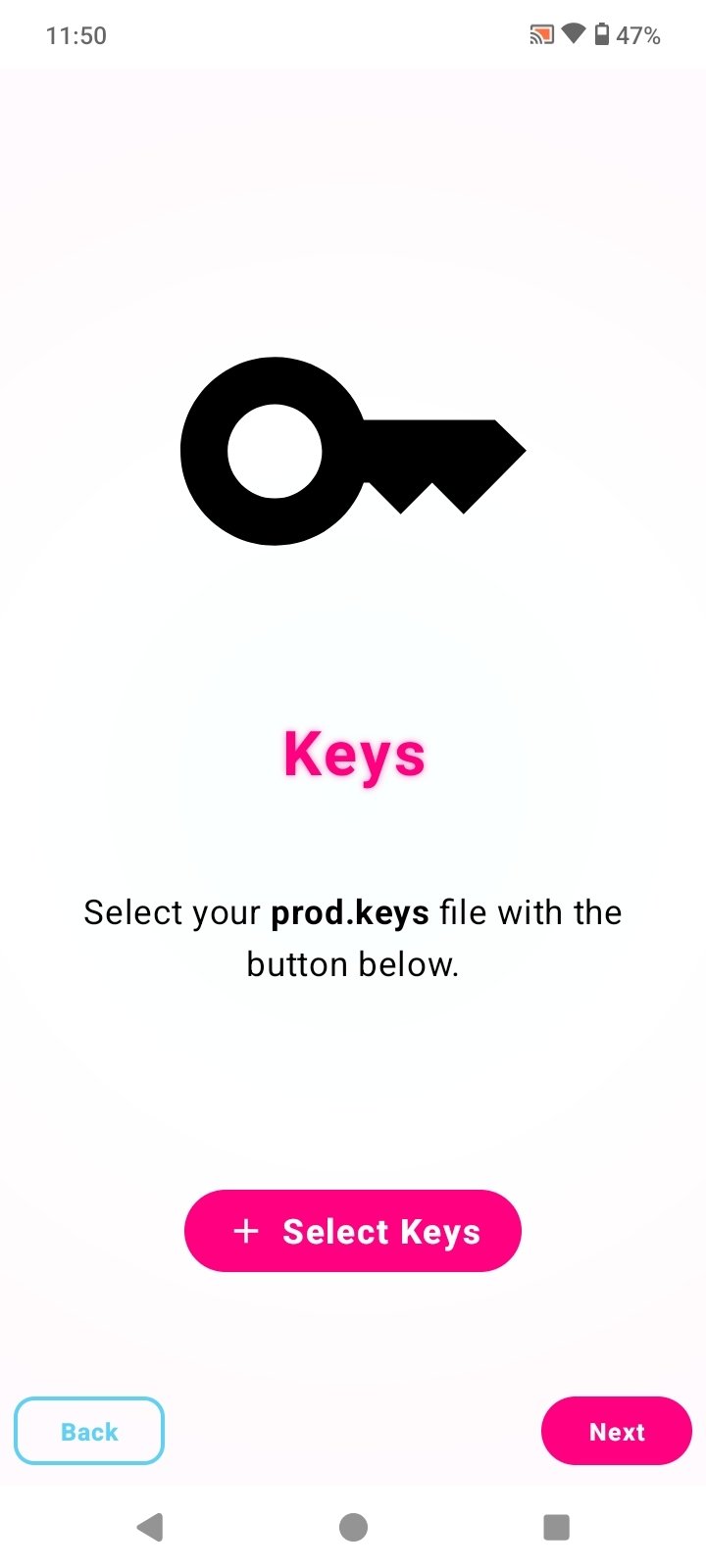
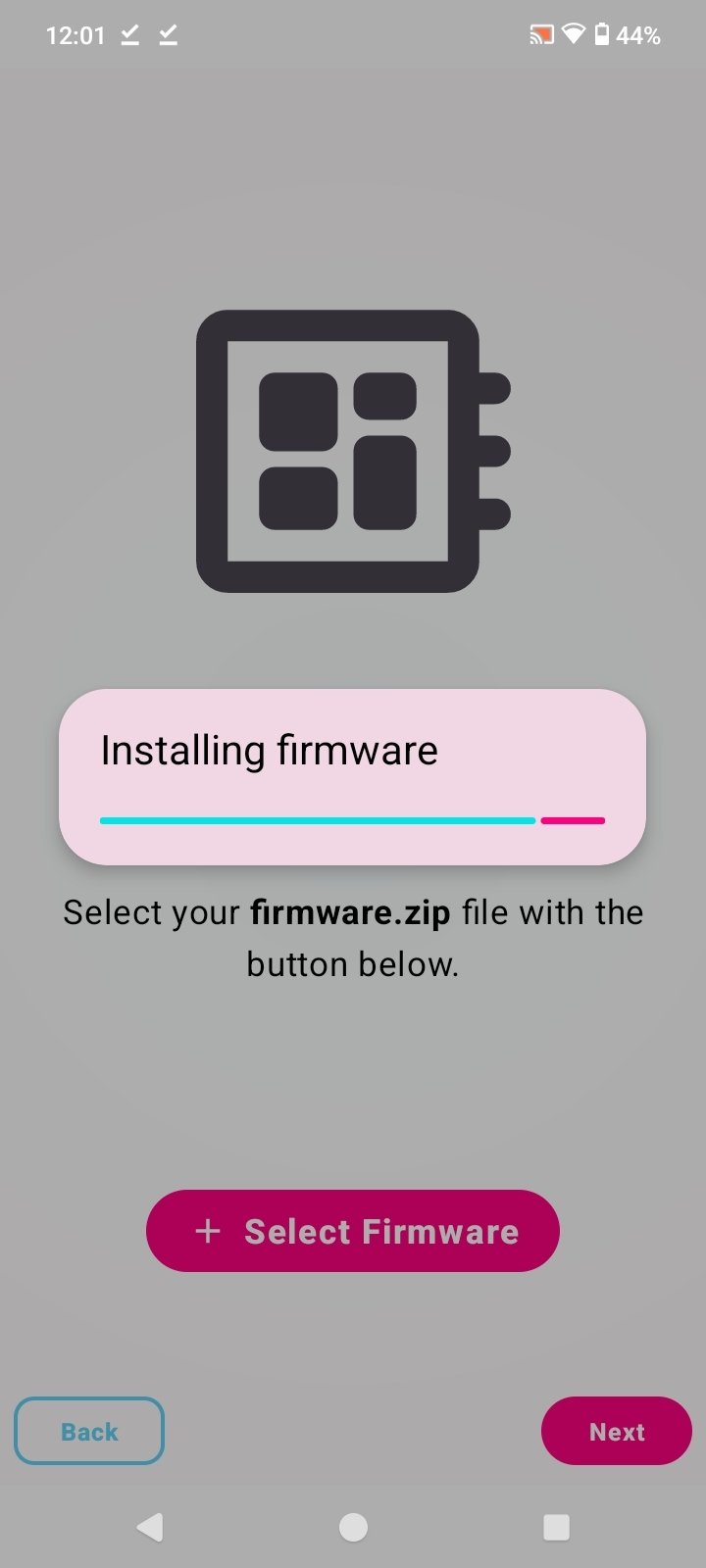
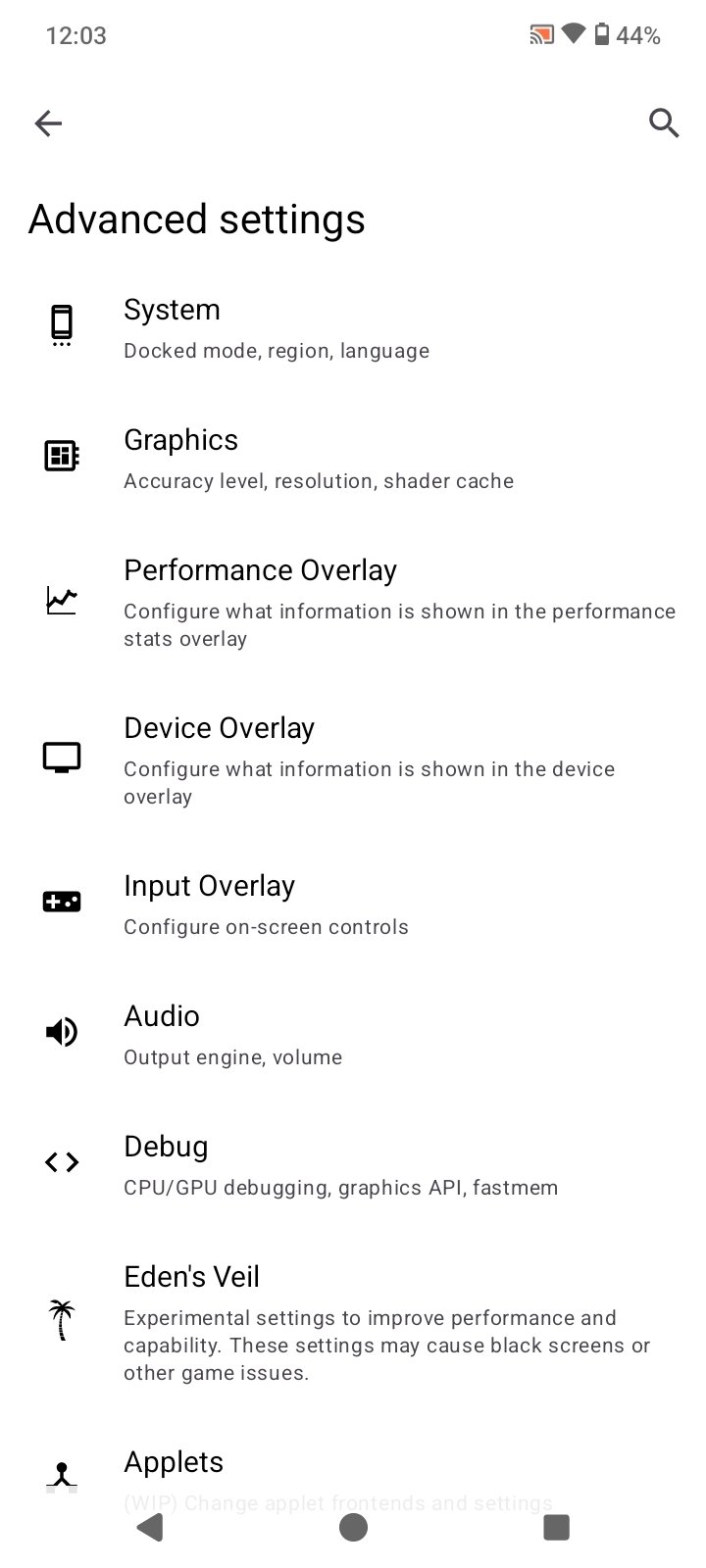
On the other hand, the emulator offers advanced configuration options that allow adjusting key parameters, such as performance, controls, or graphical behavior. In addition, it requires configuring the prod.keys file and the firmware to start the games. It is worth noting that neither these files nor Nintendo Switch games are included in the application, obviously.
Main features of Eden Nightly
- Nintendo Switch video game emulator for Android devices.
- Run games in .nsp and .xci formats.
- Advanced graphics engine with improvements in resolution, textures, and lighting.
- Compatible with popular console games.
- HD resolution and visual scaling.
- Frequent updates with constant improvements and bug fixes.
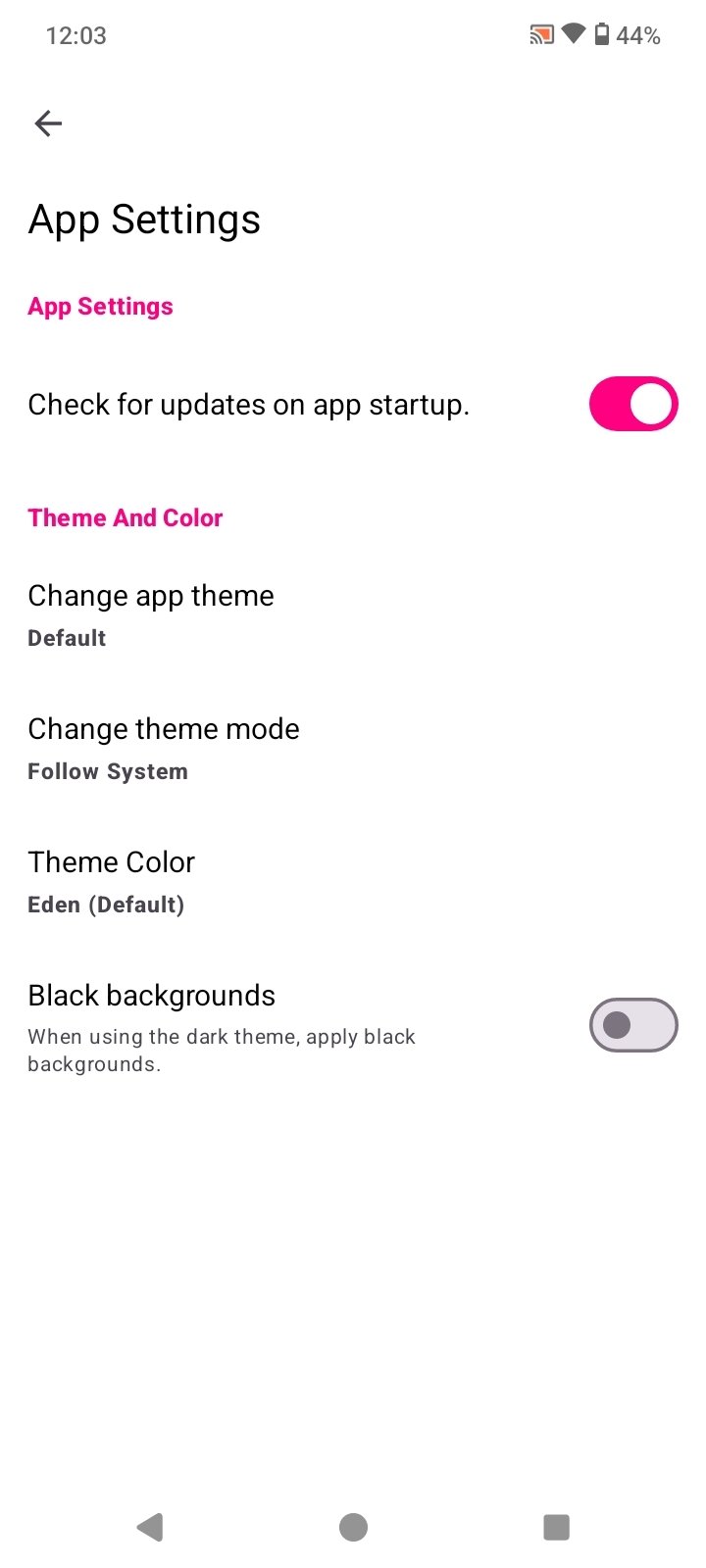
- Advanced performance and graphics parameter configuration.
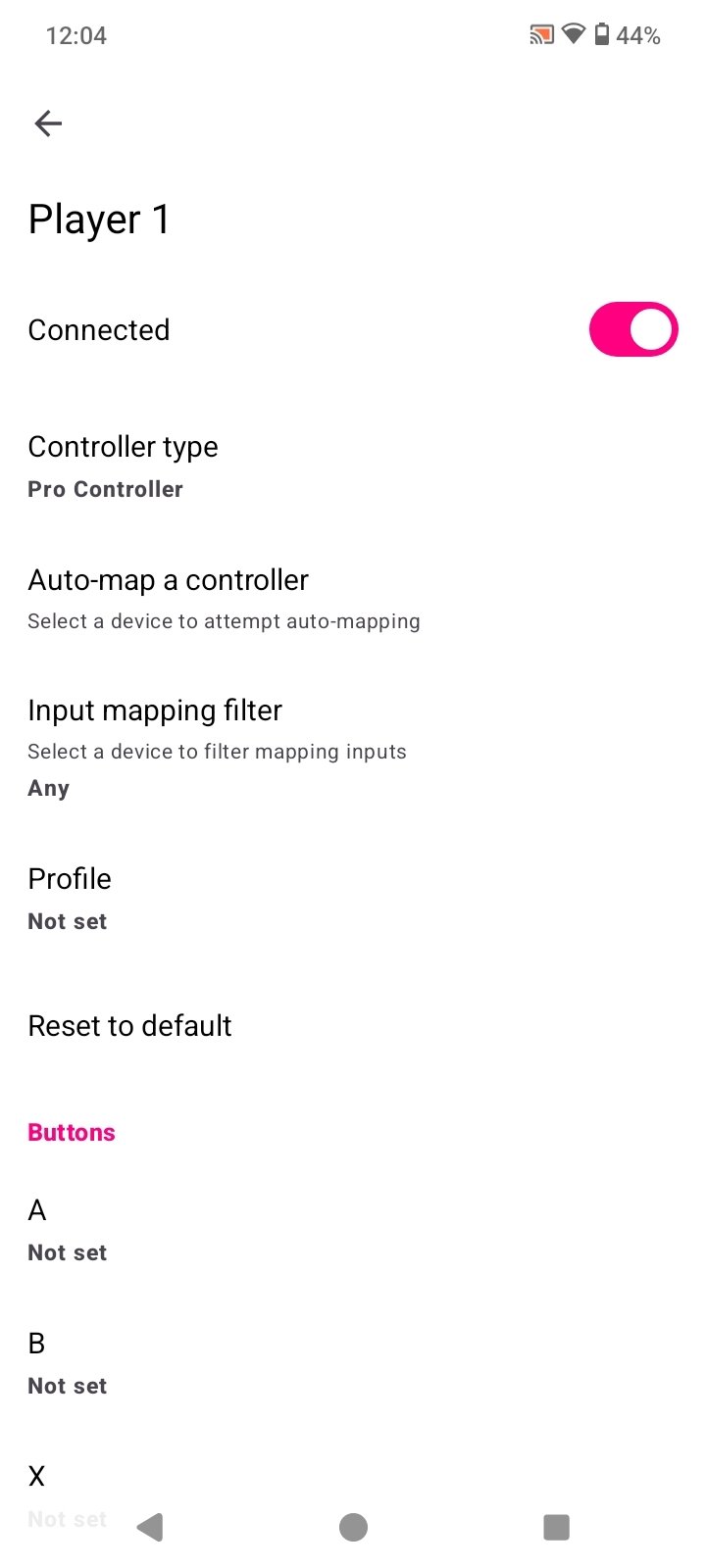
- Compatible with external controllers and gamepads.
- Customize on-screen controls.
- Progress save system.
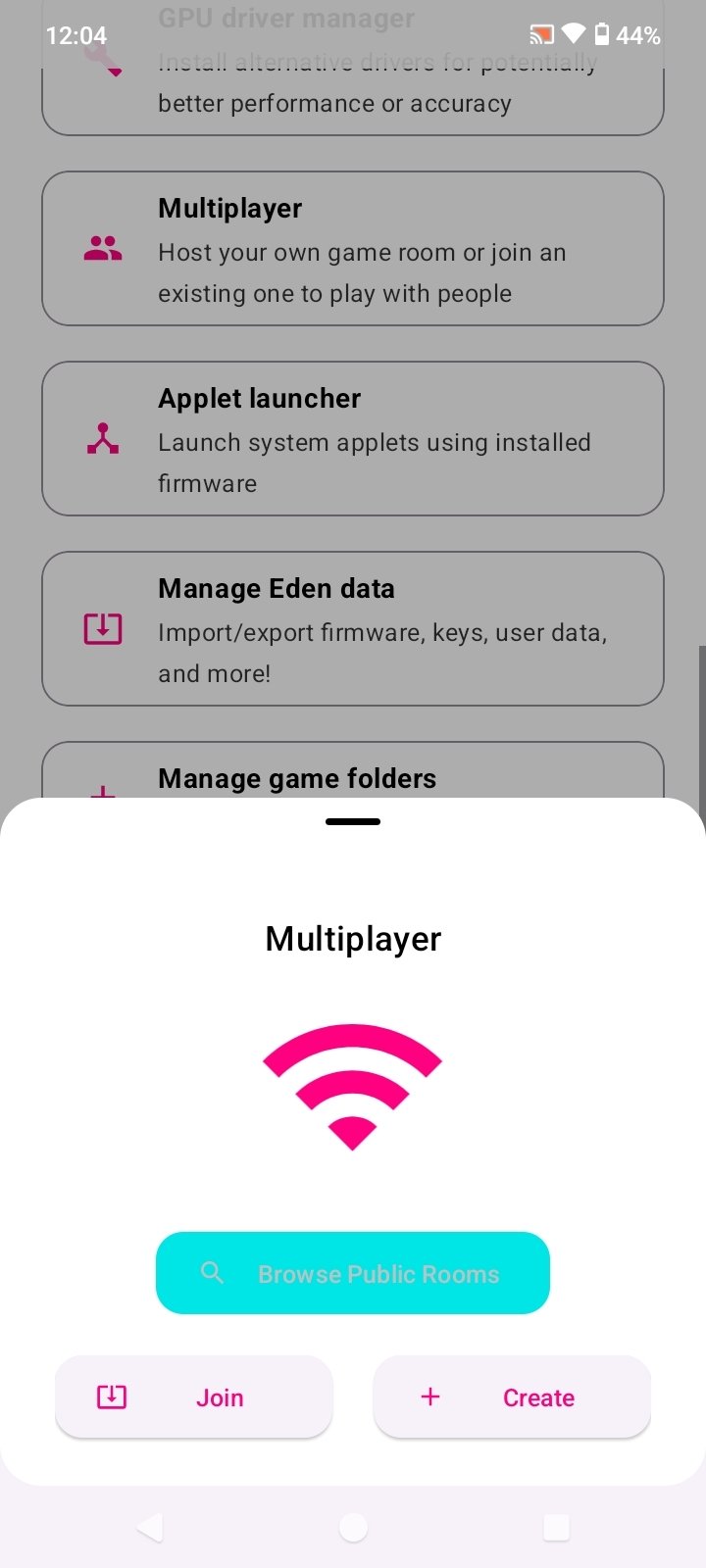
- Support for multiplayer mode.
- Experimental features in active development.
In short, Eden Nightly APK is an ambitious proposal within Nintendo Switch emulation on Android with advanced performance and control. Its development status implies certain trade-offs in stability, but also access to constant improvements.
Requirements and additional information:
- The installation of the app by means of the APK file requires the activation of the "Unknown sources" option within Settings>Applications.
 Almudena Galán
With a degree in Law and Journalism, I specialized in criminology and cultural journalism. Mobile apps, especially Android apps, are one of my great passions. I have been testing dozens of apps every day for over six years now, discovering all...

Susana Arjona