


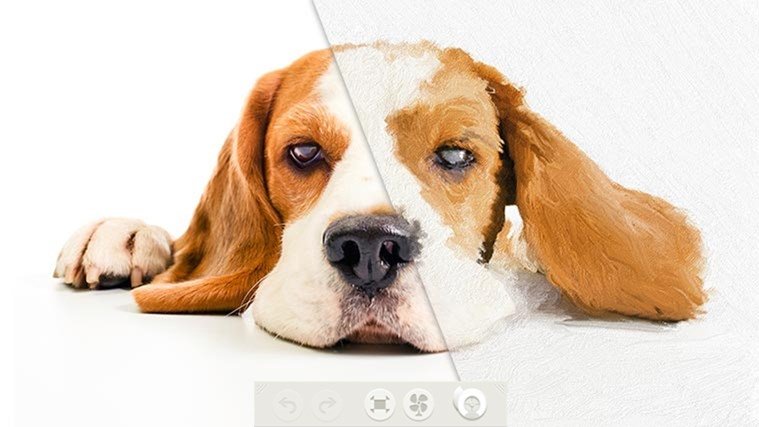
Transform images into canvas paintings
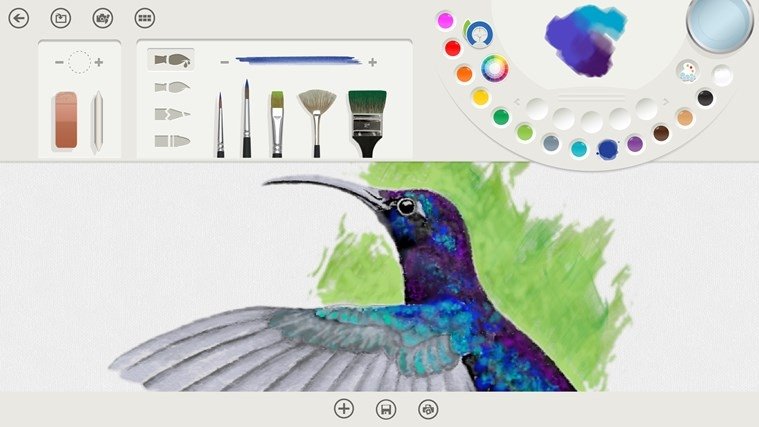
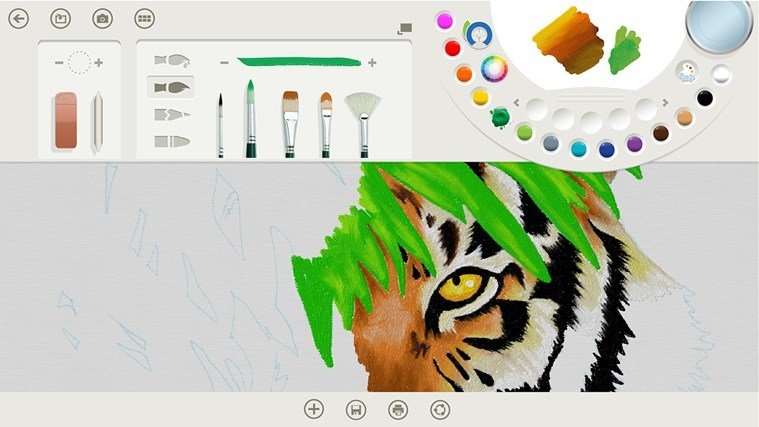
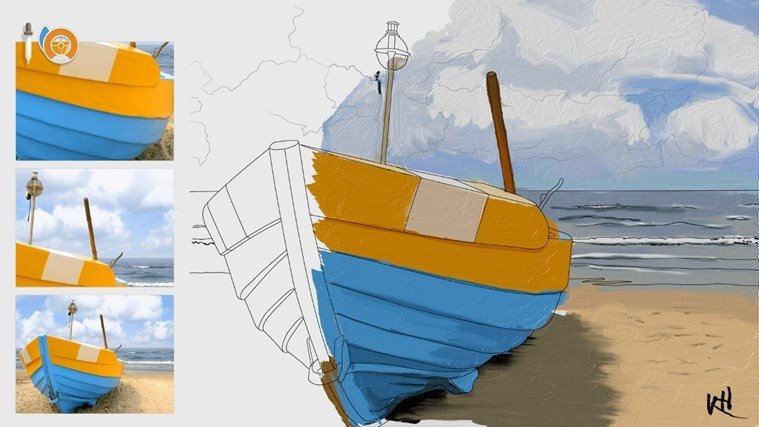
Emulate the greatest painters of all times by transforming any image into a beautiful painting thanks to its tools: oil, watercolors, brushes or pencils will all be available to reach a final result that will turn you into a painting master with Fresh Paint.
The road to success as a painter.
This painting program for Windows allows anyone keen on visual arts to feel like a real artist, being especially appealing for painters in the making. And all the latter, without having to worry about making mistakes on the canvas: with the undo and redo functions you can correct any error.
Features
- Pencils, watercolors and different types of brushes.
- Possibility to print on a canvas.
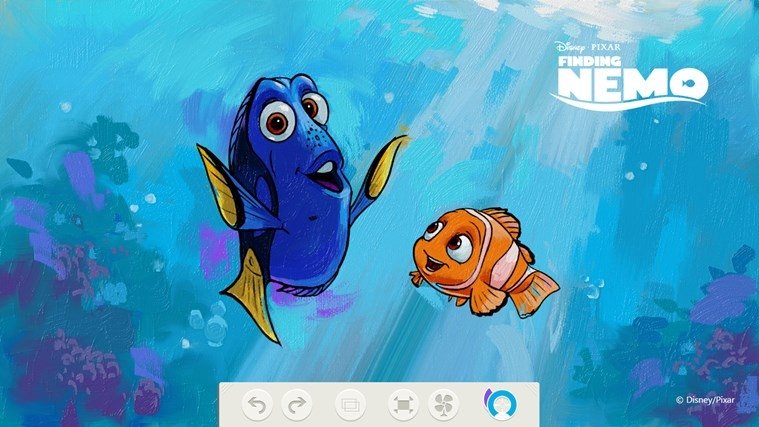
- Very realistic finishes.
- Possibility to convert any image into a painting.
- Combine and mix paints and colors to your own liking.
- Dry the paint on the canvas with a fan.
Start off in the world of painting without getting anything dirty and begin a promising career as an artist.
Requirements and additional information:
- Minimum operating system requirements: Windows 8.1.
- Offers in-app purchases.
 Elies Guzmán
With a degree in History, and later, in Documentation, I have over a decade of experience testing and writing about apps: reviews, guides, articles, news, tricks, and more. They have been countless, especially on Android, an operating system...

Antony Peel