



Work with spreadsheets from Android
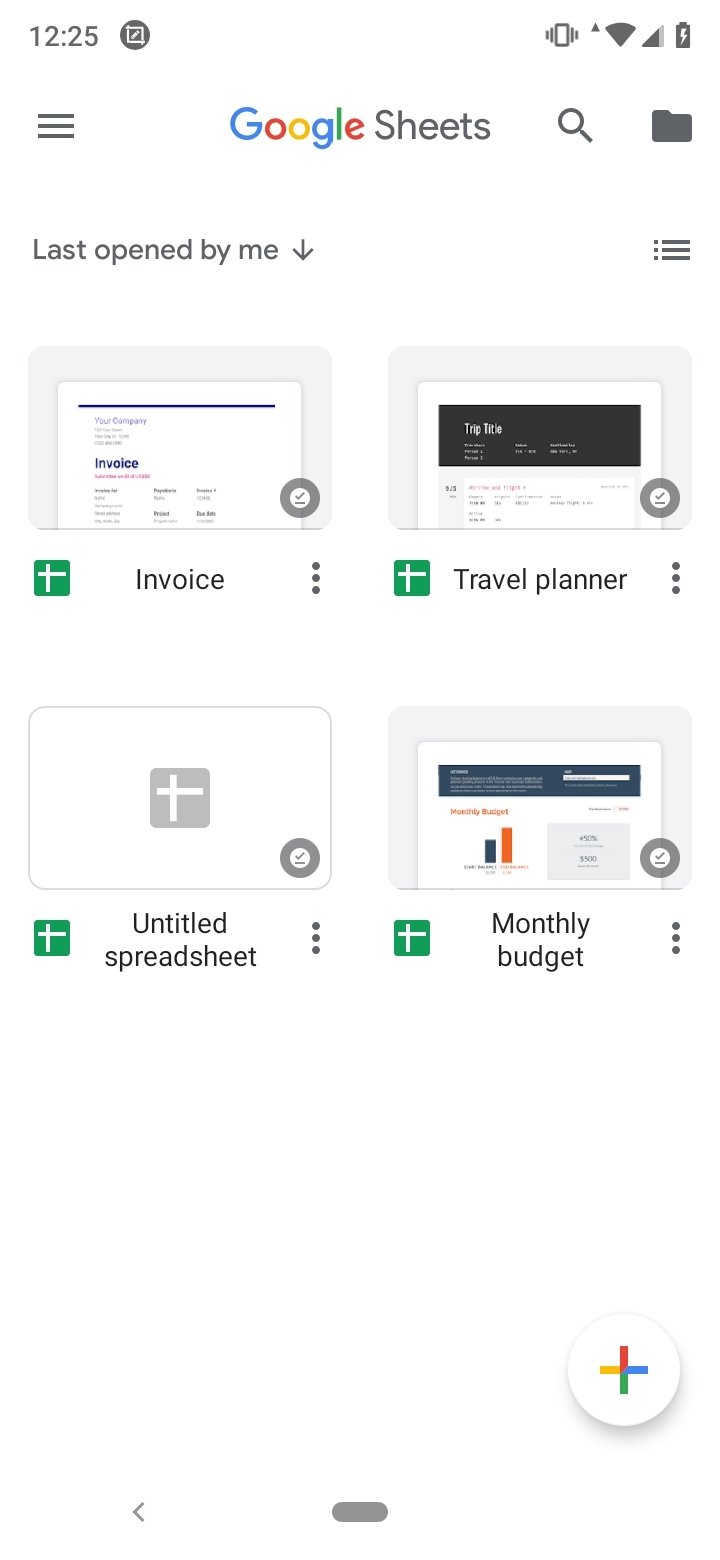
Microsoft no longer has an exclusive position at the top of the office automation world. Google has managed to face it thanks to its online suite that allows us to access all our work in documents, presentations, forms, and spreadsheets wherever we are and from any device. Today we bring you the application for Android of the online service Google Sheets APK or Google Spreadsheets. With it, the user can access from his smartphone all the spreadsheets available in your Google account as well as create new ones and work on them alone or in collaboration with other users. And just like the rest of Google's office tools, you can download Google Sheets Android for free.
Google's solution for working with numerical data from your smartphone.
Main features
Google Sheets APK includes all the options a user may need when working on spreadsheets:
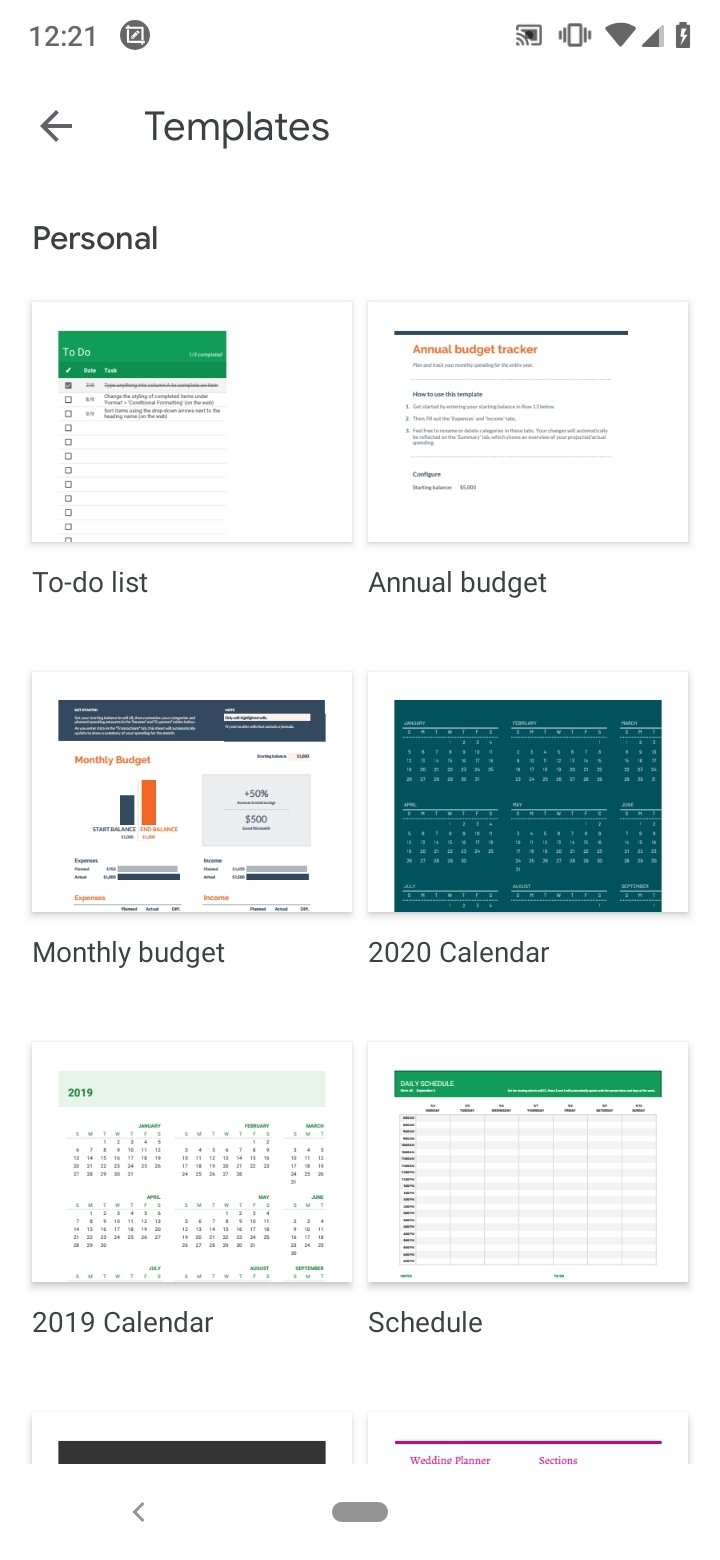
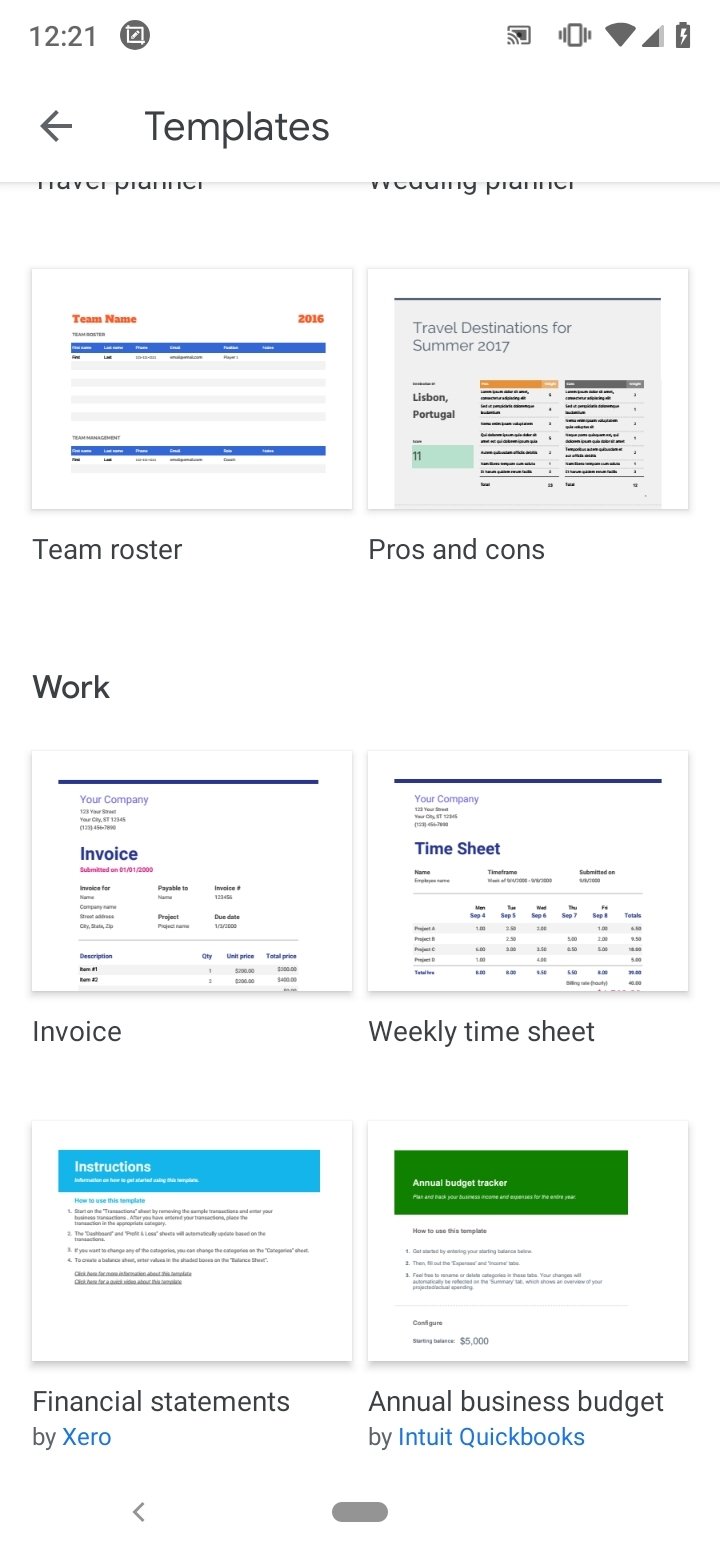
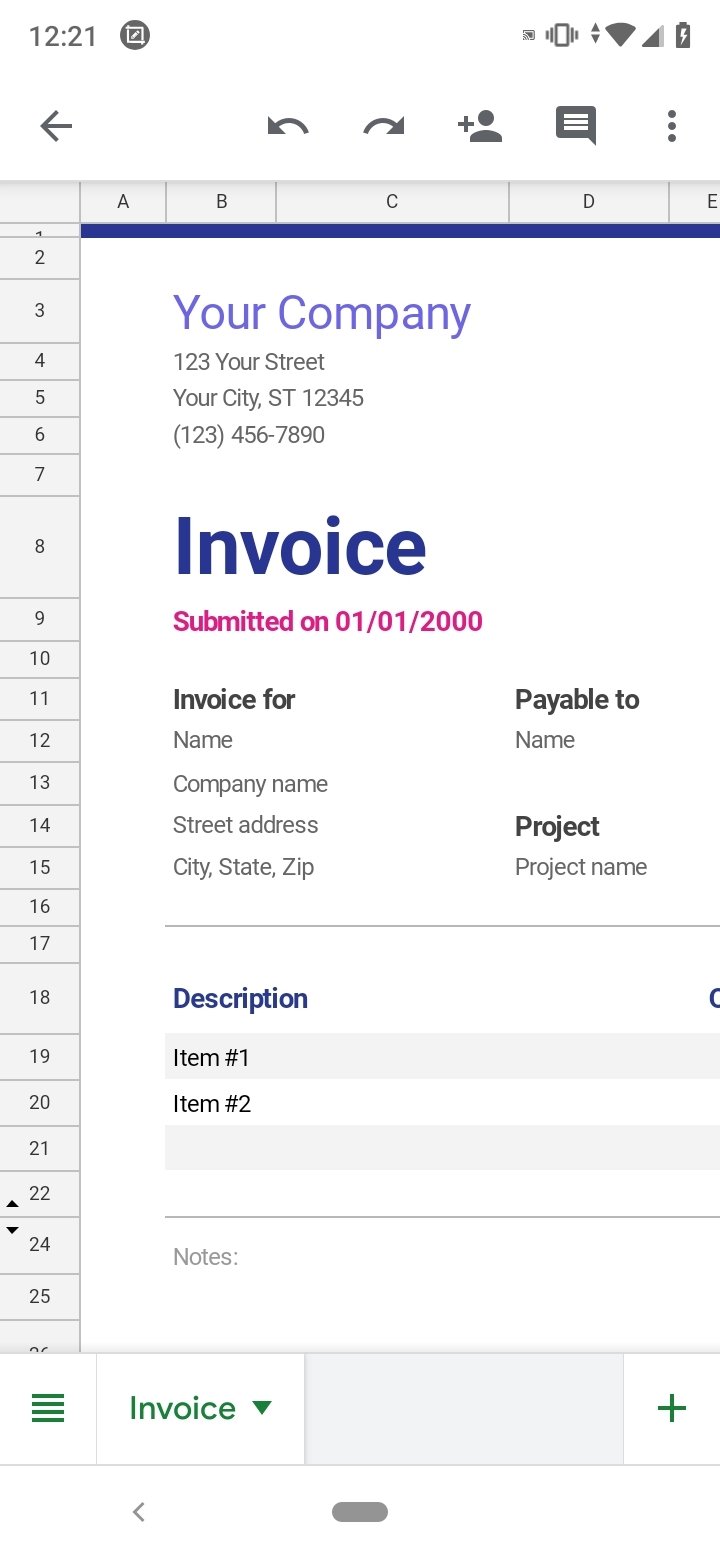
- Create spreadsheets or open the ones you have on the web or another device.
- Share documents and work collaboratively.
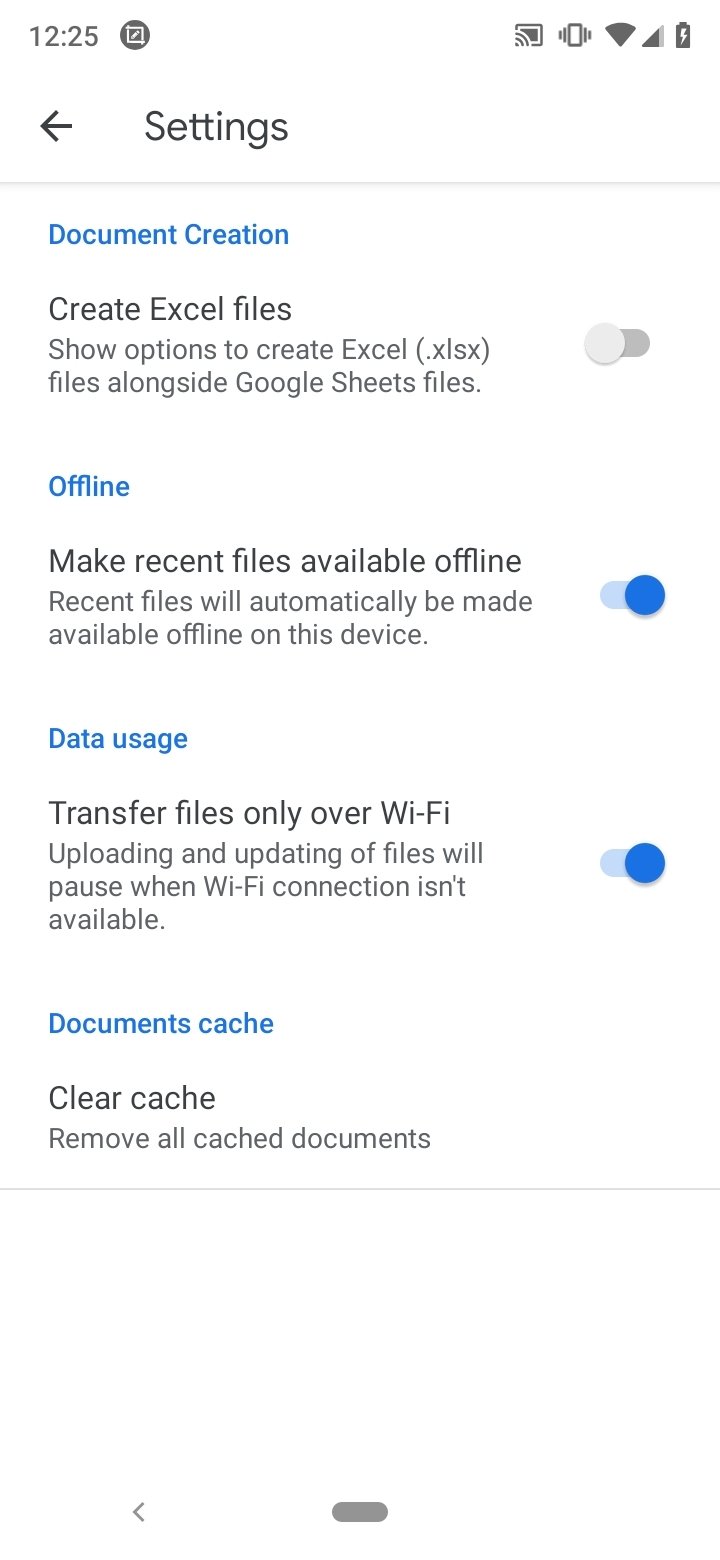
- Work without an Internet connection.
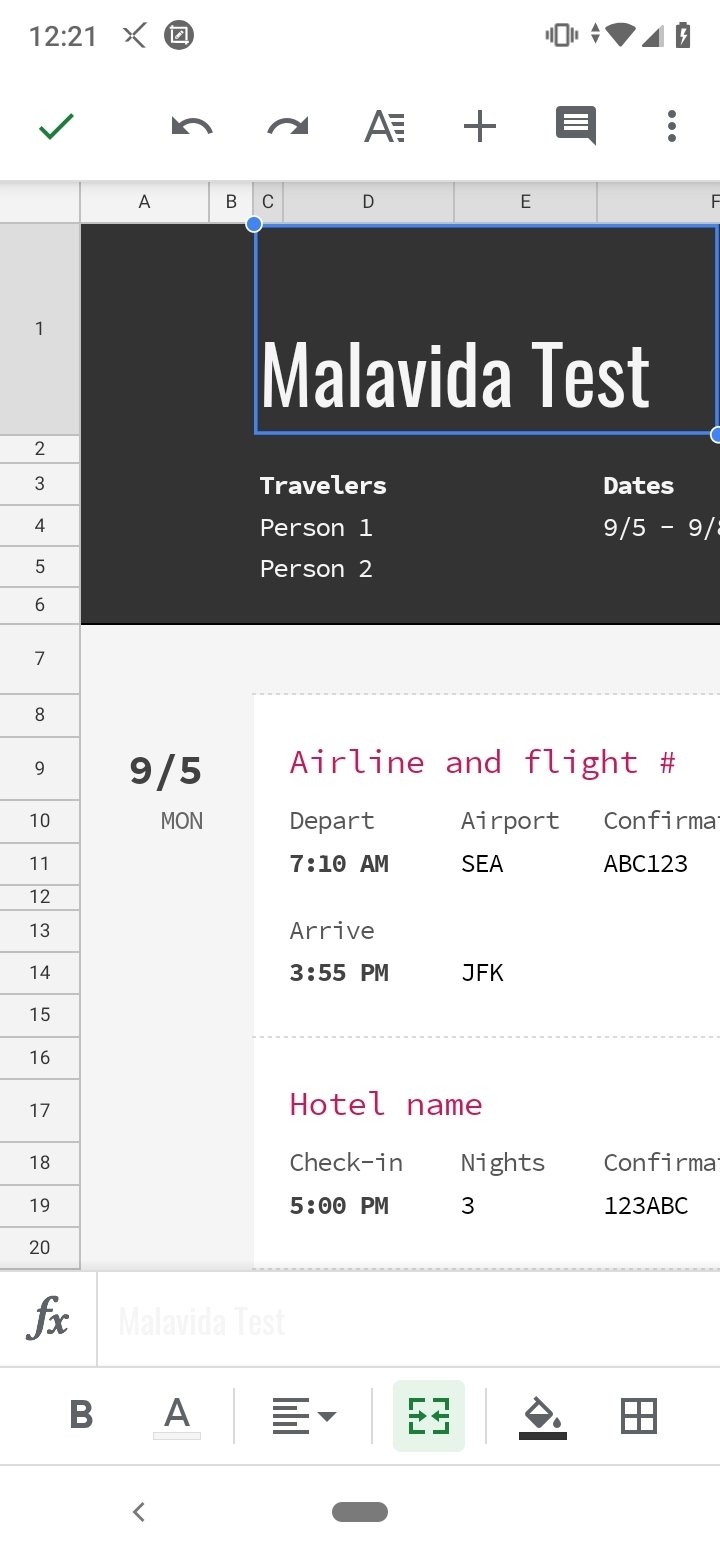
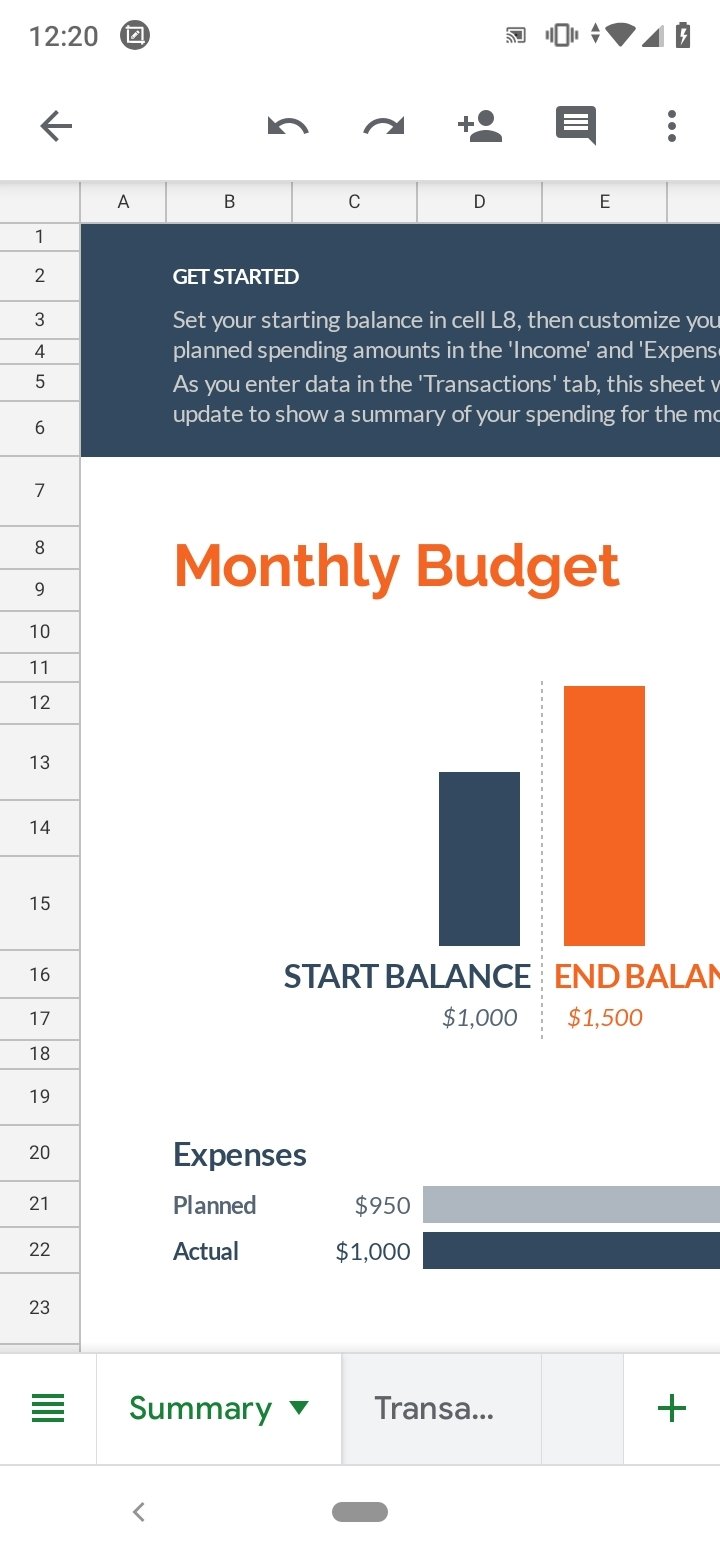
- Format cells, enter data, and perform all kinds of operations.
- You can use graphics, search and replace in documents, add formulas, and any operation you may need.
- Don't lose your work by automatically saving as you type.
- You can open, edit and save Excel files.
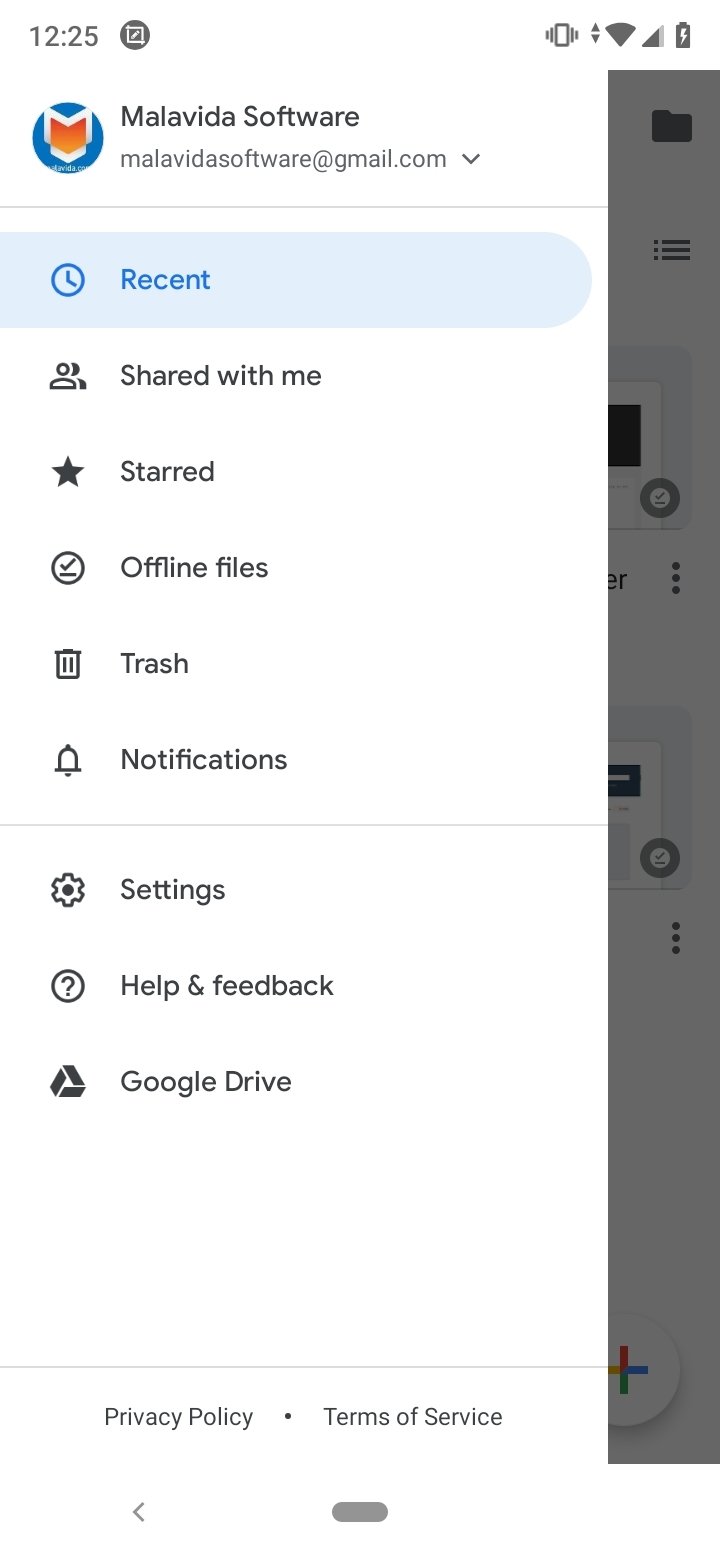
In addition, as the Google office suite is online, the user will have access to all your documents, whether Spreadsheets or any other type from any device or Internet access where you are logged in with your Google account. You simply have to download Google Sheets Android for free.
What's new in the latest version
- Bug fixes and minor performance improvements.
Requirements and additional information:
- Minimum operating system requirements: Android 8.0.
 Lauriane Guilloux
Hi, I’m Lauriane Guilloux. I grew up surrounded by gadgets and technology and everyone who knows me assumes that it will always be one of my greatest interests. I’ve evolved hand-in-hand with PCs, laptops, video gaming consoles, smartphones,...

Shay O’Toole