



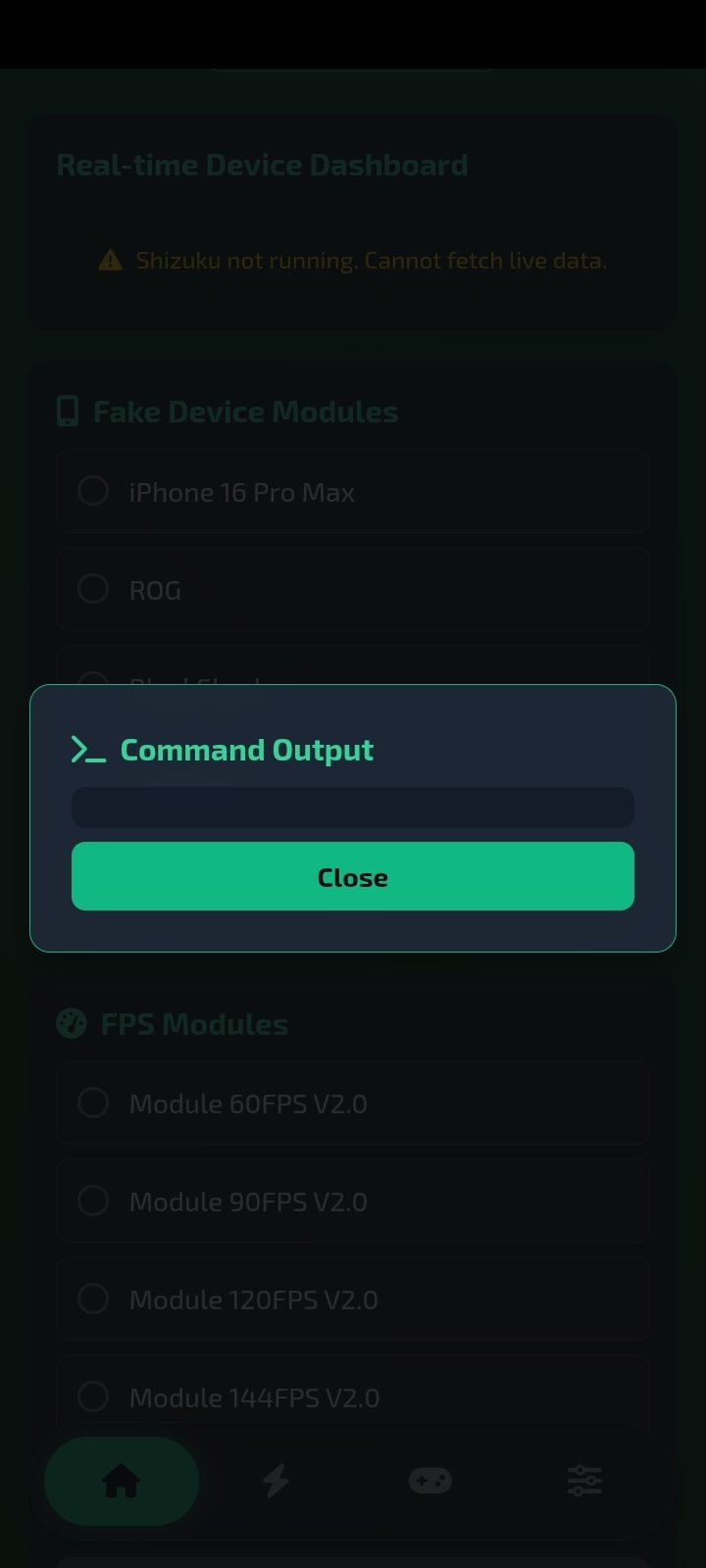

A Magisk-based optimization suite for Android
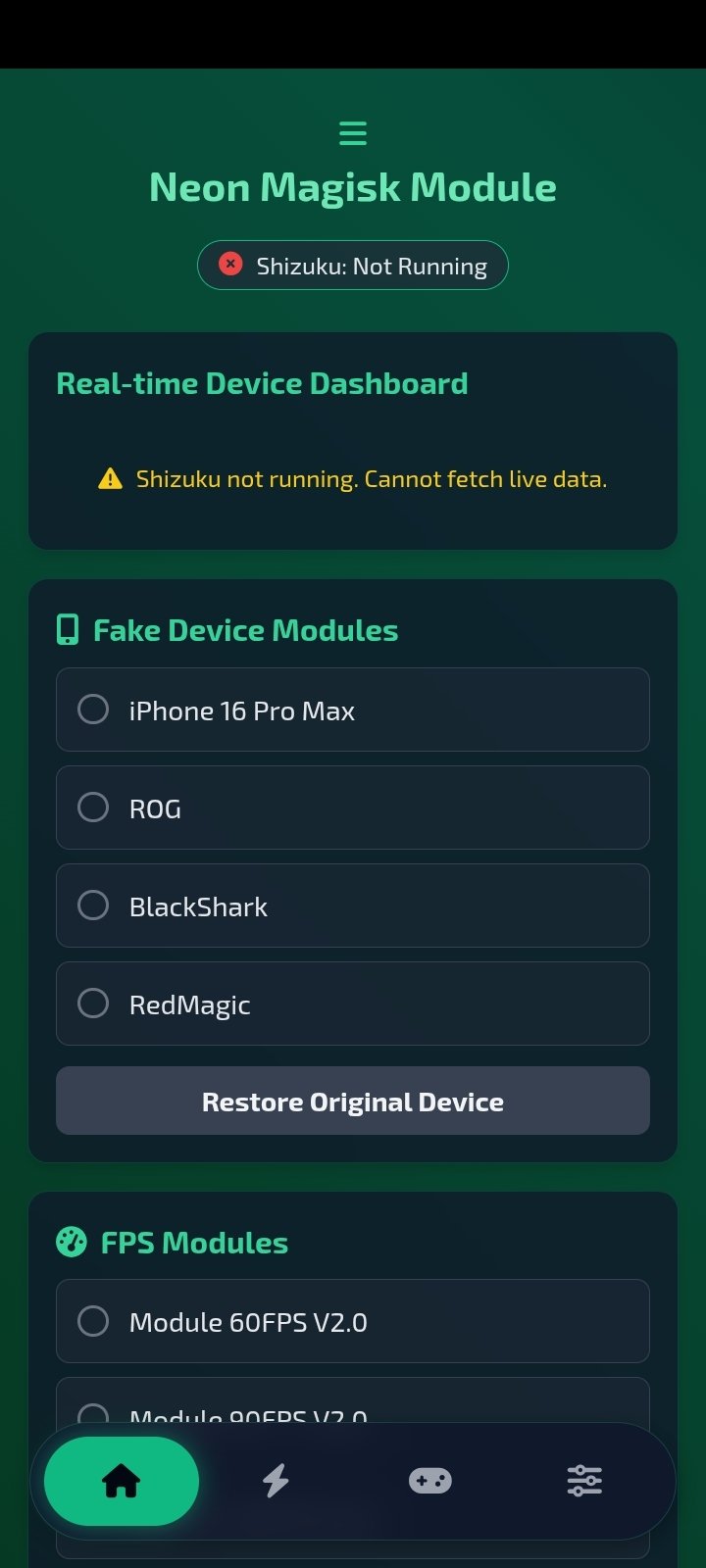
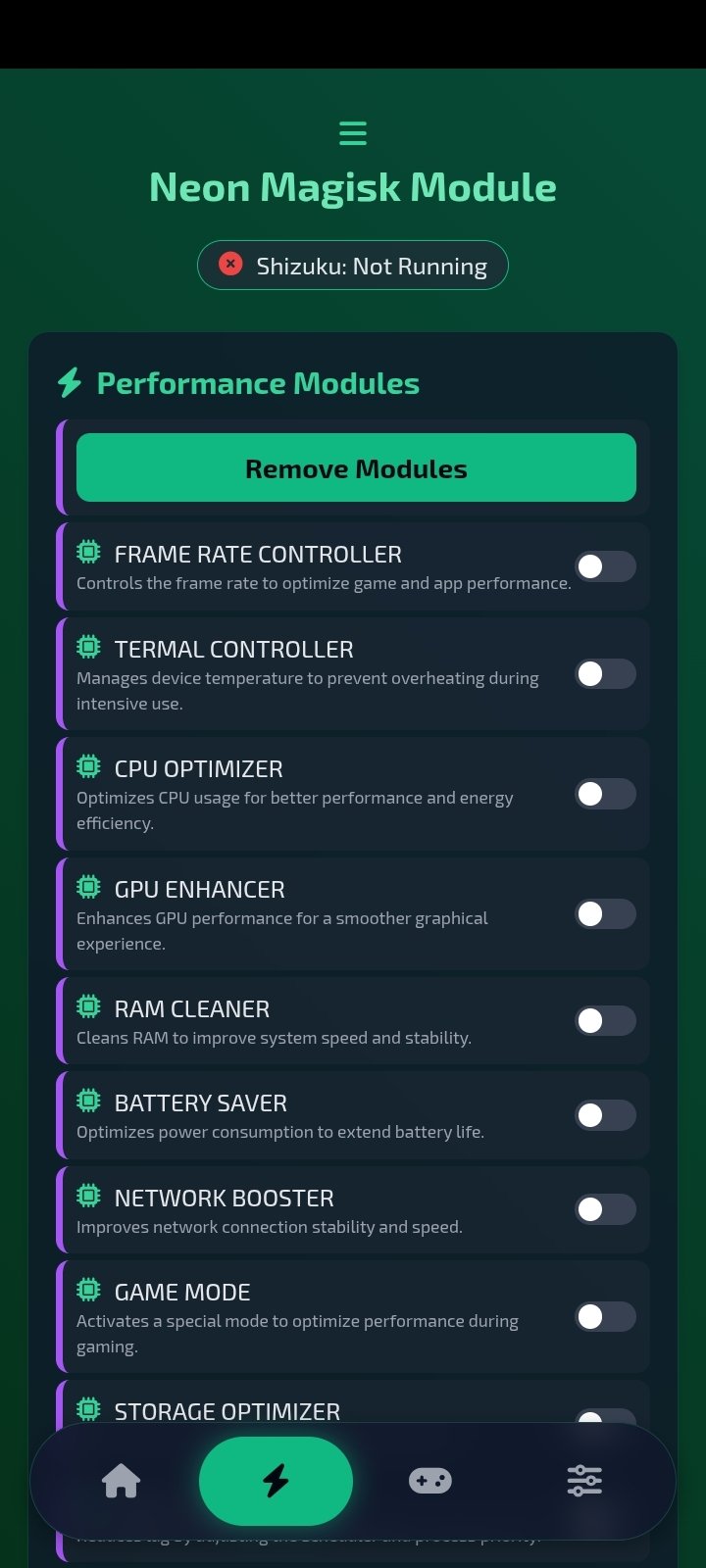
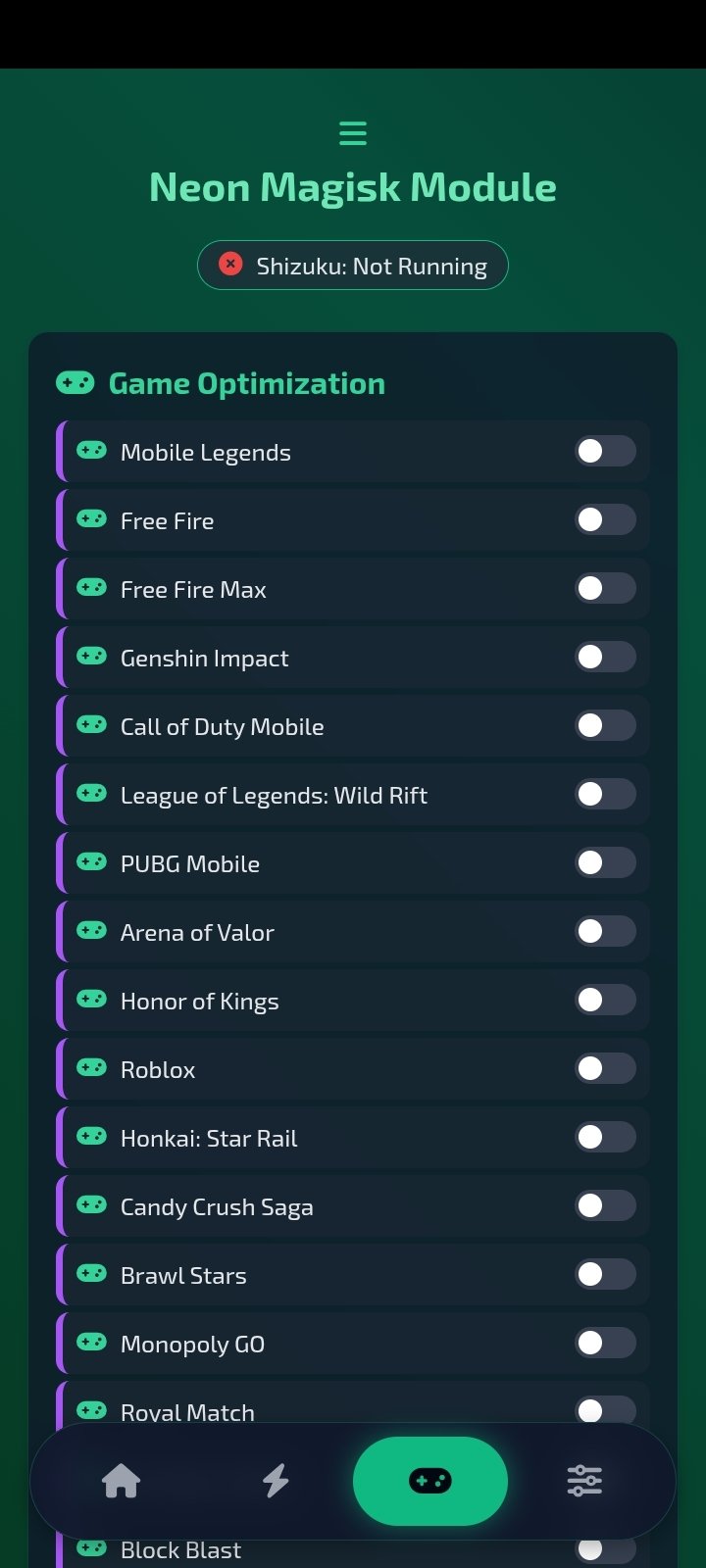
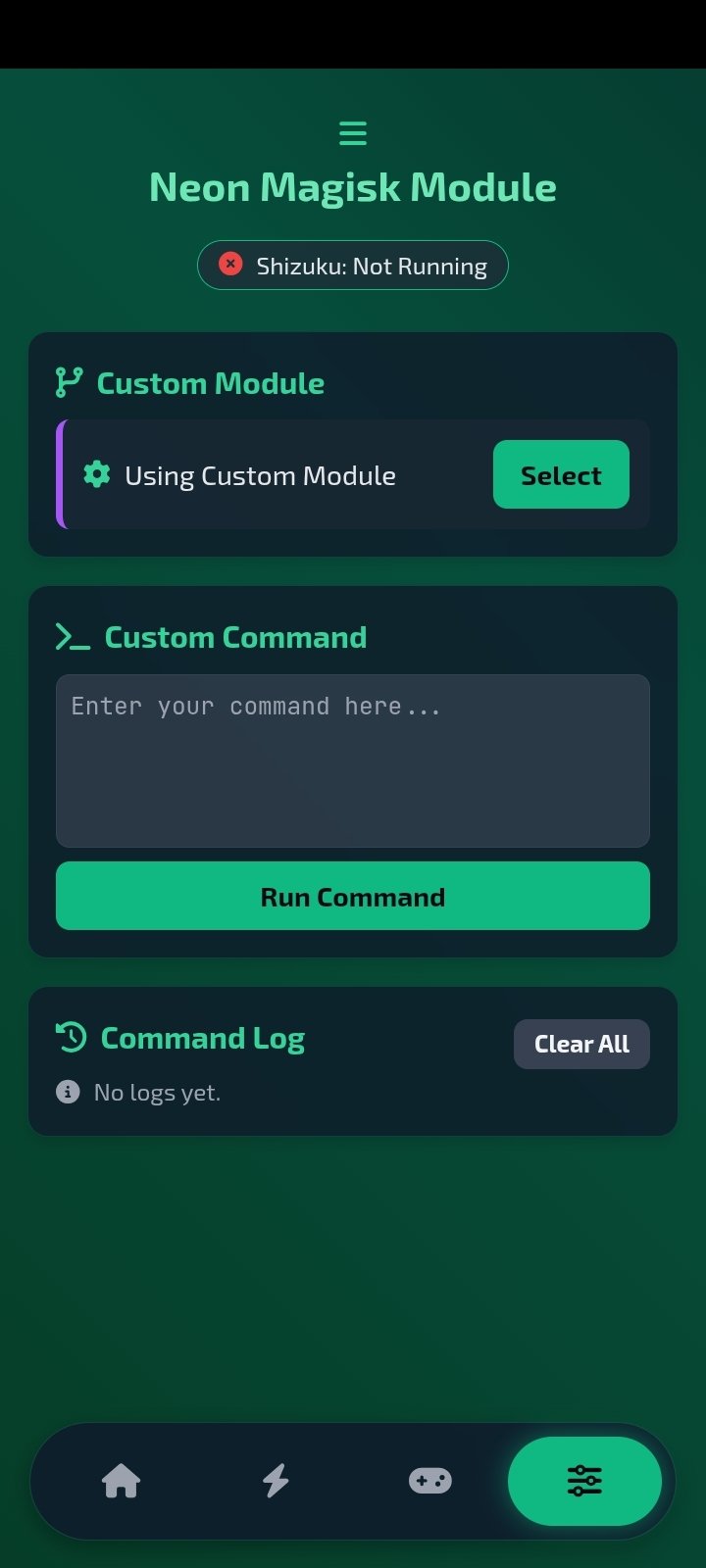
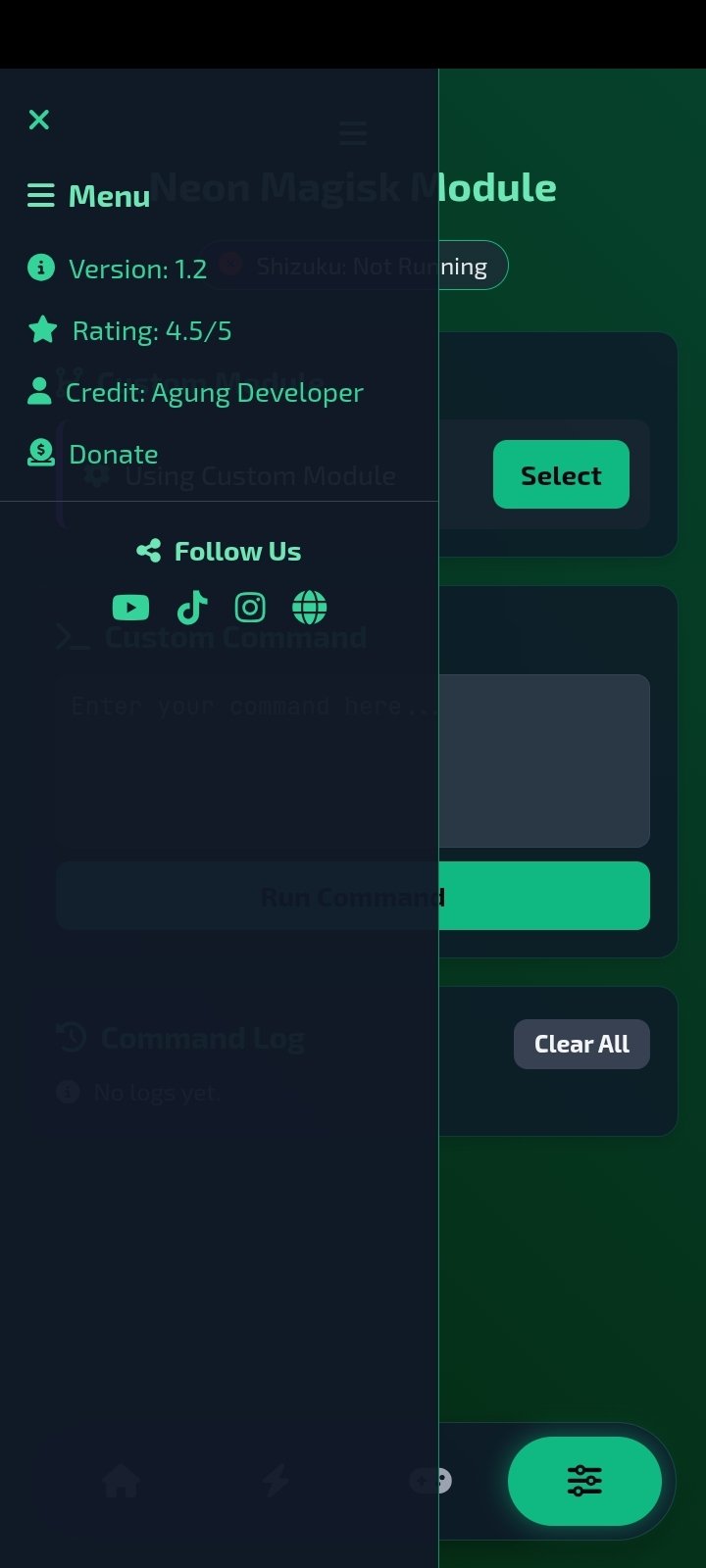
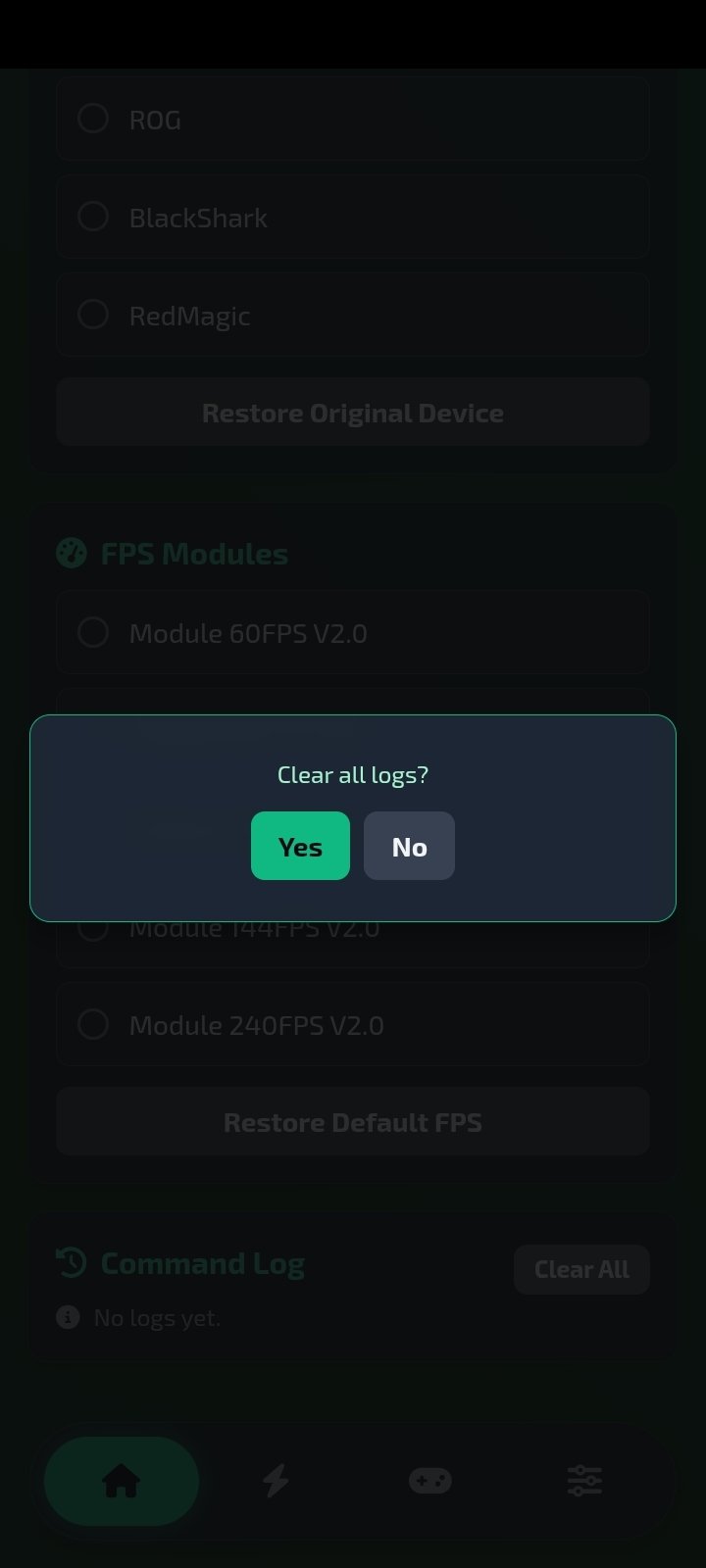
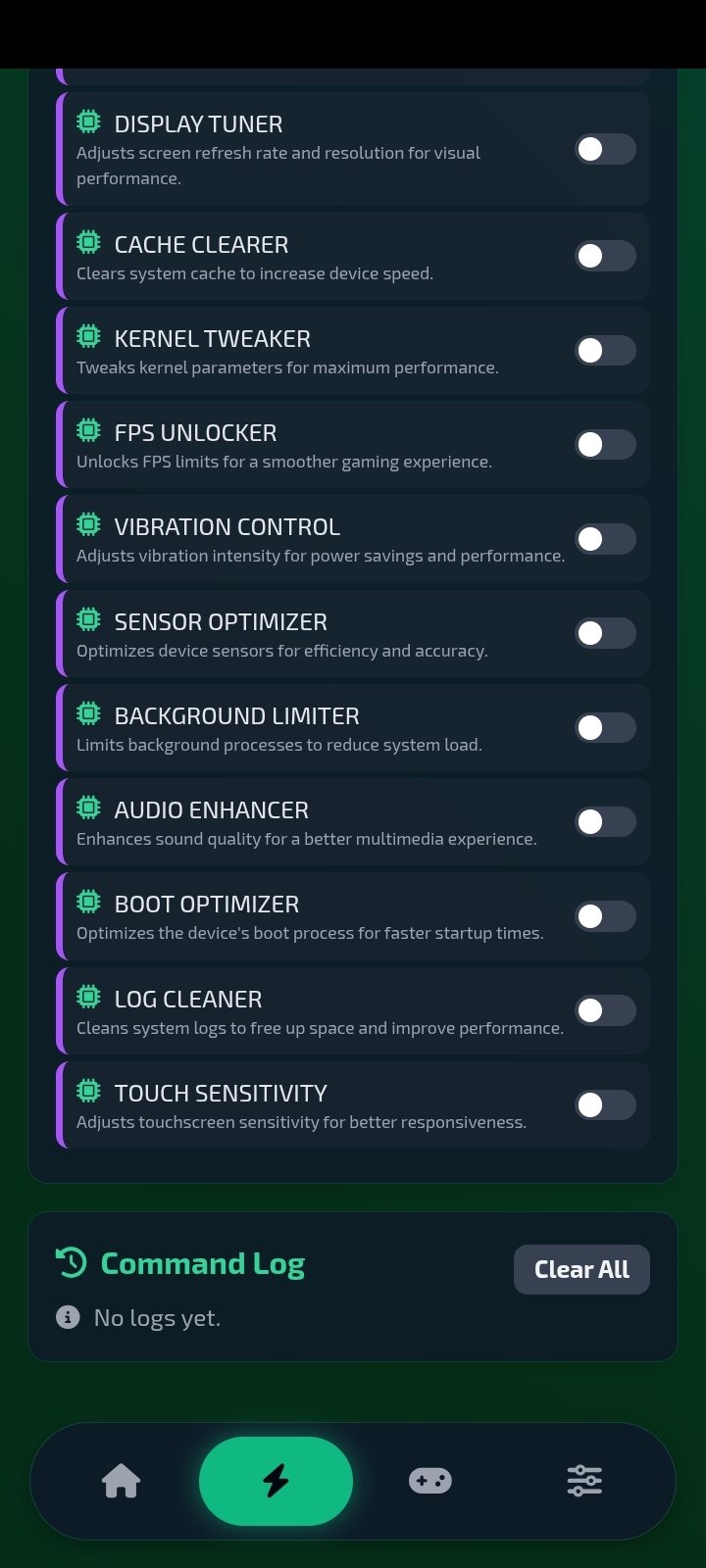
Neon Magisk Module APK is an advanced app for Android devices that expands customization and system optimization possibilities. Its goal is to improve performance, offer additional security settings, enhance mobile game execution, and add features that are not available by default. This tool is designed for users with technical knowledge who seek deeper control over their smartphone, although its use is fairly intuitive.
What is Neon Magisk Module and what's it for?
This module integrates with Magisk, the well-known root management system, and adds options ranging from graphical enhancements to battery and security tweaks. Unlike a conventional app, when you download Neon Magisk Module for free you get a handy add-on that works in the background to modify system parameters, always in an reversible way and without permanently altering the device's partition.
This application allows users to make the most of their device's potential through advanced system tweaks and optimizations.
Main features of Neon Magisk Module
- An app for expanding customization and optimization options for mobile devices with Android 11 or above.
- Aesthetic customization options, including animations, effects, and visual modifications.
- Optimization tools for longer battery life.
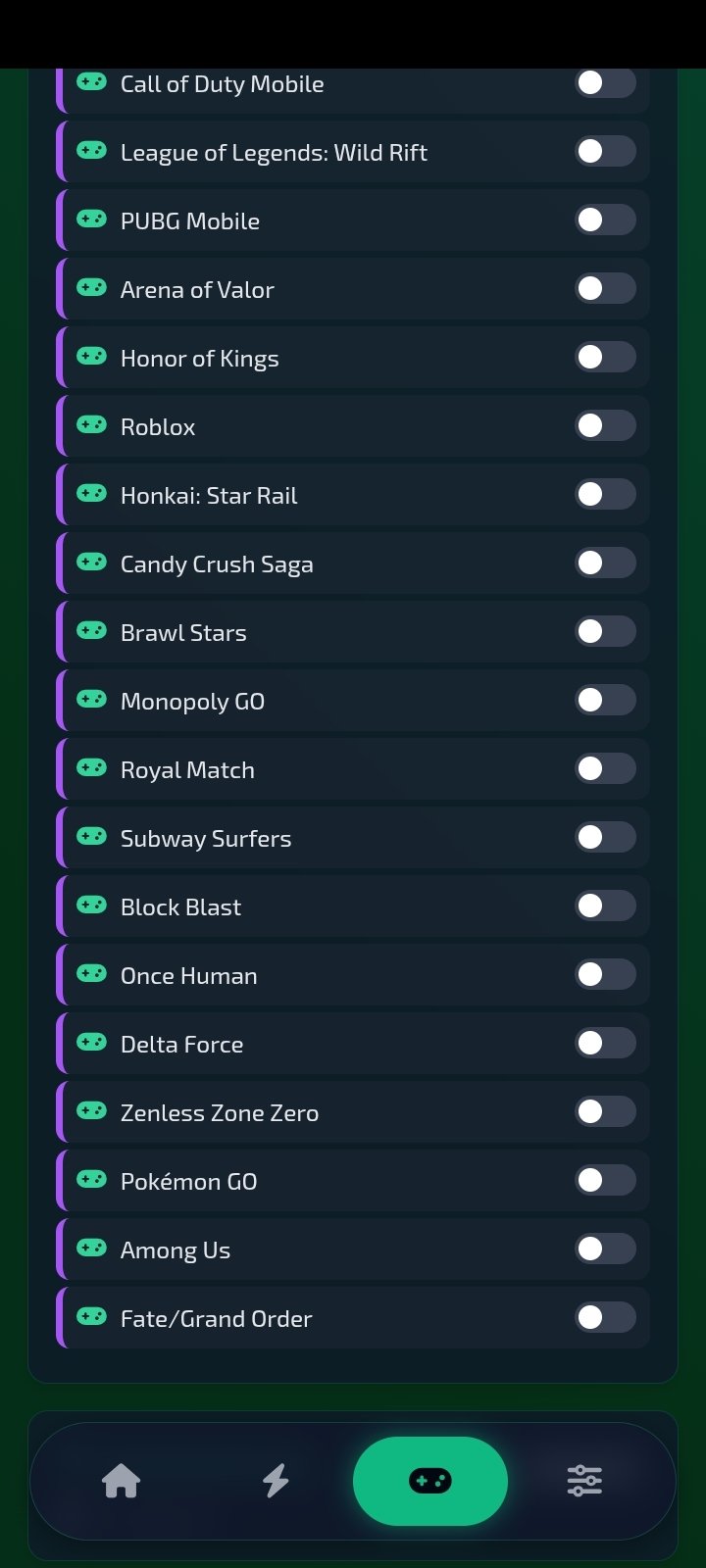
- Advanced network and game performance settings.
- Additional security and privacy features tailored for rooted devices.
- Support for frequent updates with new improvements.
- Modular configuration that allows for the activation of only the necessary features.
- Compatibility with a wide range of Android devices.
- Requires Shizuku for proper functioning.
In summary, Neon Magisk Module Android is not a conventional app, but rather a technical add-on aimed at users who want to take system management a step further. It is a powerful tool for experimenting with the system and having full control of the device. When properly configured, this app provides extra flexibility and performance.
Requirements and additional information:
- Minimum operating system requirements: Android 11.
- The installation of the app by means of the APK file requires the activation of the "Unknown sources" option within Settings>Applications.
 Almudena Galán
With a degree in Law and Journalism, I specialized in criminology and cultural journalism. Mobile apps, especially Android apps, are one of my great passions. I have been testing dozens of apps every day for over six years now, discovering all...

Sean Mitchell