






Office for iOS
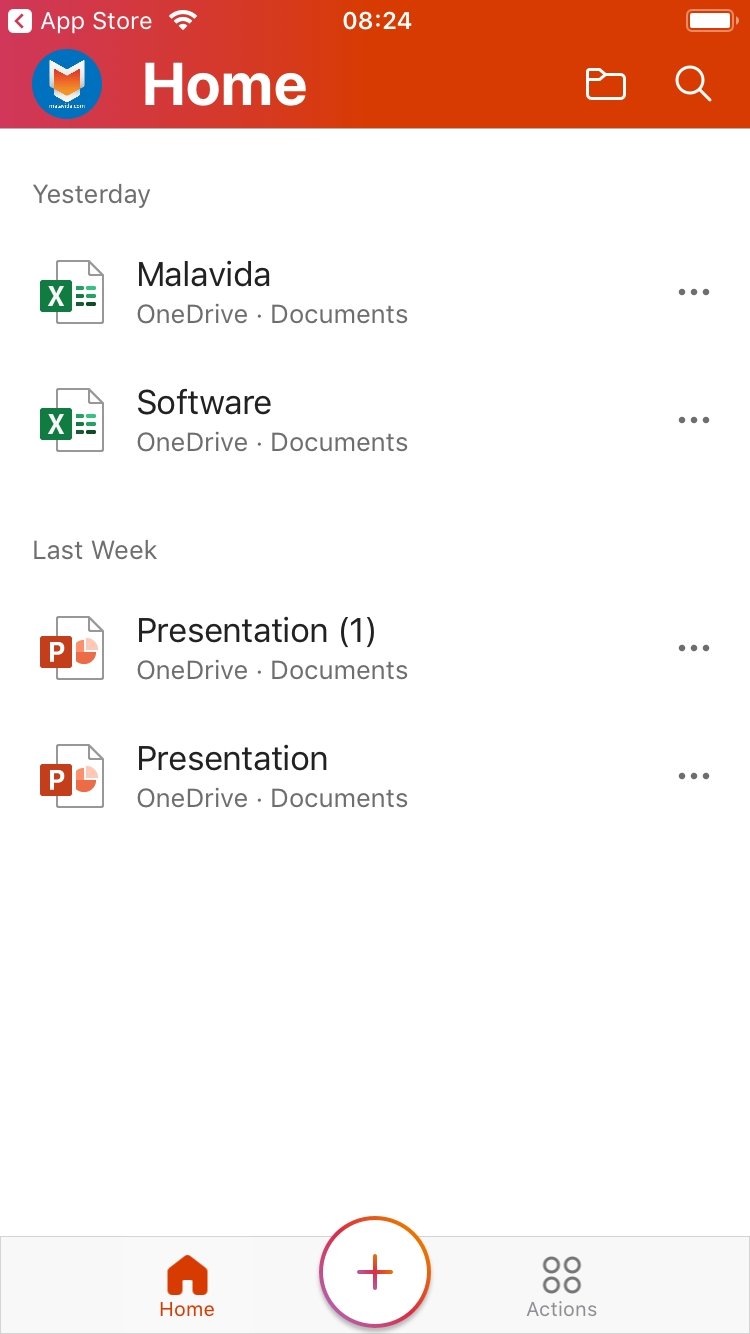
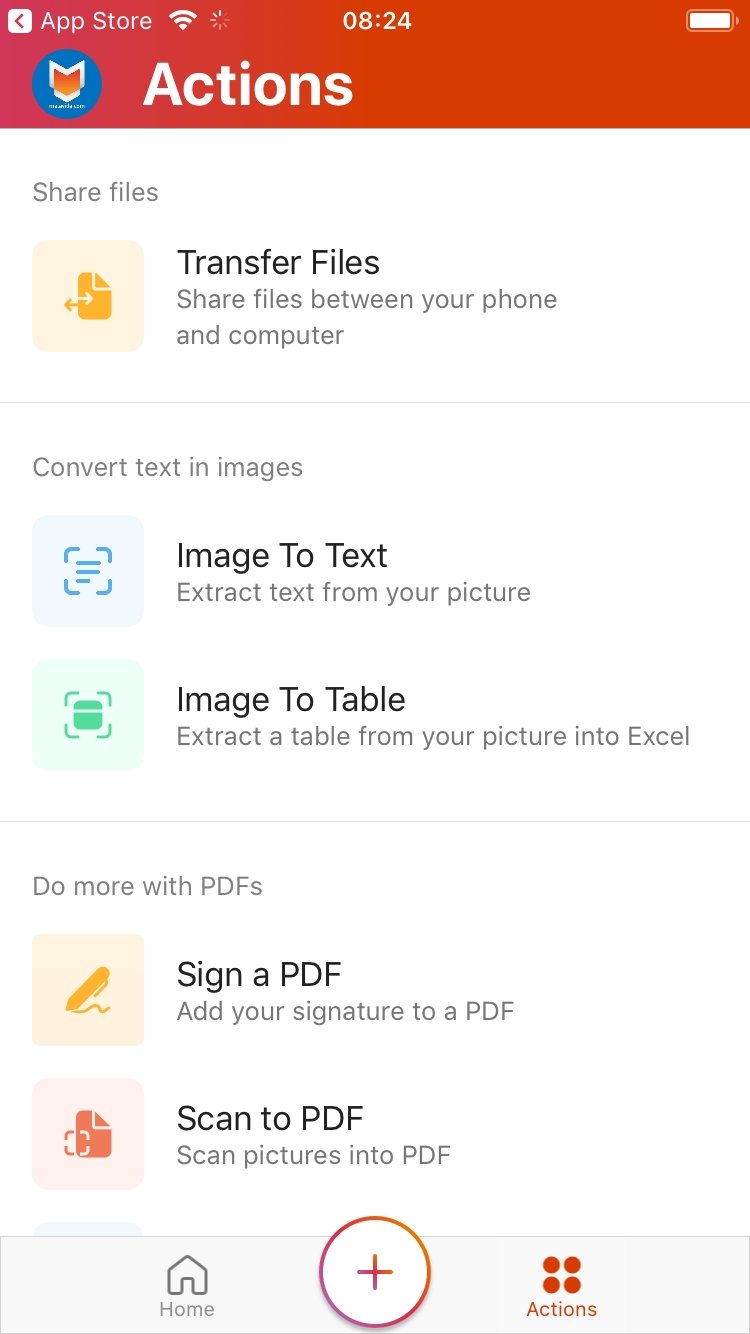
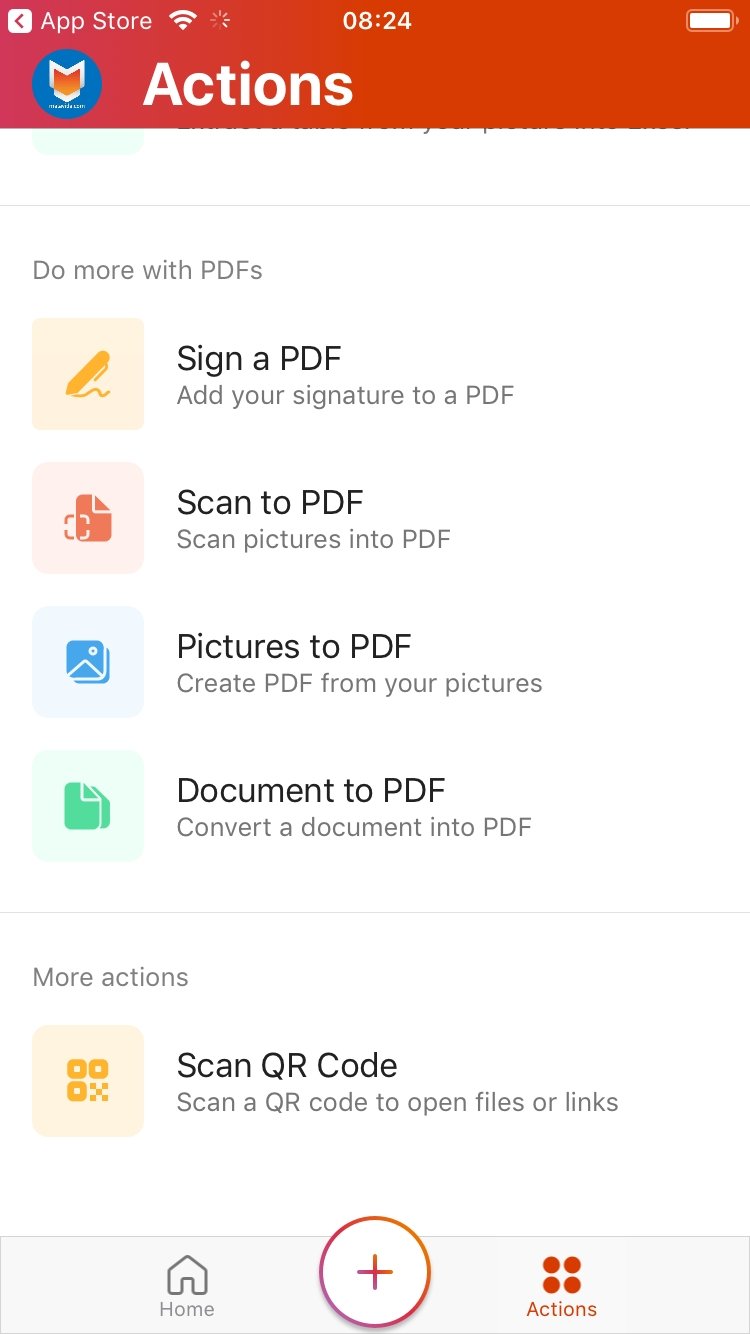
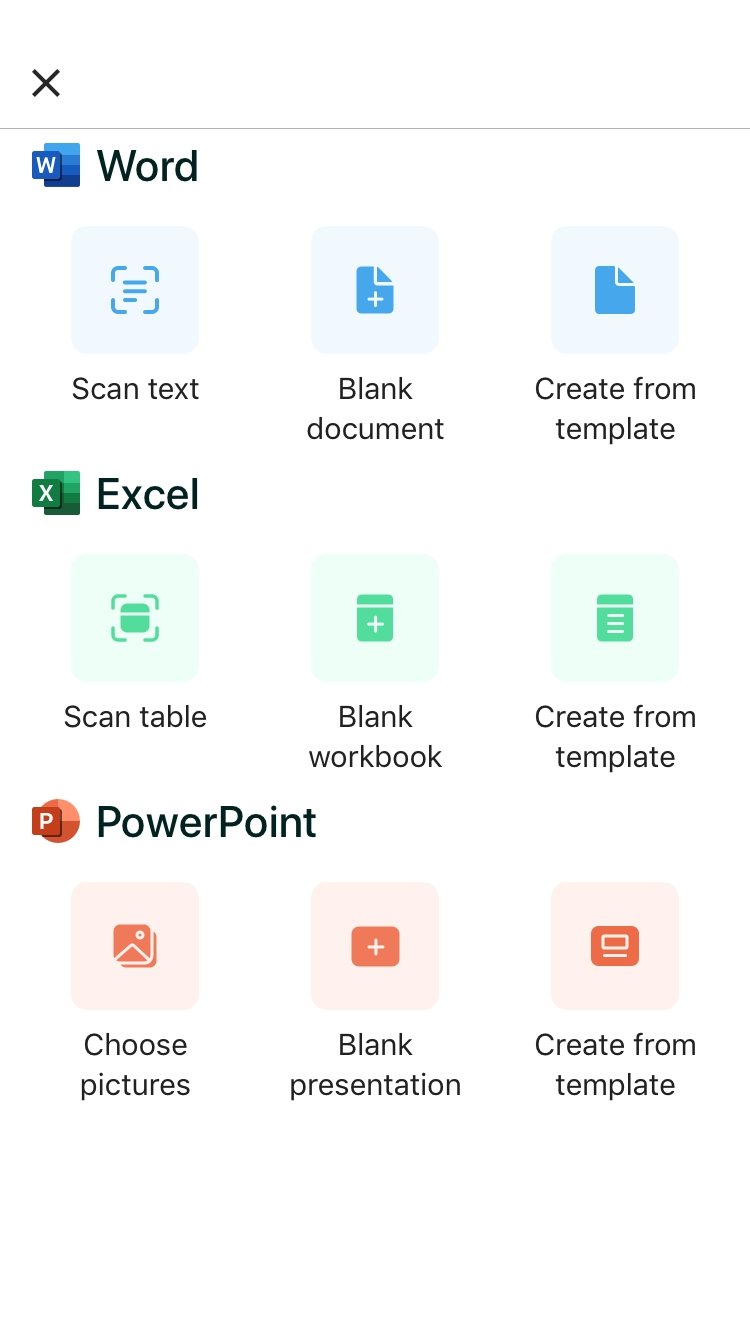
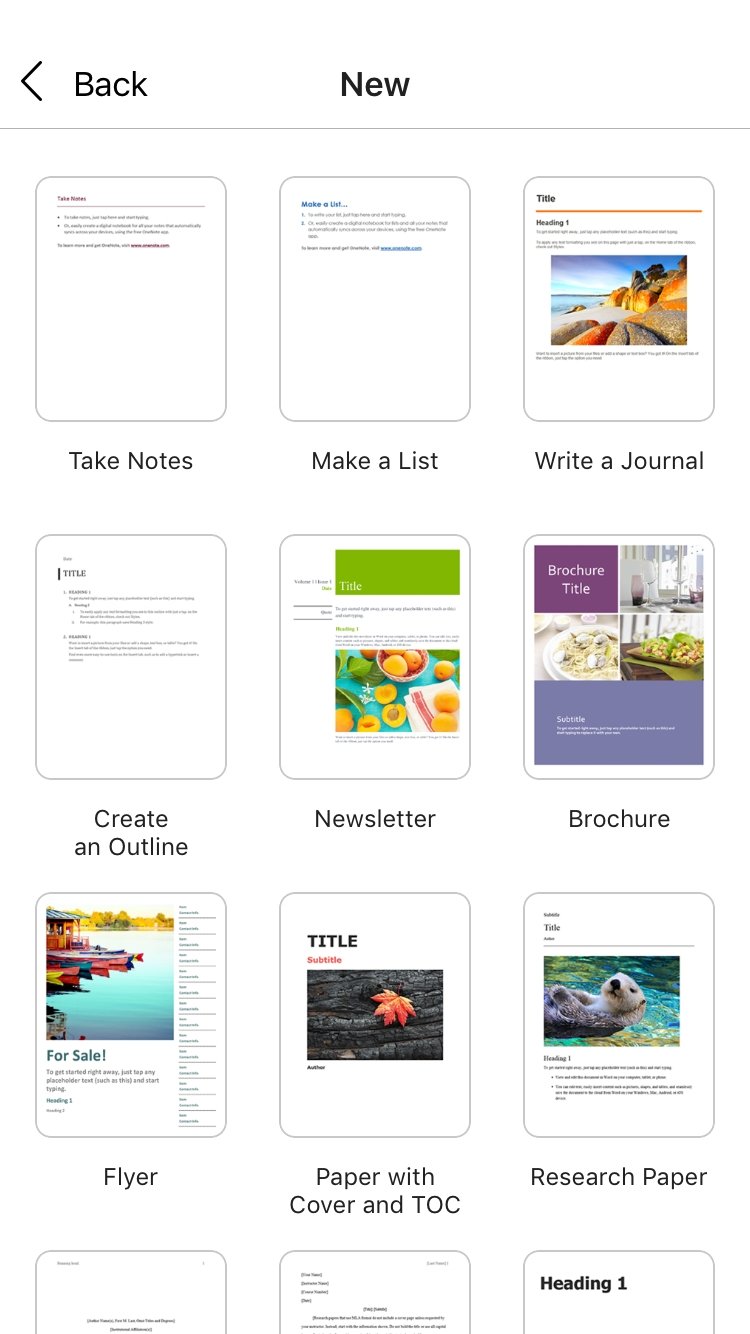
Carry around the official mobile version of Microsoft Office on your iPhone. Office Mobile allows you to access, create, read and edit Word, Excel and PowerPoint office files wherever you are. It includes support for graphics, animations, shapes, SmartArt... The documents will be just like the originals!
Office adapted to your iPhone
The effort of Microsoft to adapt Office to mobile phones has been really incredible. Despite format limitations, the documents are displayed perfectly, as the interface has been adapted to the screen's dimensions. With Office Mobile you will have Word, Excel, and PowerPoint on your iPhone.
Features of Microsoft Office
- Access documents stored on the cloud: OneDrive and SharePoint.
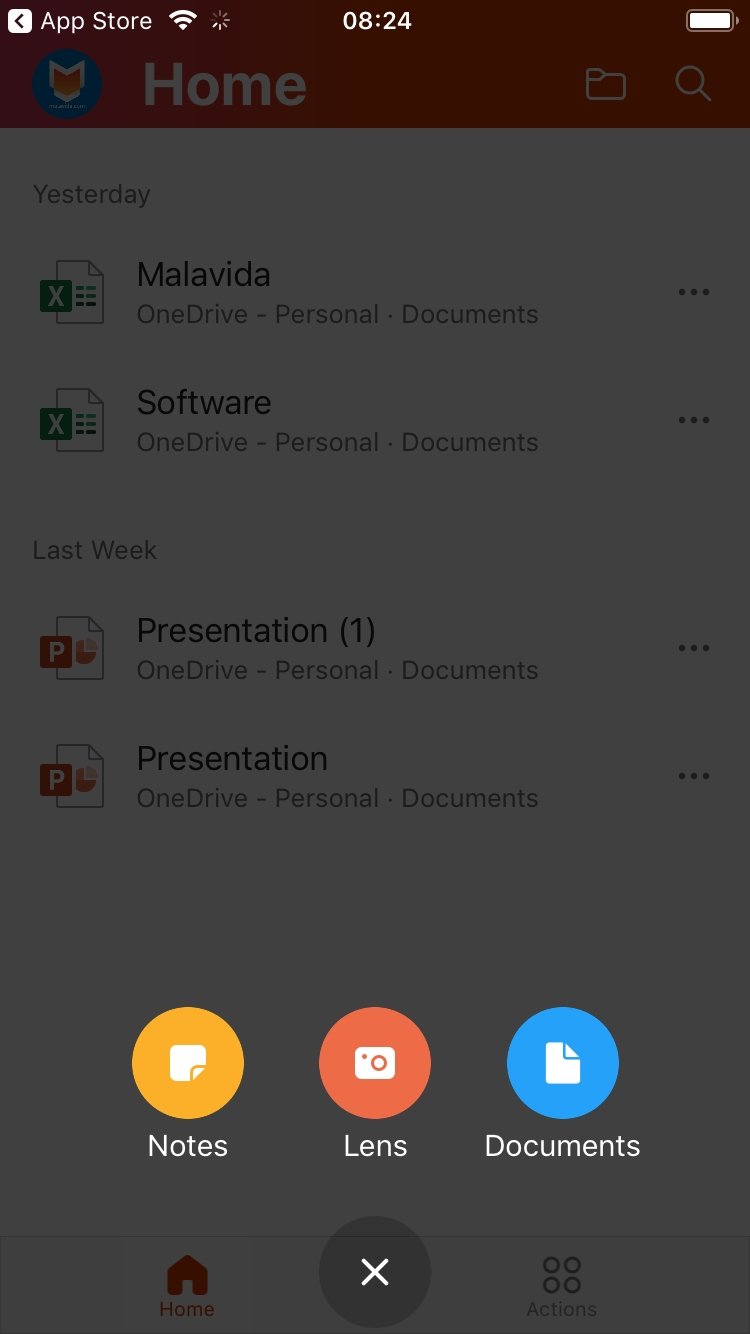
- Create Word and Excel documents.
- Carry out rapid editions without modifying the format or the rest of the contents, even offline.
- A panel of recently opened documents.
- View and edit Office documents attached to emails.
- Resume reading where you left it on your PC or tablet.
- Make comments and share files.
The mobile version of Office 365 for iPad is perfect to work with office documents wherever you are. Don't think twice and start downloading Office Mobile free for iPhone and all other compatible iOS devices.
Requirements and additional information:
- Minimum operating system requirements: iOS 12.0.
- Compatible with:
- iPhone
- iPad
- iPod touch
 Elies Guzmán
With a degree in History, and later, in Documentation, I have over a decade of experience testing and writing about apps: reviews, guides, articles, news, tricks, and more. They have been countless, especially on Android, an operating system...

Antony Peel