


OpenClaw APK latest version: the most private AI assistant
With the rise of AI apps, almost everyone has used ChatGPT or Gemini, or has these apps installed on their smartphone. The biggest problem with these popular artificial intelligence apps is that they are owned by big tech companies, and there is a widespread fear that we are giving away our data every time we use them. If you're looking for an alternative that gives you complete control over your privacy, then you should download OpenClaw Android; it offers exactly that.
What is OpenClaw APK and how does it work?
Unlike similar apps, installing OpenClaw on your Android phone doesn't give you direct access to any AI. Instead, it works like a remote control for the version of OpenClaw installed on your PC.
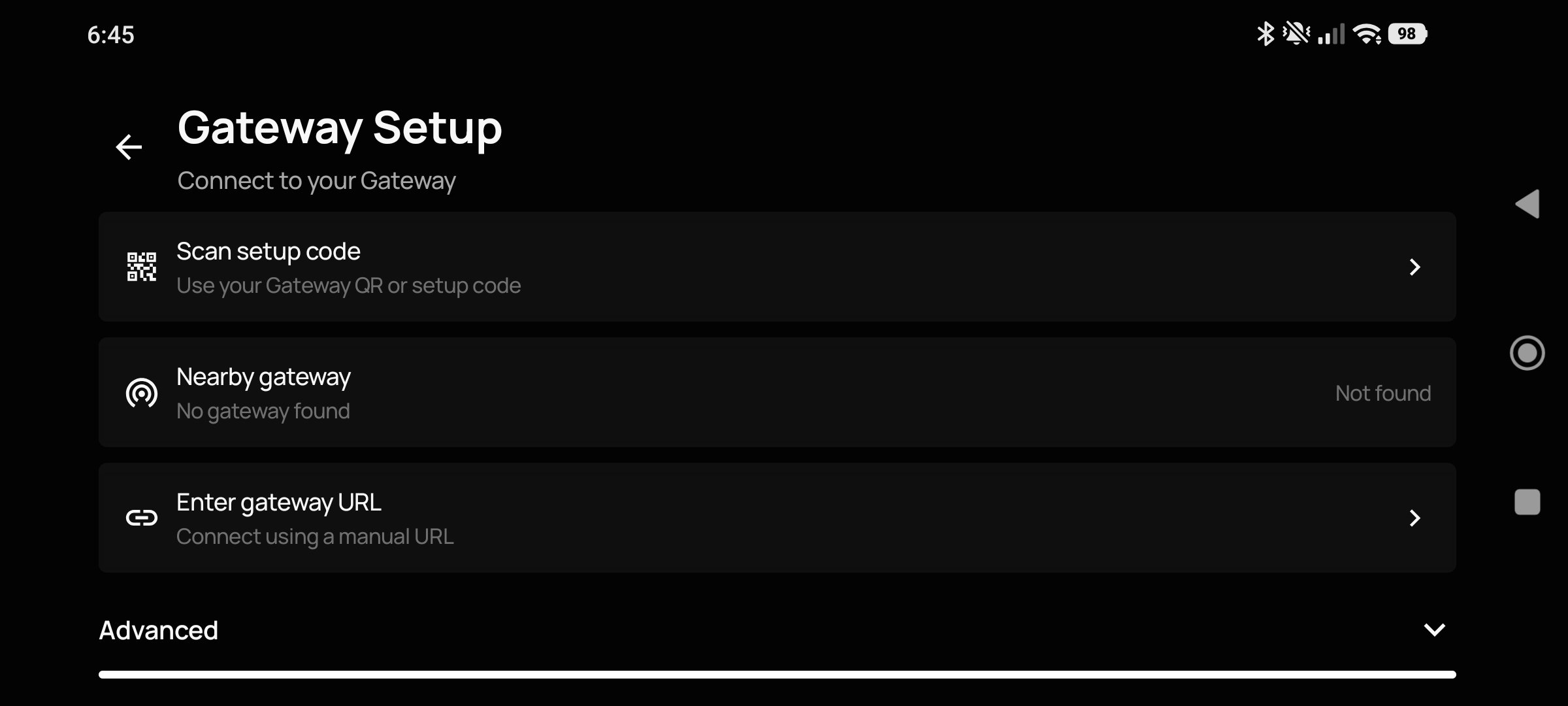
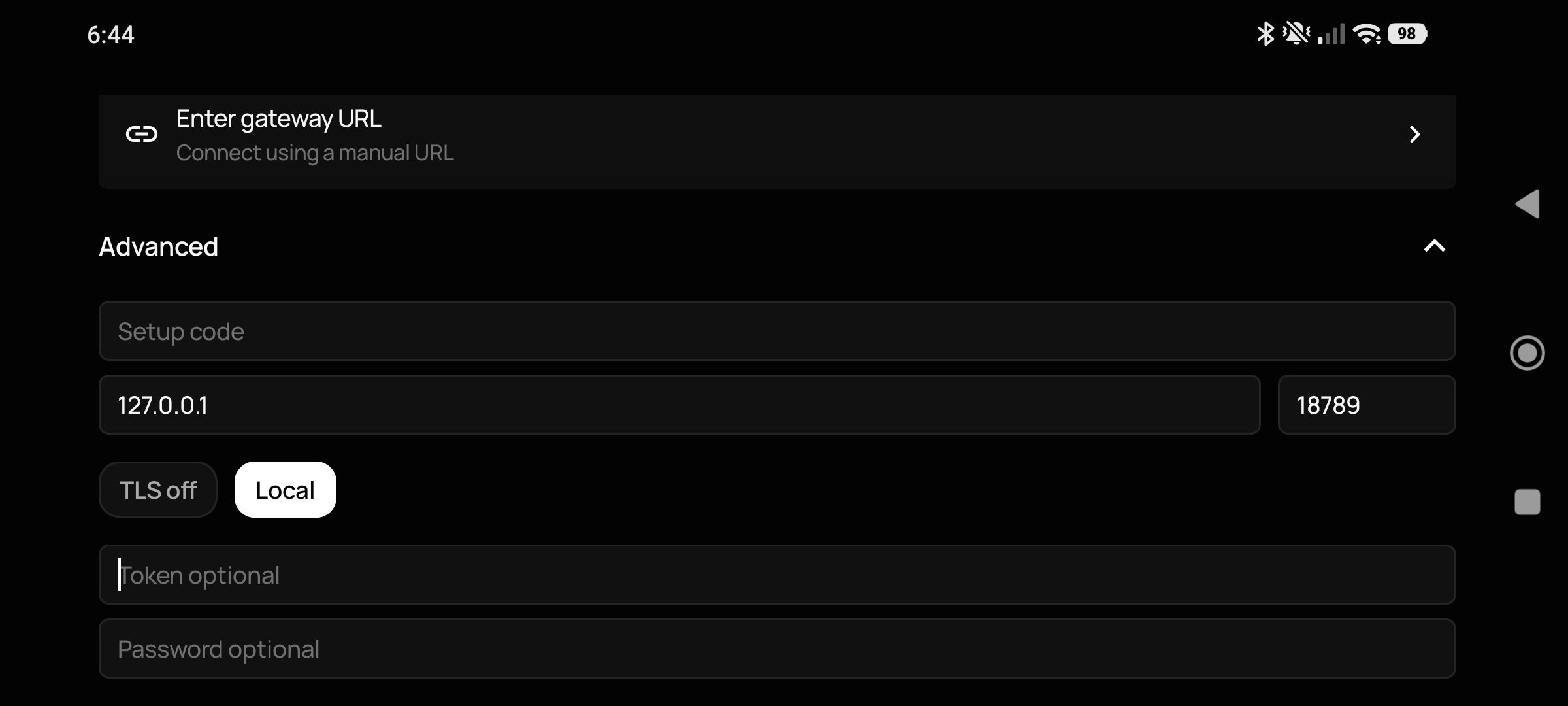
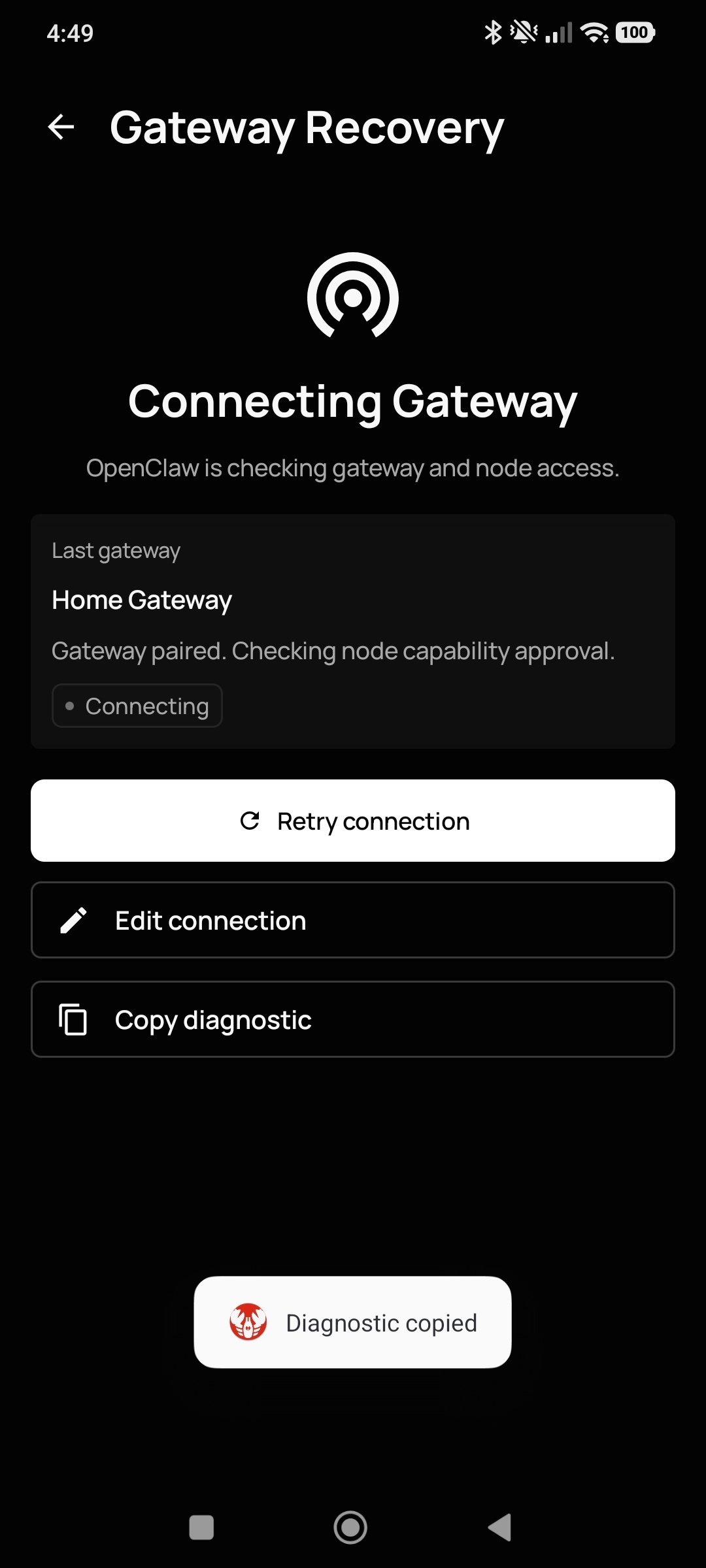
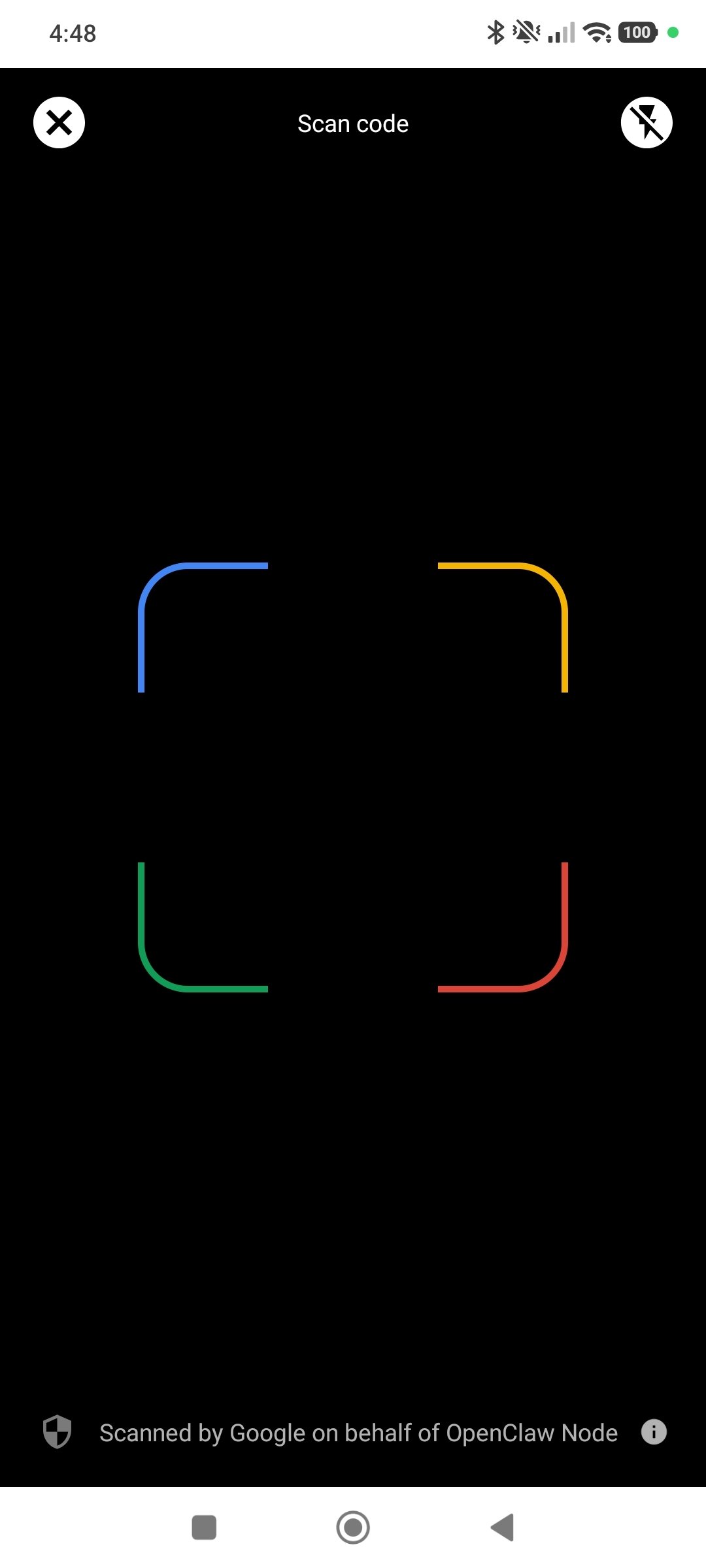
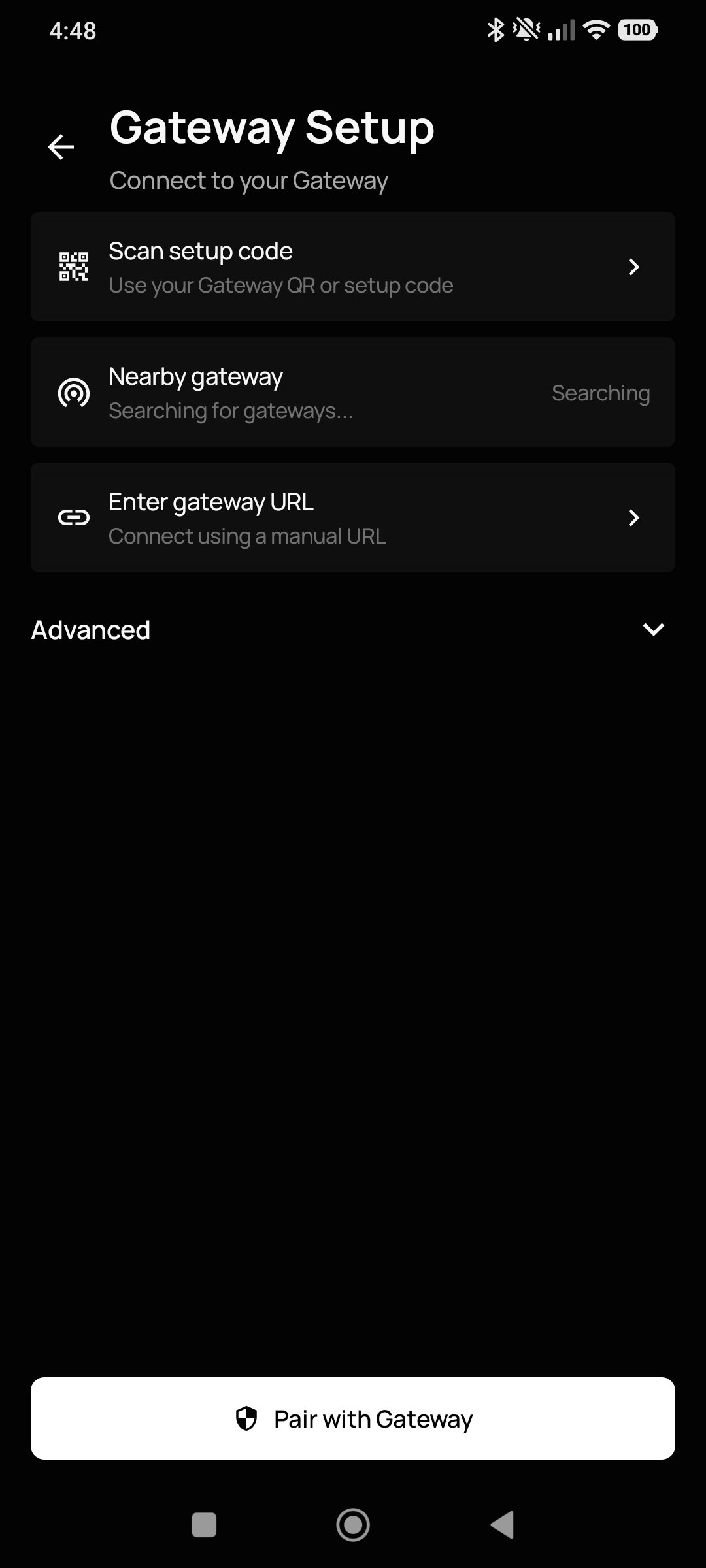
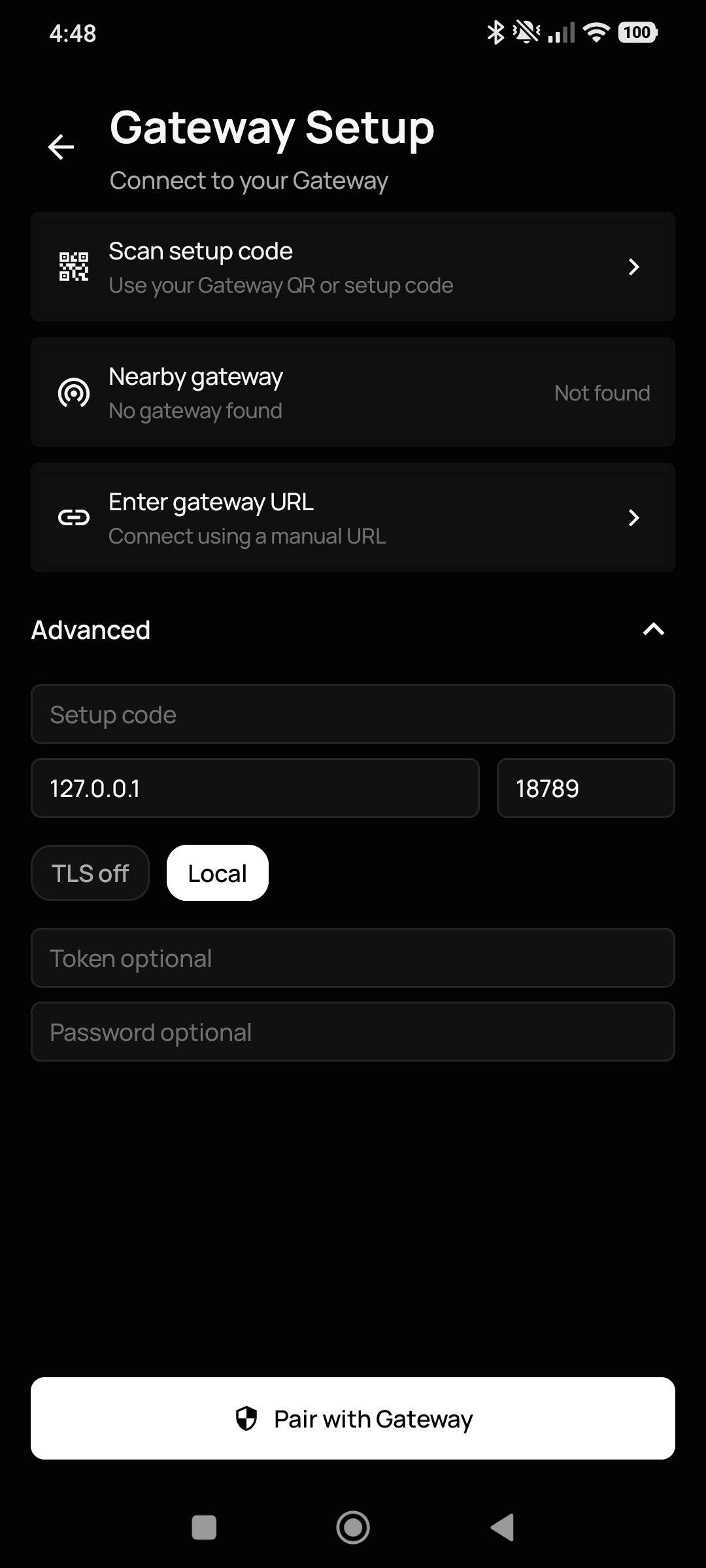
Therefore, to use it, you must first install the free OpenClaw Gateway program on your computer. This software will act as a sort of “brain” that connects to your smartphone. After doing that, pair both devices by scanning a QR code. Now, you can use the most private AI assistant on the market directly on your smartphone.
Main features
- 100% private: Your conversations, files, and data are on your device, not on a company's servers.
- Choose the AI model you like best: you can connect it to the most popular models (such as OpenAI or Anthropic) using your own credentials, or use free options.
- Native voice control: You can speak directly to the assistant as if you were on a phone call, and it will answer using a very natural-sounding voice.
- Use your phone's camera: You can let it see your surroundings through your device's camera so it can help you answer questions in real time.
- Smart design: If you ask it to write you a long email or document, the app splits the screen to display the text in a clean, organized way, without mixing it in with the chat.
Pros and cons of OpenClaw for Android: Is it worth downloading?
Let's start with the downsides of the mobile version of OpenClaw: It's fair to say that it's not for everyone. Installing the Gateway can be somewhat complex and may require some advanced knowledge of the command line. On the other hand, even though it's a mobile version, using it outside your home or work environment is also quite difficult because both your Android device and your PC must be connected to the same Wi-Fi network.
As for the benefits you get once you download OpenClaw for free, we already mentioned the most important one: This app gives you a level of privacy and control over your data that no other app of this kind can offer. And if we add to that the fact that it's a completely free, open-source app with no ads and a clean, modern interface, we can confidently say it's definitely worth downloading and installing.
Requirements and additional information:
- Requires installing OpenClaw Gateway on a PC connected to the same Wi-Fi network as your smartphone.
- Minimum operating system requirements: Android 12.
- Instructions to install XAPKs on Android
 Antony Peel
A Telecommunications Engineer, chance led me to the translation industry, where after a few years, I discovered another side of the world of technology while translating what others were writing about mobile applications and software. That...

Manuel Sánchez