




Block access to your mobile or to applications and files
If you fear that your privacy may be compromised by not having your phone sufficiently protected, you may want to consider a blocking app to ensure access to your device. Maybe Screen Lock: Time Password is what you're looking for.
Protect your Android with PIN, pattern or password
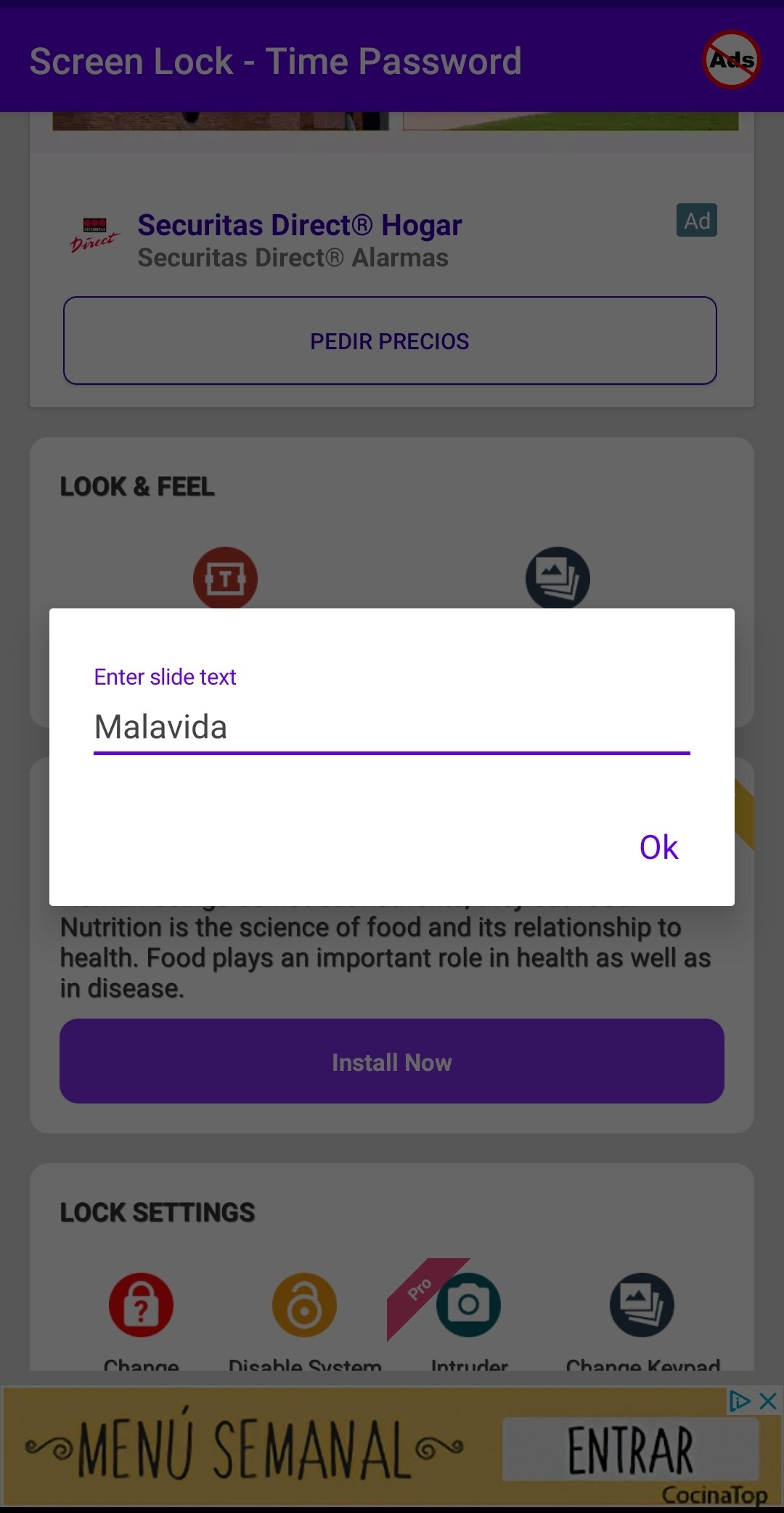
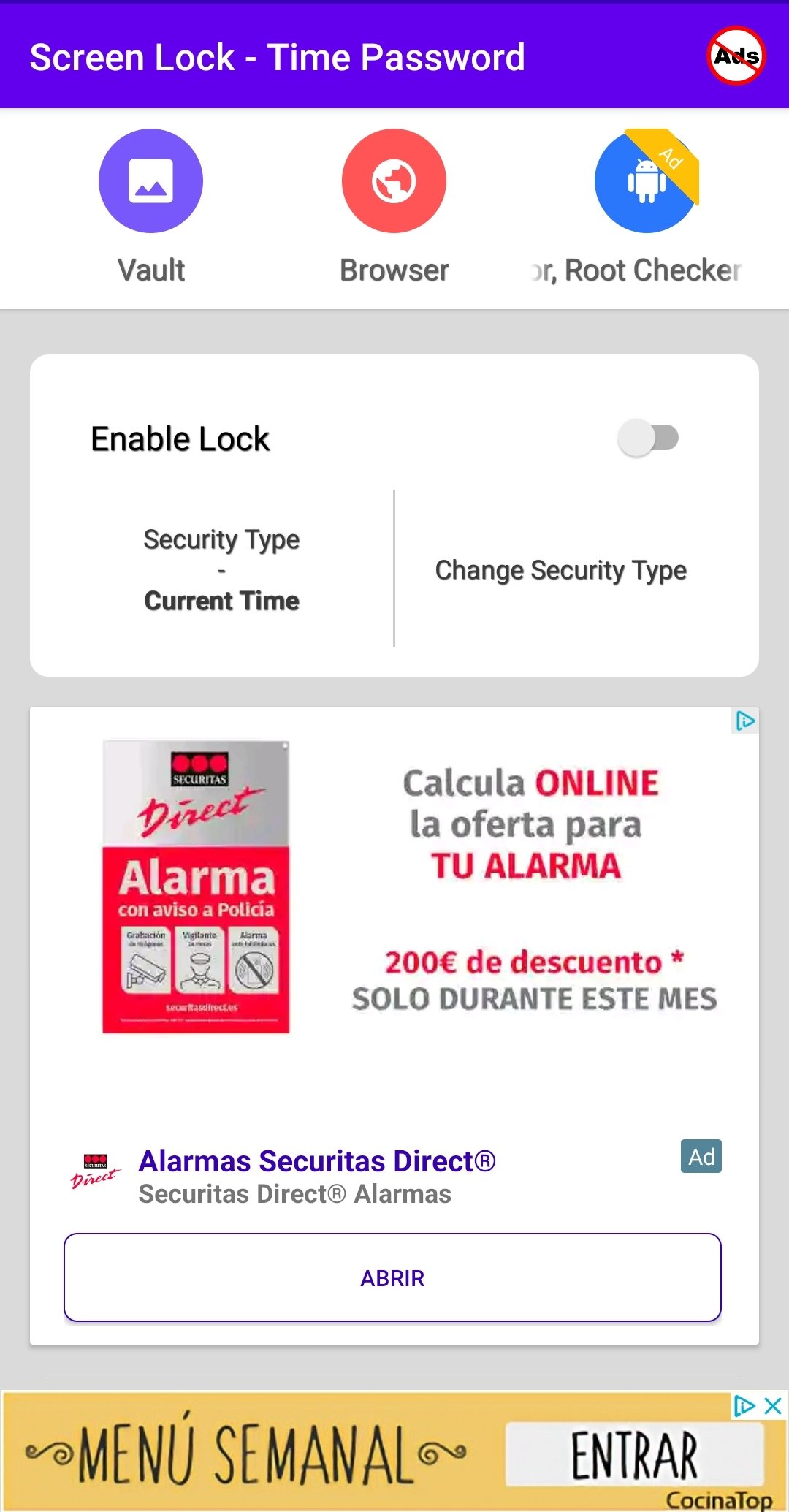
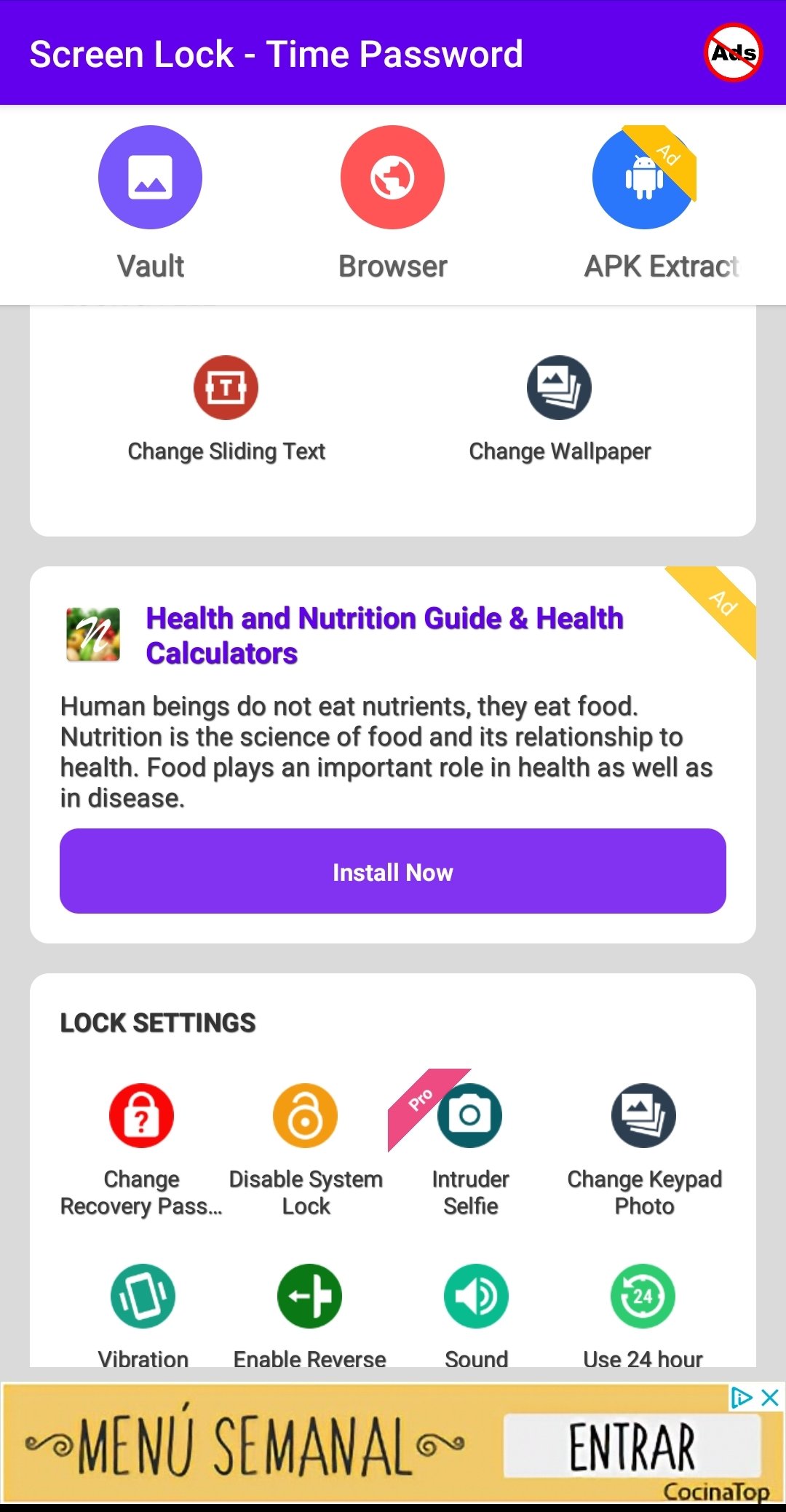
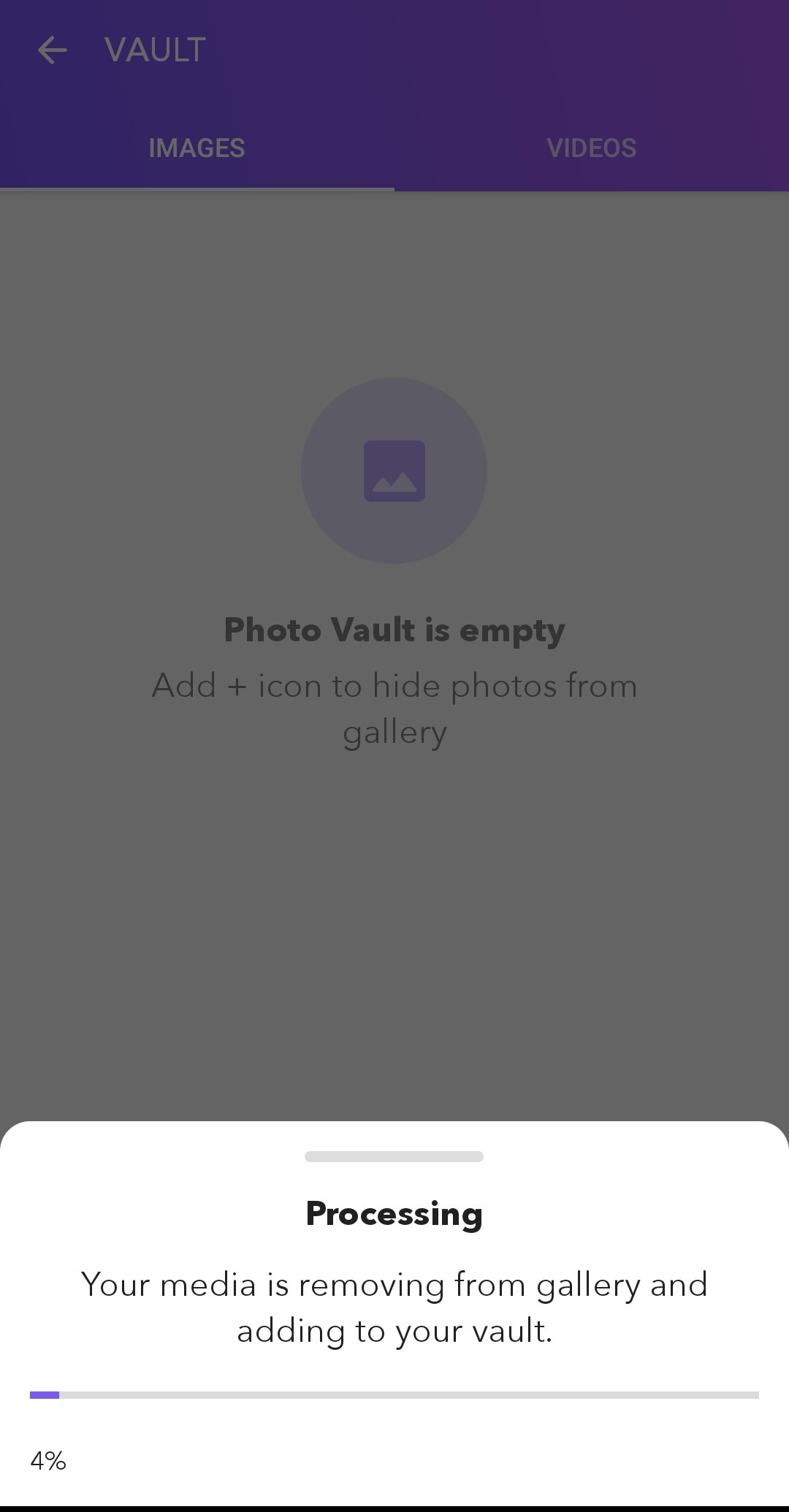
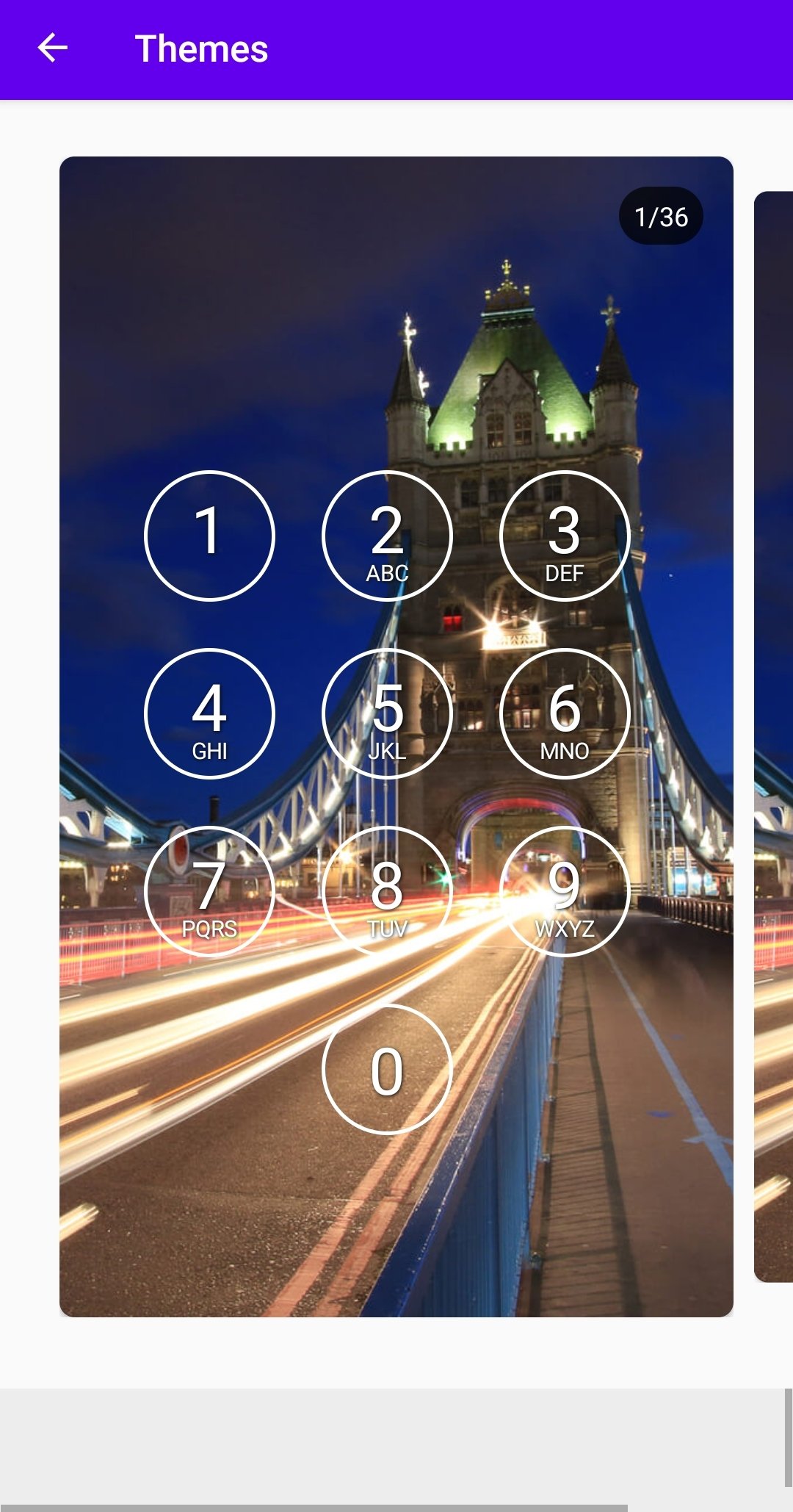
It is not superfluous to add a layer of security to the one Android already has. This app will allow you to do so, by setting a PIN, pattern or password to access it. You can also use it in specific applications, such as your social networks, your messaging apps or your photo gallery. It is a very easy to use app that offers the following functions:
- iPhone style lock screen.
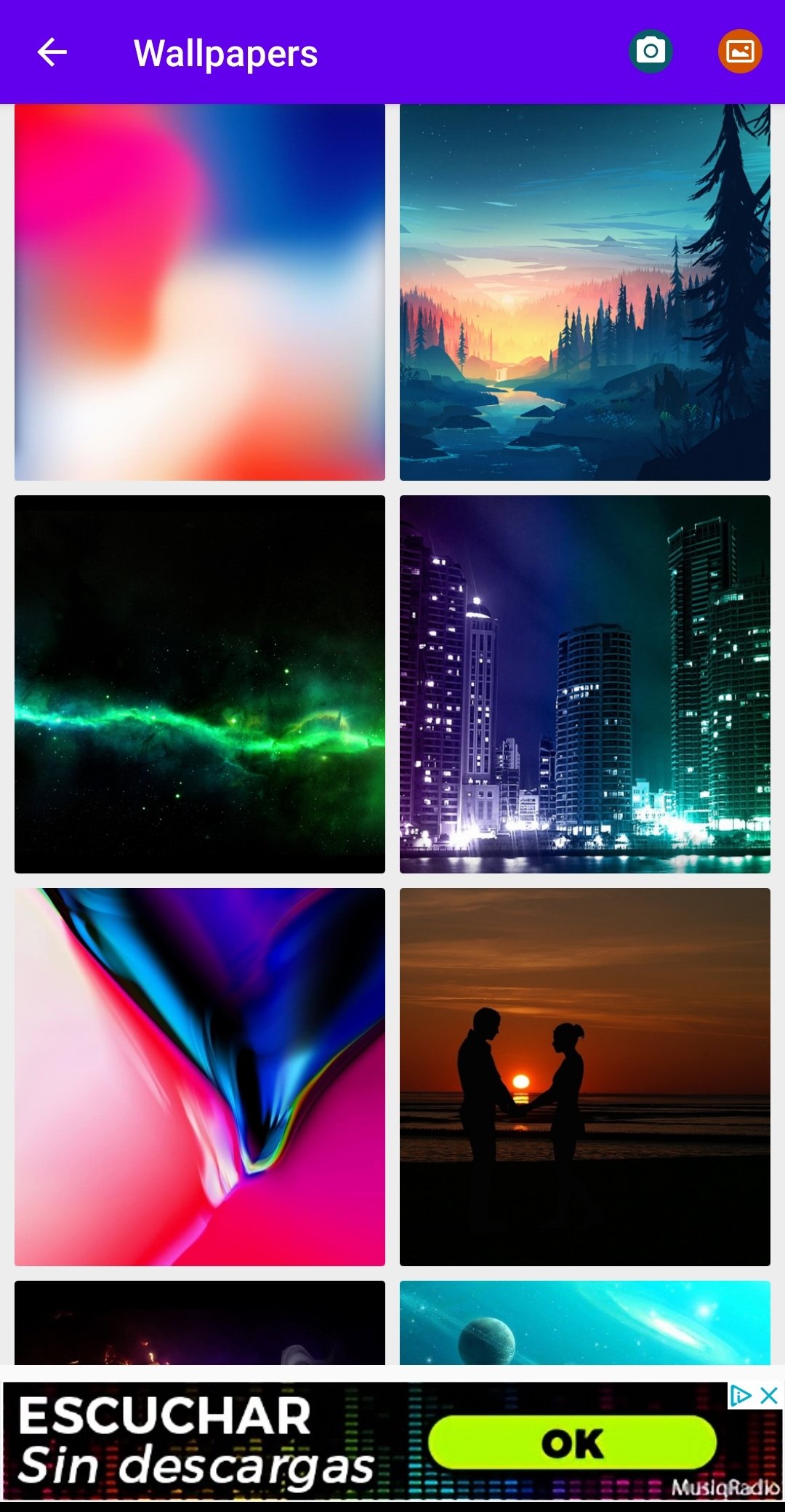
- Customizable lock screen.
- Unlocking sound.
- Possibility to set a blocking PIN according to the current time dialed by the device.
- Configure access passwords.
What happens is that, we must say, it is not the best blocking app: too much advertising and a little confusing interface in some aspects. Maybe you prefer other options you can find in Malavida, such as AppLock, Norton App Lock or Smart AppLock.
Requirements and additional information:
- Minimum operating system requirements: Android 4.2.
- Offers in-app purchases.
 Elies Guzmán
With a degree in History, and later, in Documentation, I have over a decade of experience testing and writing about apps: reviews, guides, articles, news, tricks, and more. They have been countless, especially on Android, an operating system...

Shay O’Toole