



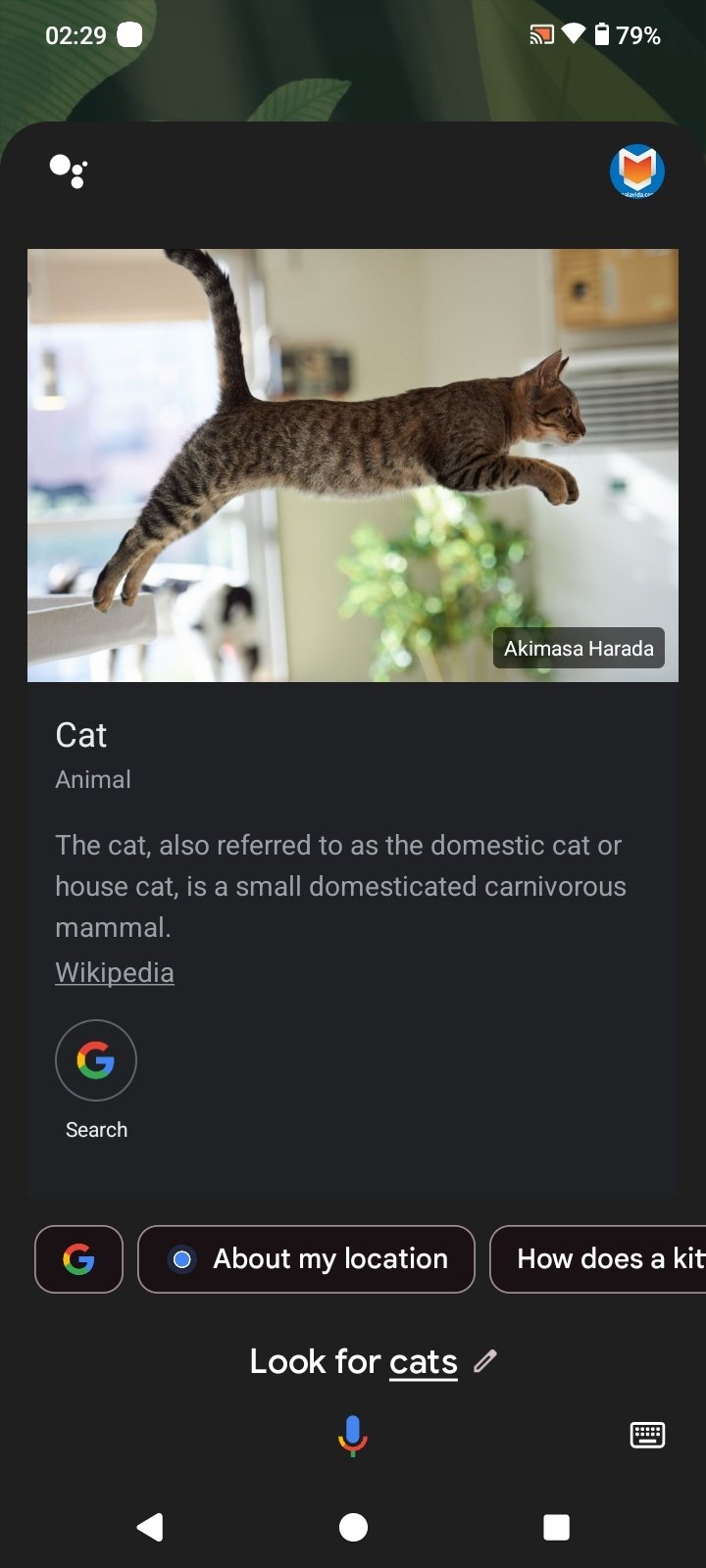
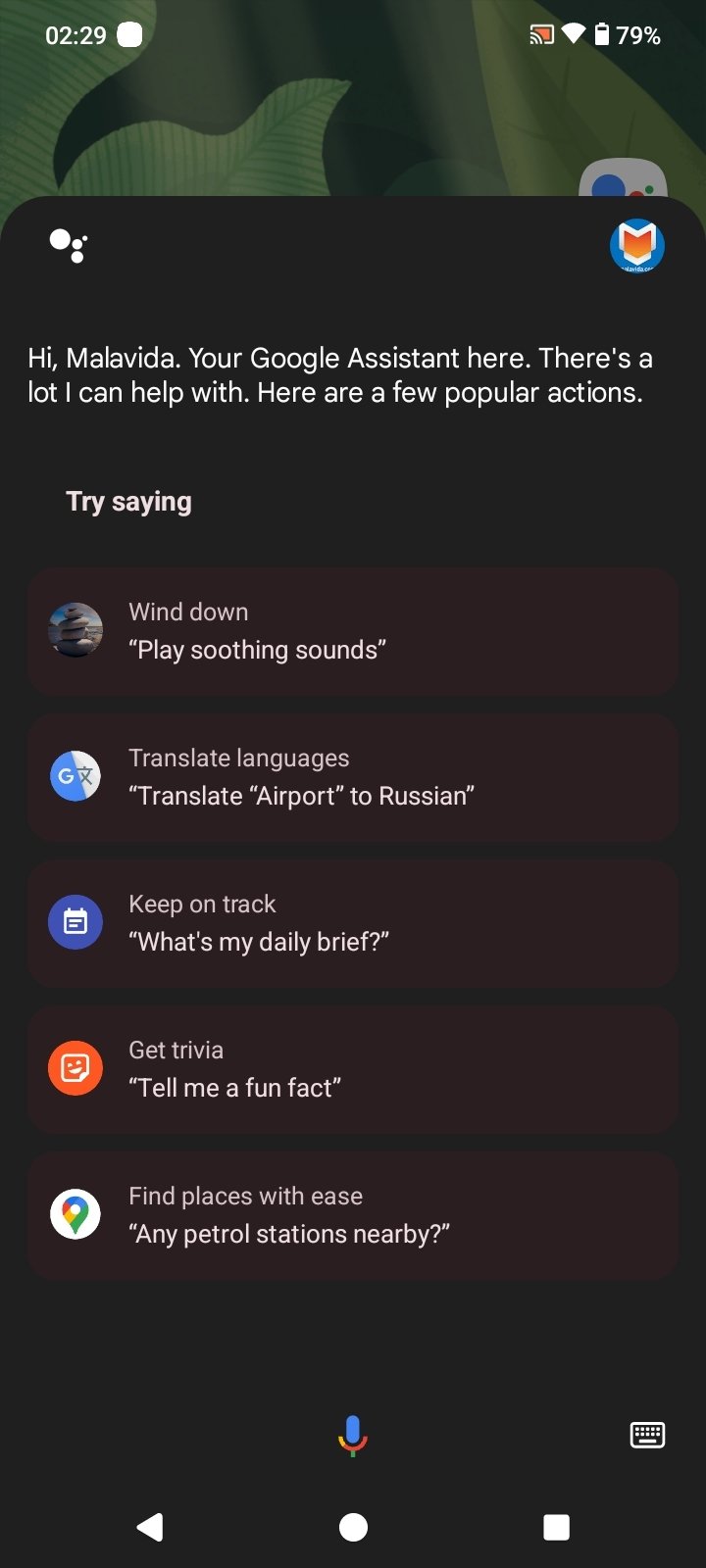
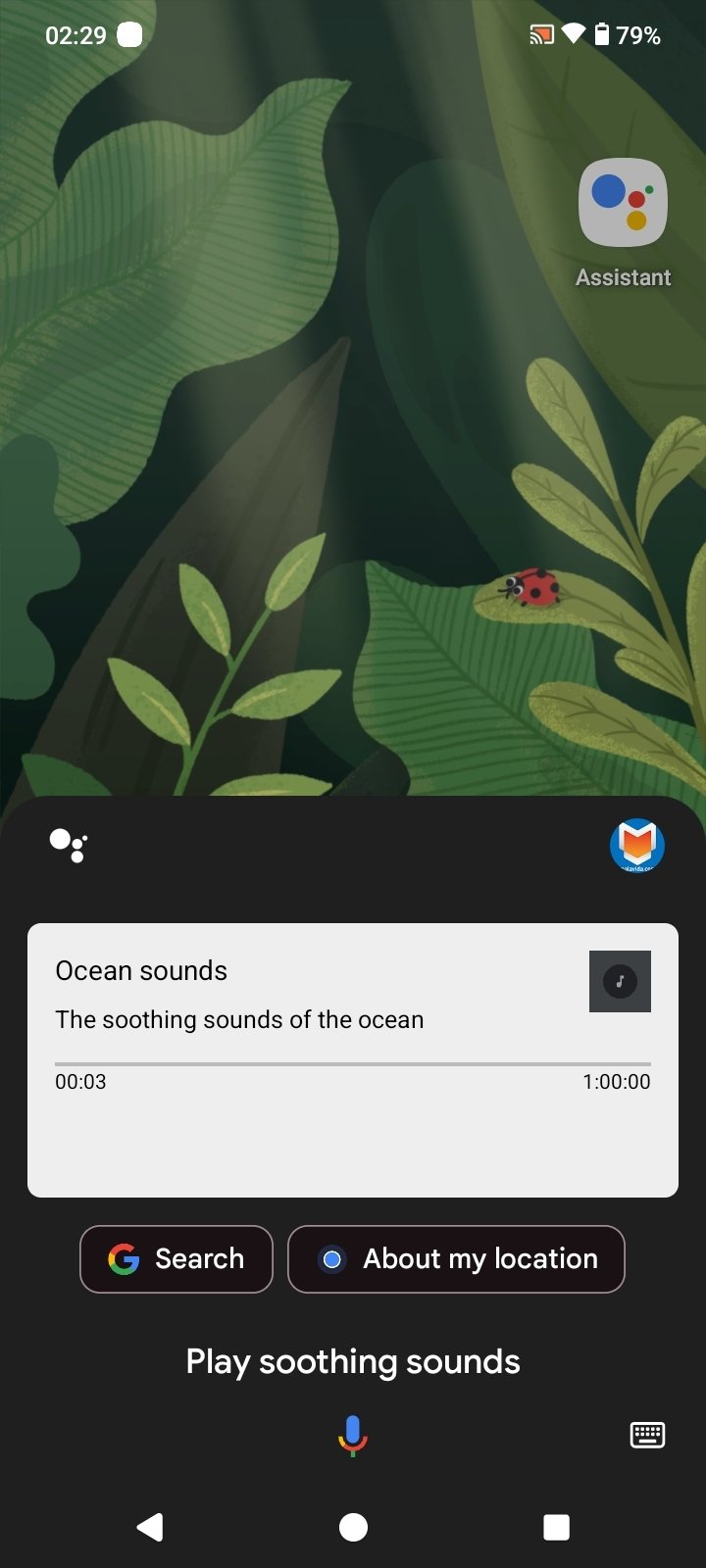
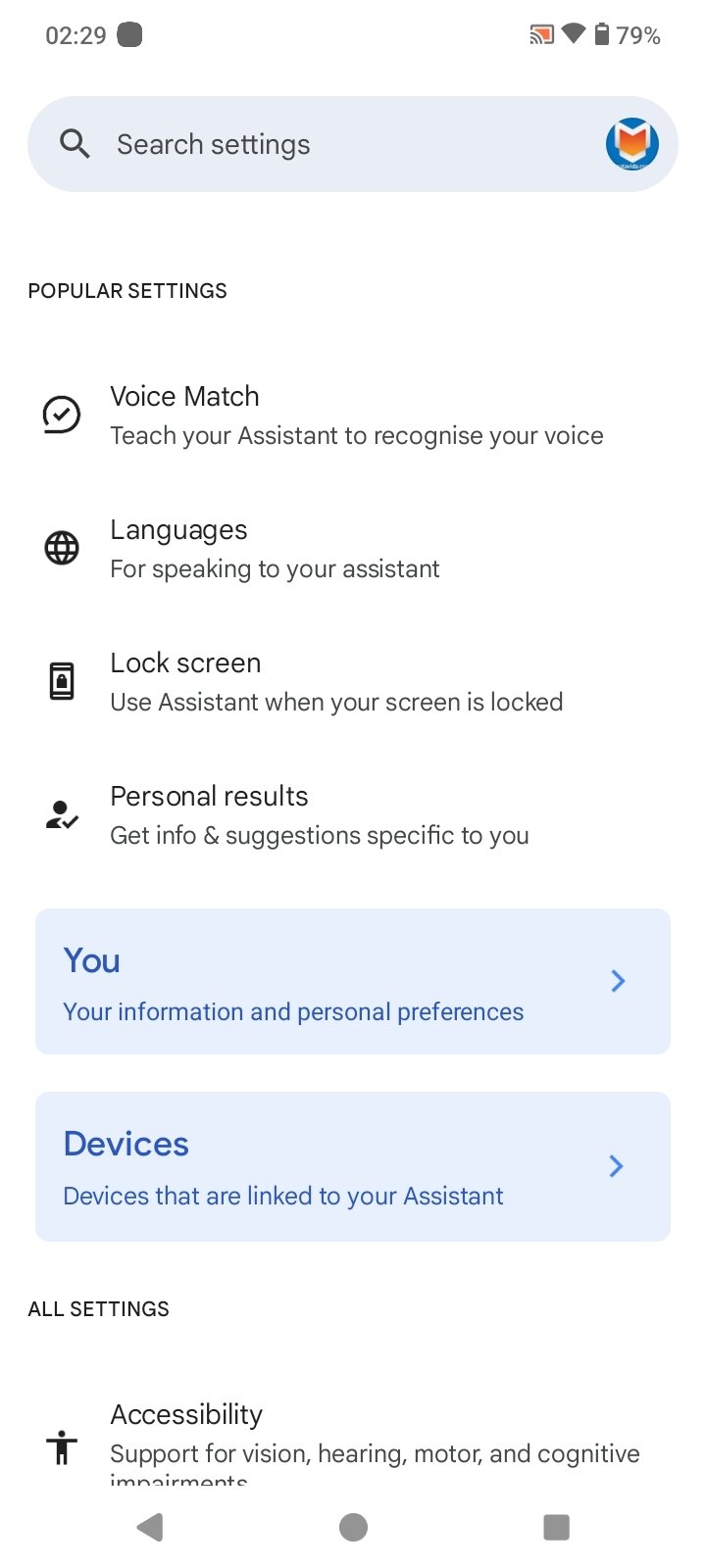
An all-terrain voice assistant in your pocket
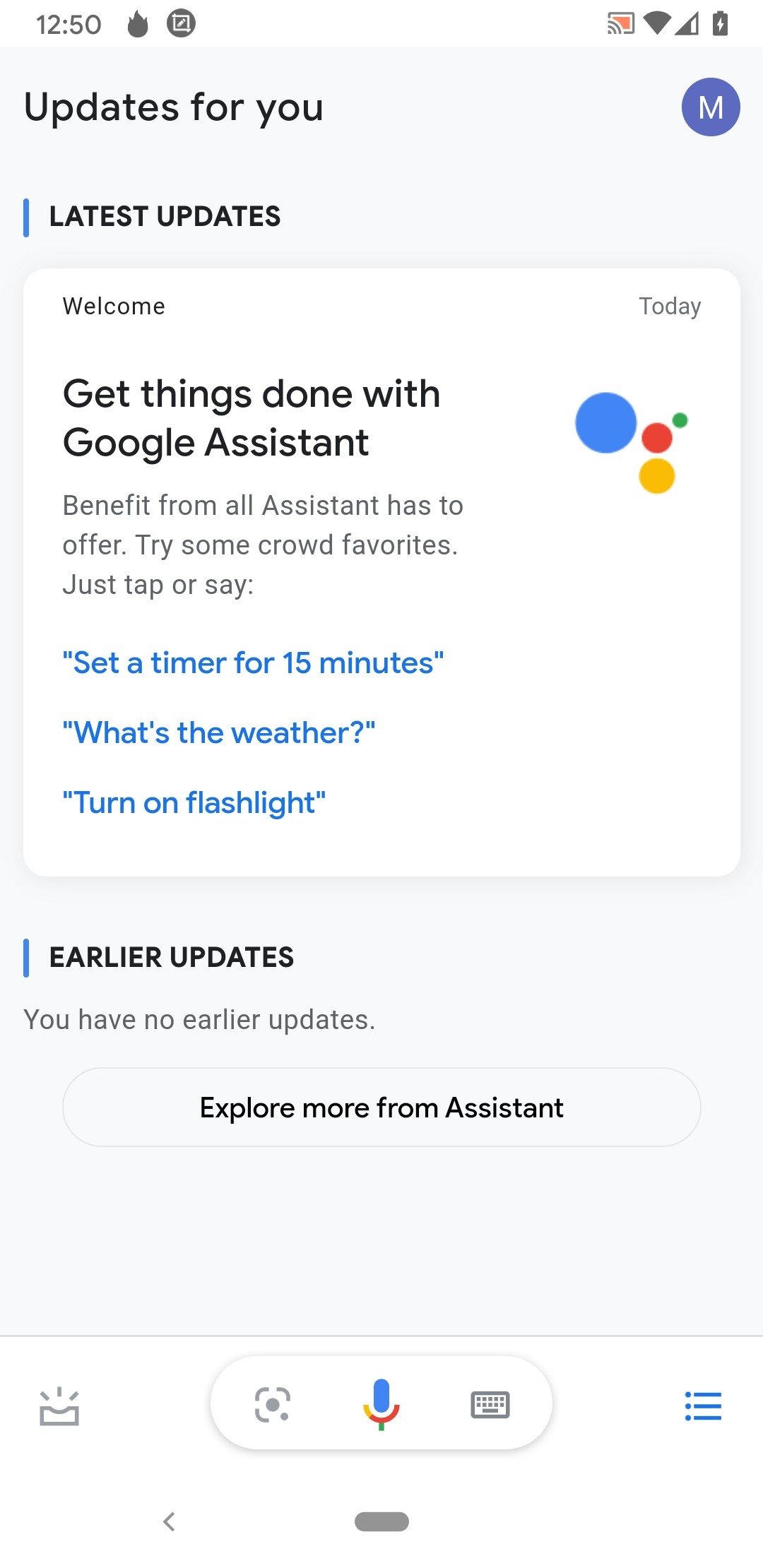
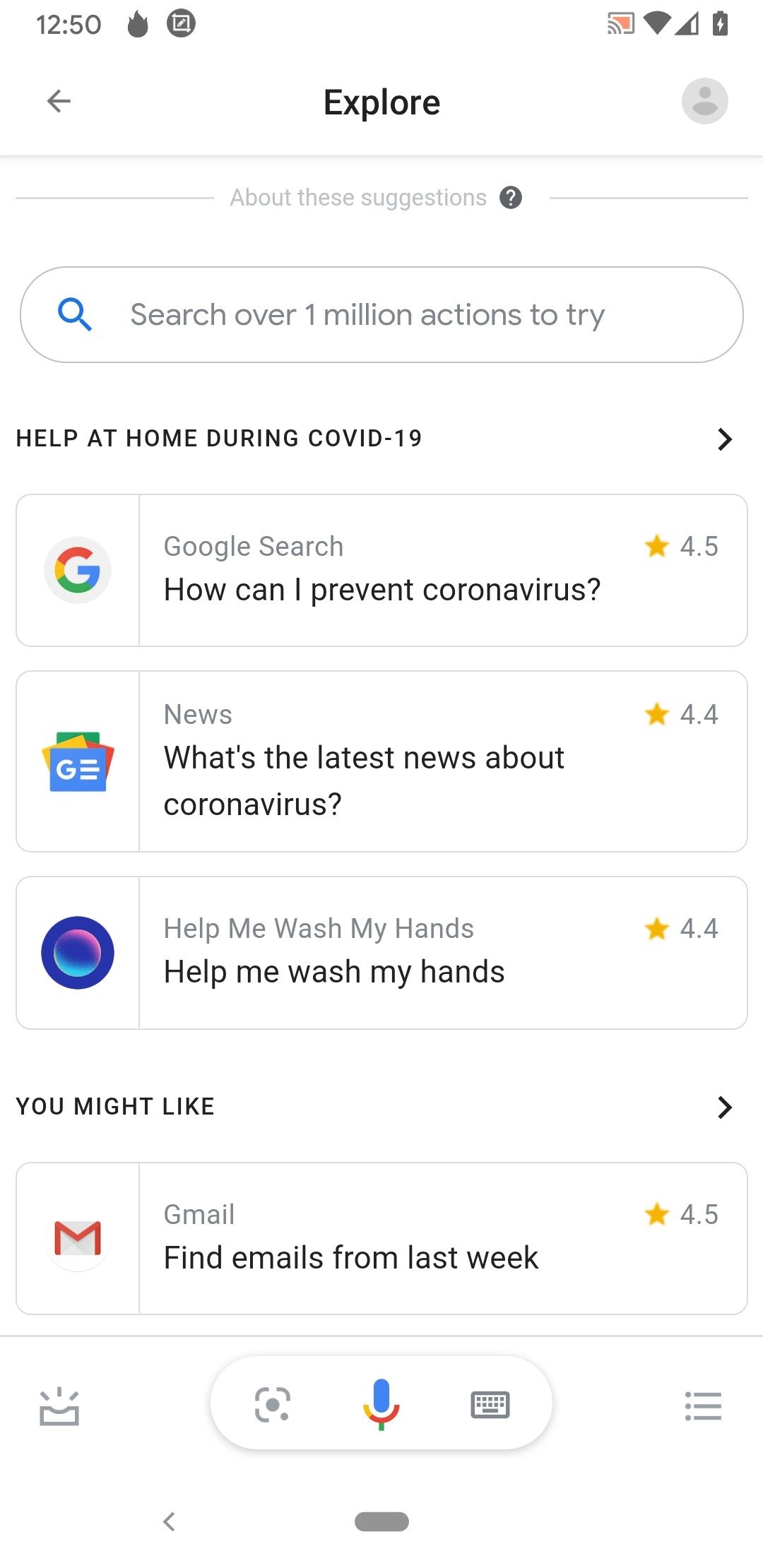
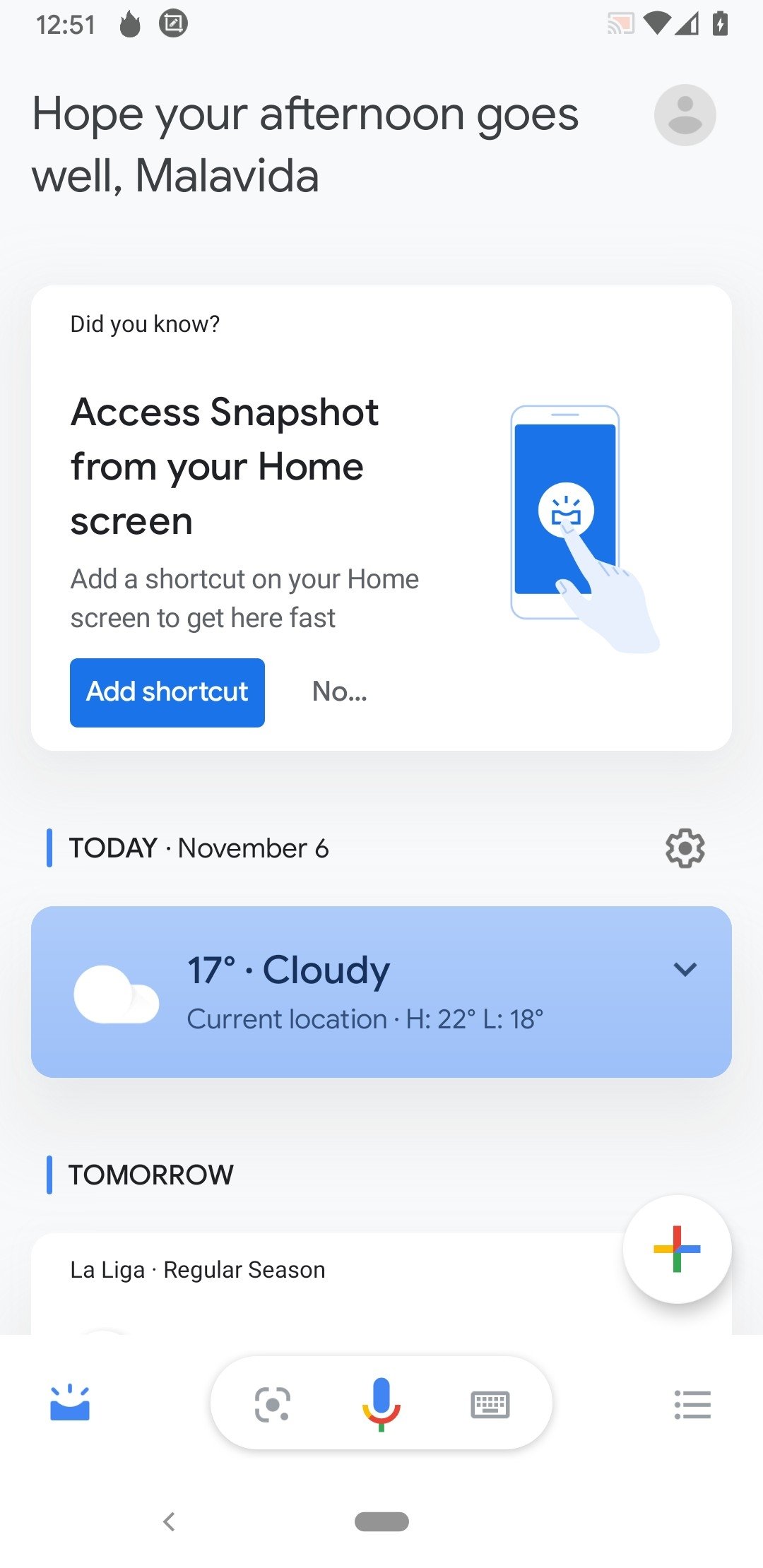
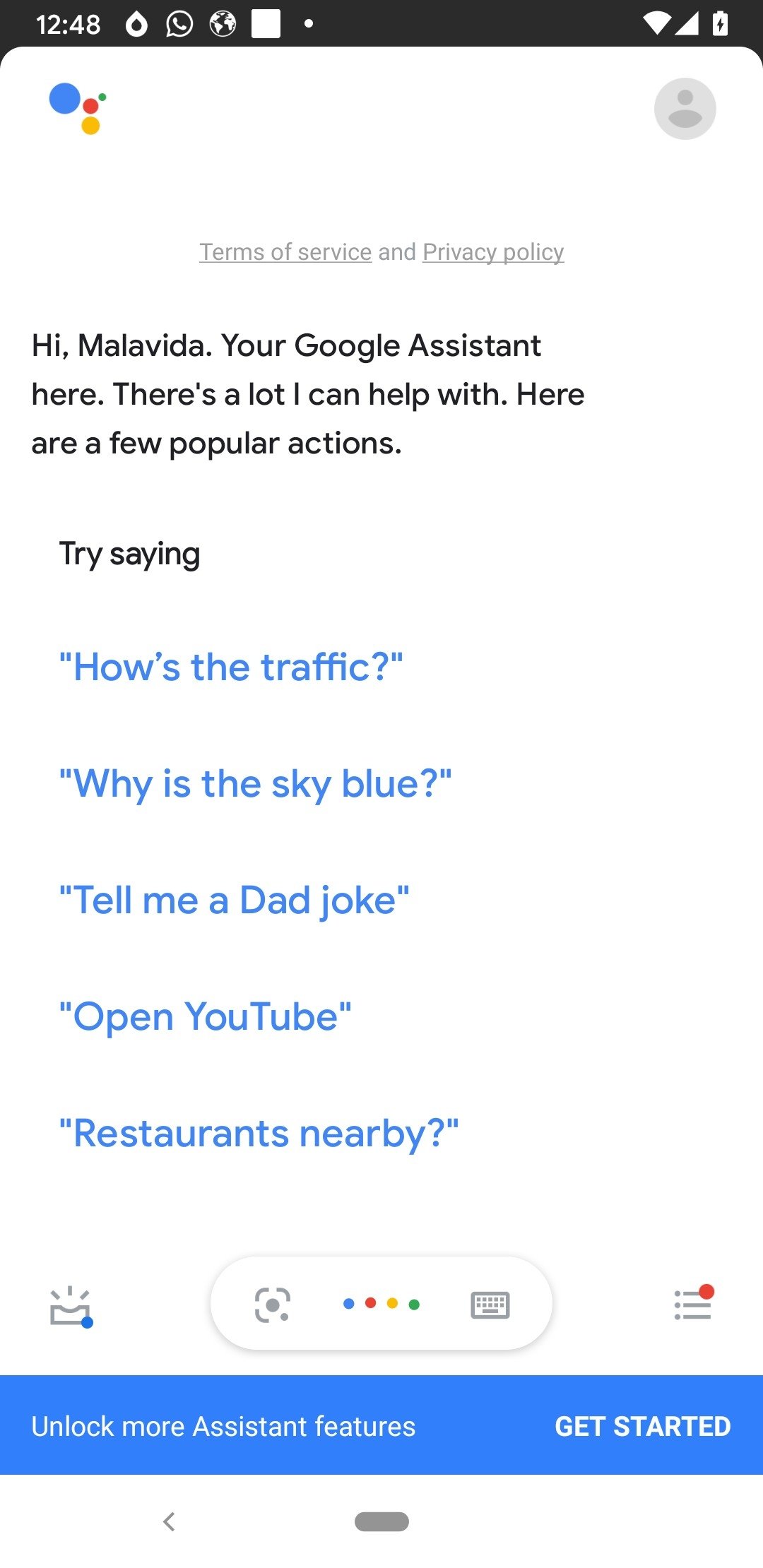
Google Assistant APK is a smart voice app that lets you perform actions, search information, and control Android devices hands-free. This personal assistant responds to commands, understands natural language, and integrates with other Google services and third-party apps. If you download Google Assistant Android for free, you get an effective tool for executing everyday tasks and even managing your home's smart devices.
What is Google Assistant, and what is it for?
Google Assistant is an artificial intelligence-based tool that interprets voice and text commands to interact with your device. Additionally, it adapts to context and learns from user habits to provide more accurate responses over time.
A simple way to use your phone and apps just by using your voice.
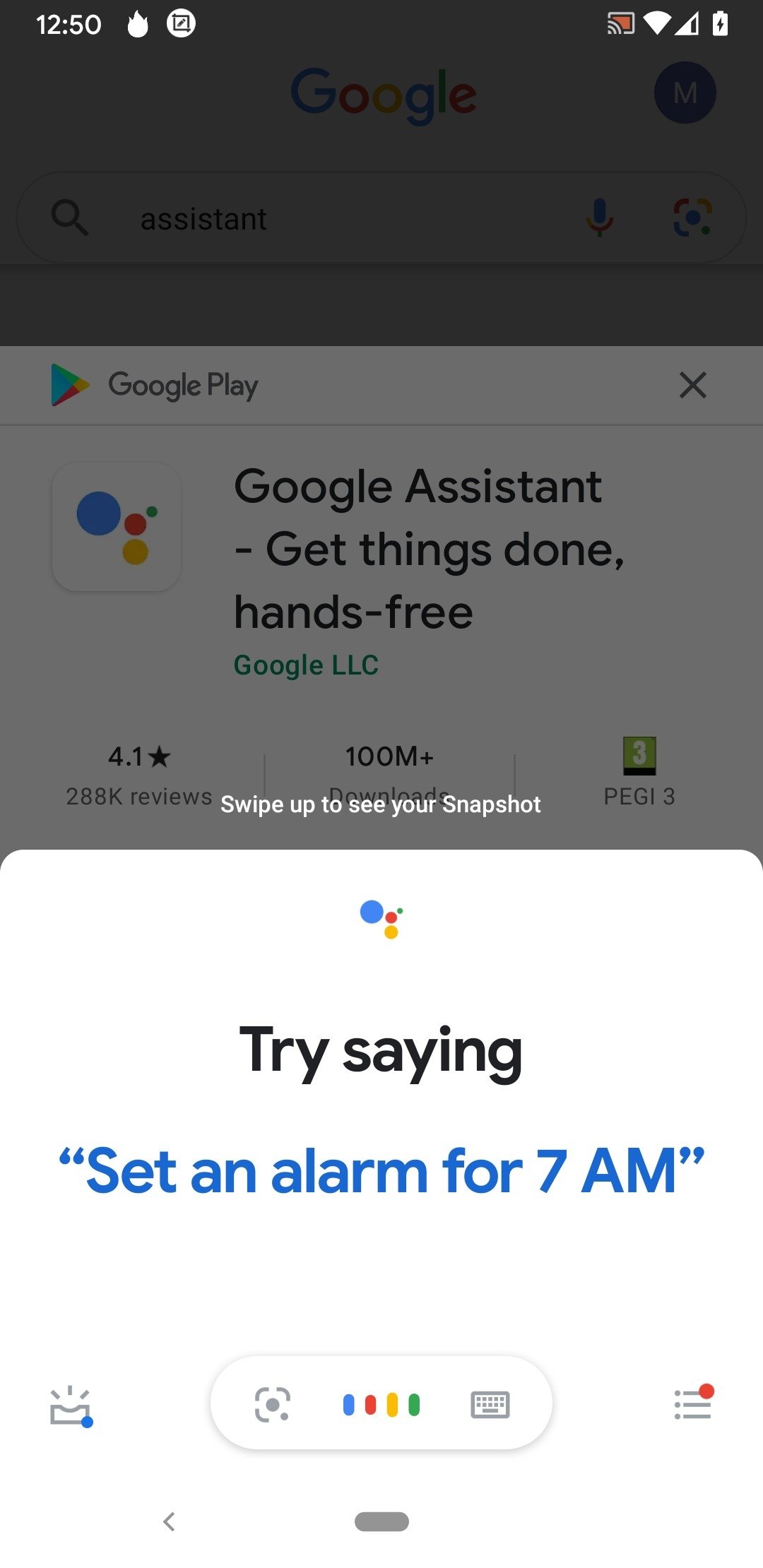
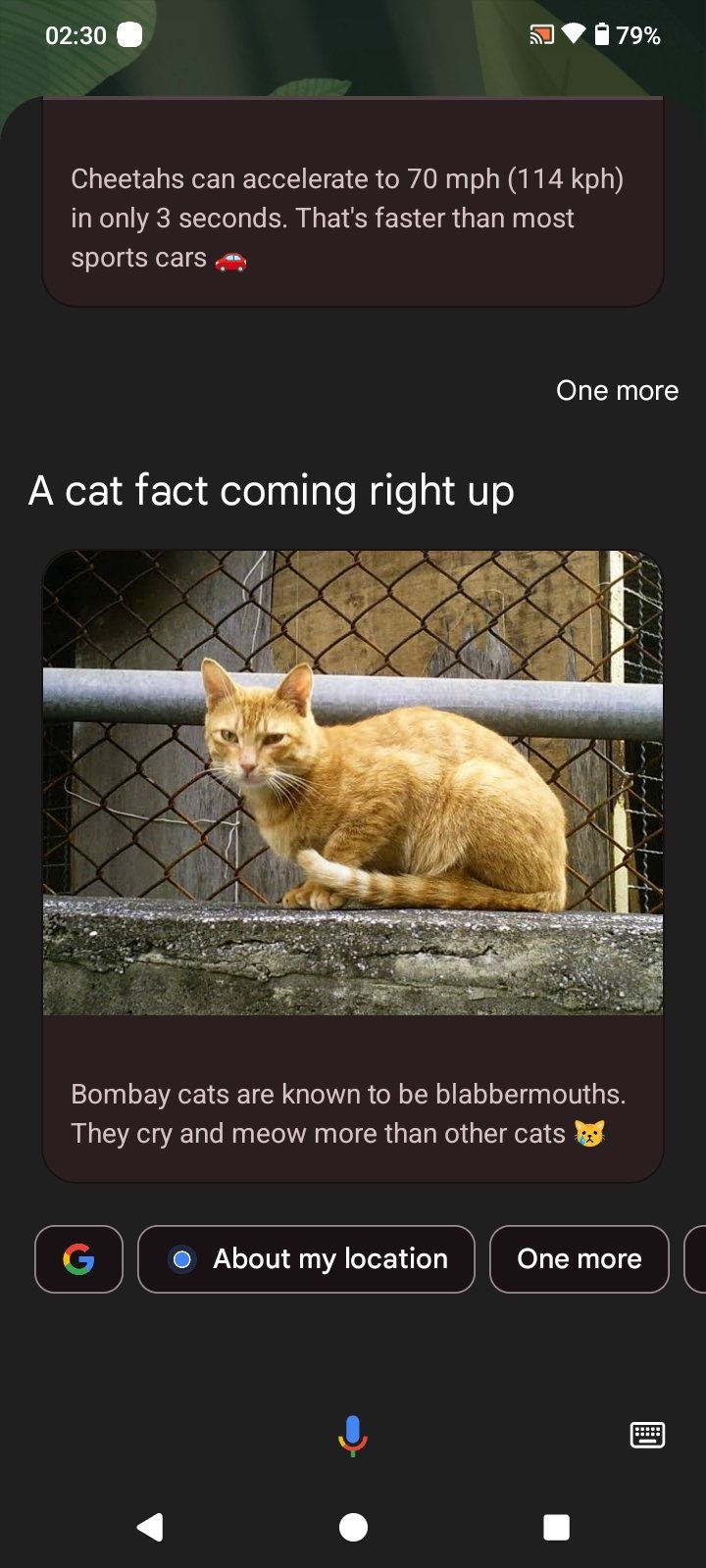
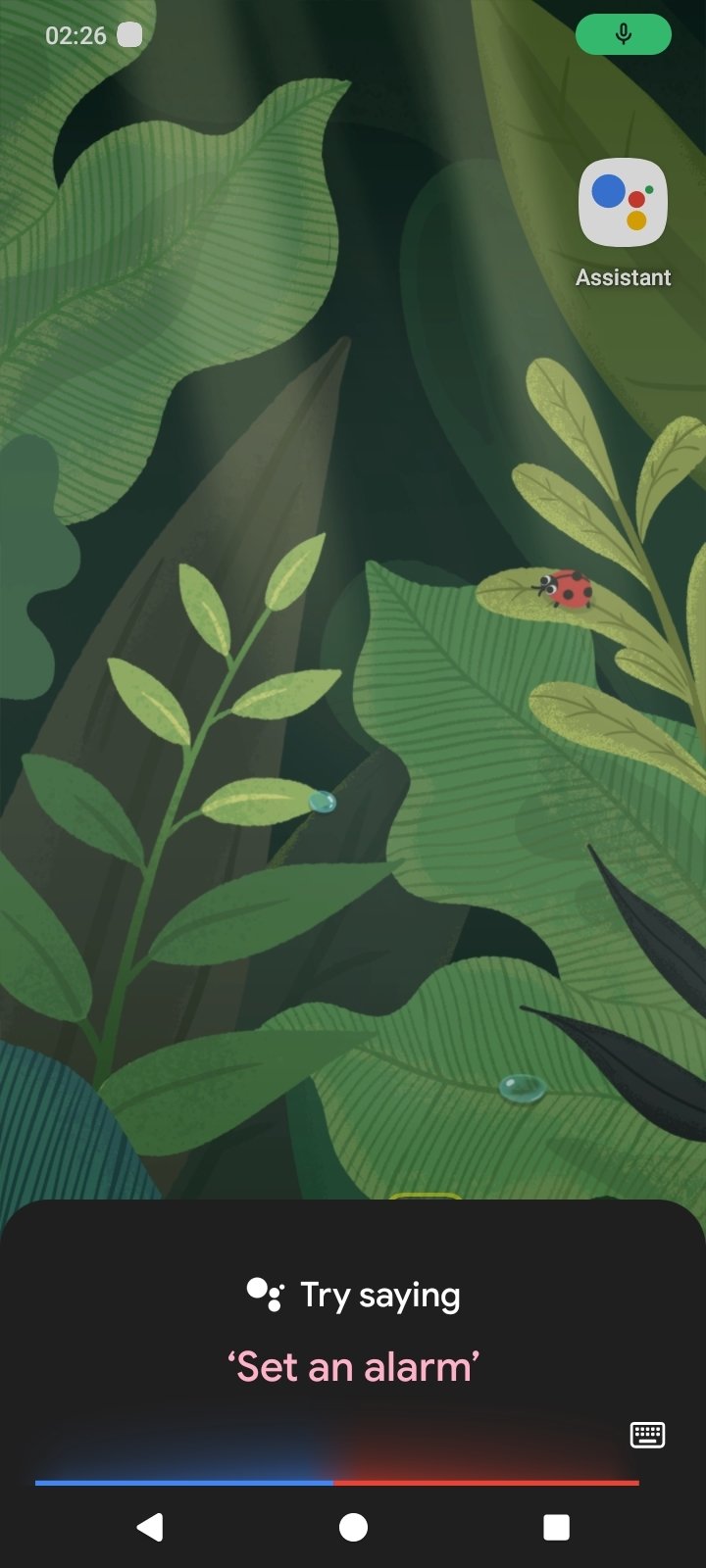
The Google Assistant APK is activated by voice commands or by tapping the home button. This app allows you to make calls, send messages, open apps, set alarms, and view the weather forecast. It also allows you to search the internet, manage your calendar, translate phrases, or interact with apps such as Spotify, WhatsApp, or Google Maps. Additionally, it can integrate with smart home devices, such as light bulbs, speakers, and cameras.
How to open the Google Assistant
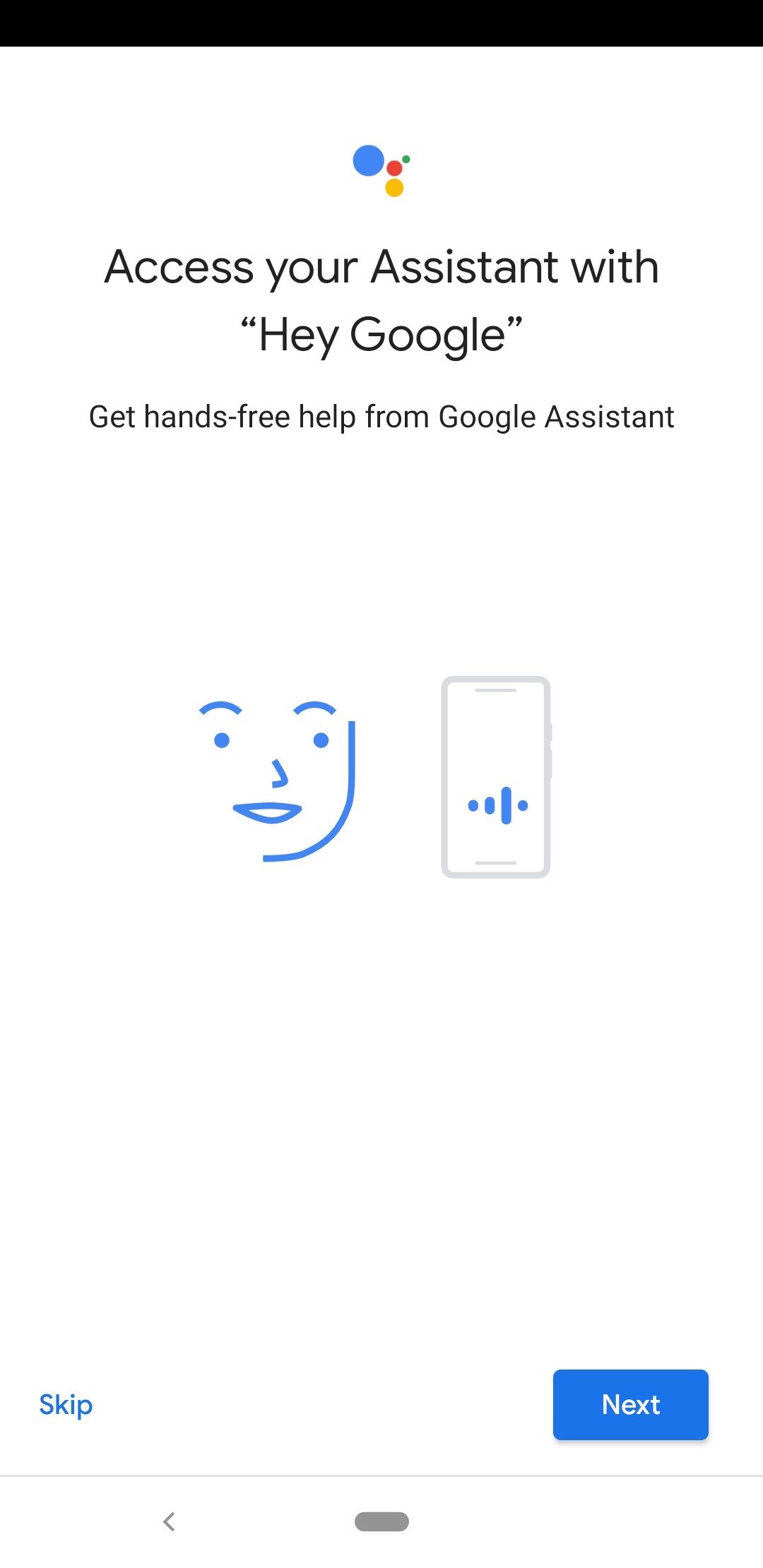
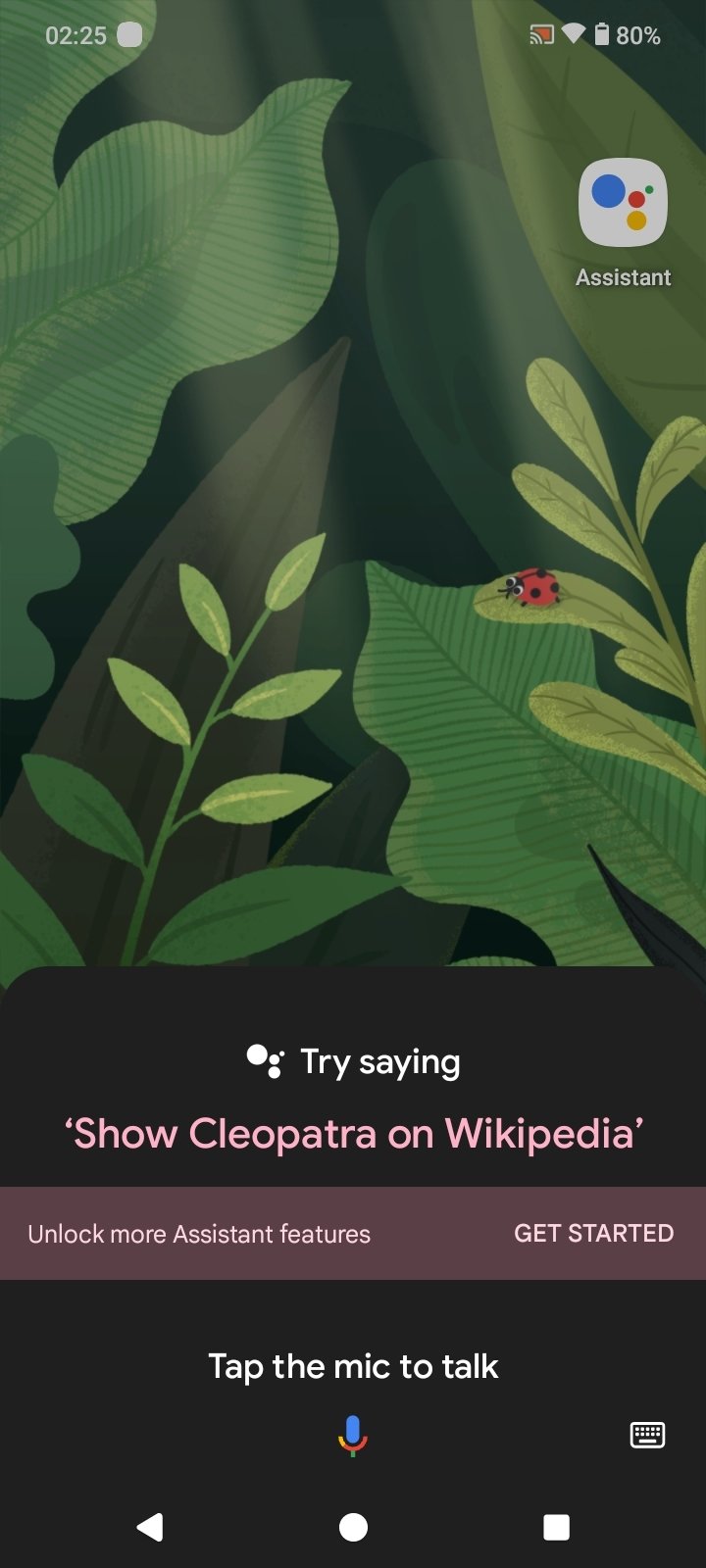
The most common way to activate the Google Assistant Android app is by saying "Hey Google" or "Ok Google". However, it can also be opened by tapping and holding the home button or from the floating widget. From the Google Assistant settings, you can customize its behavior, choose languages, or link compatible devices.
However, with the implementation of Gemini as the default AI on Android devices, this assistant is taking a back seat. It can still be used, but Google Assistant needs to be configured from the device settings.
How to deactivate Google Assistant
It is impossible to uninstall Google Assistant. If you do not want to use it, you can disable the Google Assistant from the app's settings menu or your smartphone's settings. It is also possible to remove Google Assistant from the lock screen to prevent it from being activated without permission.
Main features of Google Assistant
- The official app of Google's personal assistant.
- Make calls, send messages, or create events with voice commands.
- Integrates with smart home devices to control them.
- Answers general questions and provides results in real time.
- It offers routes and estimated times using apps such as Google Maps.
- Play music, podcasts, or videos through compatible platforms.
- Manage alarms, reminders, and quick notes efficiently.
- Takes photos and selfies without having to touch the phone.
- Control over applications developed by third parties.
In short, you can download Google Assistant for free and get one of the most comprehensive tools for voice control on Android, greatly improving your smartphone experience. It is invaluable for users seeking convenience, speed, and accessibility.
Requirements and additional information:
- Minimum operating system requirements: Android 6.0.
 Almudena Galán
With a degree in Law and Journalism, I specialized in criminology and cultural journalism. Mobile apps, especially Android apps, are one of my great passions. I have been testing dozens of apps every day for over six years now, discovering all...

Manuel Sánchez