


Science fiction visual novel with narrative choices
Astreon APK is a science fiction visual novel for Android where your decisions open different narrative paths. Download the Astreon Android for free and dive into a story of conspiracies, forbidden experiments, and secrets that will change the fate of humanity.
Science fiction visual novel with decision-making
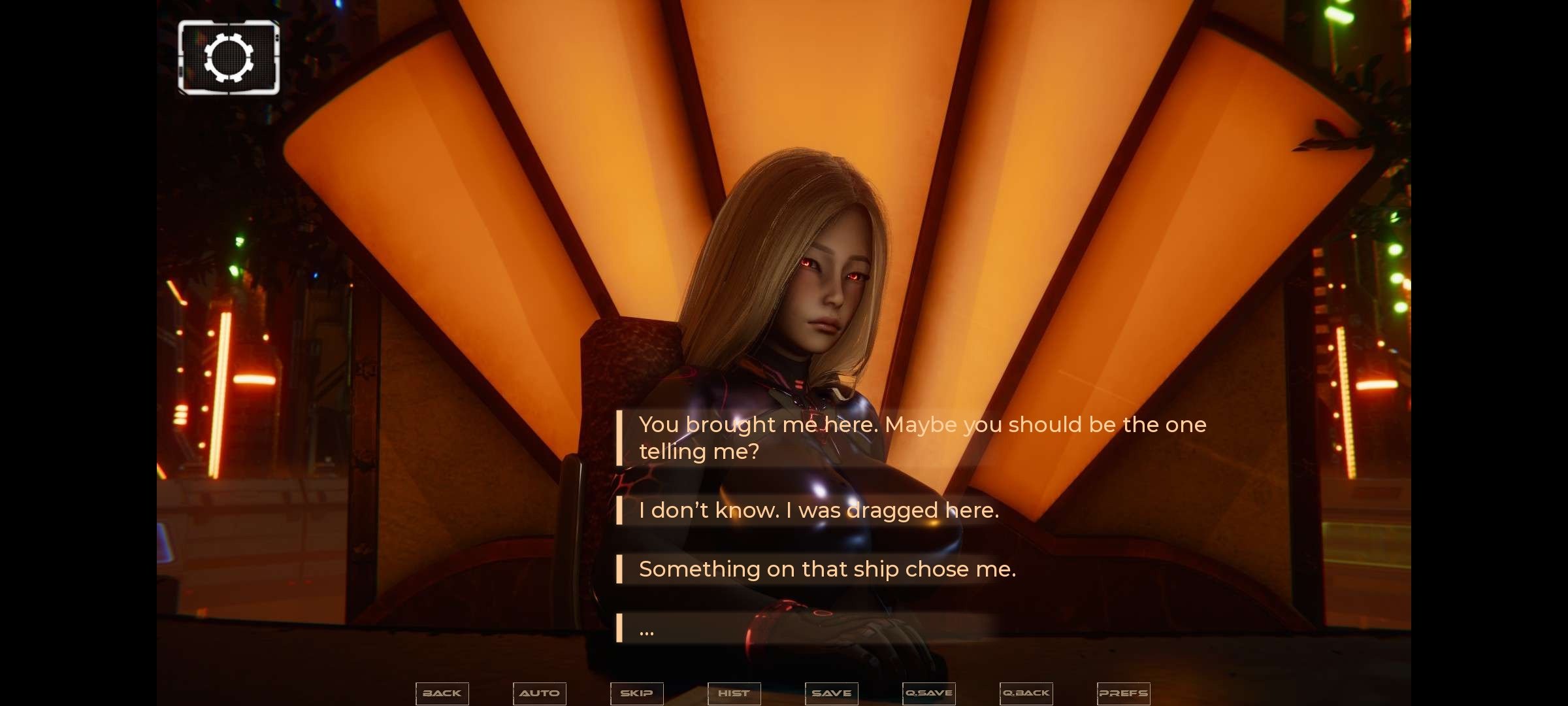
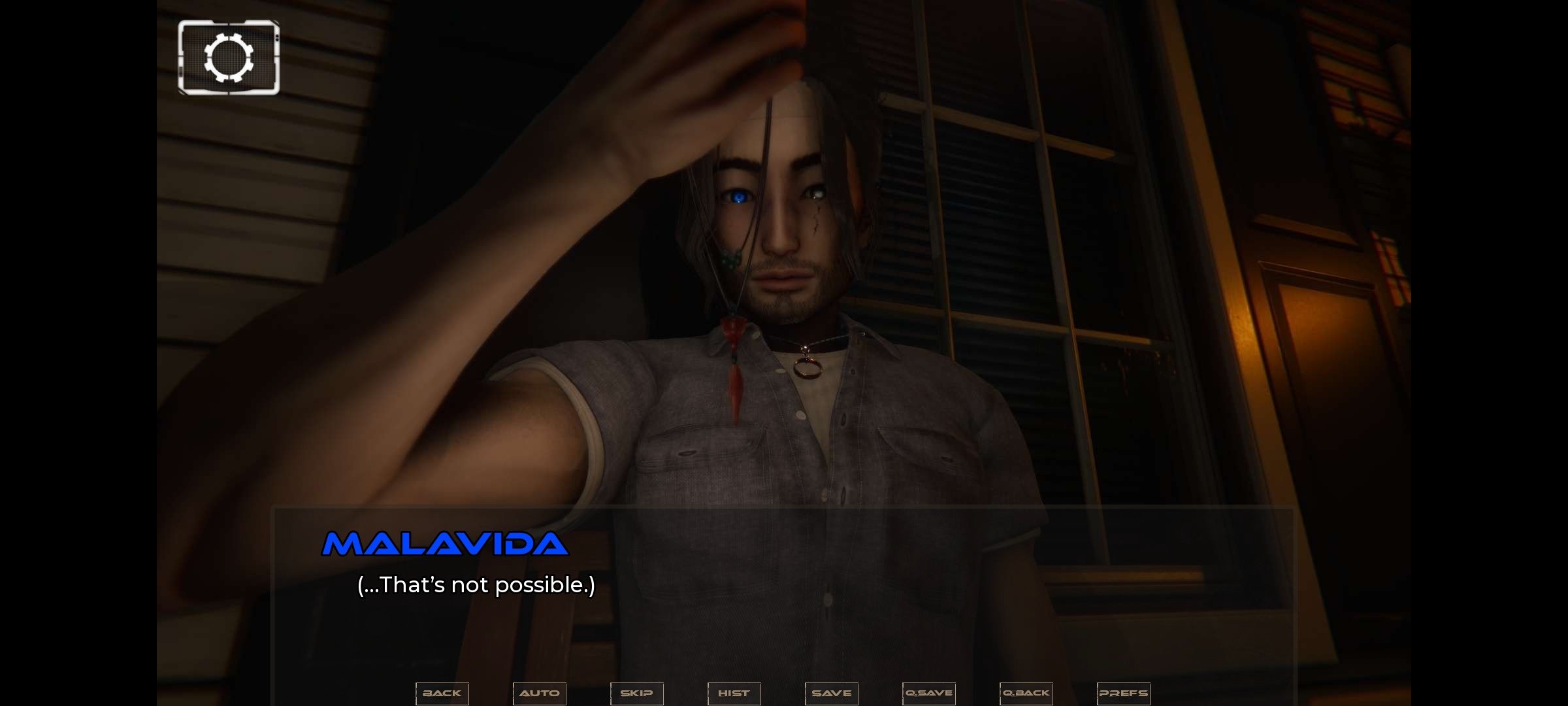
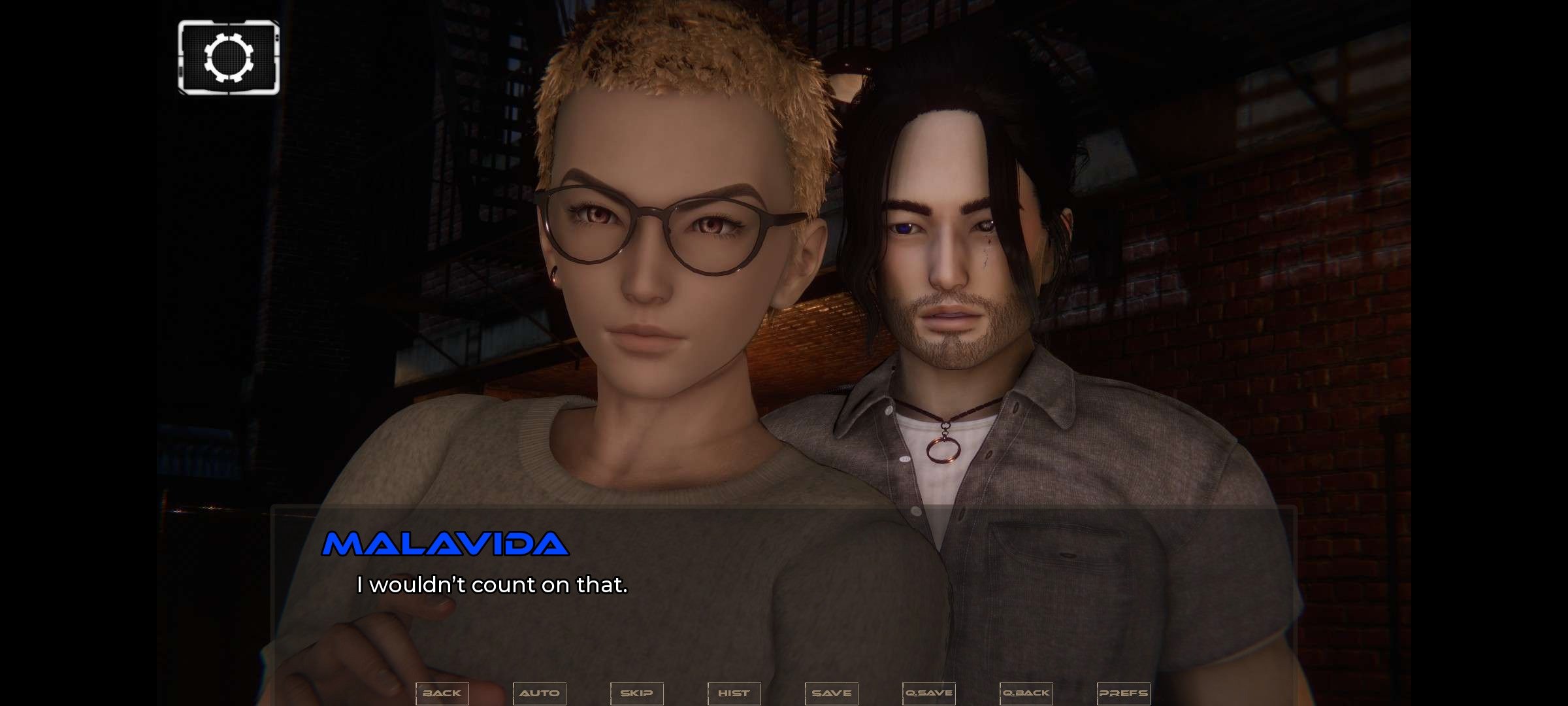
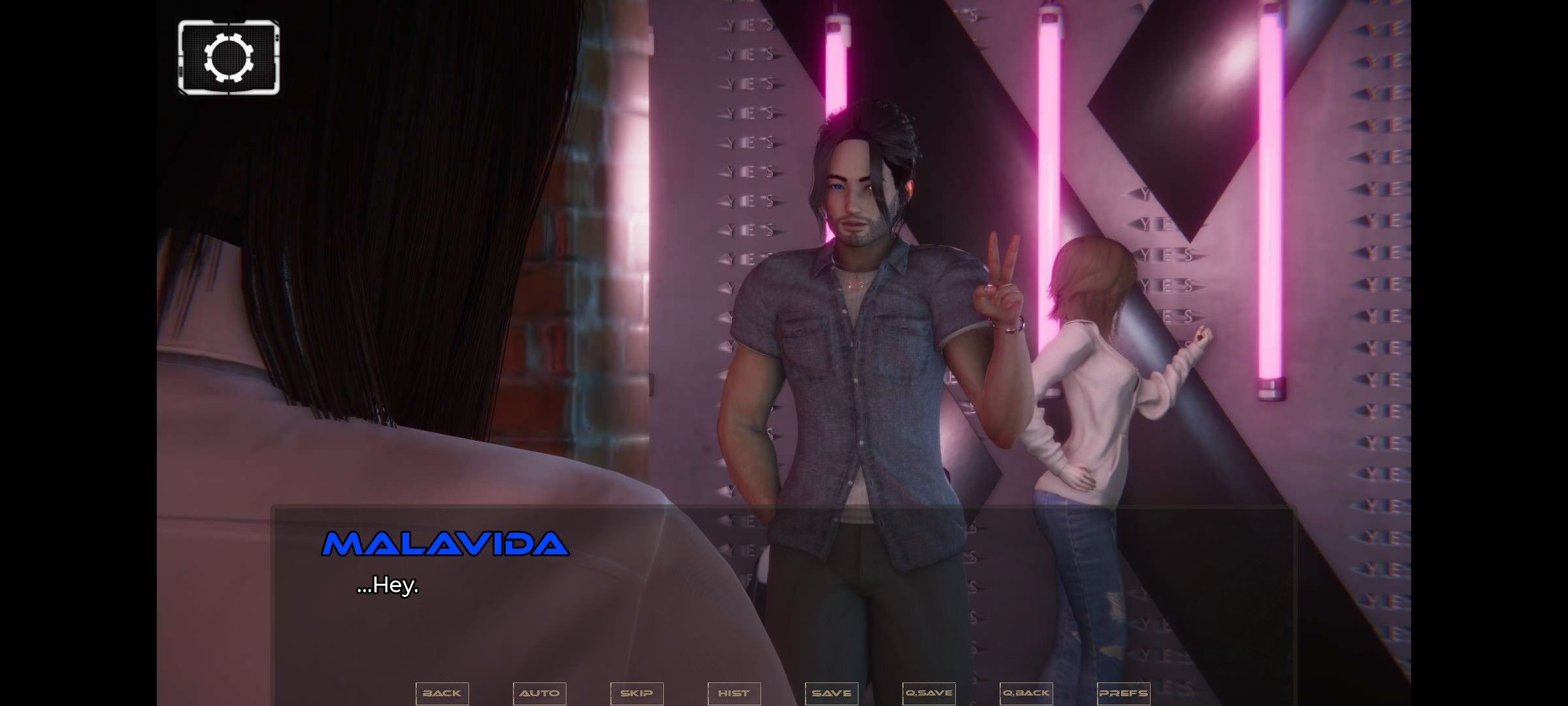
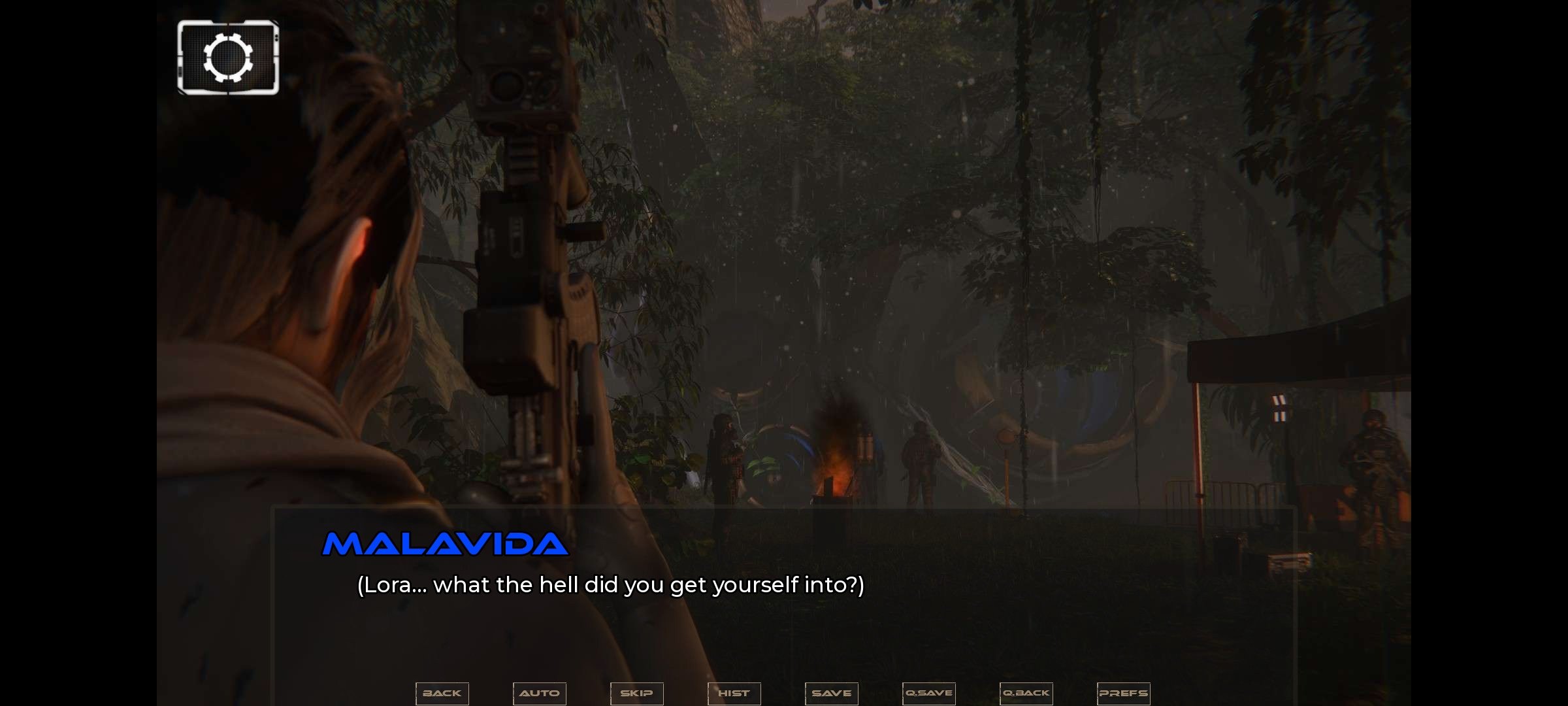
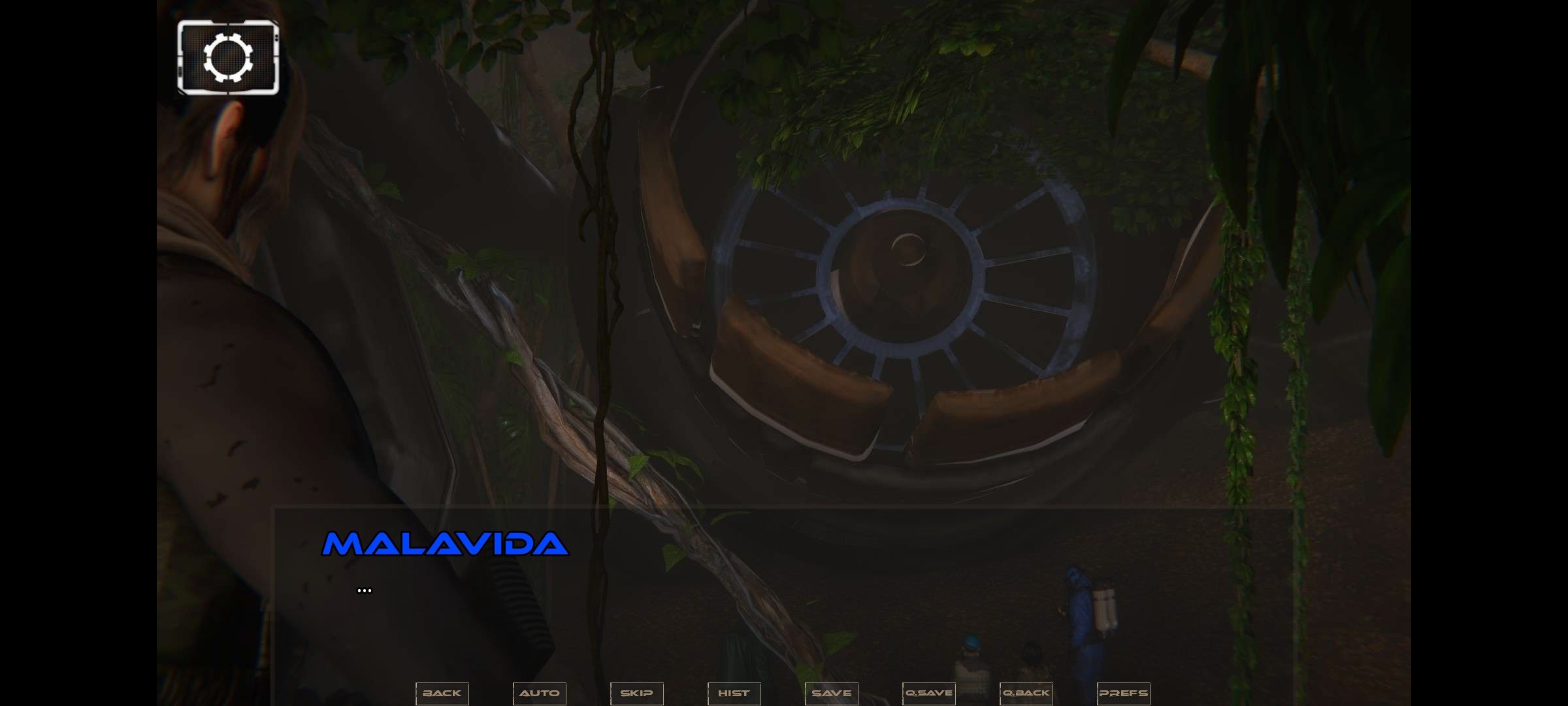
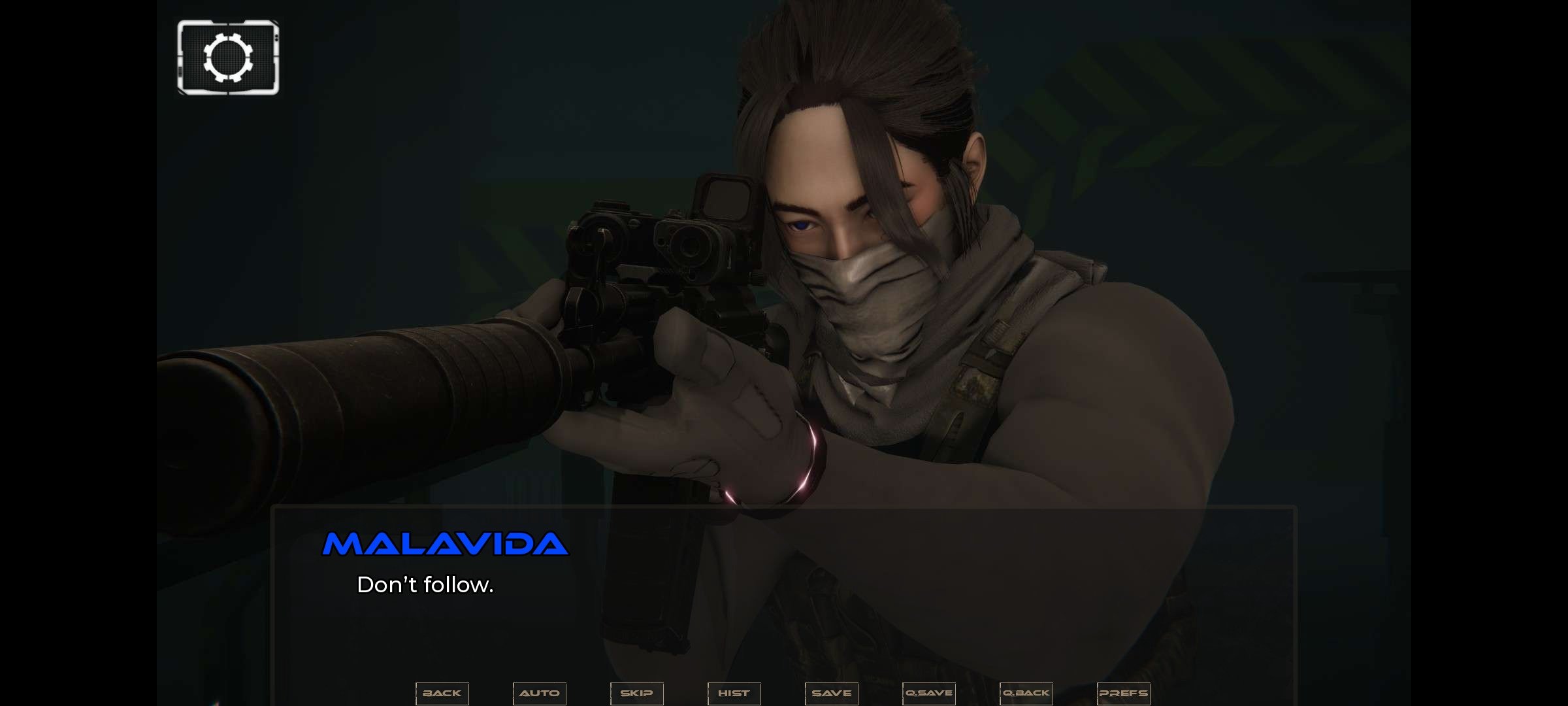
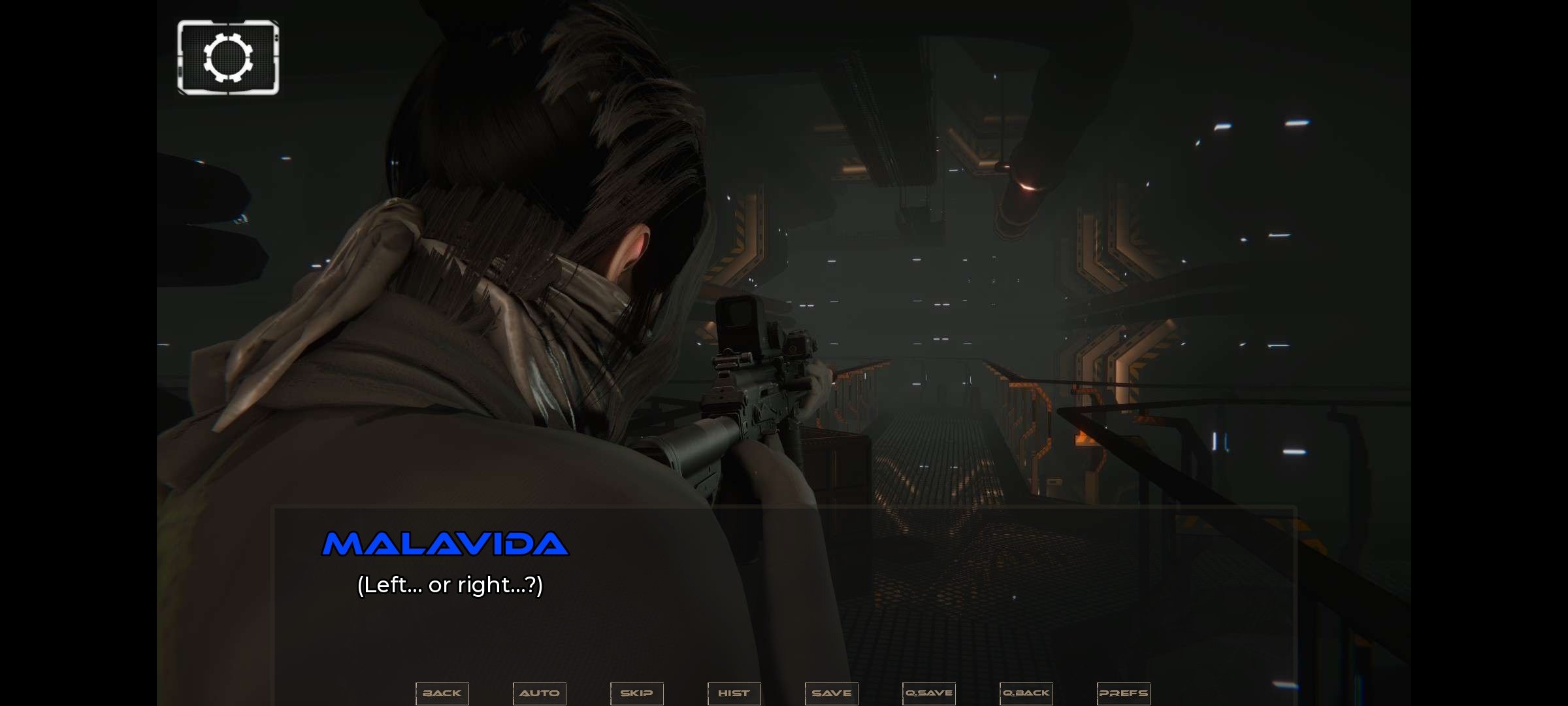
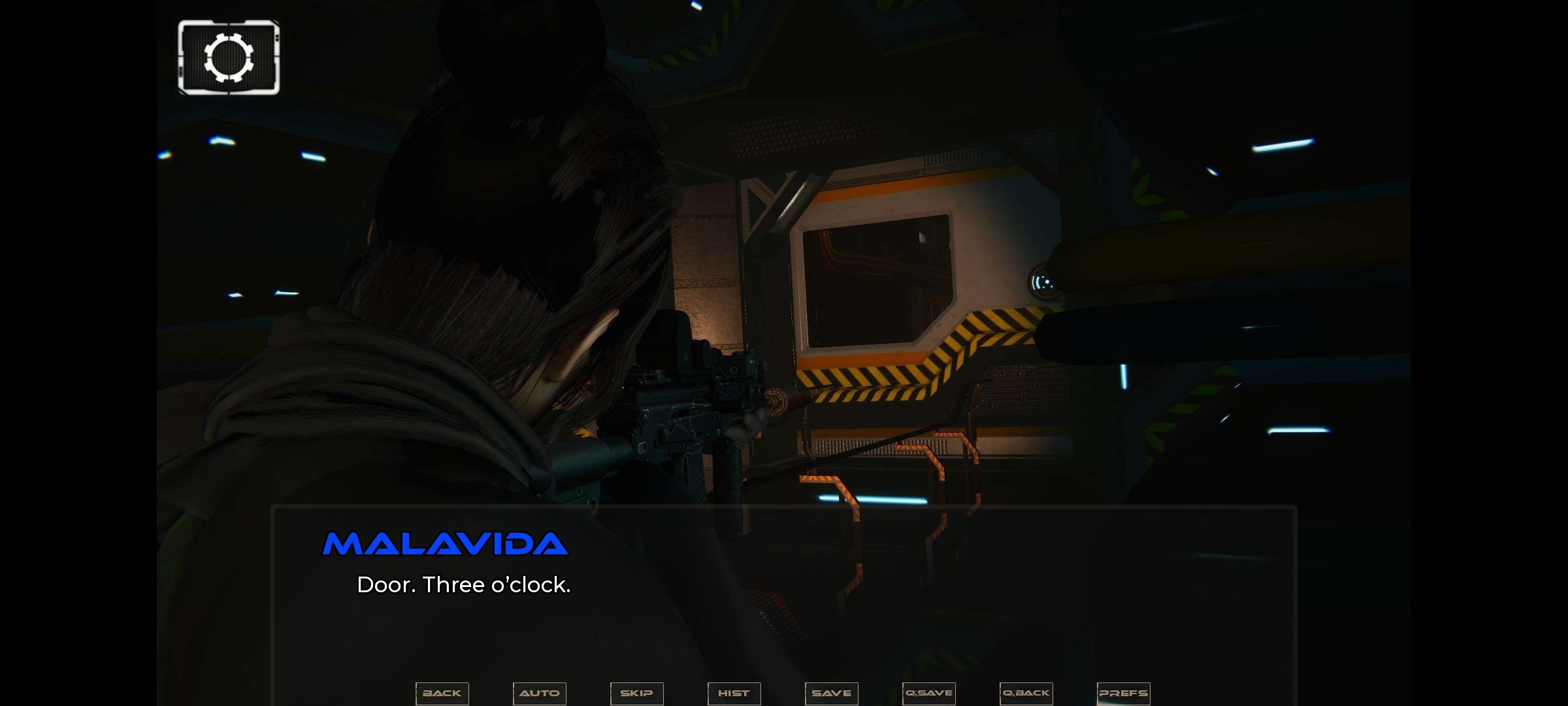
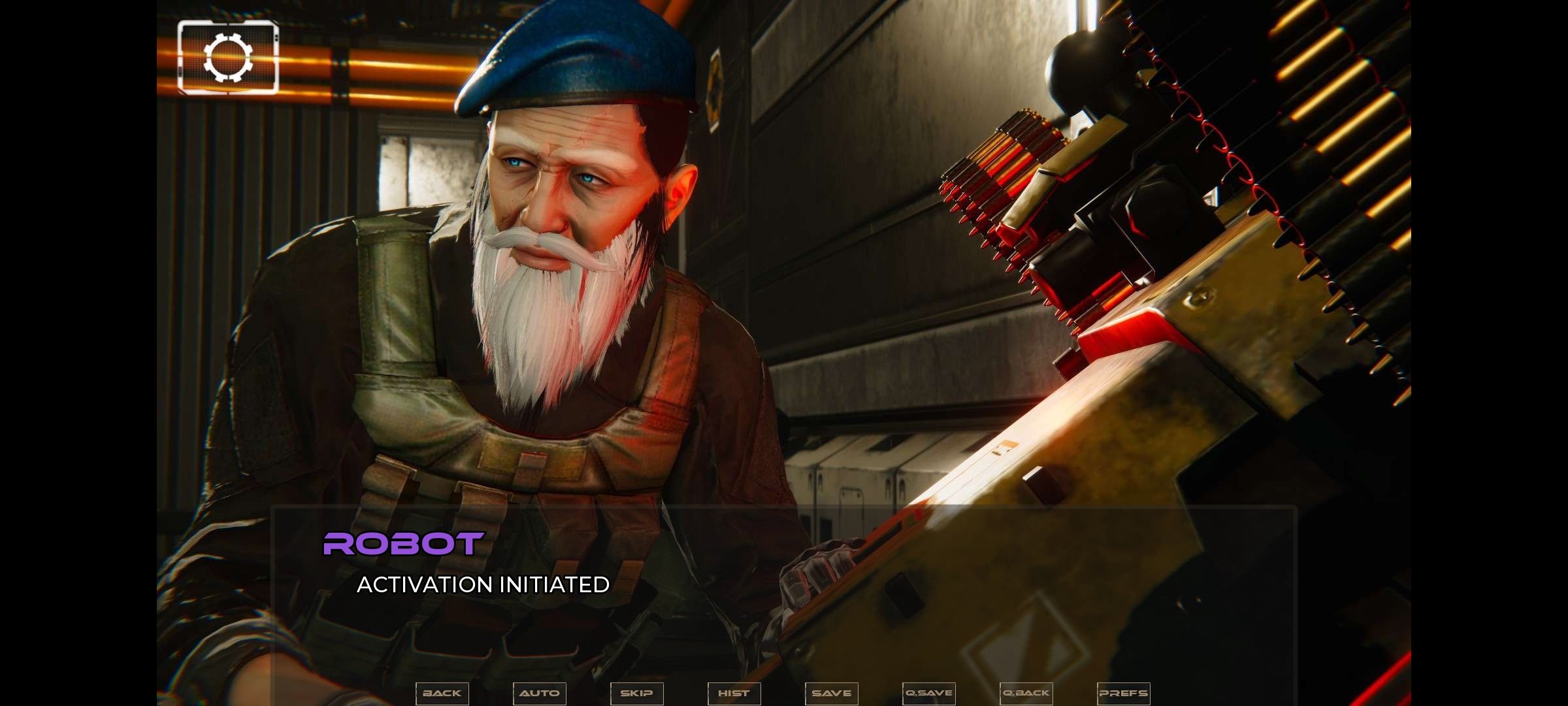
The proposal for the Android game Astreon revolves around storytelling and decision-making. The story progresses through dialogues and 3D illustrations, while choices made at key moments unlock different narrative paths, leading to a reading- rather than actionn-focused experience.
Main features of Astreon
- Science fiction visual novel with a branching story.
- Decisions that unlock different narrative paths.
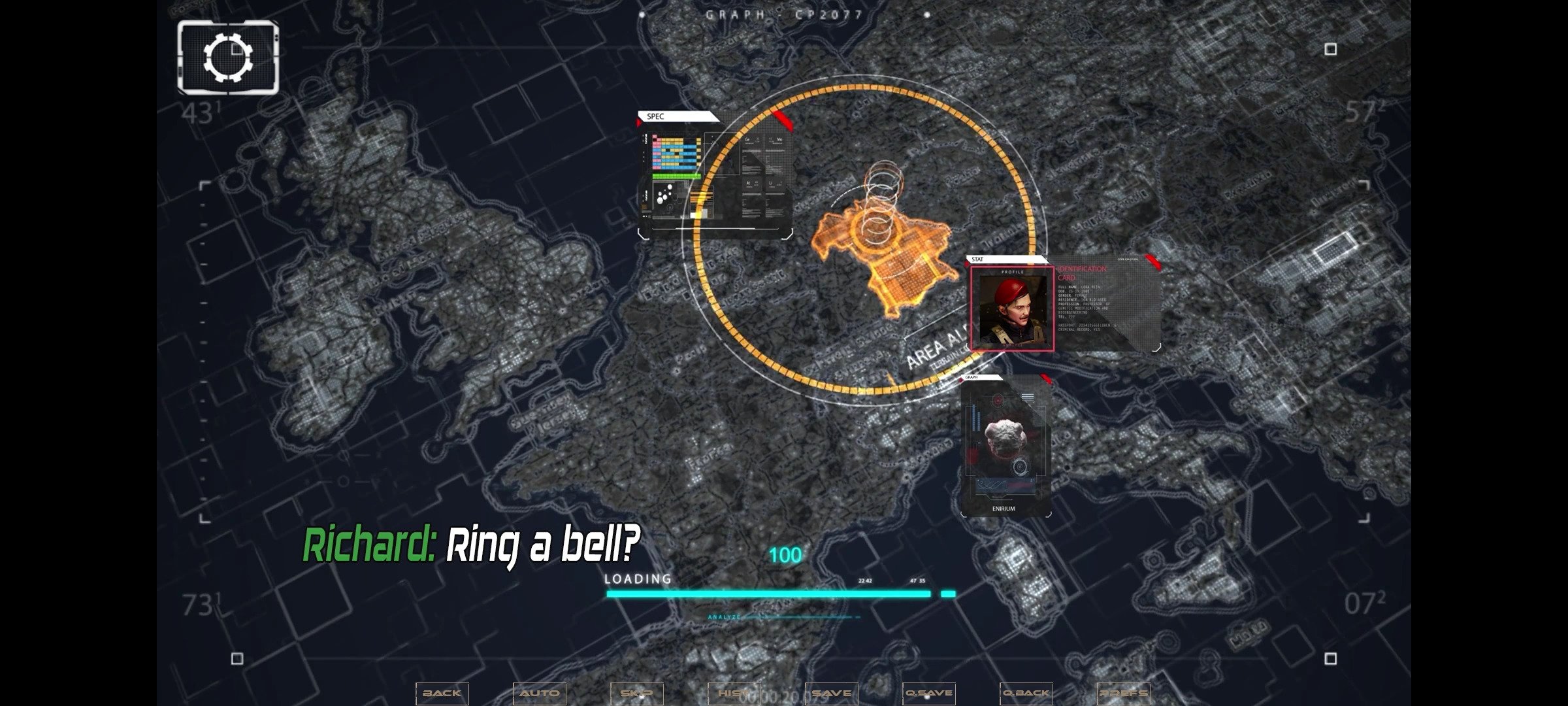
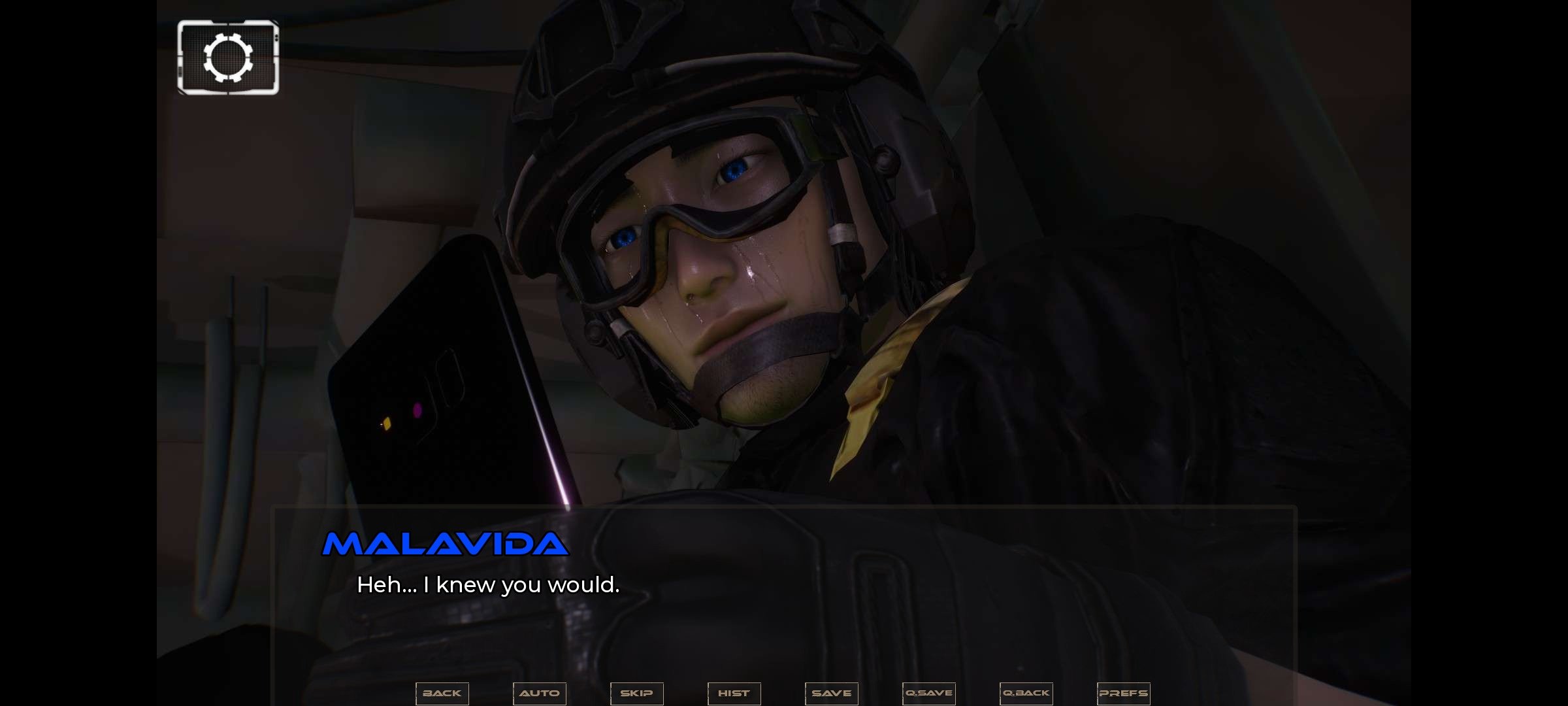
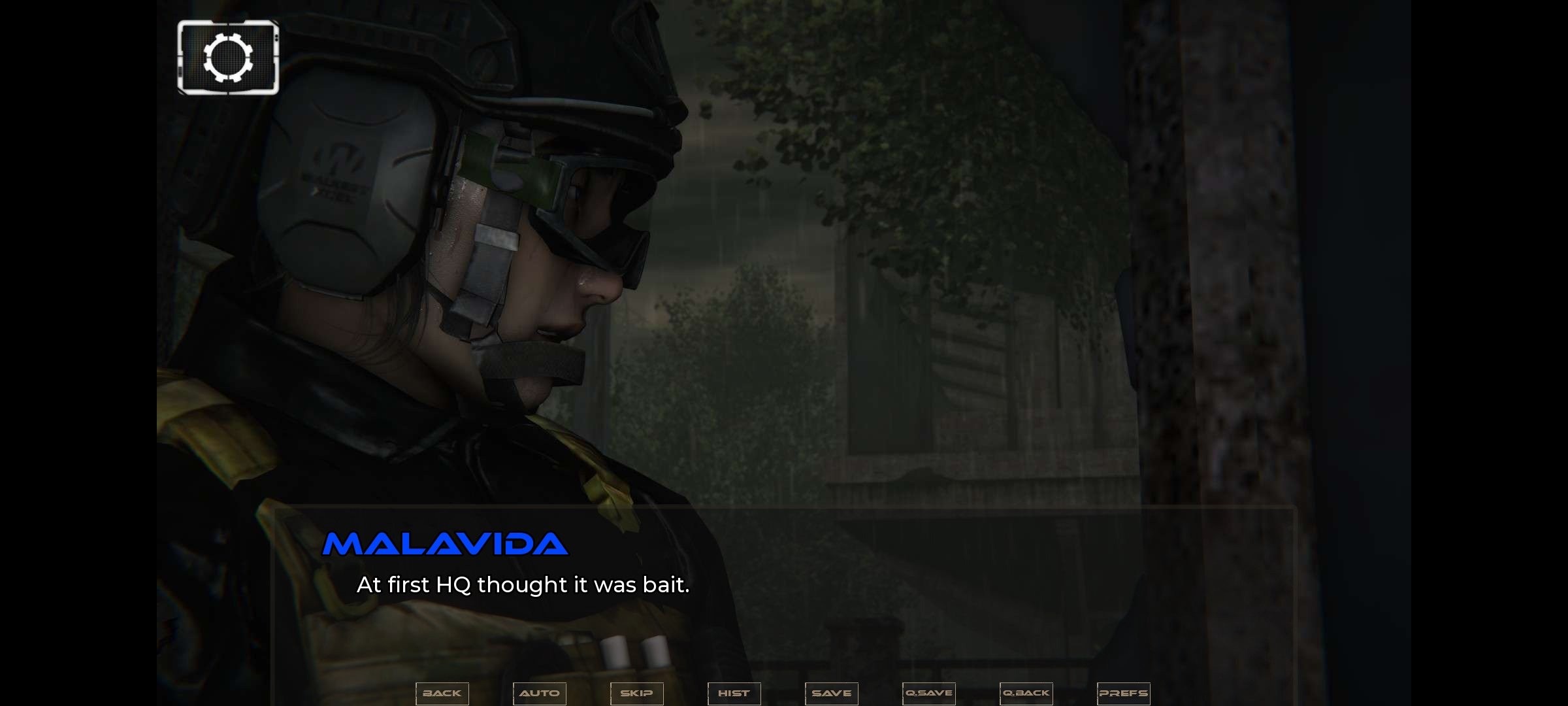
- Storytelling developed through dialogues, static images, and occasional animations.
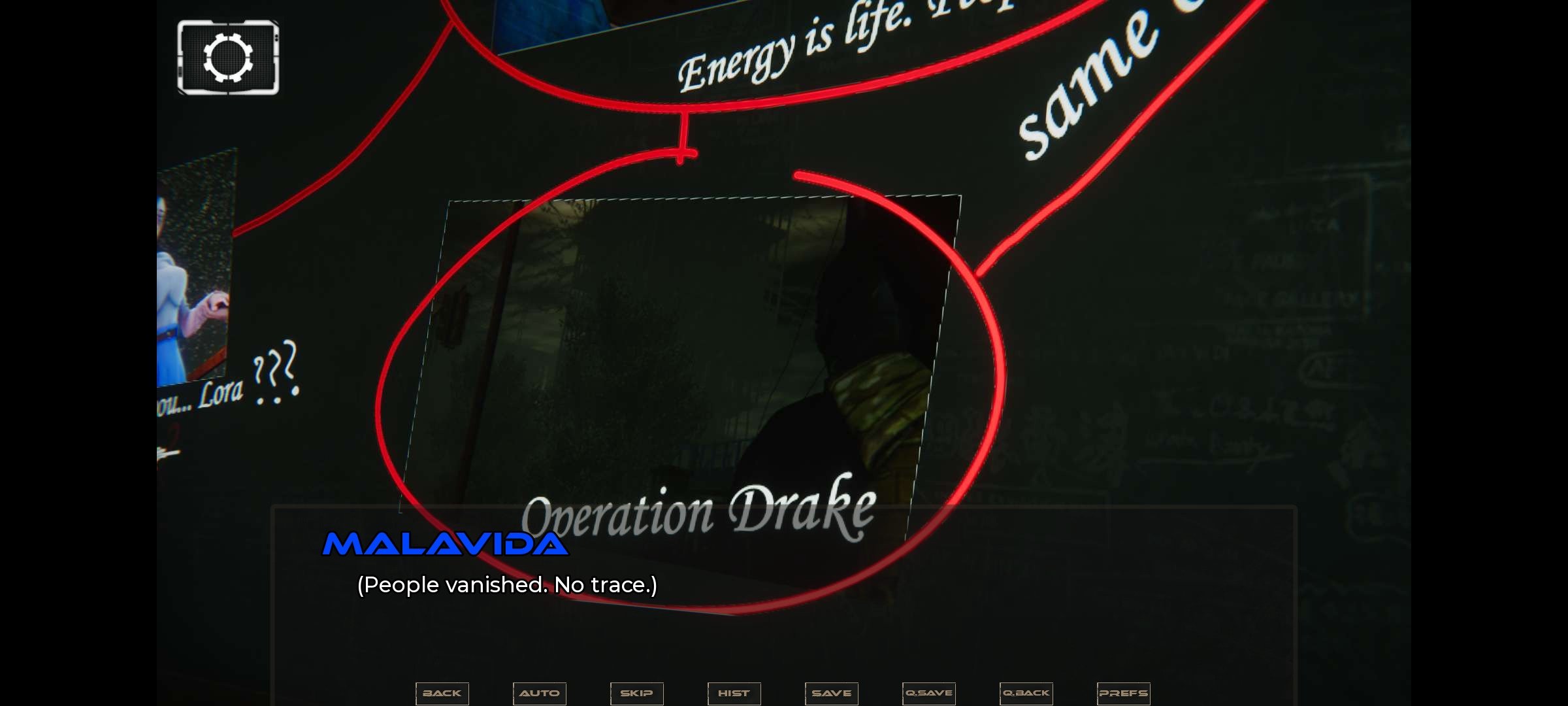
- Futuristic setting inspired by conspiracies and forbidden experiments.
- Mature-themed stories integrated into the narrative.
What to expect from Astreon
Although its futuristic setting and premise might suggest an action-focused experience, Astreon takes a very different path. The game revolves around reading, making choices, and developing the story, leaving interaction in the background. Decisions made at key moments open up different narrative routes, so the experience is clearly aimed at those who enjoy visual novels and stories where the plot carries more weight than the mechanics.
A visual novel where the story always comes before the action.
Astreon finds its biggest appeal in the combination of a science fiction story, choices that change the course of the plot, and a presentation based on 3D renders. If you enjoy visual novels and are looking for a proposal with a more adult approach, you can download Astreon for free and explore its different narrative paths.
Requirements and additional information:
- Minimum operating system requirements: Android 8.0
- The installation of the app by means of the APK file requires the activation of the "Unknown sources" option within Settings>Applications.
 Manuel Sánchez
Passionate about web browsing since the early days of the internet, I consider myself a digital veteran who lived the rise of the internet from his own trenches in specialized forums that no longer exist. And now that I look back, it amazes me...

Susana Arjona