



Nintendo DS emulator
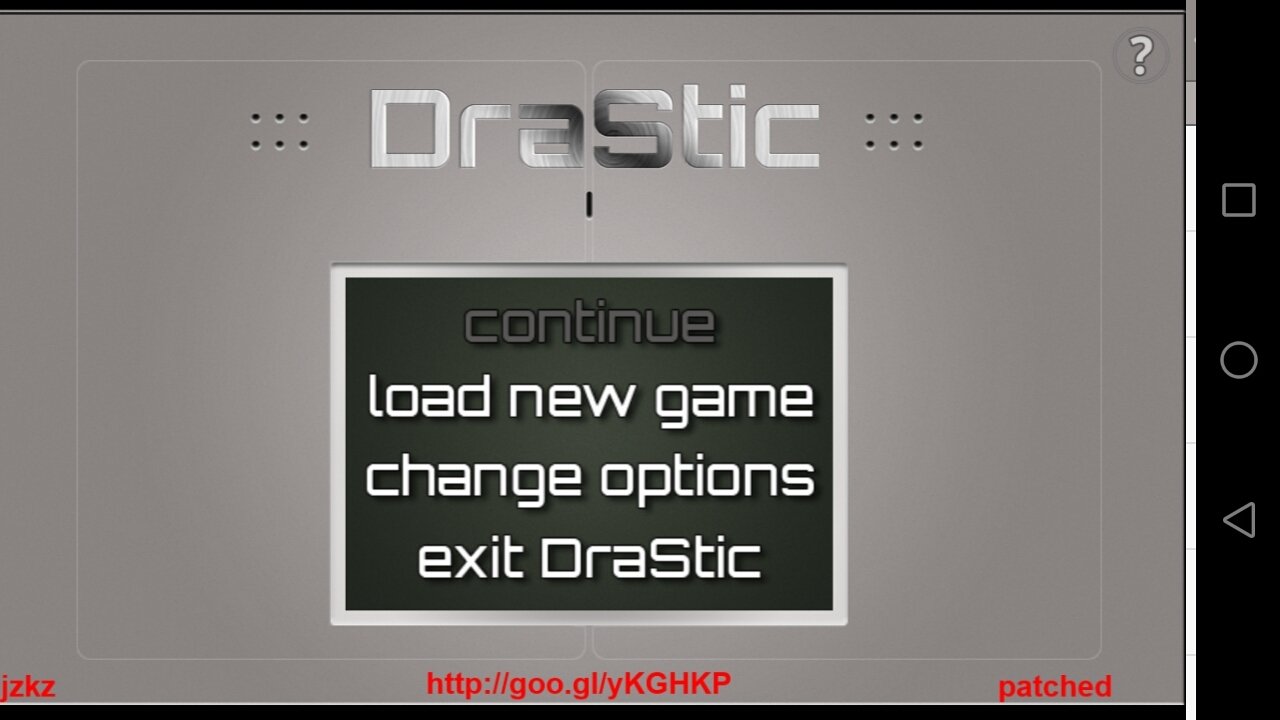
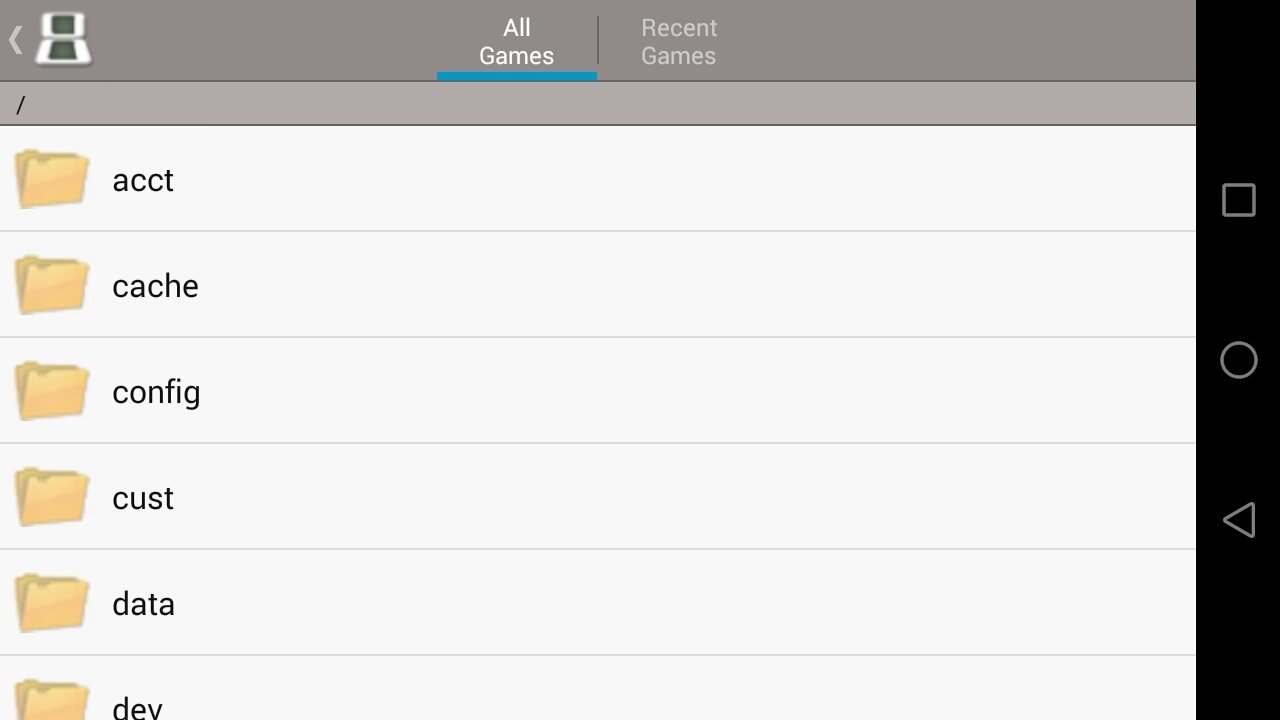
Nintendo is really strict about taking its games to other platforms, therefore, if you want to play the classic Mario Bros. you'll need to use any of the Japanese company's consoles. And that policy is not only applied to its own games but also to the development of unauthorized emulators. For the time being, it looks like DraStic APK, a Nintendo DS emulator for Android, is out of their radar. Download DraStic Android for free and gain access to a lightweight and easy-to-use emulator of about 15MB: we only have to download the games and load them onto the emulator from the corresponding folder (games are obviously not included).
Main features of DraStic APK
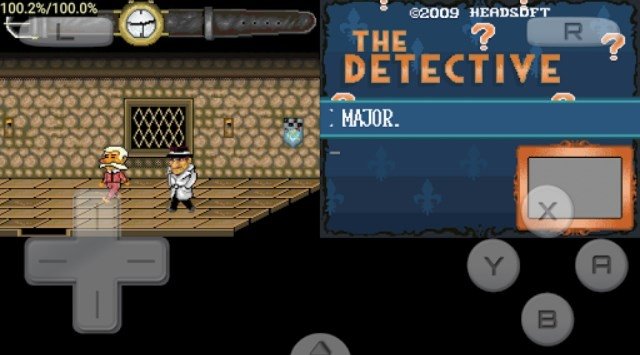
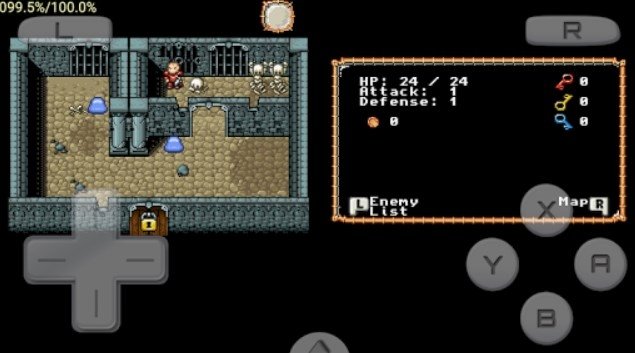
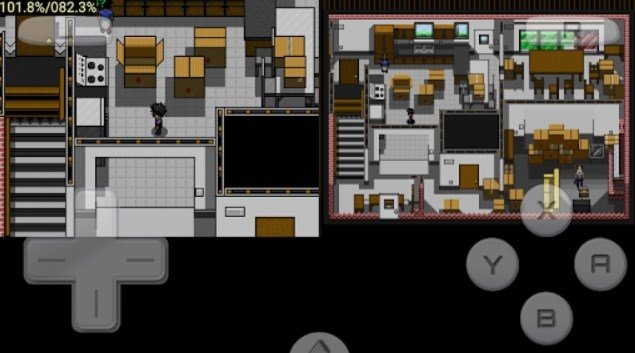
Once we open the games, we'll be able to control them by means of on-screen controls. It comes along with all the following features:
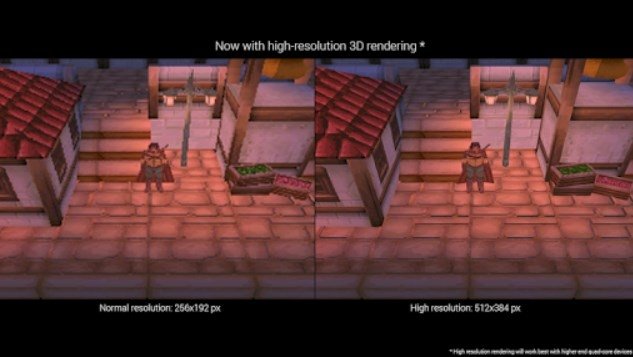
- Image quality identical to that of the original games.
- Customize the position and size of the video console screen.
- Compatible with external controllers such as NVIDIA Shield and Xperia Play.
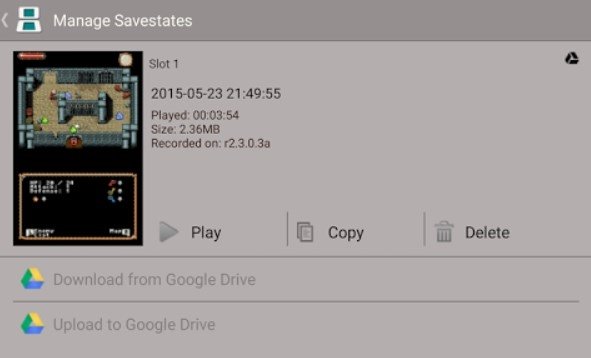
- Save the current game status and resume it whenever you want.
- Sync your saved games with your Google Drive storage space.
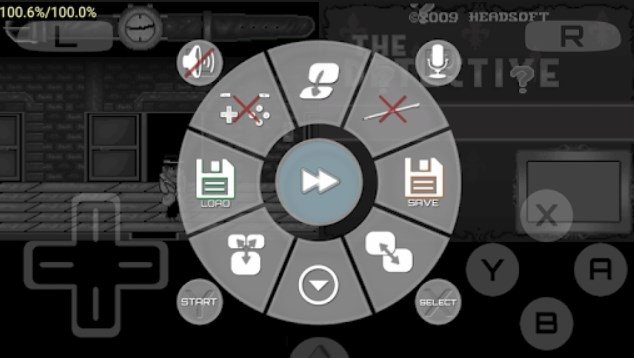
- Function to increase the emulation speed.
Download DraStic Android right now, one of the best ways of playing Nintendo DS games on your Android smartphone or tablet.
 Elies Guzmán
With a degree in History, and later, in Documentation, I have over a decade of experience testing and writing about apps: reviews, guides, articles, news, tricks, and more. They have been countless, especially on Android, an operating system...

Antony Peel