



Organize your ideas and notes
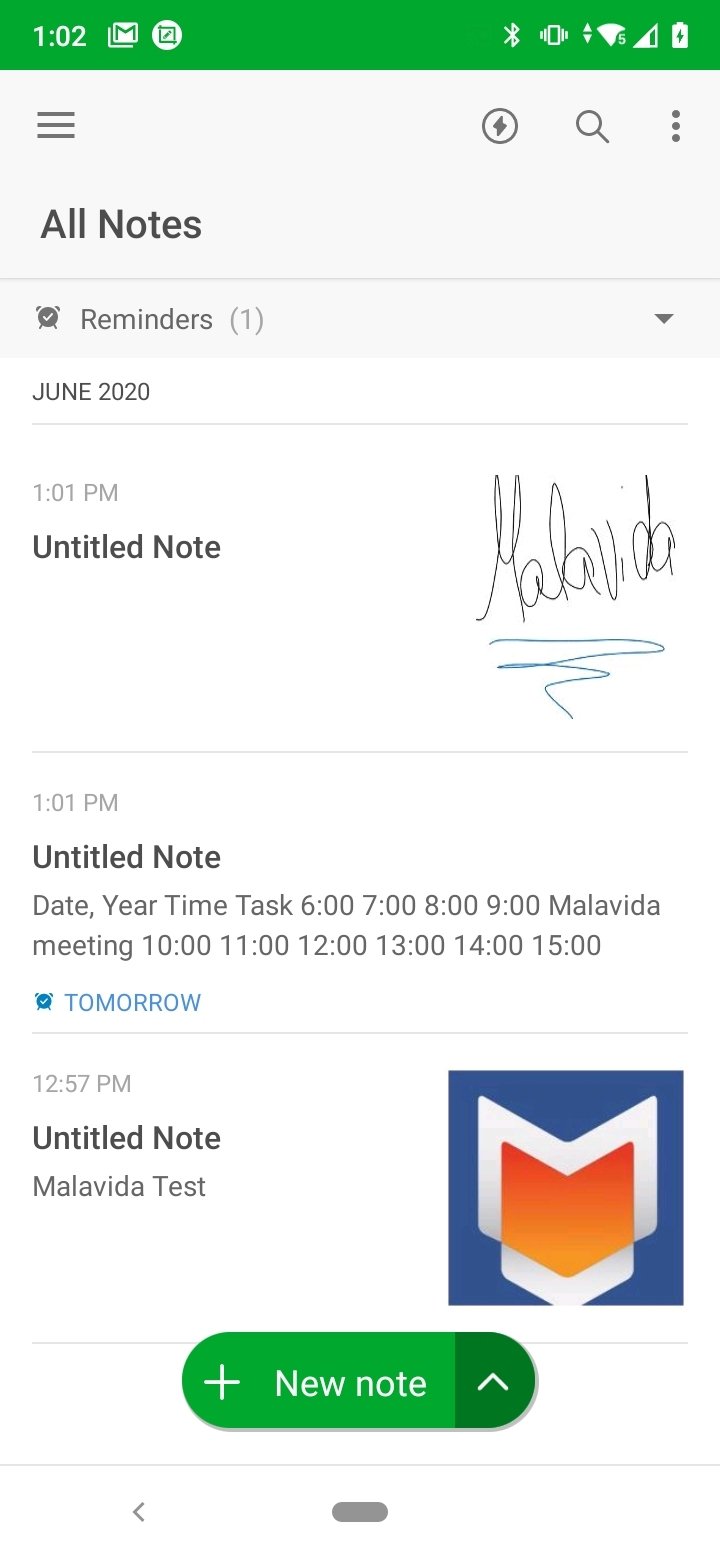
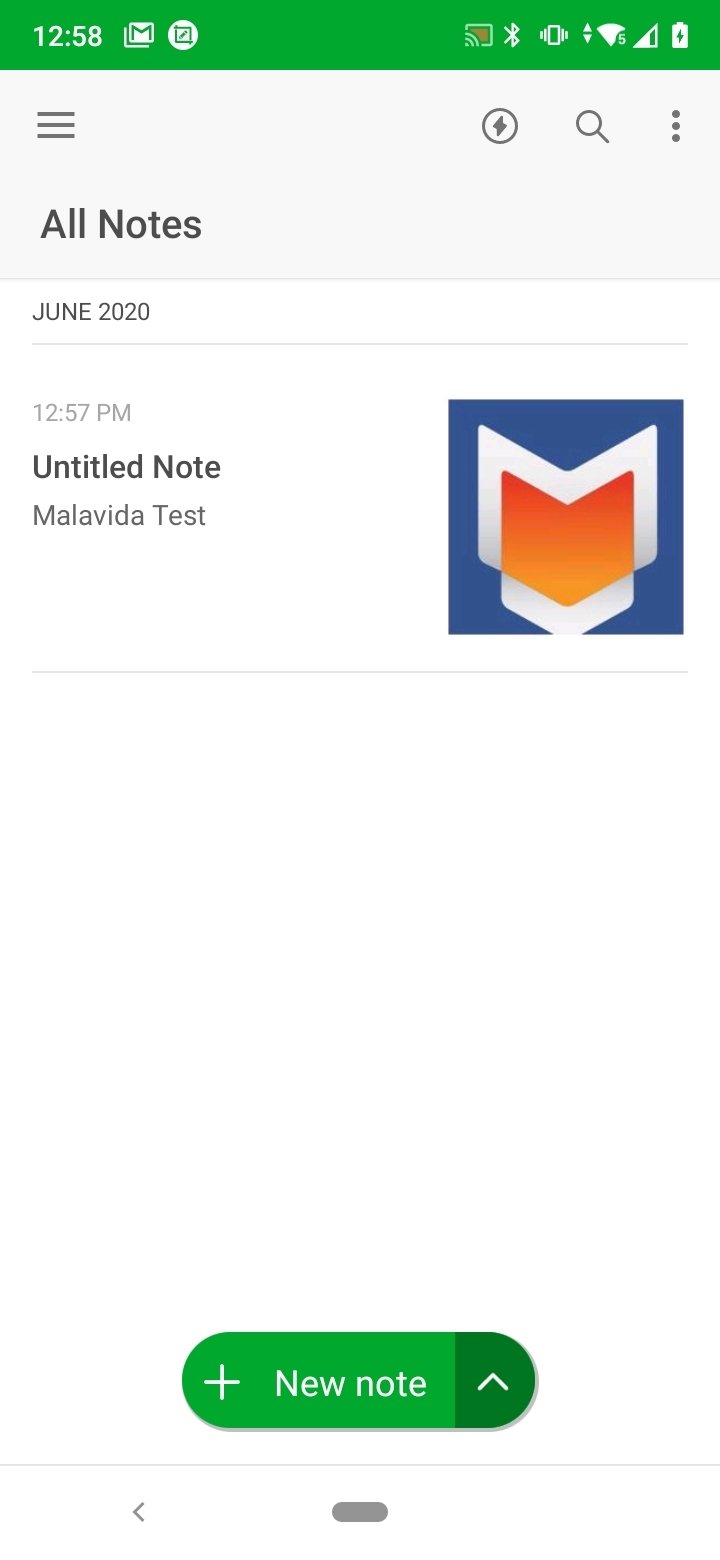
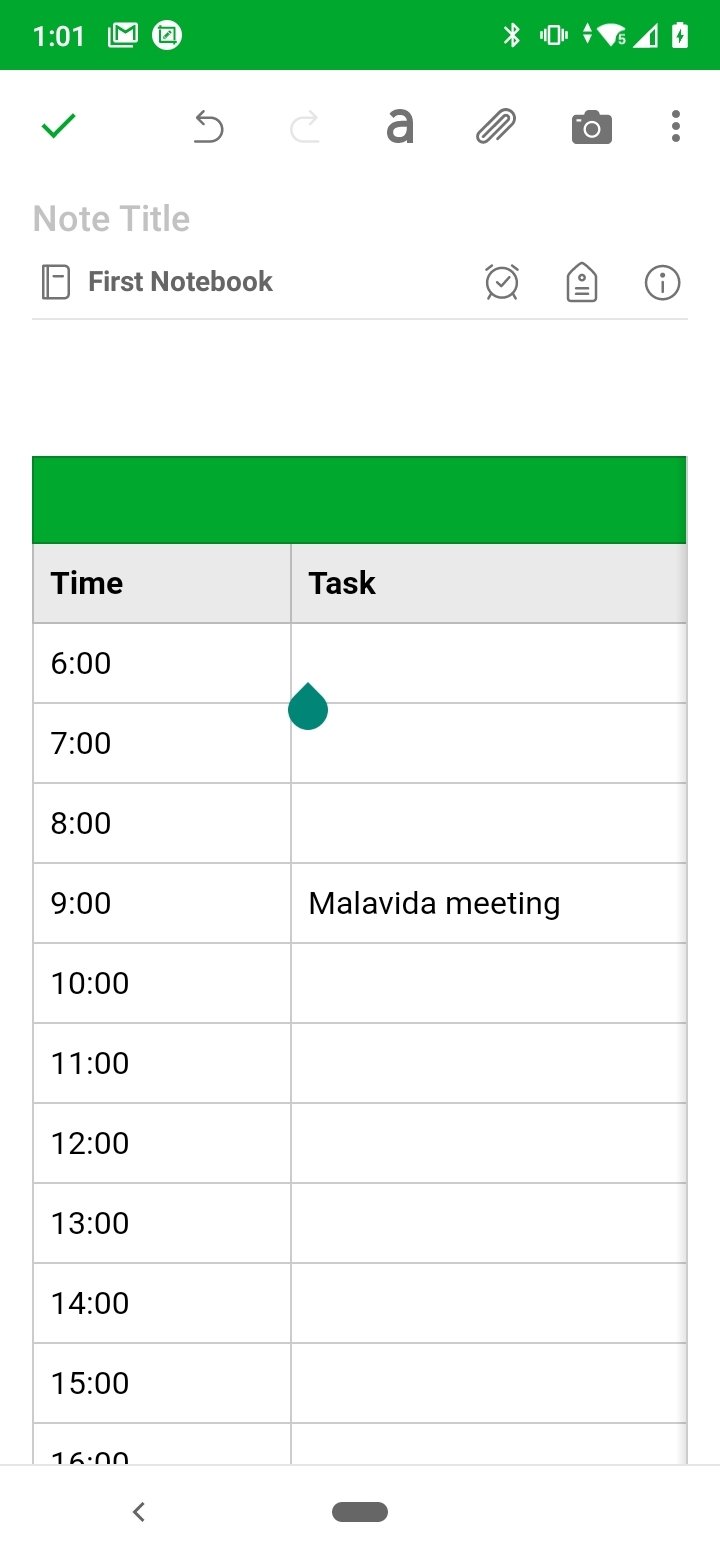
Our Android can be a complete and efficient notepad. A notepad that can actually consist of several notebooks and different notes. In them we can write down anything or any idea that we need to remember, to-do lists or even link photos and files that we can then view on other devices. And we can do this thanks to Evernote APK, an application that is much more than an agenda. If you want to organize all your ideas and notes, you simply have to download Evernote Android.
A task manager designed to organize your daily life
There are several pillars on which the idea behind this application is based: organization, synchronization of content so that it is always accessible anywhere, and sharing of ideas. Everything so that it can be integrated into your daily life as much as possible, whether at work, in class or at home.
Capture your ideas when inspiration strikes. Gather your notes, to-do's and agenda to keep life's distractions at bay.
Key Features
Among the different features of Evernote APK you can find the following:
- Write ideas in notes, notebooks and to-do lists.
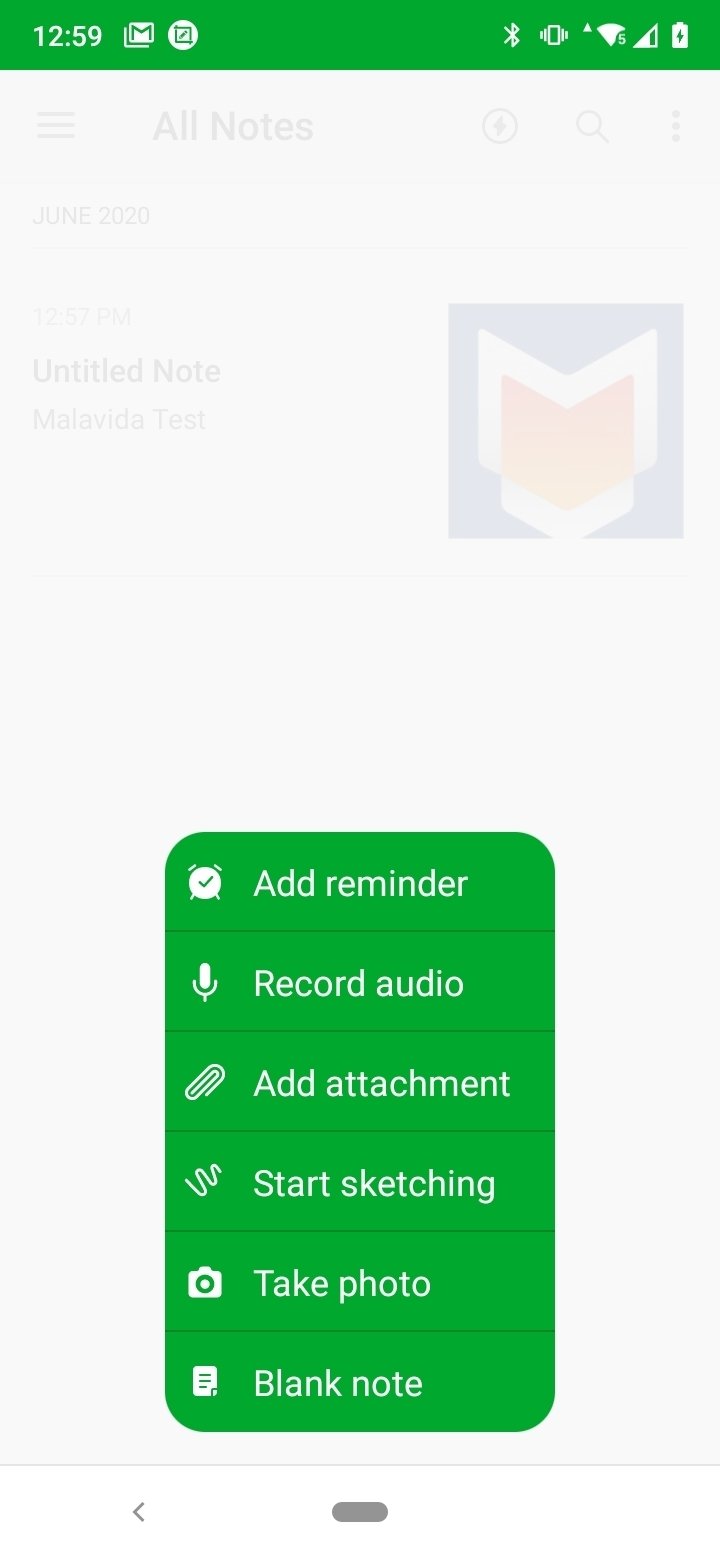
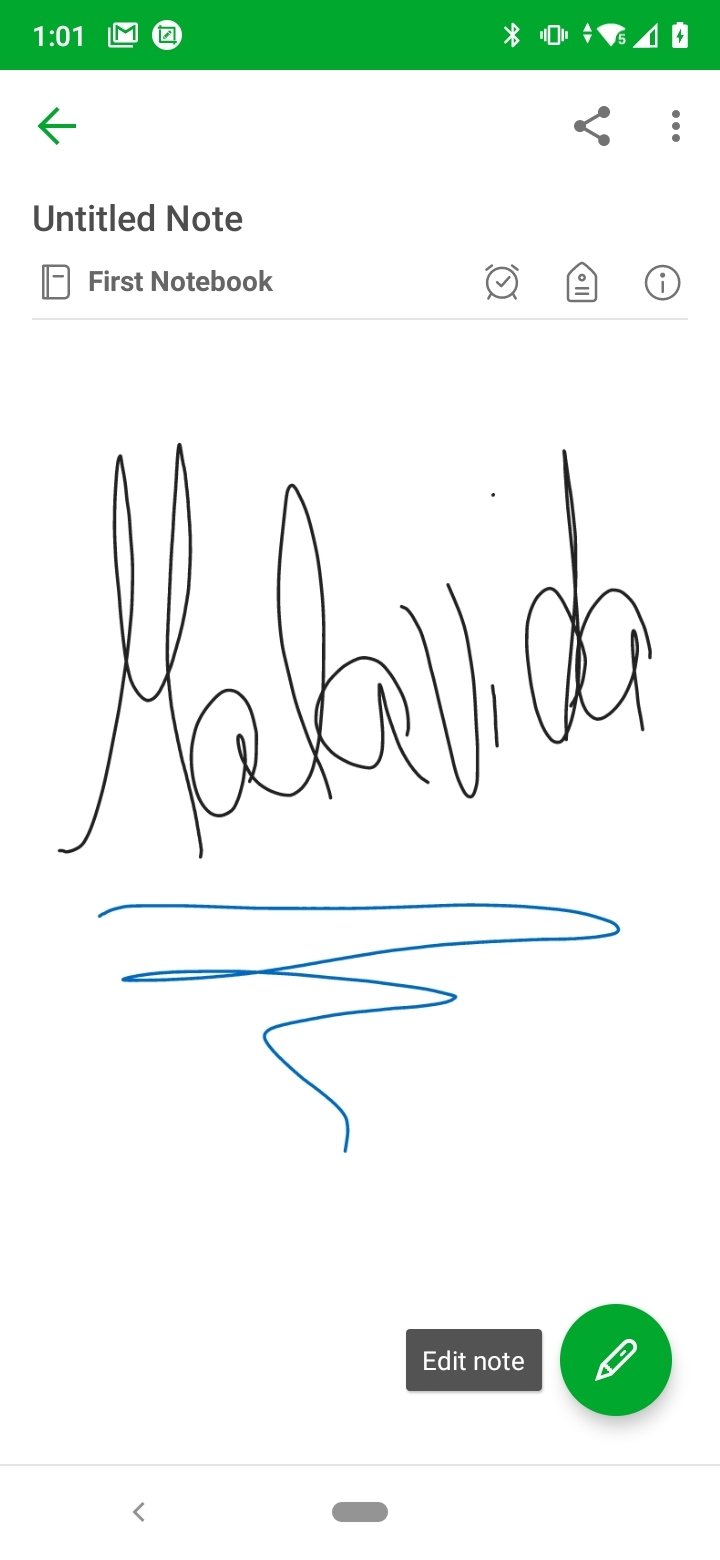
- Notes can contain text, documents, drawings, photos, audio files and notes, PDF files and virtually any type of content that may be needed.
- It allows you to capture websites and articles to save and read later.
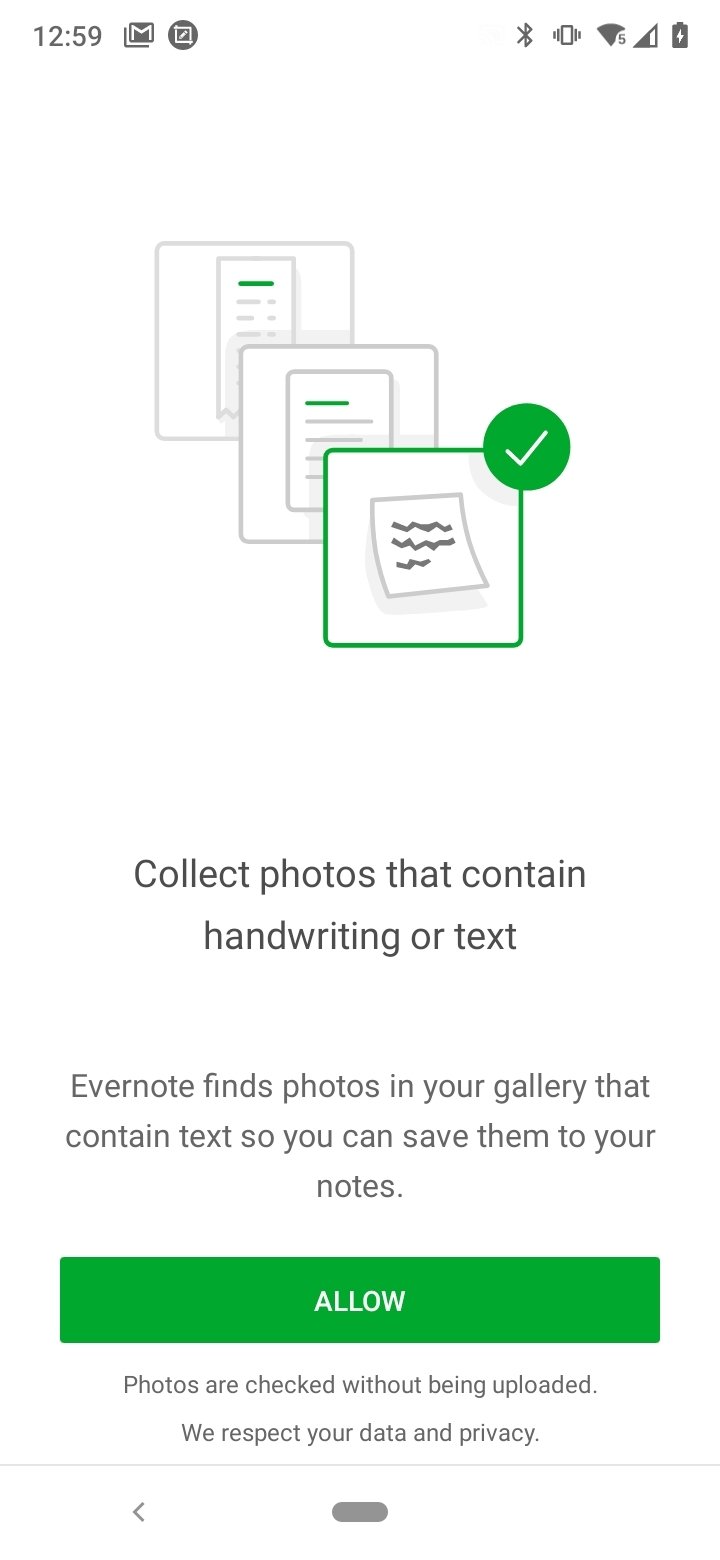
- You can scan documents or handwritten notes using the camera.
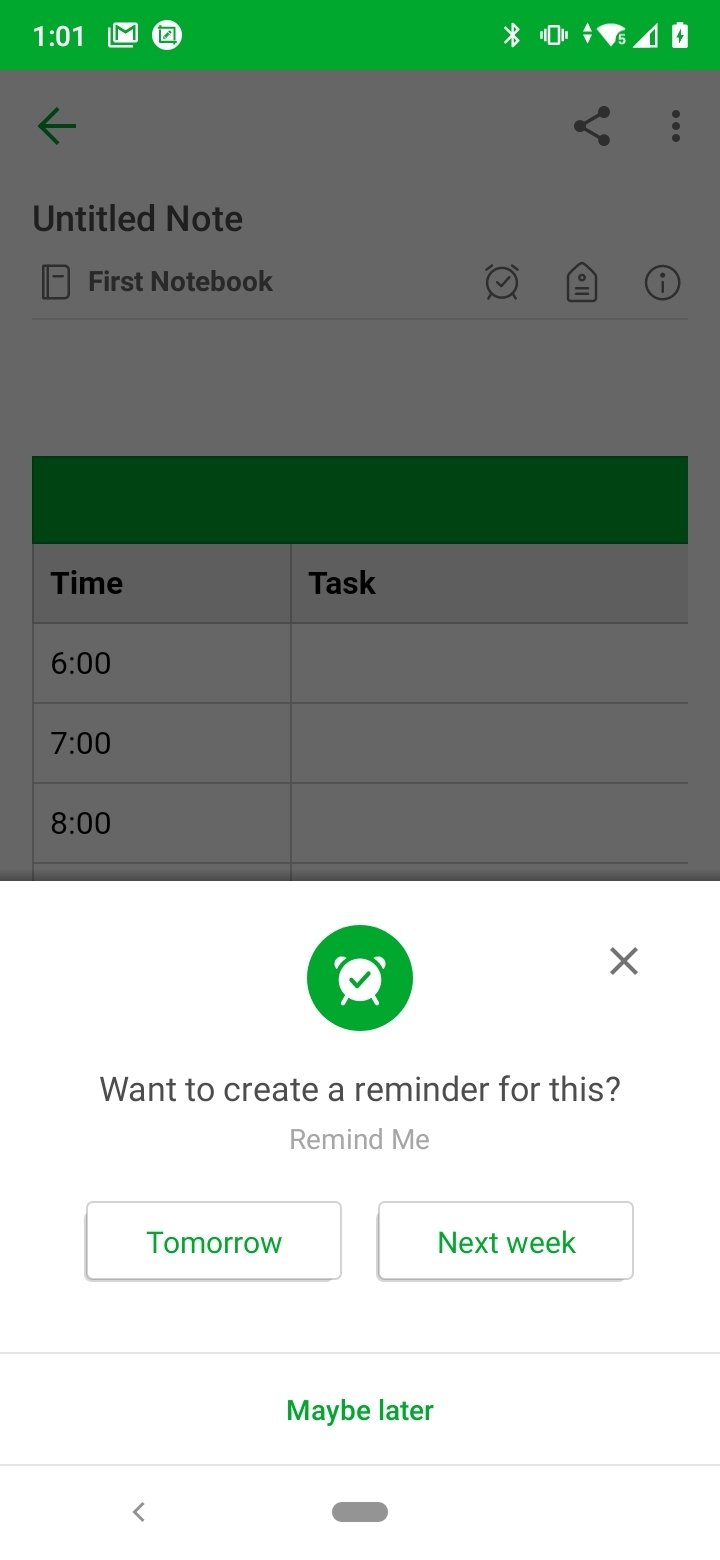
- From Tasks, the app allows the management of dates and reminders of all to-do lists.
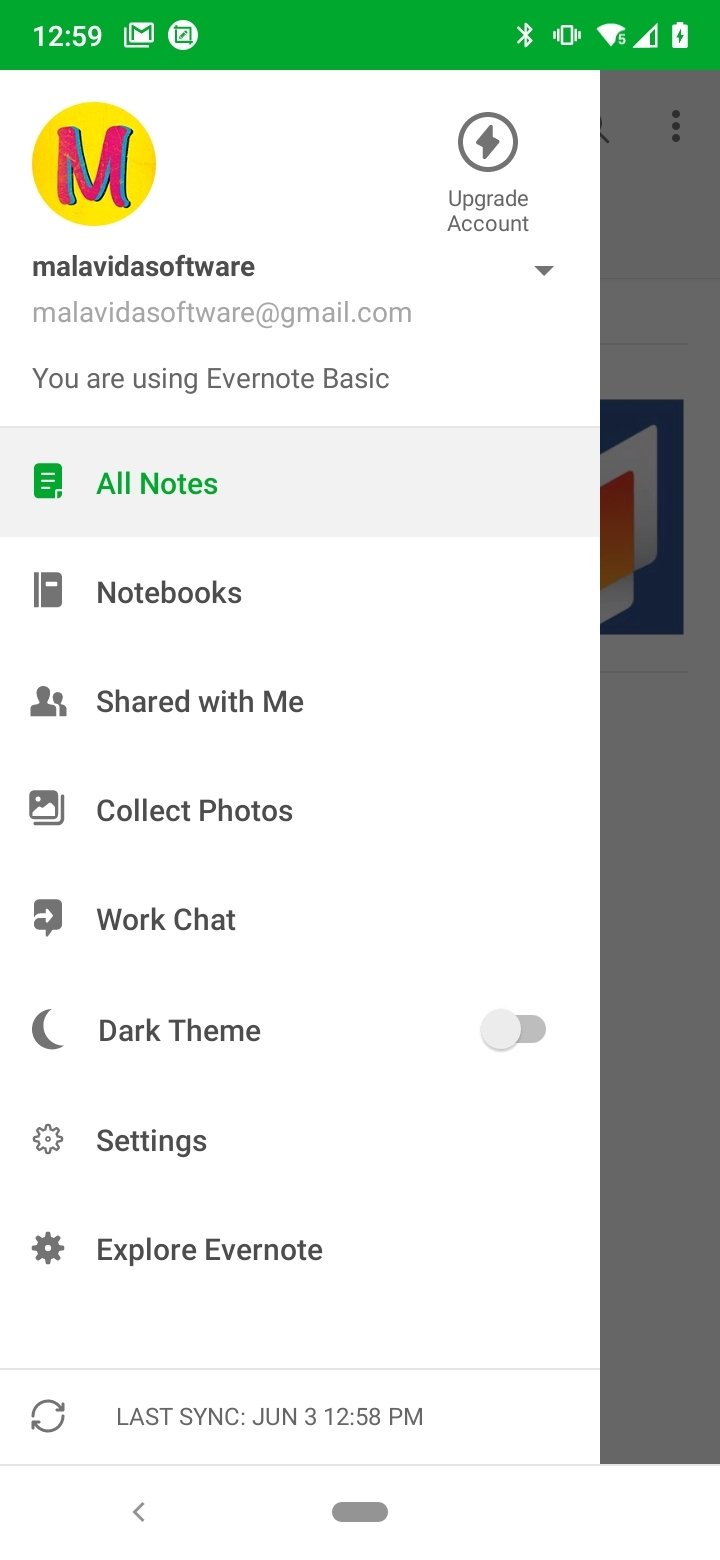
- The user can create separate notebooks for different areas.
- The service synchronizes the content on the user's different devices to have access to all changes from anywhere.
- Shared Spaces allows to use Evernote in the company, take notes in meetings and share notebooks among colleagues.
Then, depending on the user's needs, the service offers a totally free plan and two paid plans, one personal and one professional (at €6.99 and €8.99 respectively, although the price may vary depending on the country), with different capacities and functions in each case.
We recommend you download Evernote Android and compare the aspects of each plan on the developer's website. You should consider the different maximum note sizes you may need, the monthly upload capacity, the number of synchronizable devices and the specific features of each of the plans if you need a more complete service such as integration with Slack and Teams or the use of additional widgets, for example.
What's new in the latest version
- Increased background time before resetting.
Requirements and additional information:
- Minimum operating system requirements: Android 9.0.
- Offers in-app purchases.
- Instructions to install XAPKs on Android
 Lauriane Guilloux
Hi, I’m Lauriane Guilloux. I grew up surrounded by gadgets and technology and everyone who knows me assumes that it will always be one of my greatest interests. I’ve evolved hand-in-hand with PCs, laptops, video gaming consoles, smartphones,...

Shay O’Toole