



Change your Android's text fonts
Fed up with the same old text fonts on your phone? Don't worry, you can customize their style with an app of the likes of iFont, a font downloader for Android that offers you hundreds of different ones.
How to change your Android's fonts
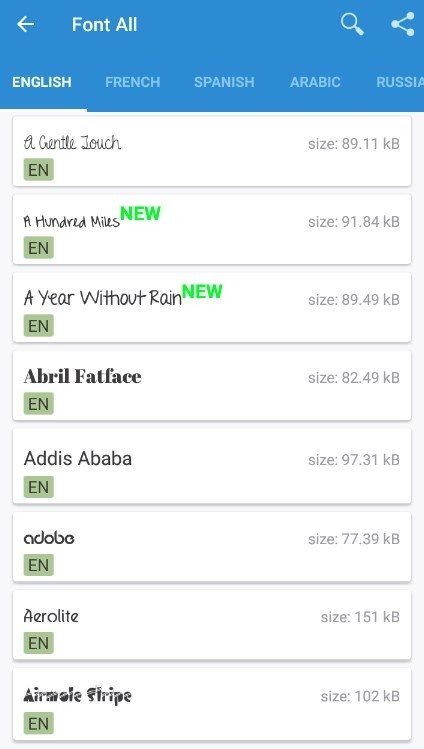
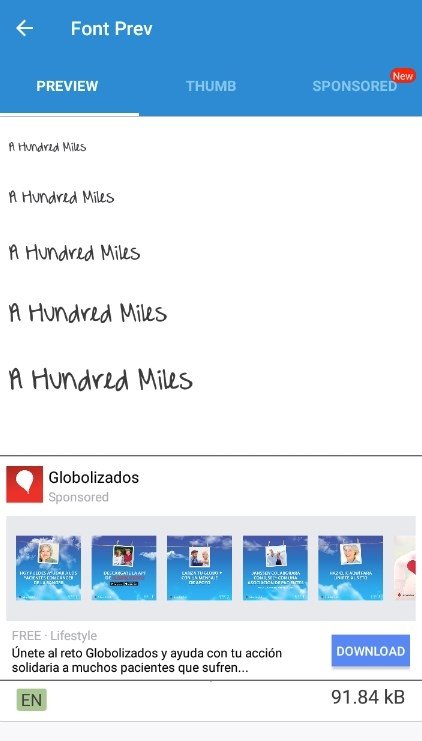
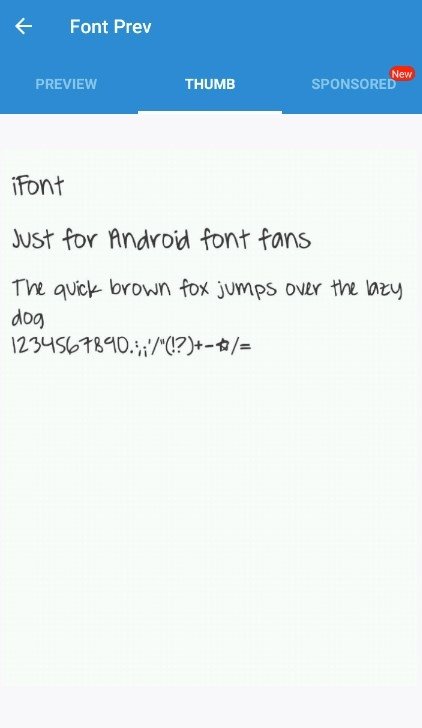
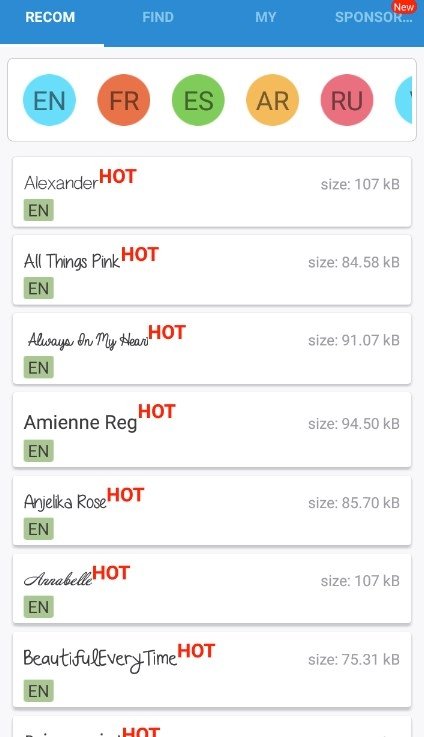
The application comes along with hundreds of fonts ready to support characters in different languages and alphabets: Spanish, English, Italian, Chinese, German, French... you can find all sorts of fonts to give the interface of your phone your own style, ranging from informal to serious, or even artistic.
It's a very easy-to-use app and these are the main features we can find amongst its functions:
- Compatible with different Android phones: Samsung, Xiaomi, Huawei, Meizu, HTC, Sony, Motorola…
- Easy to install: simply download the fonts and apply them.
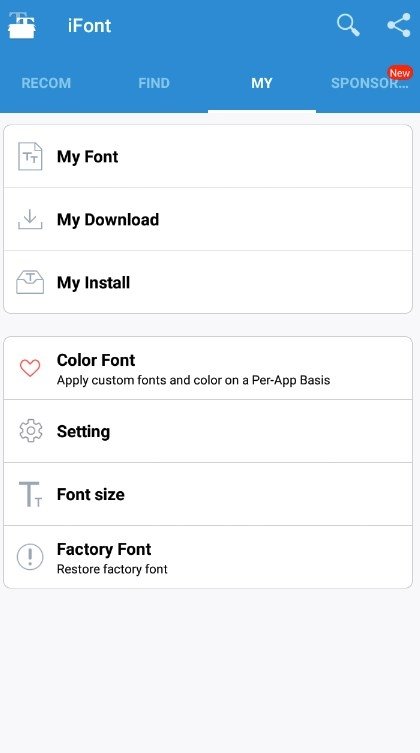
- Automatically restore the factory fonts of your device.
- Change the size of your fonts.
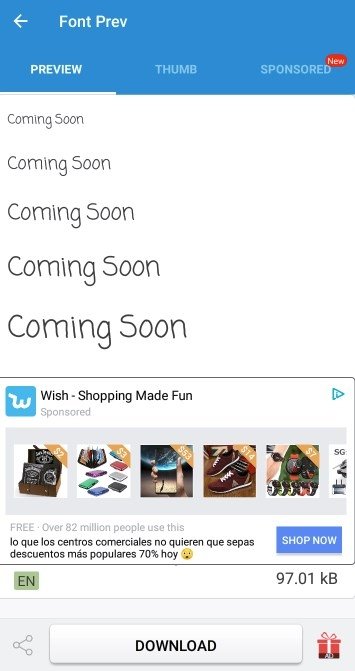
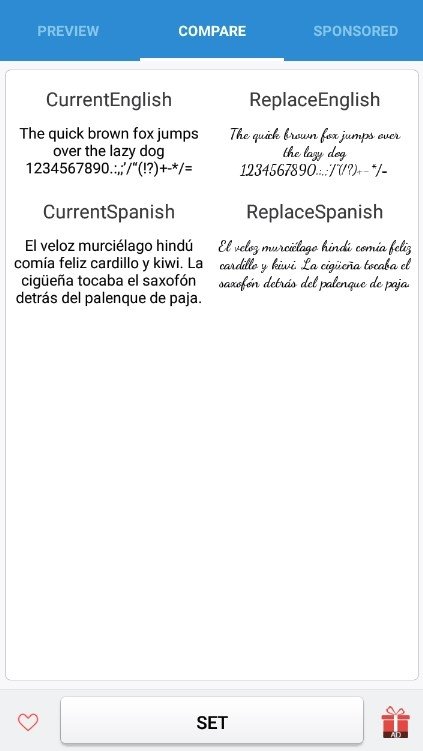
- Compare texts with old and new fonts.
Requirements and additional information:
- Minimum operating system requirements: Android 4.4.
- Offers in-app purchases.
 Elies Guzmán
With a degree in History, and later, in Documentation, I have over a decade of experience testing and writing about apps: reviews, guides, articles, news, tricks, and more. They have been countless, especially on Android, an operating system...

Antony Peel