

The official app of MediaFire's cloud storage service
The MediaFire Android app lets you quickly and easily upload, store, and share files in the cloud. It is a great platform for personal and professional use that allows you to access documents, photos, or videos from anywhere. It works similarly to other cloud storage services, such as Mega or Google Drive, but with a straightforward interface and generous options even in its free version. Therefore, any user can download MediaFire APK for free and take advantage of all its benefits.
What is MediaFire
MediaFire is an online storage service that allows you to save files in the cloud and share them with other users via links. Its official Android app brings all its functionalities to your smartphone, facilitating remote access to documents, videos, images, or music. In addition, it offers 10 GB of free storage that can be expanded through recommendations and offers.
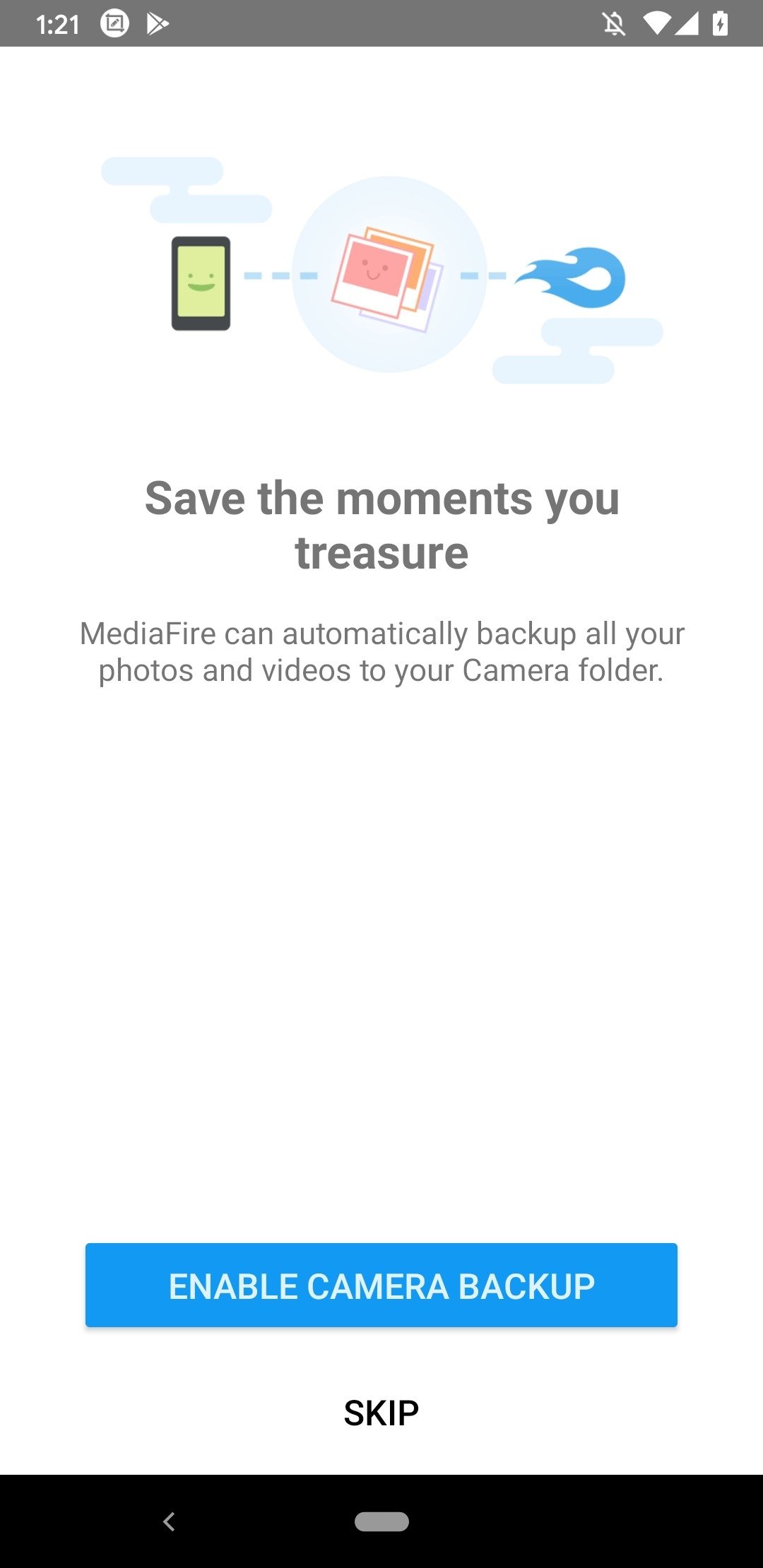
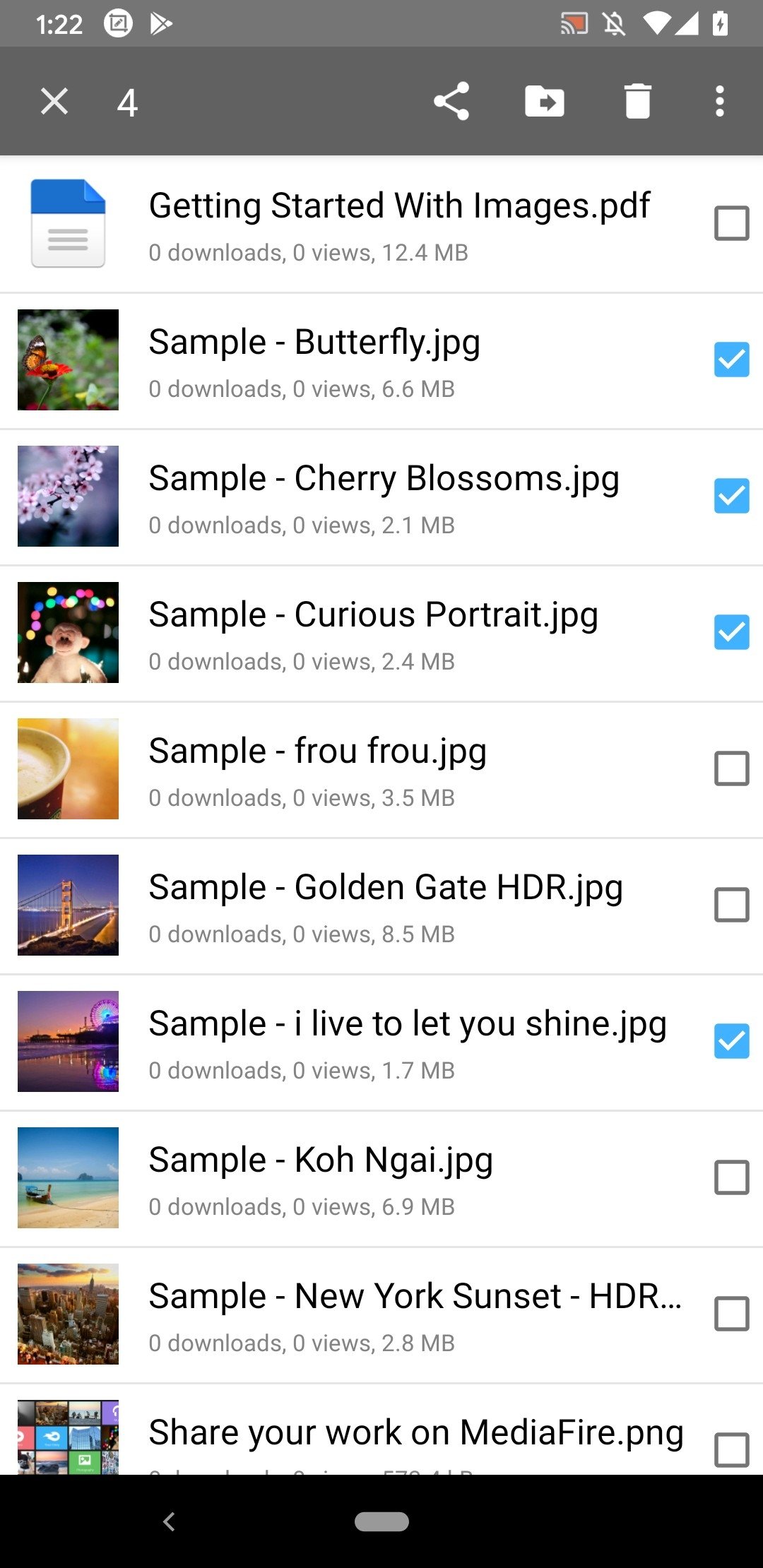
MediaFire allows you to easily upload all your photos, videos, music, and documents, and access them from anywhere.
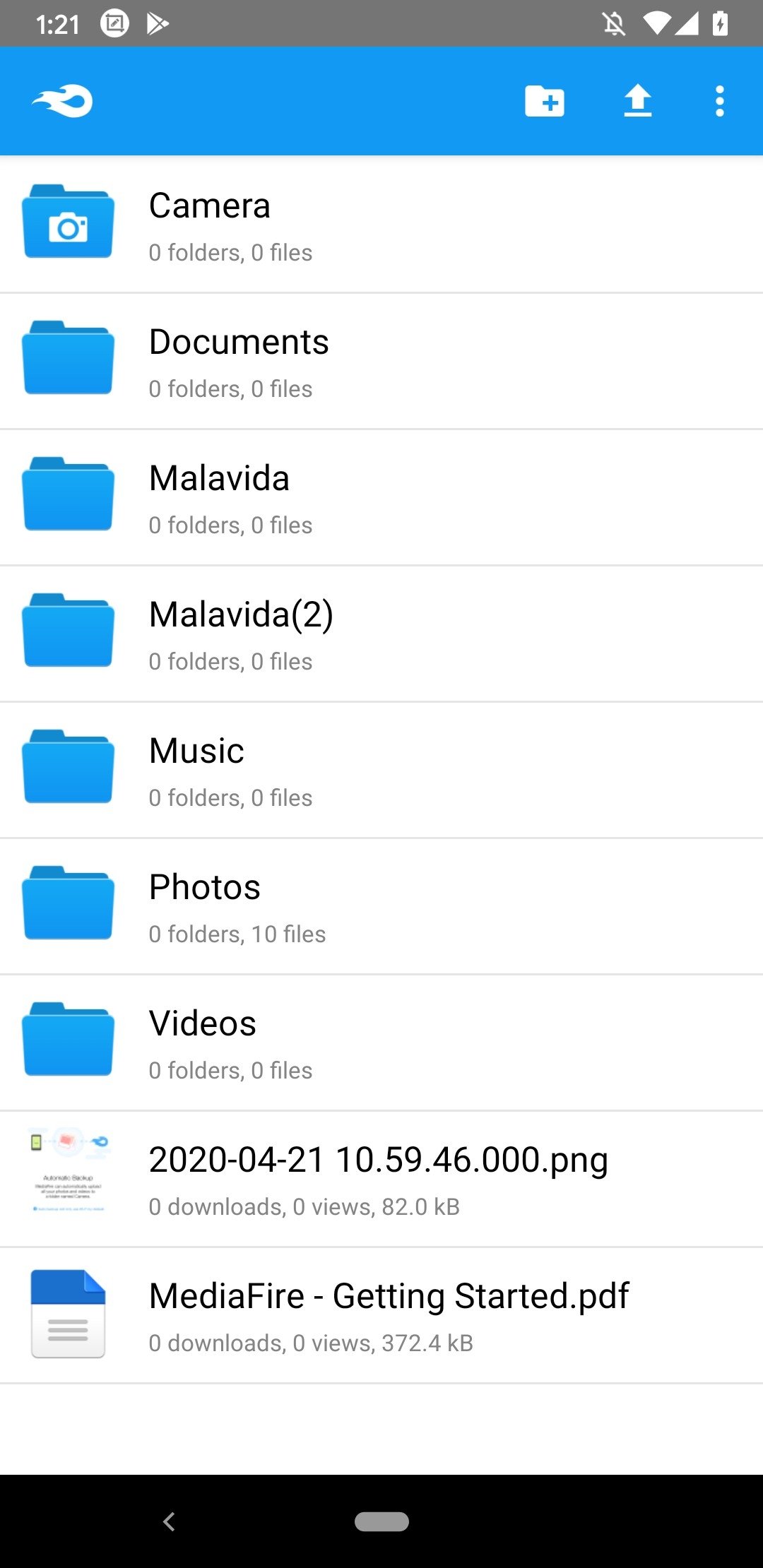
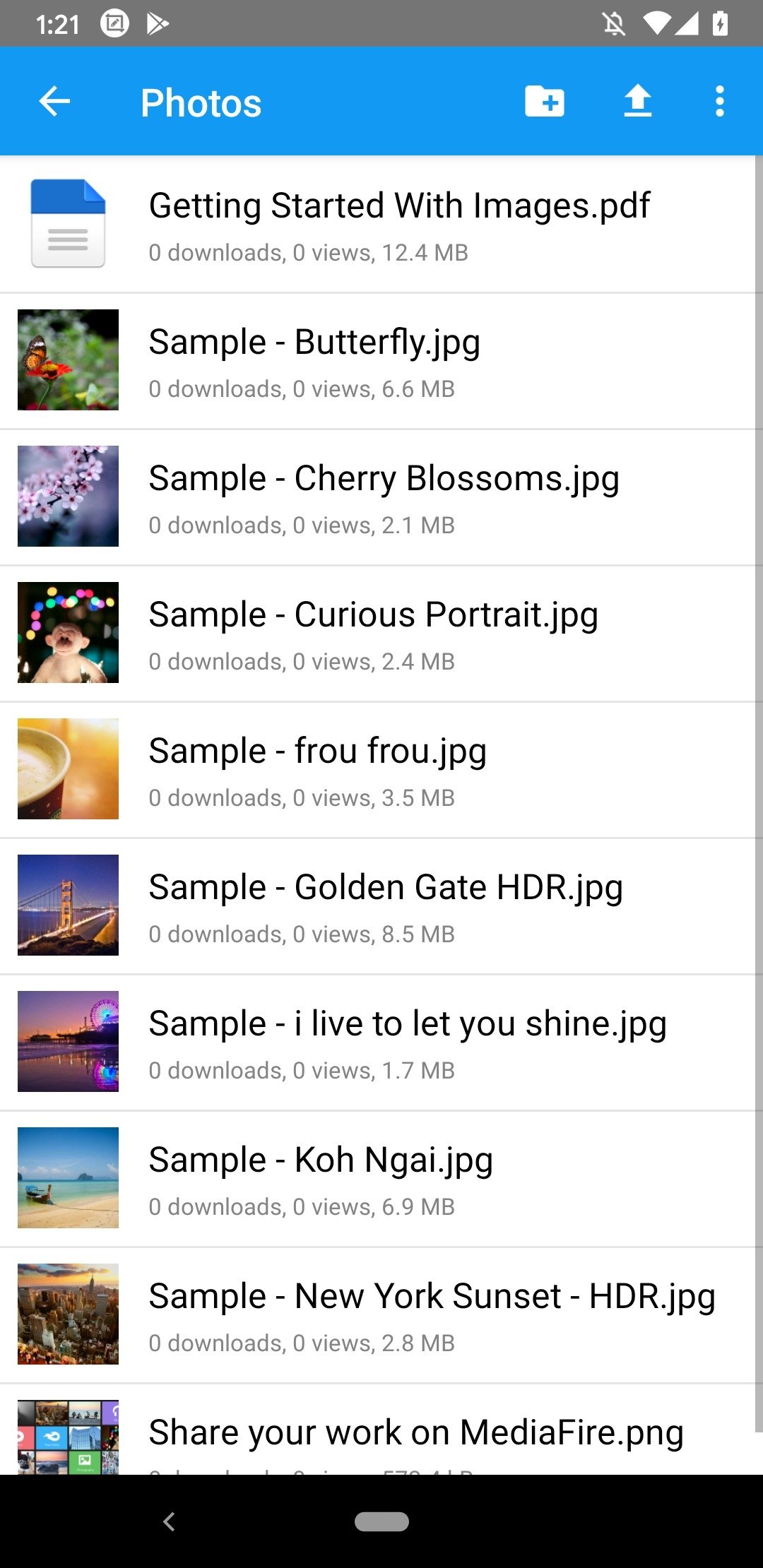
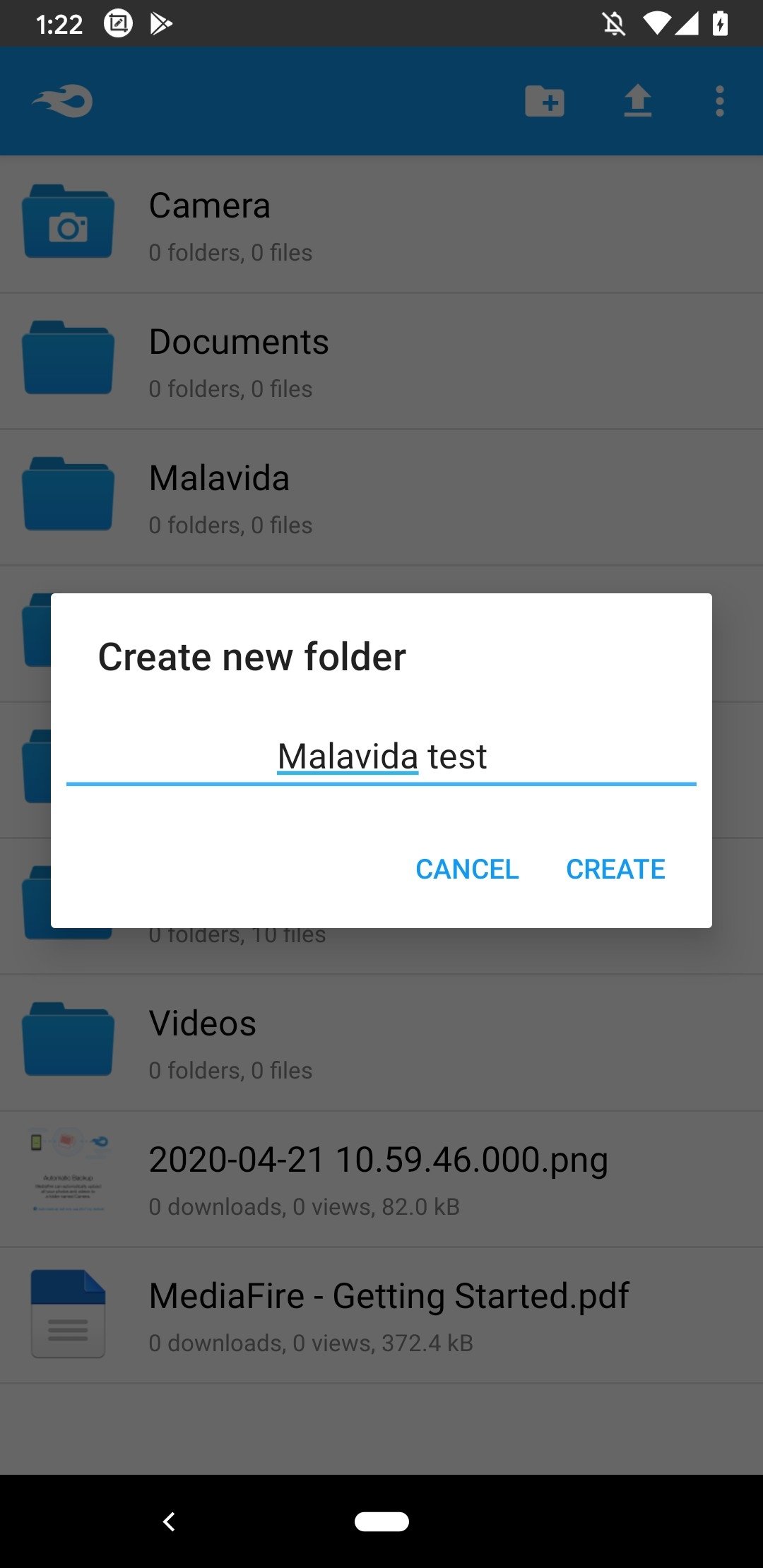
From the app, you can organize your files by folders, view documents, upload files directly from your smartphone, and generate download links to share content with other users. Moreover, no technical knowledge is required: everything is designed to make uploading a file or creating a folder as easy as tapping a button.
Is MediaFire secure?
The MediaFire Android app uses standard security protocols, such as SSL-encrypted connections and access control systems, to provide a secure environment for uploading and managing files. However, it is important to note that it does not offer end-to-end encryption, which means a service with a greater focus on privacy may be more advisable for more sensitive files.
Mega vs. MediaFire Comparison
- Free initial storage: Mega offers 20 GB out of the box, although some conditions may reduce that space over time. MediaFire provides 10 GB, which can be expanded through simple tasks such as inviting friends or installing the app on other devices.
- Download limits: Mega imposes transfer limits that can block downloading for hours if exceeded. On the other hand, MediaFire allows you to share links without so many restrictions.
- Encryption: Mega is committed to a privacy-focused approach, with end-to-end encryption. MediaFire is secure, but doesn't encrypt stored files in the same way.
- Interface: MediaFire is particularly intuitive. Its app is lighter, loads faster, and is more suitable for users looking for a straightforward, uncomplicated solution.
MediaFire main features
- Official app of MediaFire's cloud storage service.
- Upload files from your smartphone in just a few steps.
- Preview documents, images, and videos.
- Creation and management of personal folders.
- Public links for easy content sharing.
- Offline access to downloaded files.
- Music and video player included.
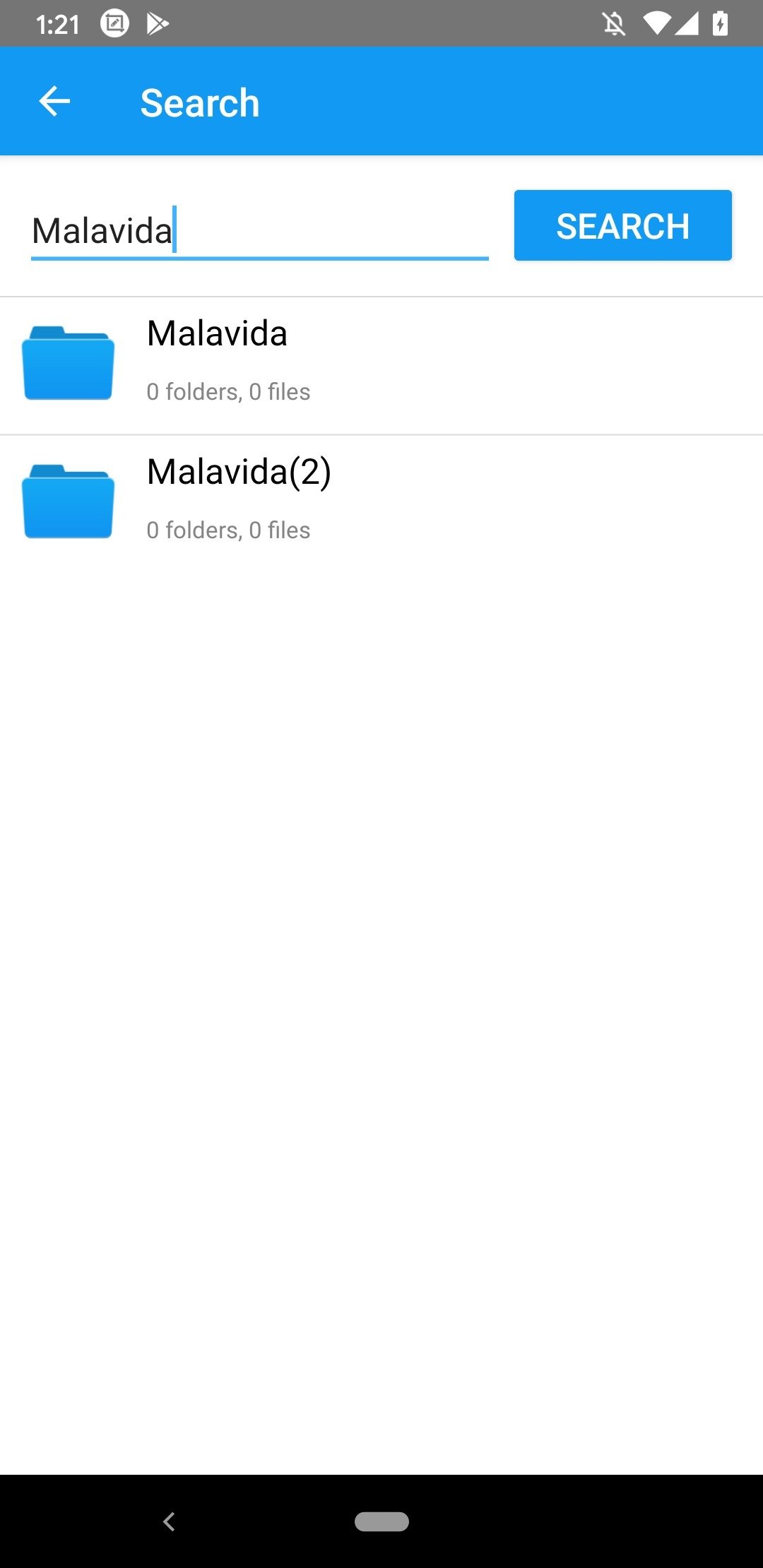
- Powerful search engine.
In short, you can download MediaFire APK for free if you need a service to store and share files in the cloud easily. Although it is not the most advanced service regarding security, its speed, simplicity, and generosity in free space make it one of the best options for daily use. If you are looking for an alternative to Mega or Google Drive that is light, fast, and doesn't impose so many download restrictions, MediaFire is an app to consider.
Requirements and additional information:
- Minimum operating system requirements: Android 5.0.
Almudena Galán
With a degree in Law and Journalism, I specialized in criminology and cultural journalism. Mobile apps, especially Android apps, are one of my great passions. I have been testing dozens of apps every day for over six years now, discovering all...
Manuel Sánchez