




Solvent alternative to Microsoft Office
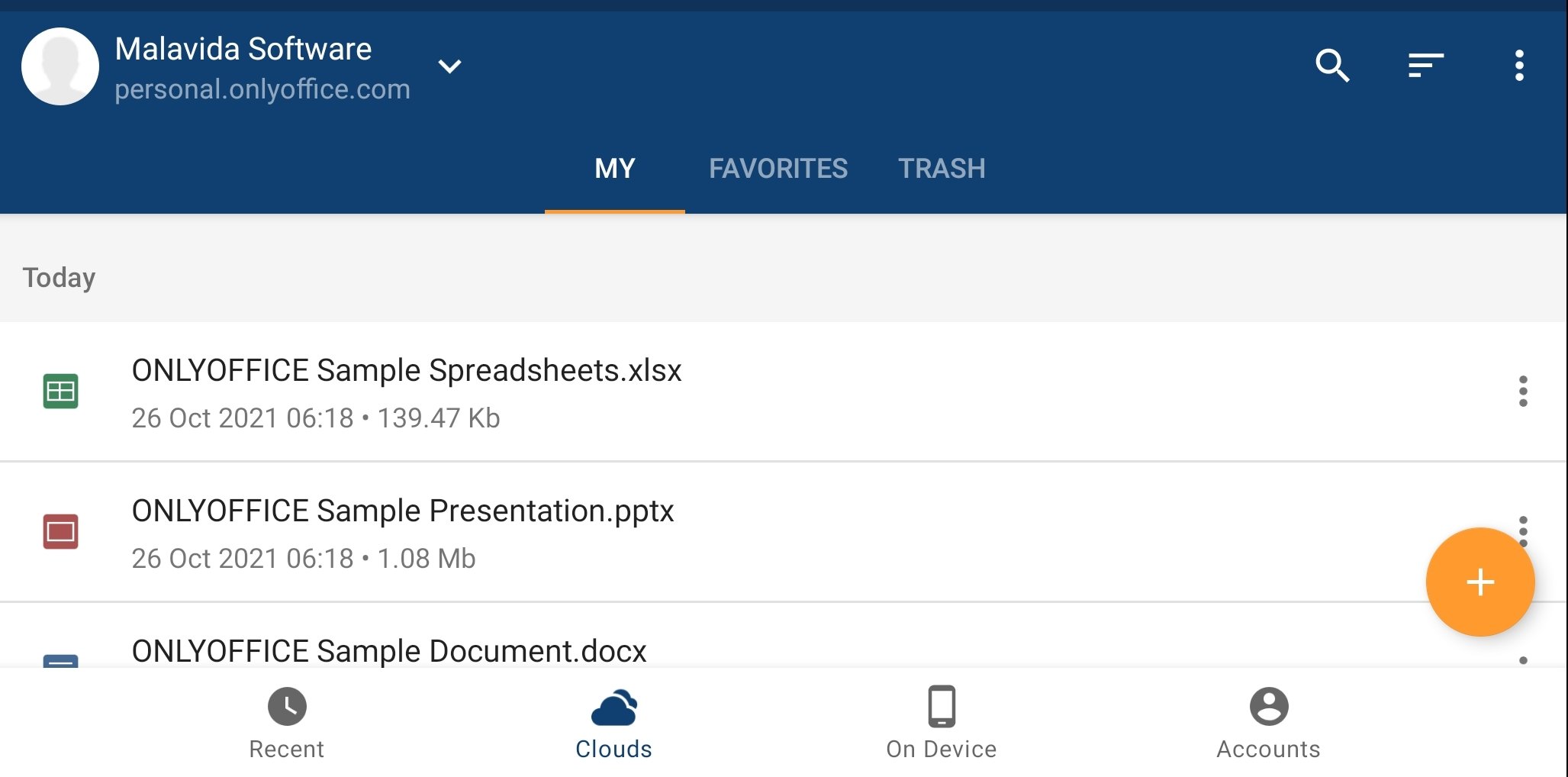
It is a fact that office suites do not begin and end with Microsoft Office, although it sets the pace. You have excellent alternatives among which you will find ONLYOFFICE Documents. An app that lets users work with different types of documents and also to do it in a collaborative way.
100% compatible with Microsoft Office
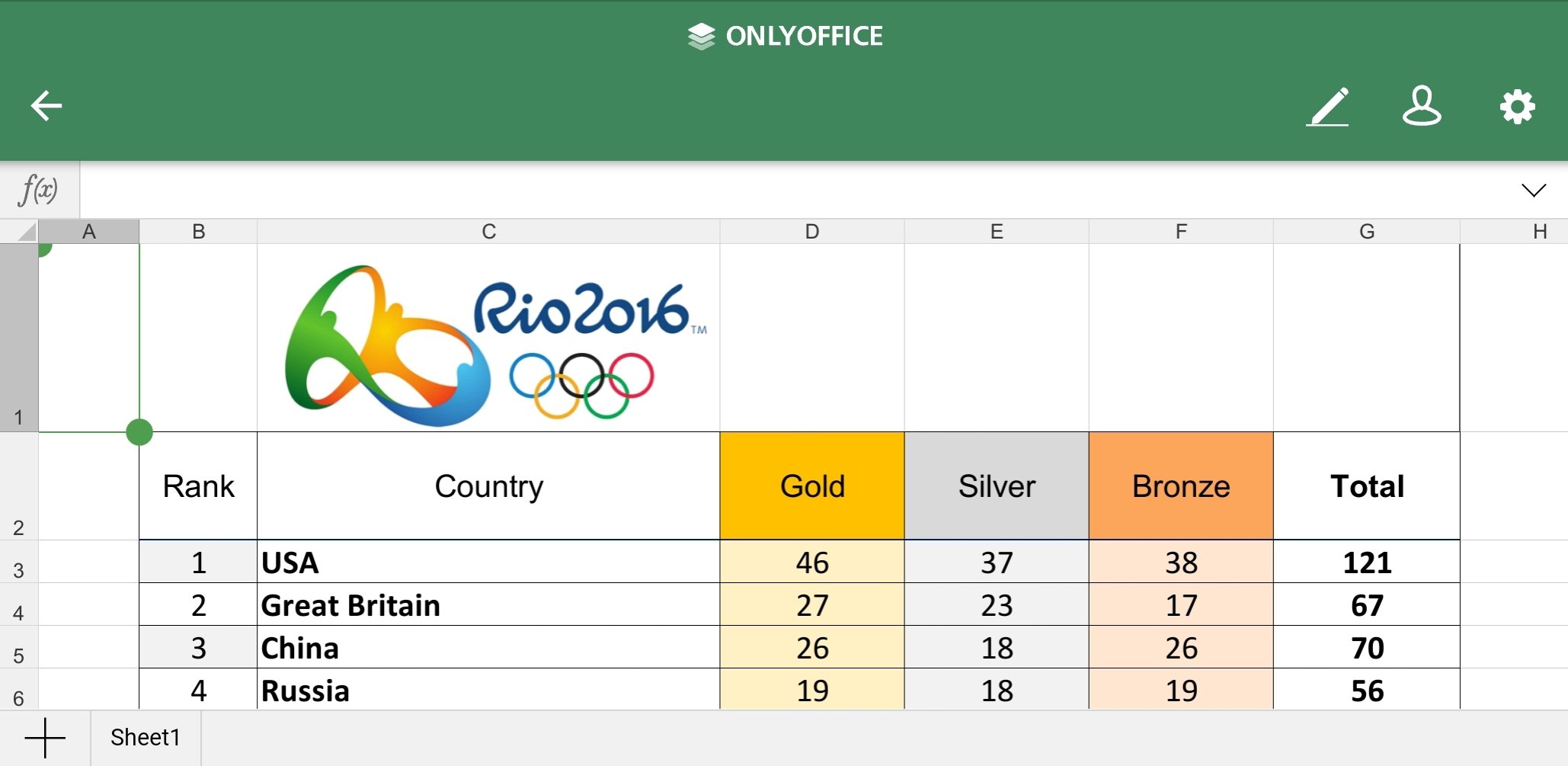
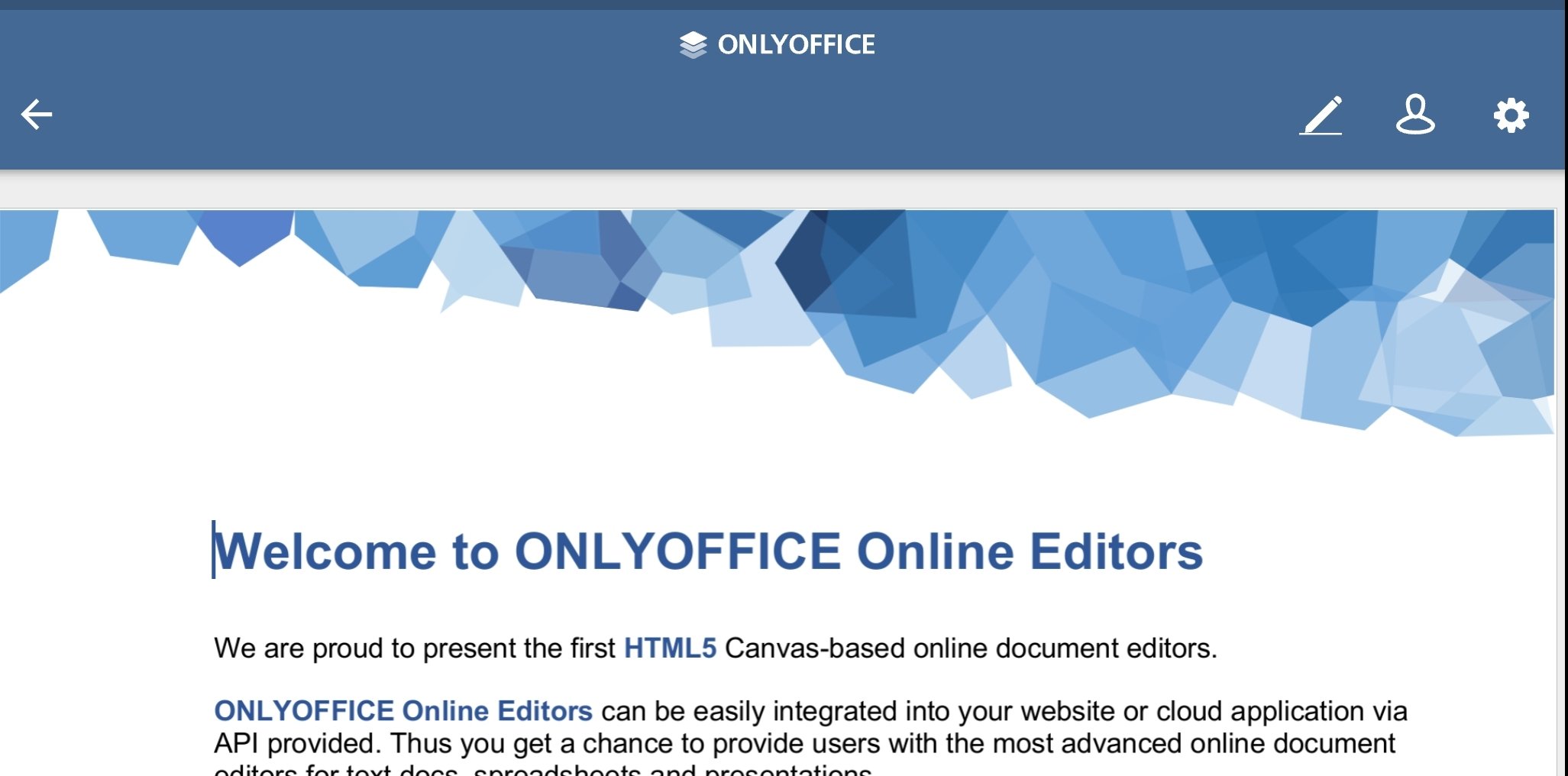
This tool lets you work with text documents, presentations, spreadsheets... all in a sleek and easy design space that offers all the facilities to create and edit both alone and online, in documents shared with other users.
It should be noted that it is compatible with the Microsoft suite, so you can open any file that created with Word, Excel, or PowerPoint as well as with OpenOffice tools. Therefore, there will be no problem in starting work with one software and finishing it in another.
The following are the main functions the app has to offer:
- Create, open, and edit documents online.
- Share work with other users and grant different access rights, being able to co-edit in real-time.
- Compatible with formats such as DOC, XLS, ODT, PPT, ODP, TXT, PDF, XSV, HTML...
- Straightforwad design aimed at making users as productive as possible.
- Access documents in the cloud through WebDAV.
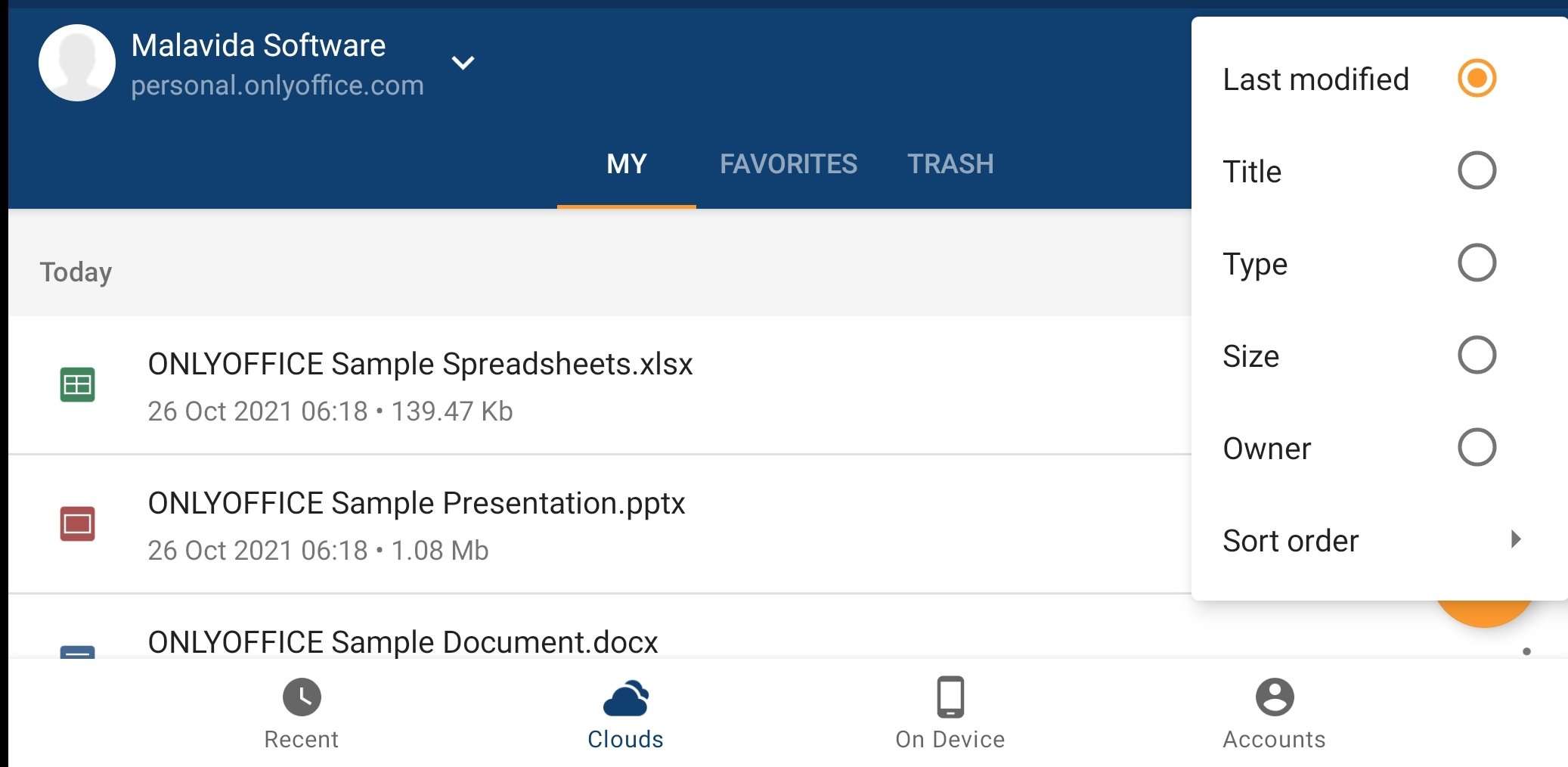
- Manage and order the documents in your workspace as you see fit: upload, order, filter, rename, delete...
An option to consider if you want alternatives to Office or Google Docs.
Requirements and additional information:
- Minimum operating system requirements: Android 6.0.
 Elies Guzmán
With a degree in History, and later, in Documentation, I have over a decade of experience testing and writing about apps: reviews, guides, articles, news, tricks, and more. They have been countless, especially on Android, an operating system...

Susana Arjona