


An alternative to other office suites with a wide range of features and functionalities
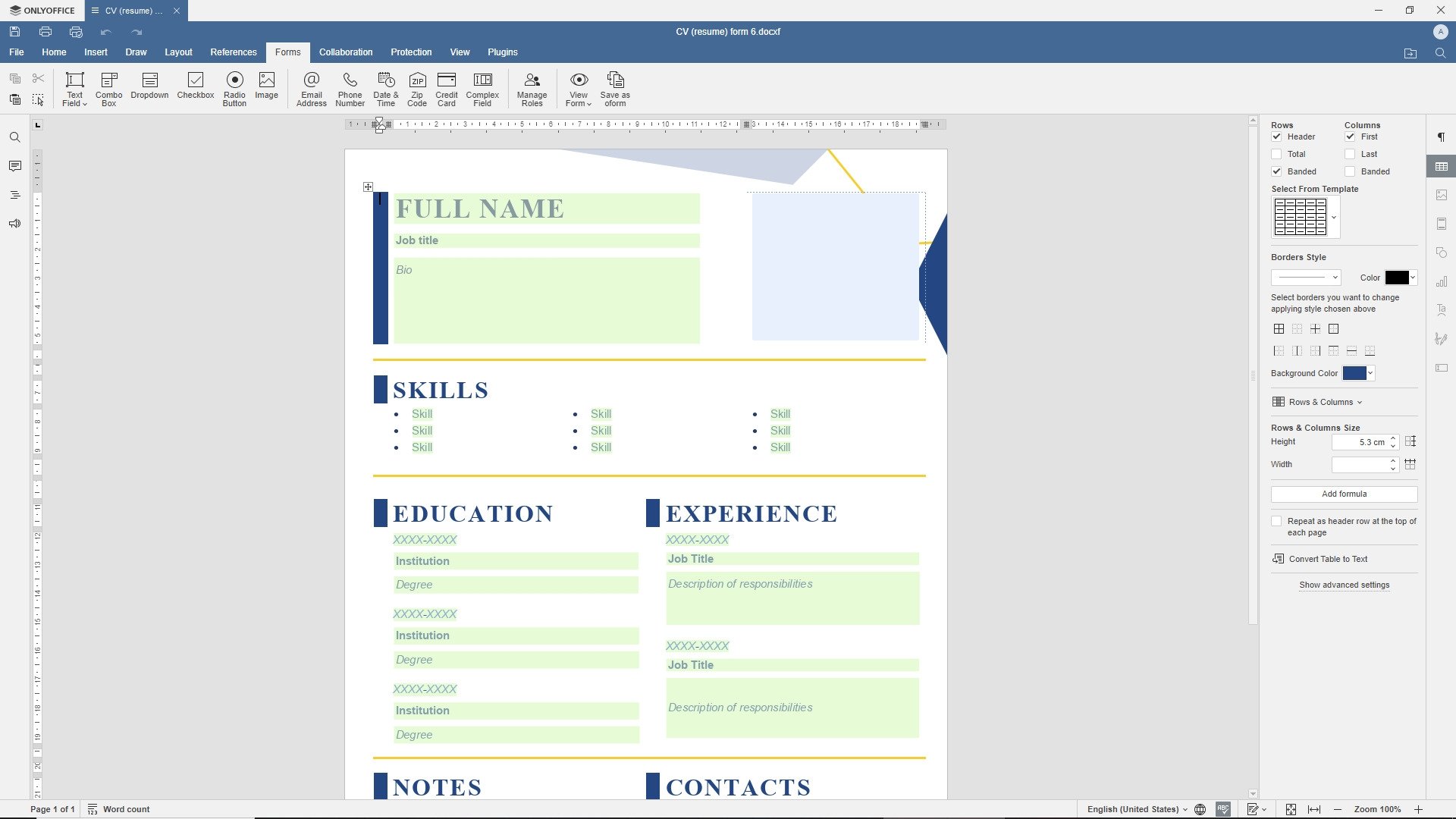
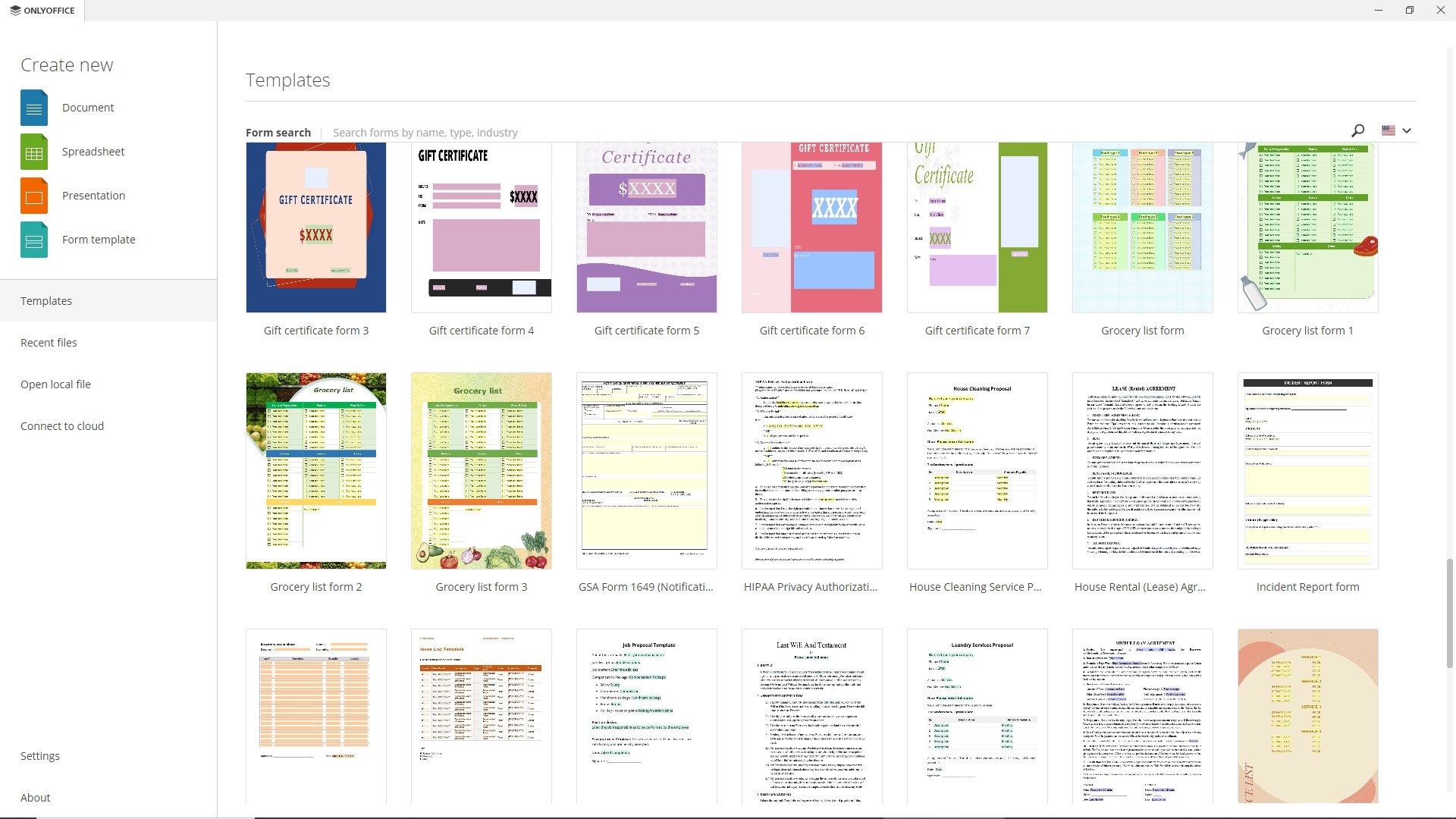
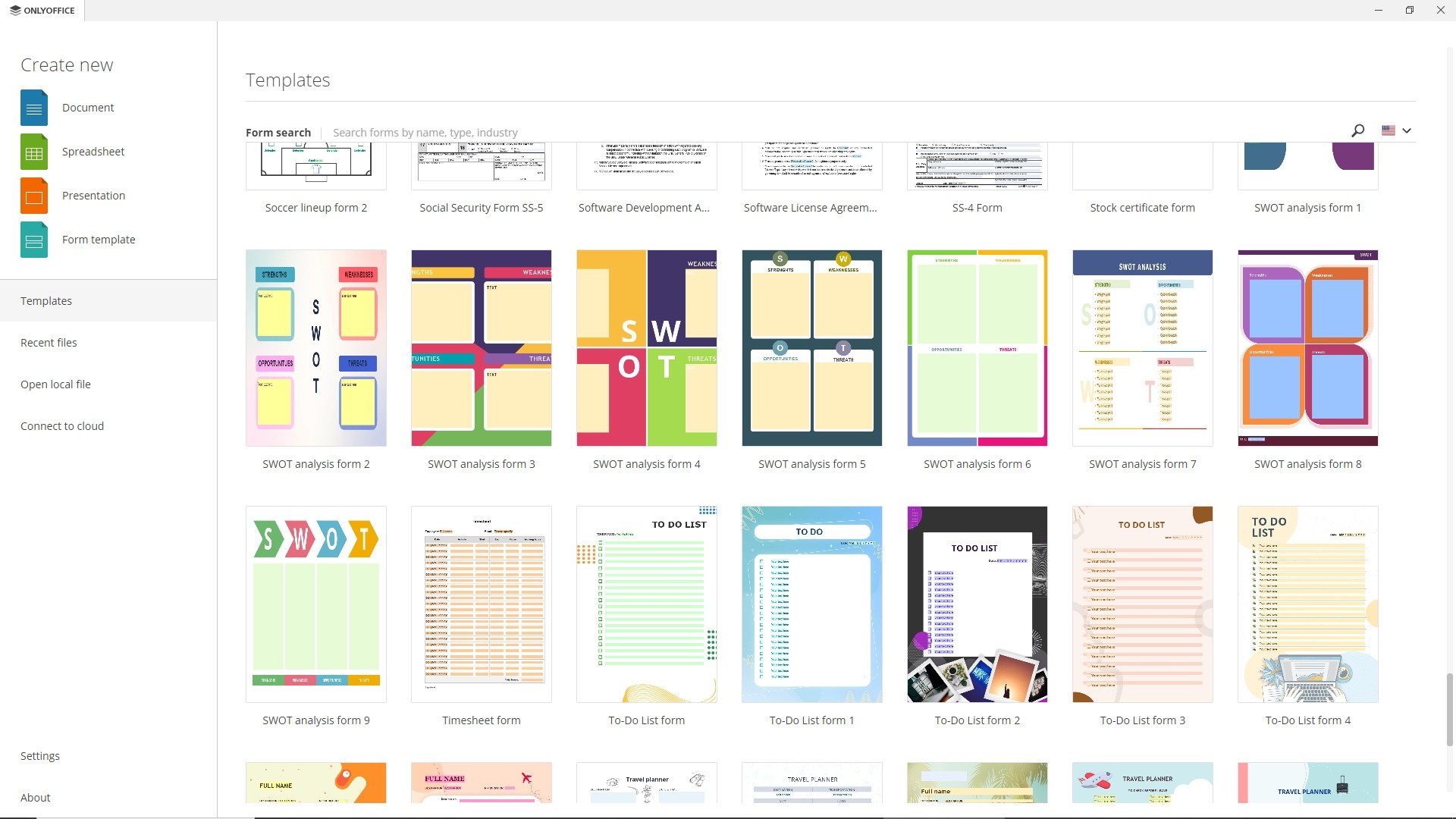
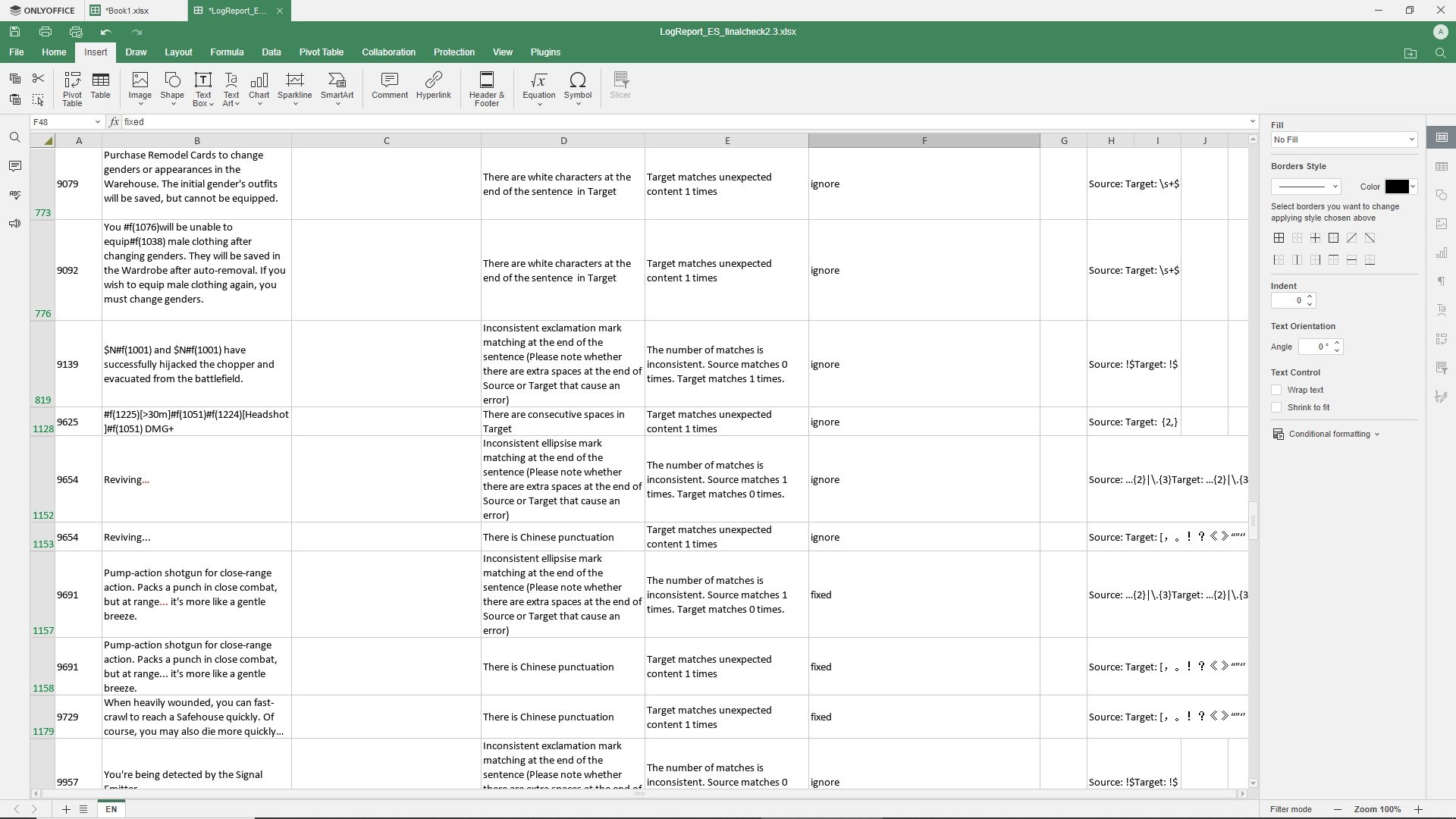
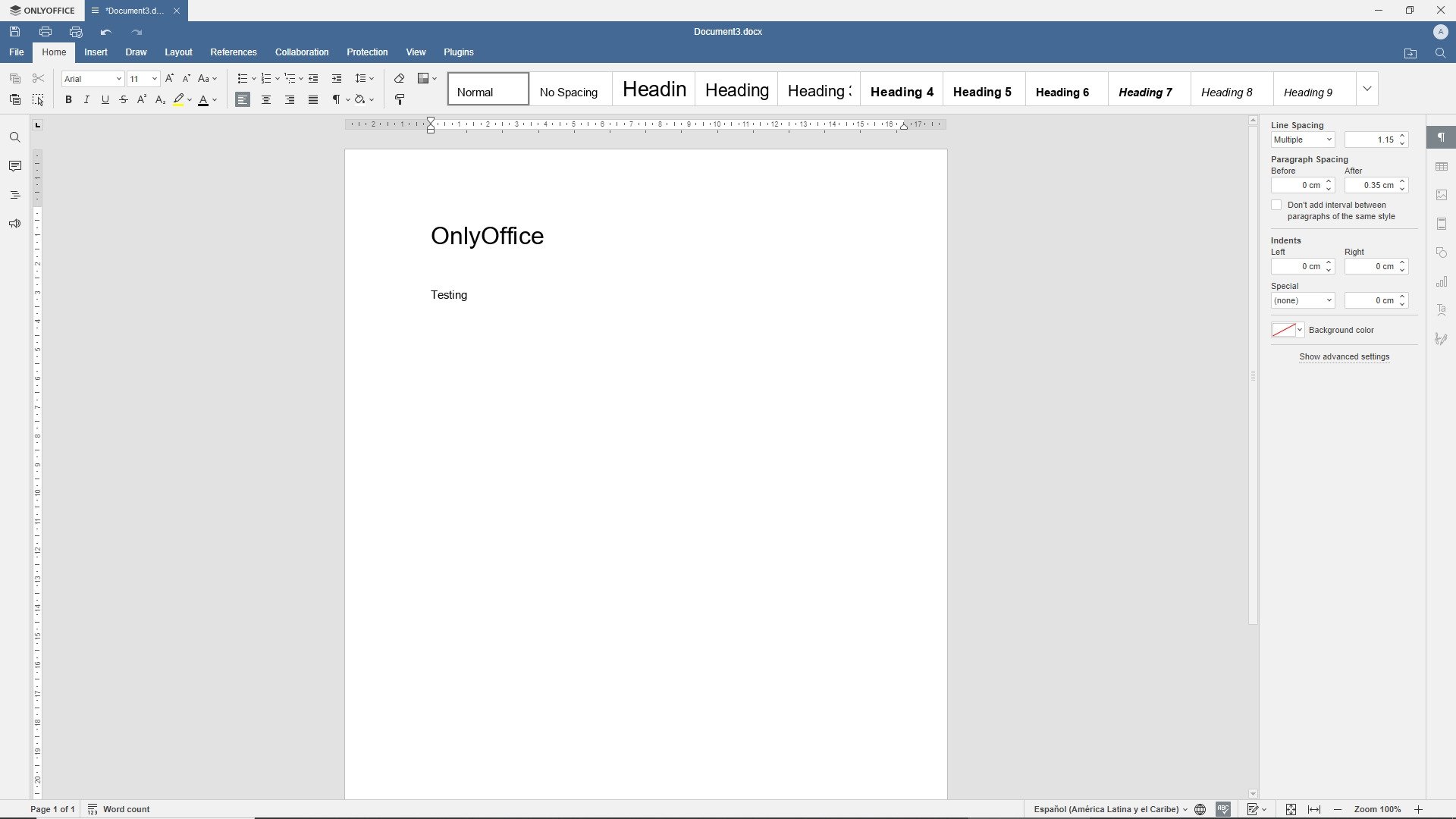
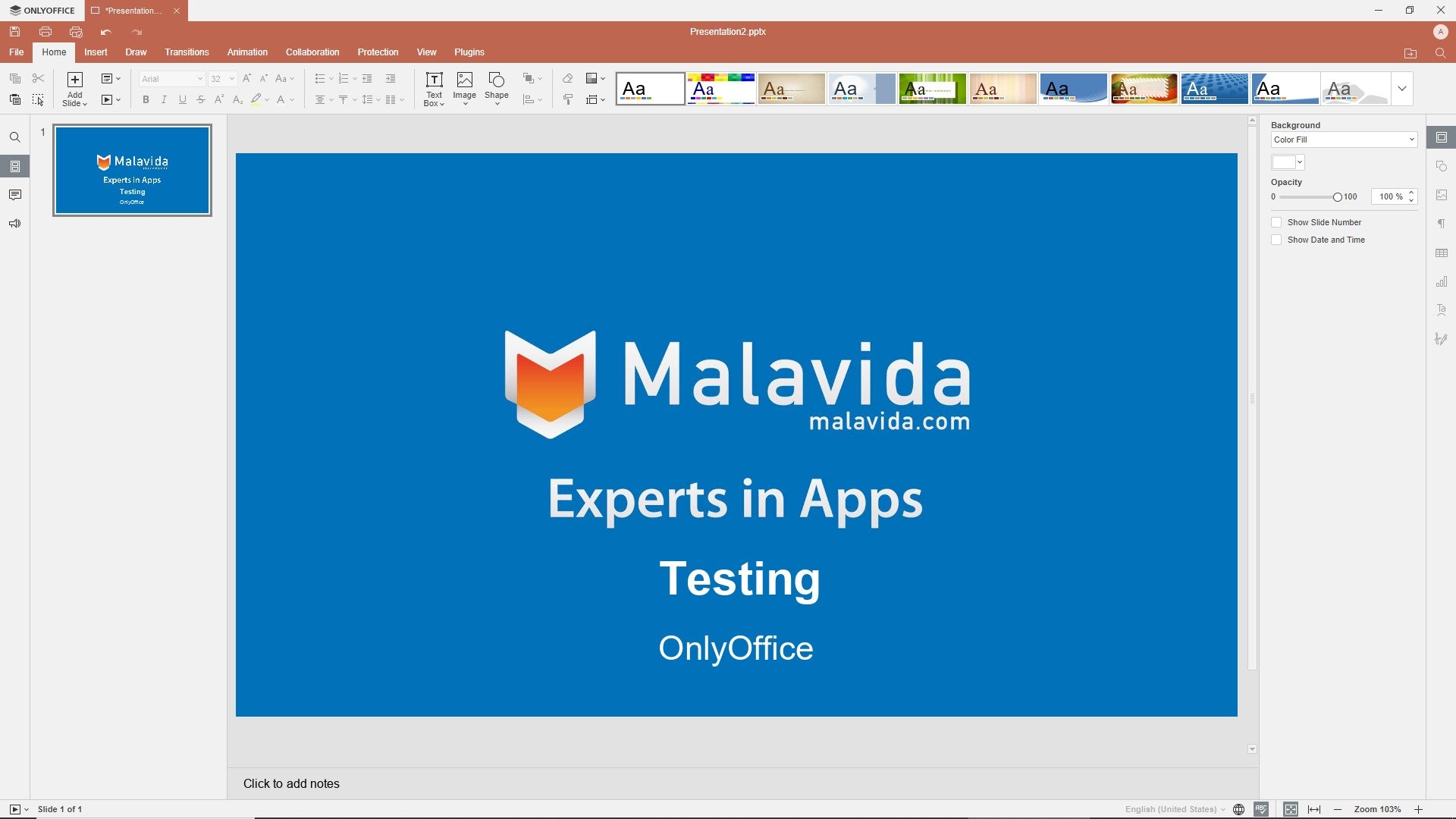
OnlyOffice for PC is a powerful and comprehensive productivity suite that gives you access to all the tools and features you need to create, edit, and collaborate on documents, spreadsheets, and presentations professionally.
Discover the most comprehensive and versatile productivity suite with OnlyOffice
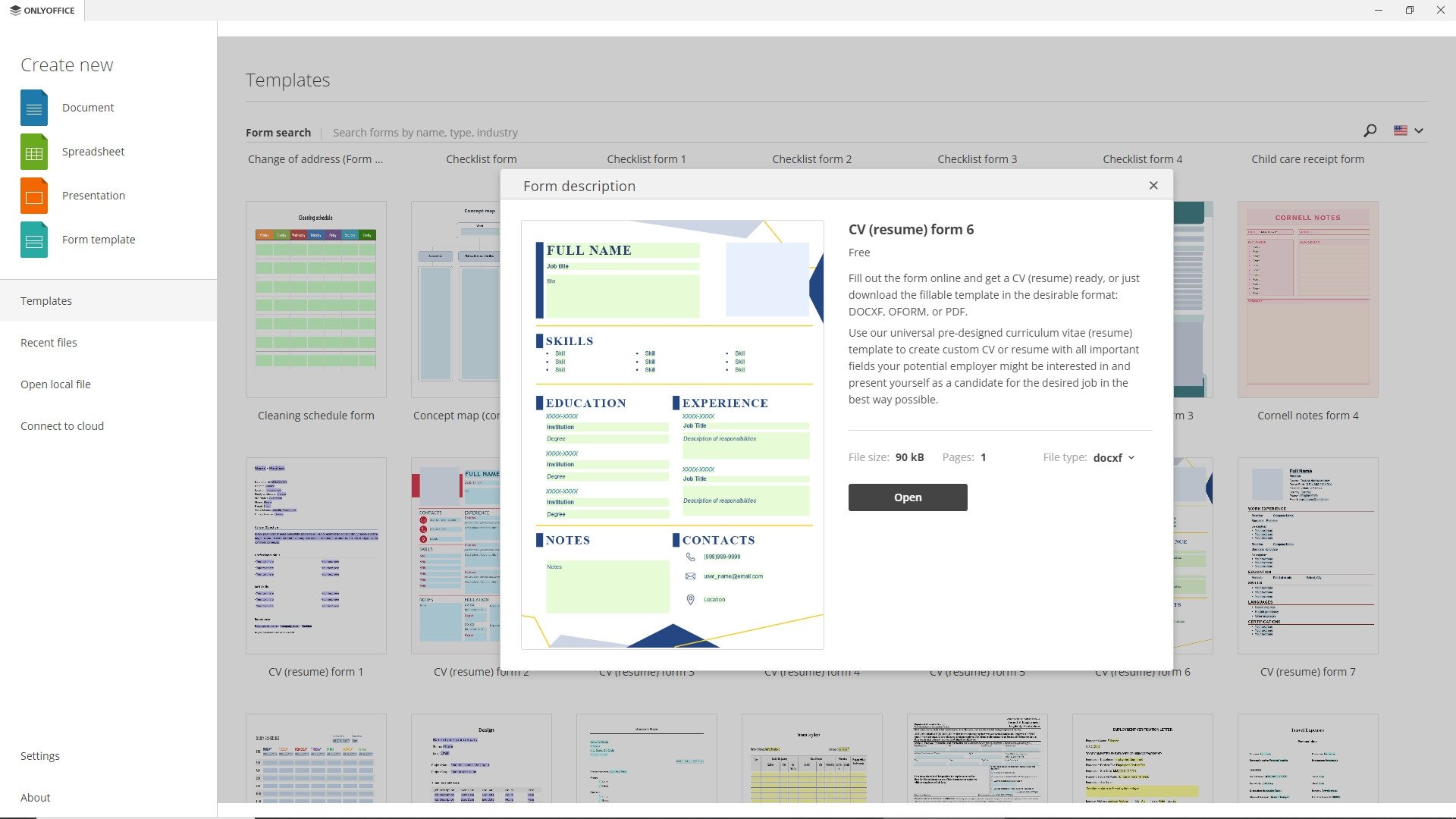
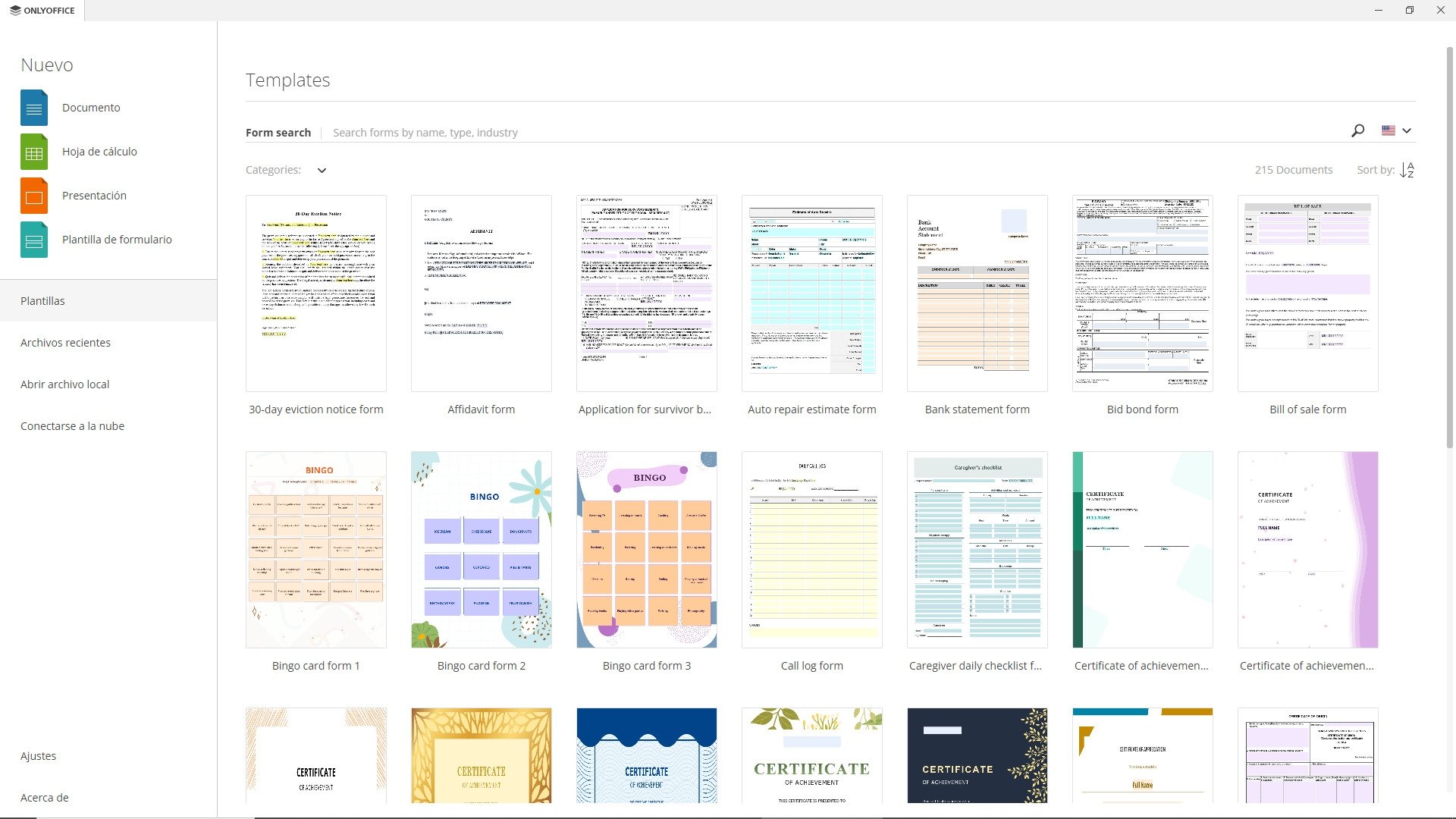
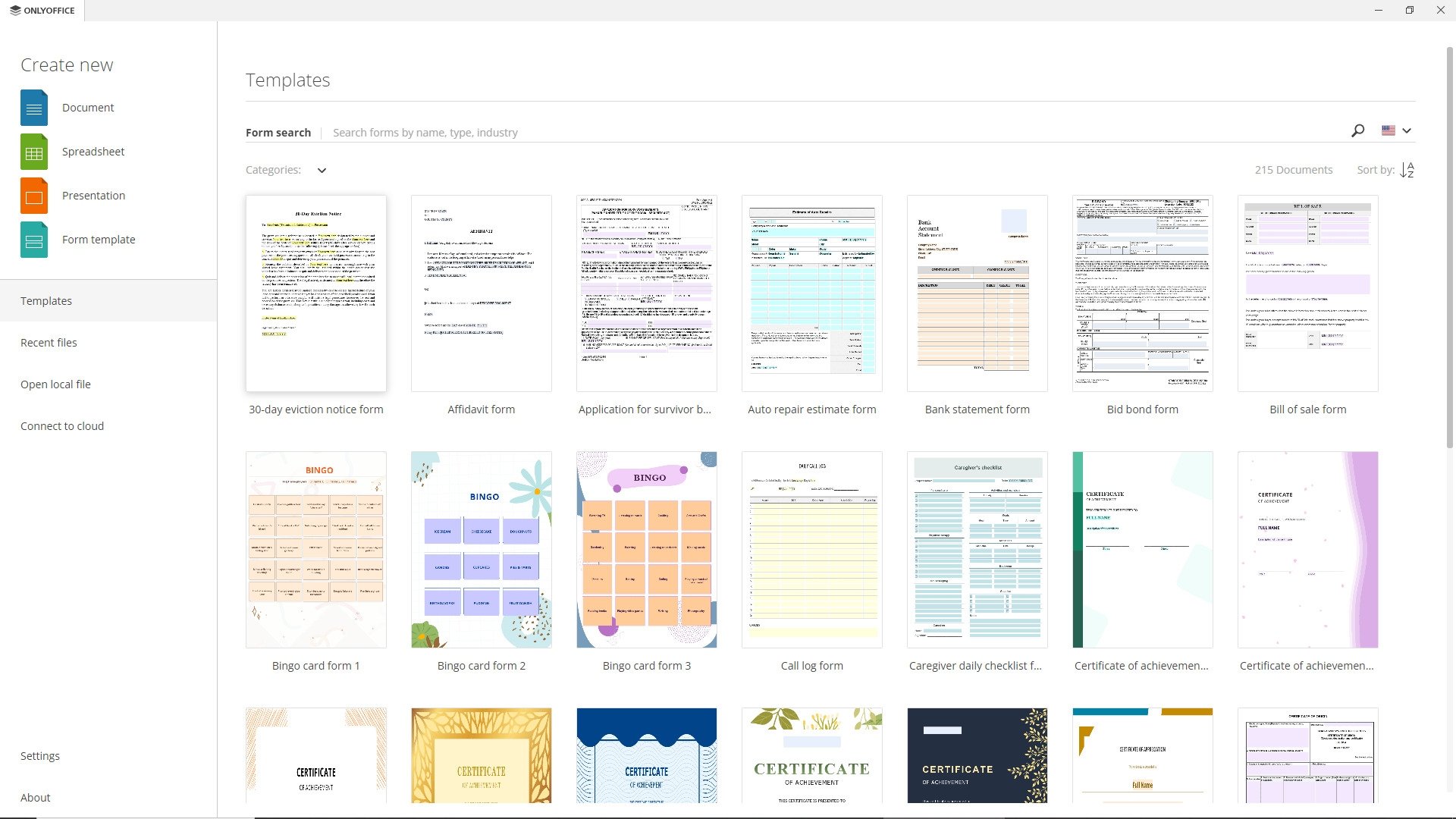
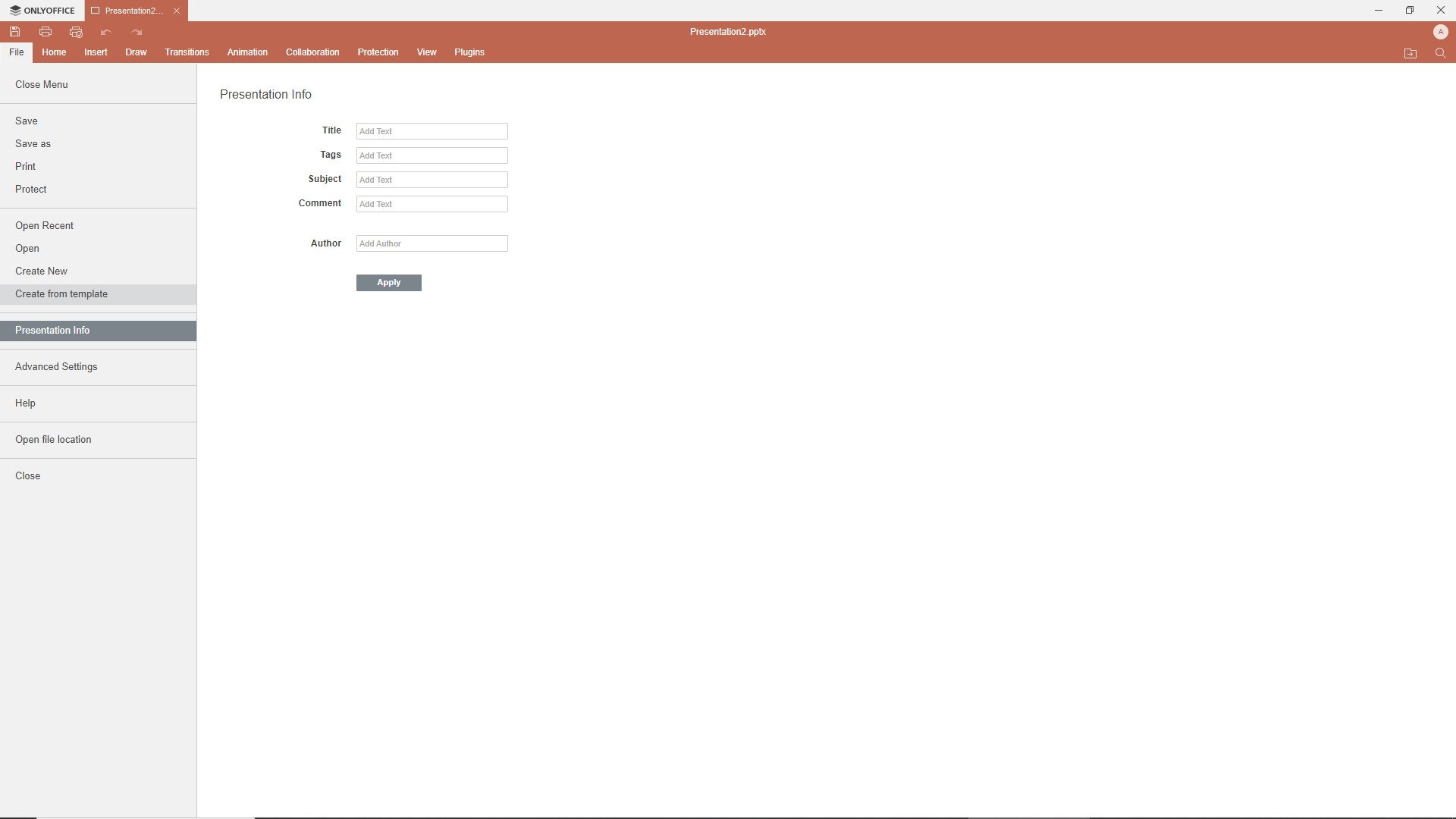
The OnlyOffice interface is intuitive and easy to navigate, letting you take full advantage of all its capabilities. You can create documents from scratch or import existing files in different formats, such as .docx, .xlsx, and .pptx. In addition, files created with OnlyOffice can be opened and edited seamlessly in other productivity suites.
OnlyOffice is compatible with different formats, letting you open and edit files without any problems, regardless of their origin.
The main advantages of OnlyOffice are:
- Real-time collaboration in the cloud with different platforms.
- Document encryption and security features to protect your information.
- Extensive editing possibilities with third-party plugins.
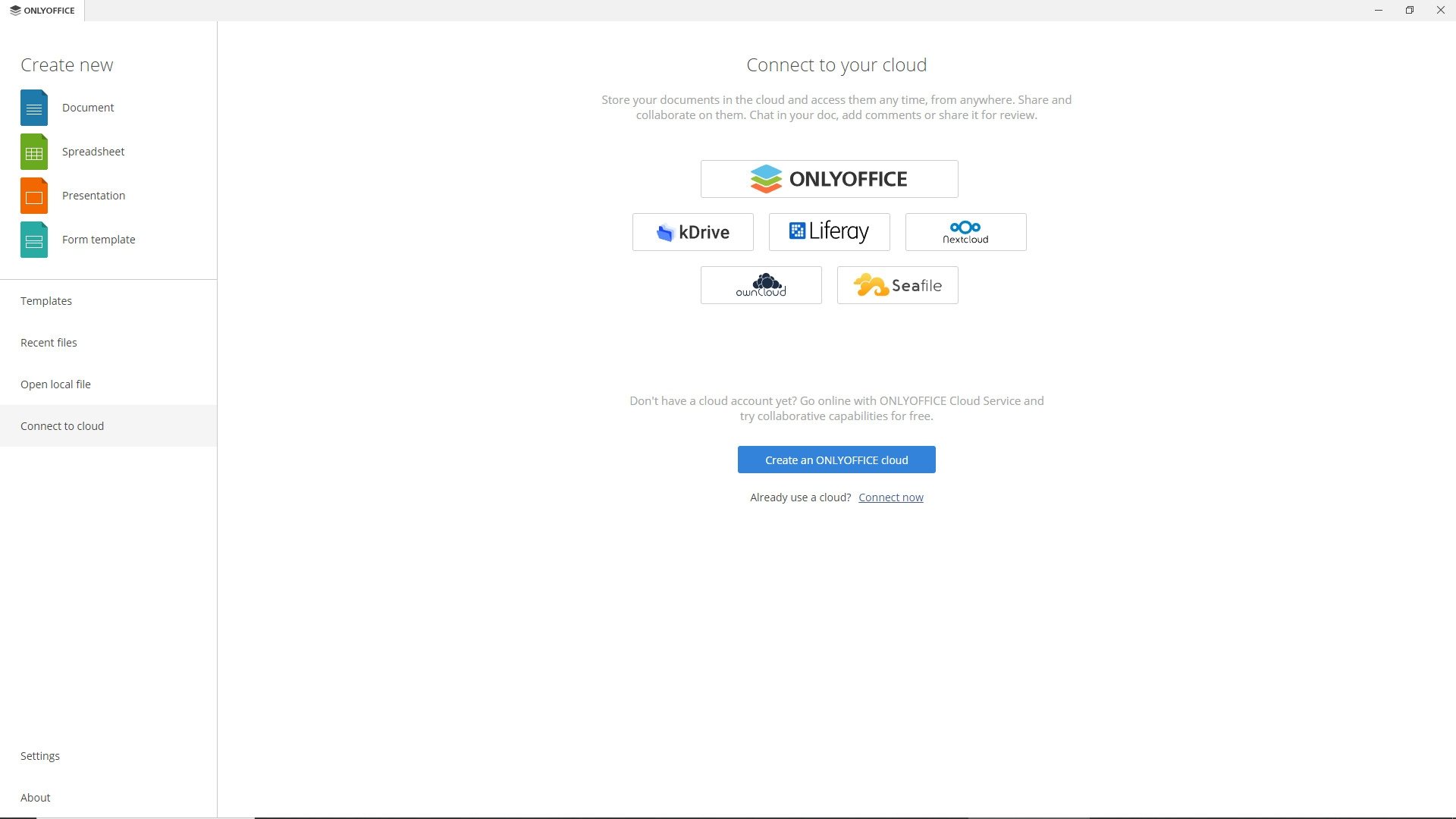
- Flexibility and customization by connecting to diverse cloud services and creating your own plugins.
- Intuitive and familiar interface, similar to Microsoft Office.
In summary, you can download OnlyOffice to have all the necessary tools to increase your productivity and facilitate collaboration in your day-to-day tasks. Whether you work on personal, academic, or professional projects, you can create high-quality content and work efficiently with OnlyOffice.
Requirements and additional information:
- Minimum operating system requirements: Windows 7
 Manuel Sánchez
Passionate about web browsing since the early days of the internet, I consider myself a digital veteran who lived the rise of the internet from his own trenches in specialized forums that no longer exist. And now that I look back, it amazes me...