


Advanced control app to install APK on Android
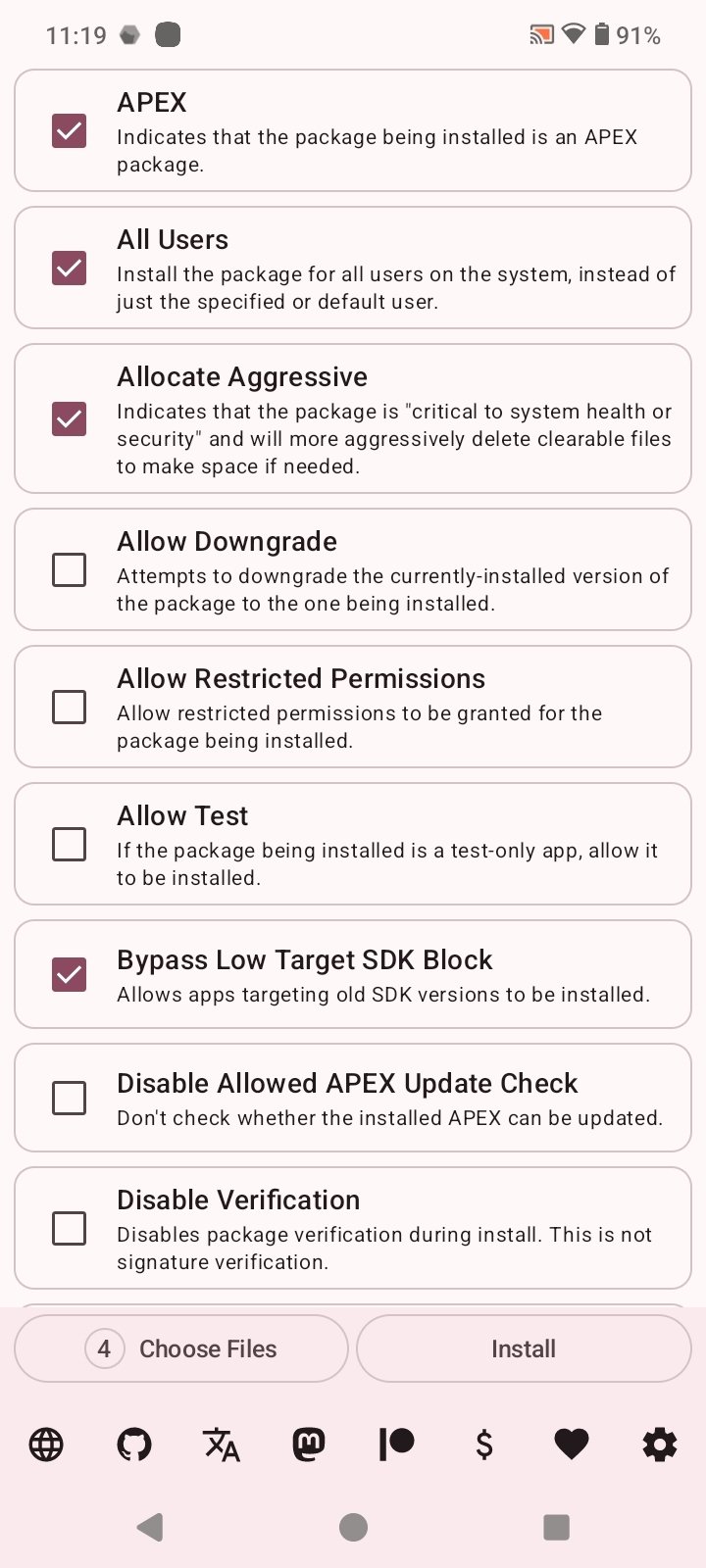
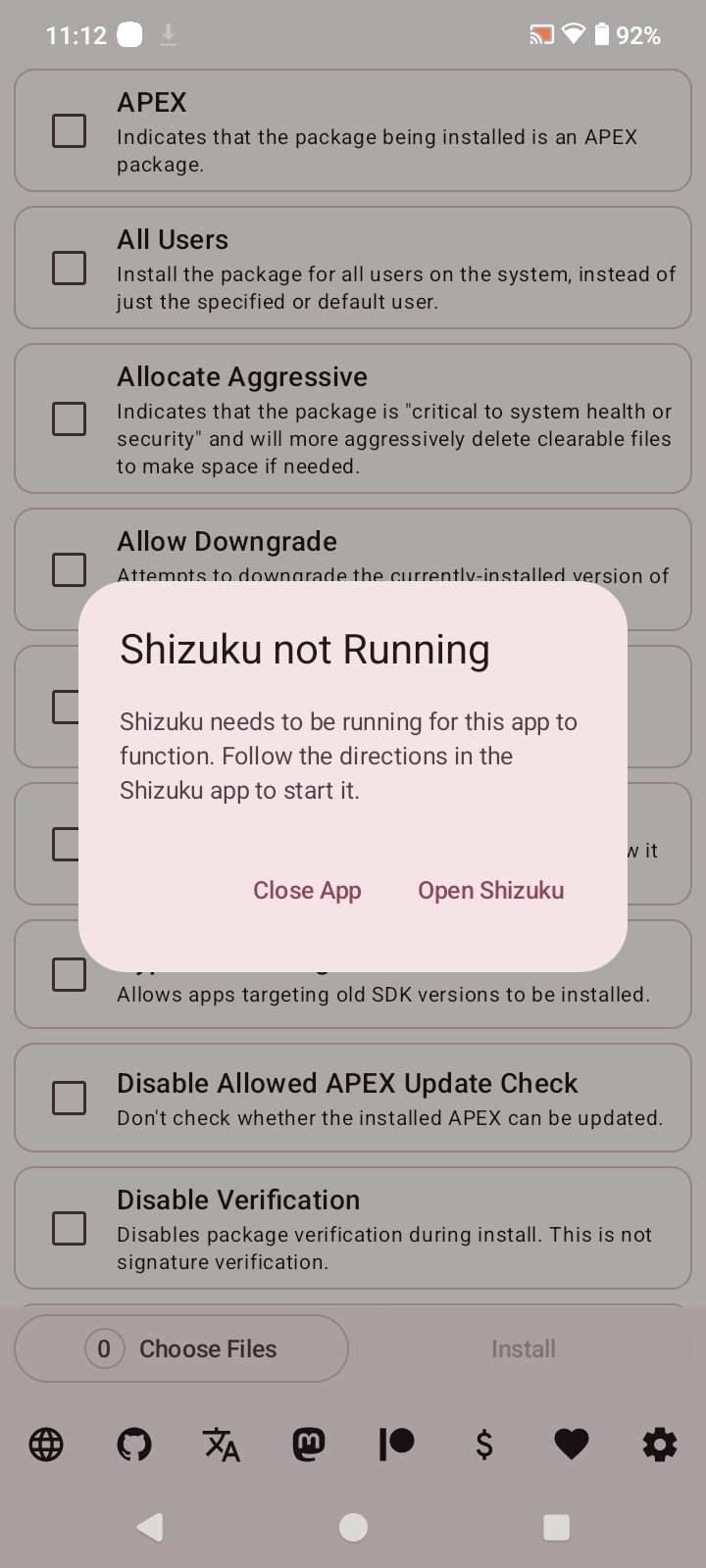
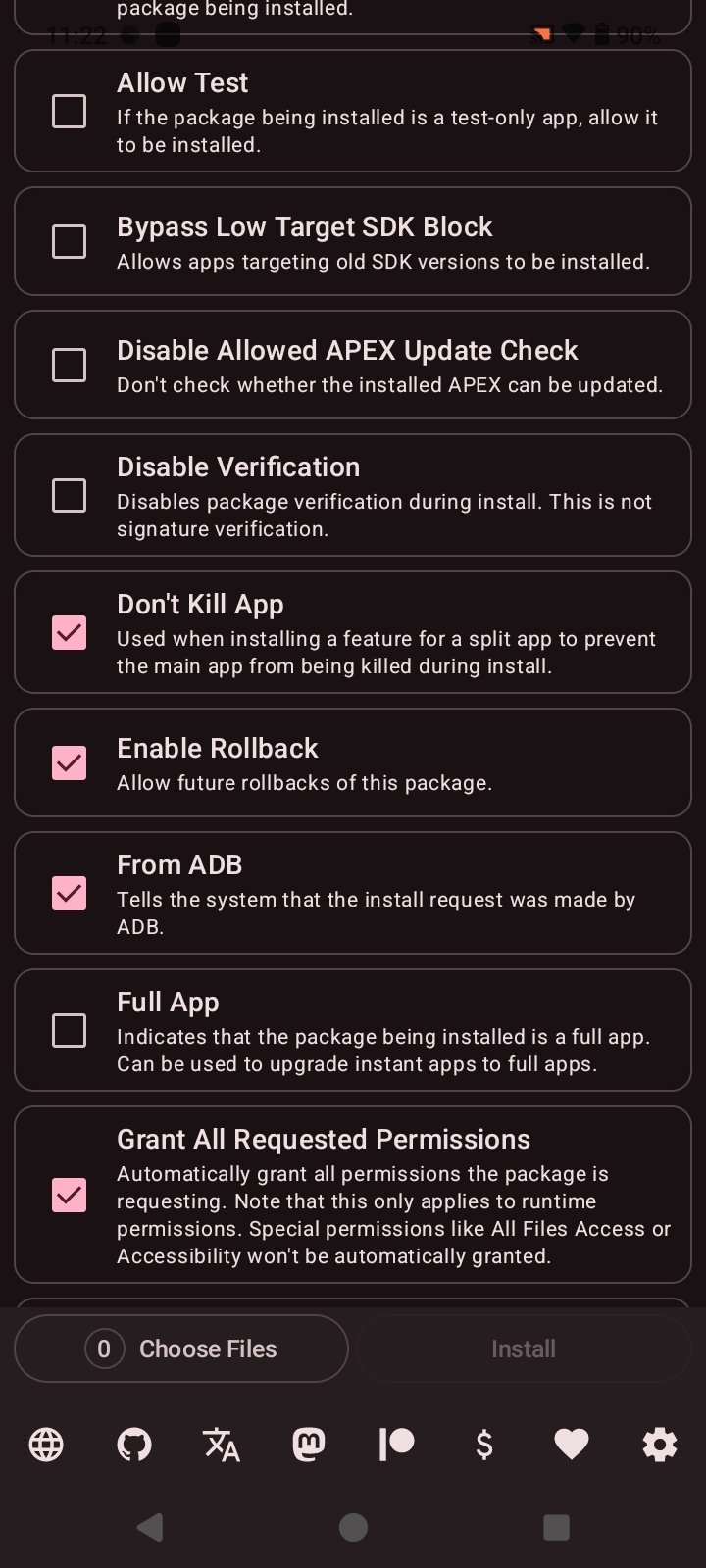
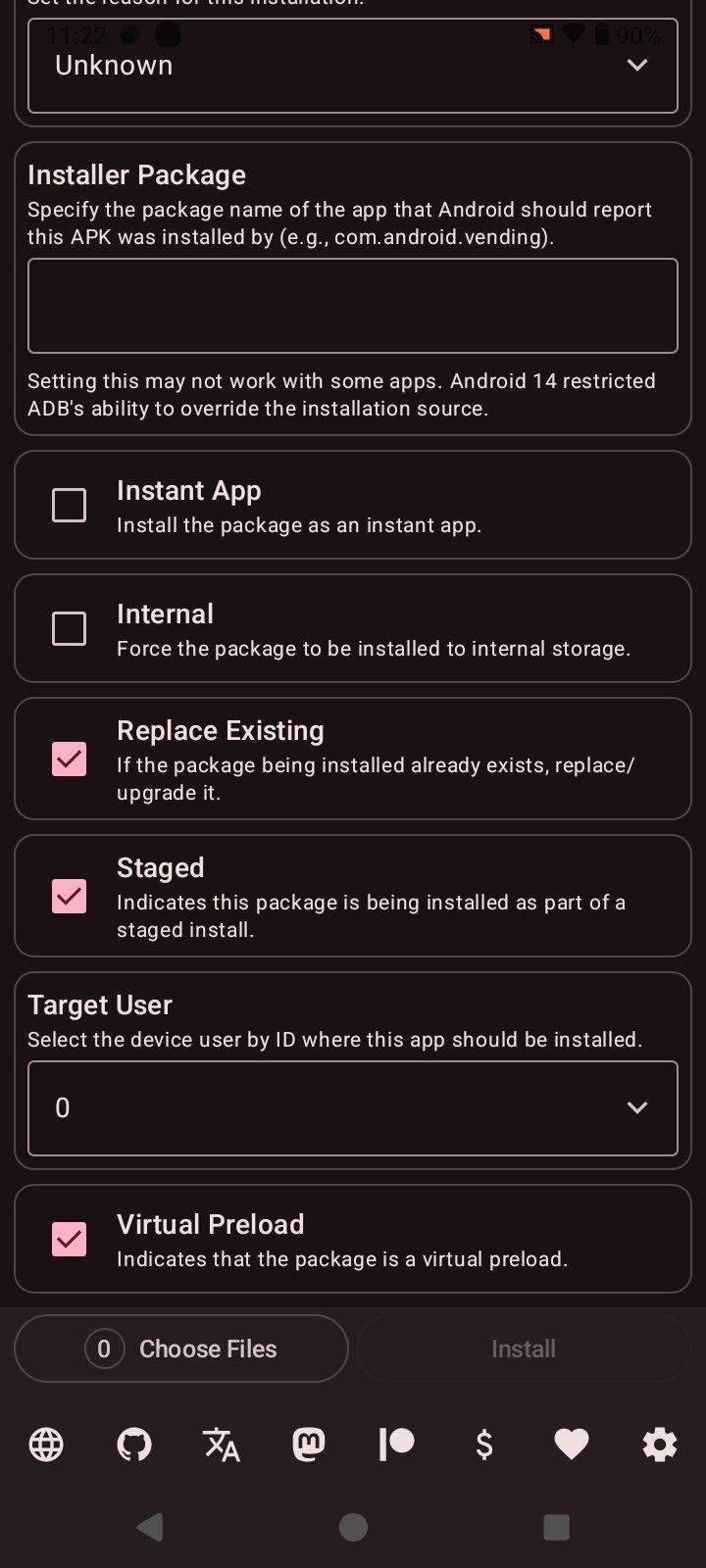
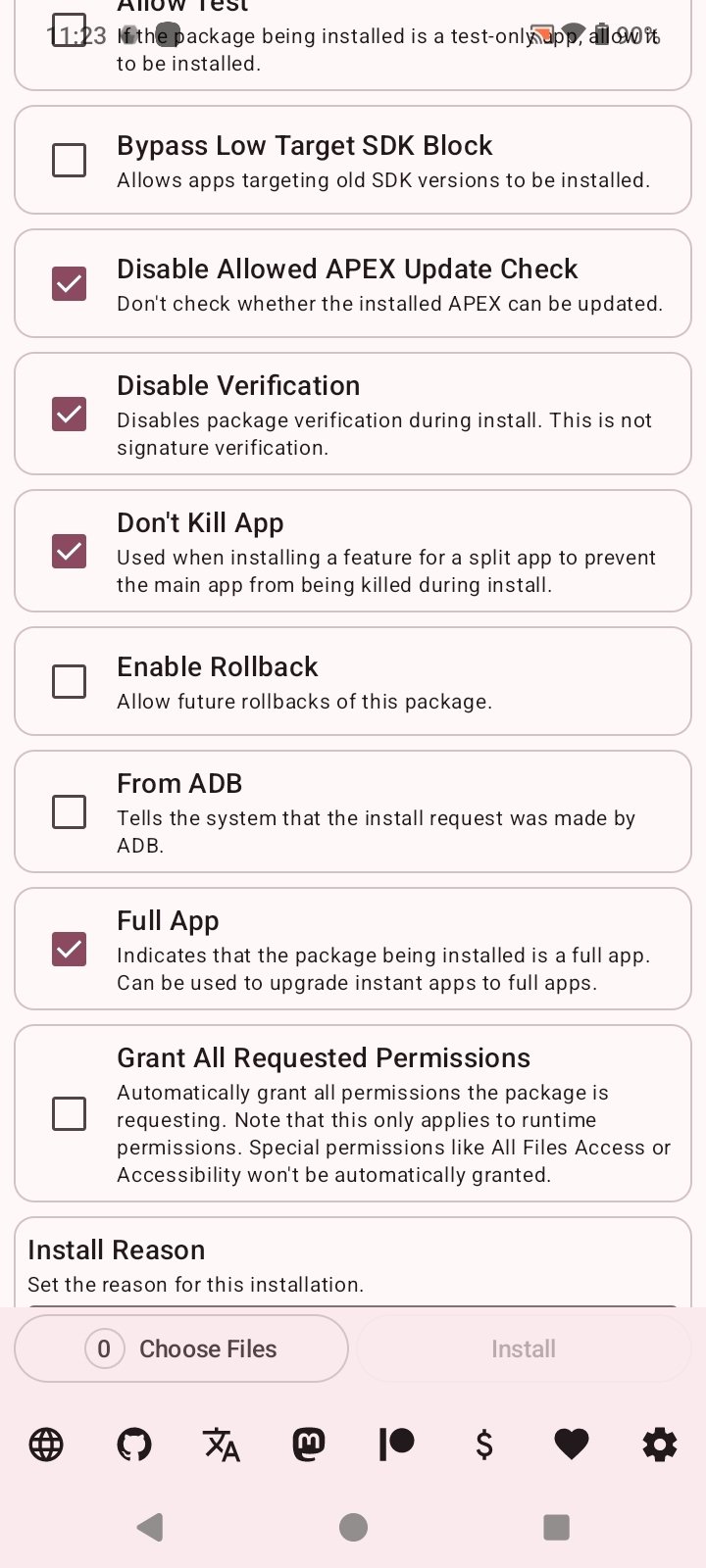
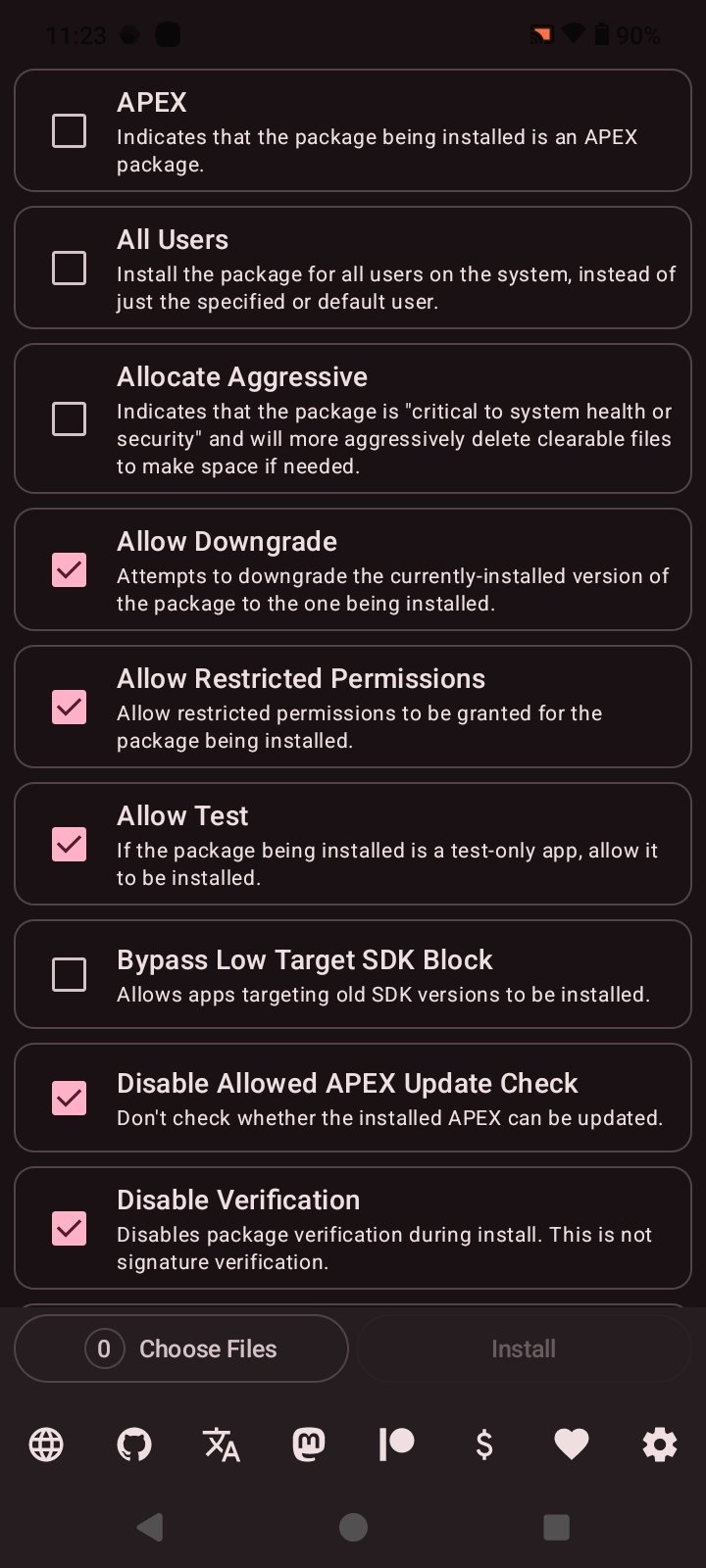
Install with Options APK is an open-source app for Android that allows you to install APK files with advanced parameters and superior technical control compared to the device's standard installer. As a detail, it requires Shizuku to be activated beforehand to function. Additionally, it is important to note that this is a tool aimed at advanced users who want to customize installation processes, manage signatures, or adjust system behavior.
Android installations with full control
The native Android APK installation system offers a simple but limited process. When you download Install with Options Android for free you expand these possibilities by acting as an advanced platform of the system's package manager, allowing you to modify different aspects of the process according to the user's needs.
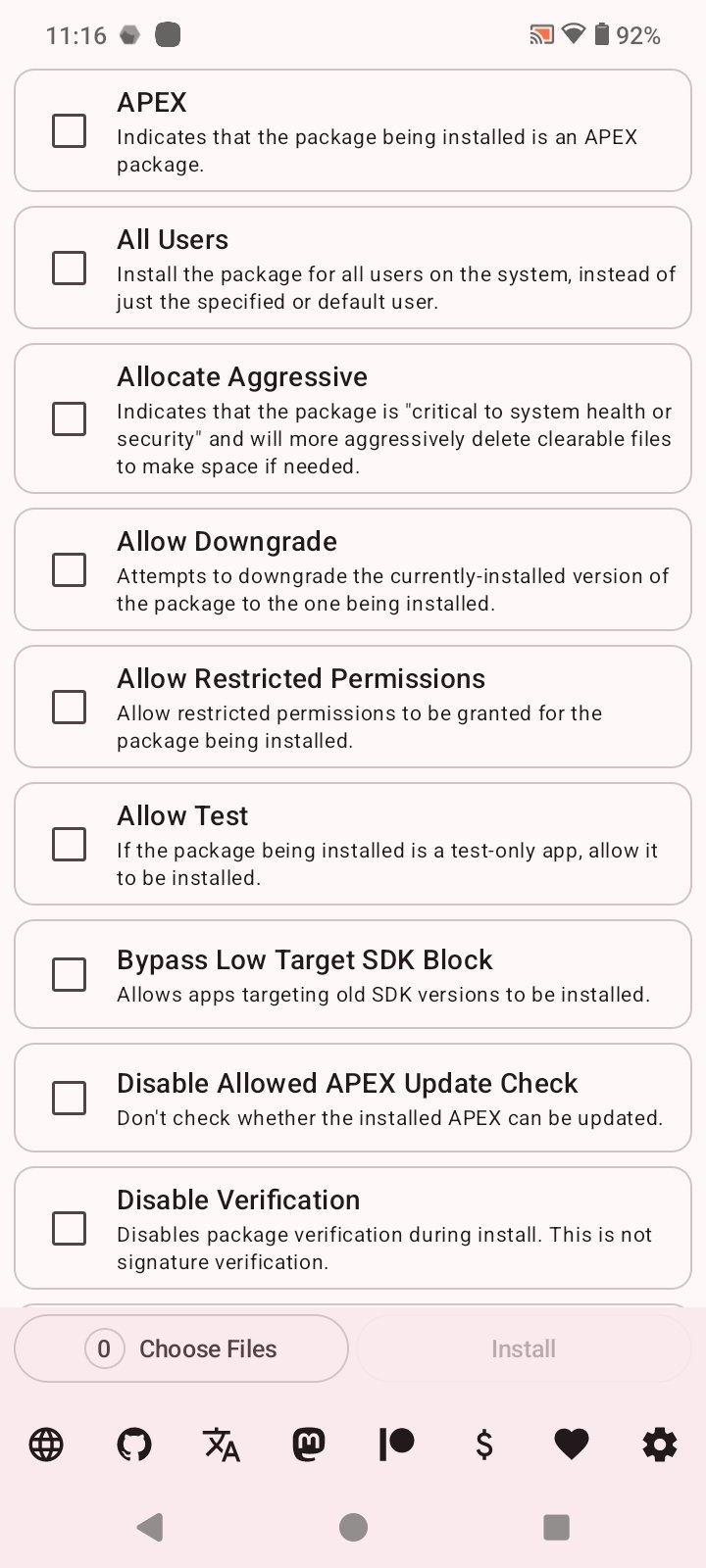
A fairly simple application that uses Shizuku to install APKs on the device with advanced options.
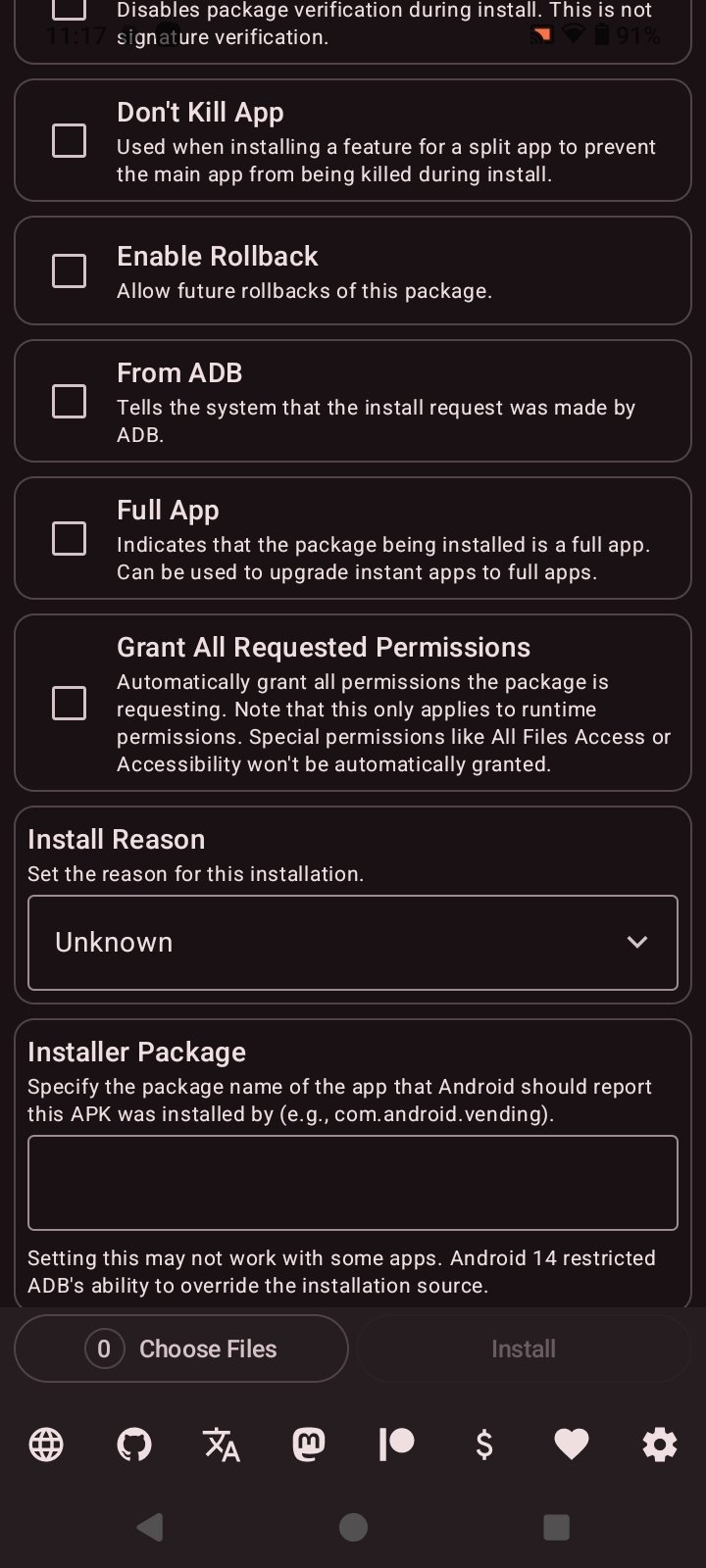
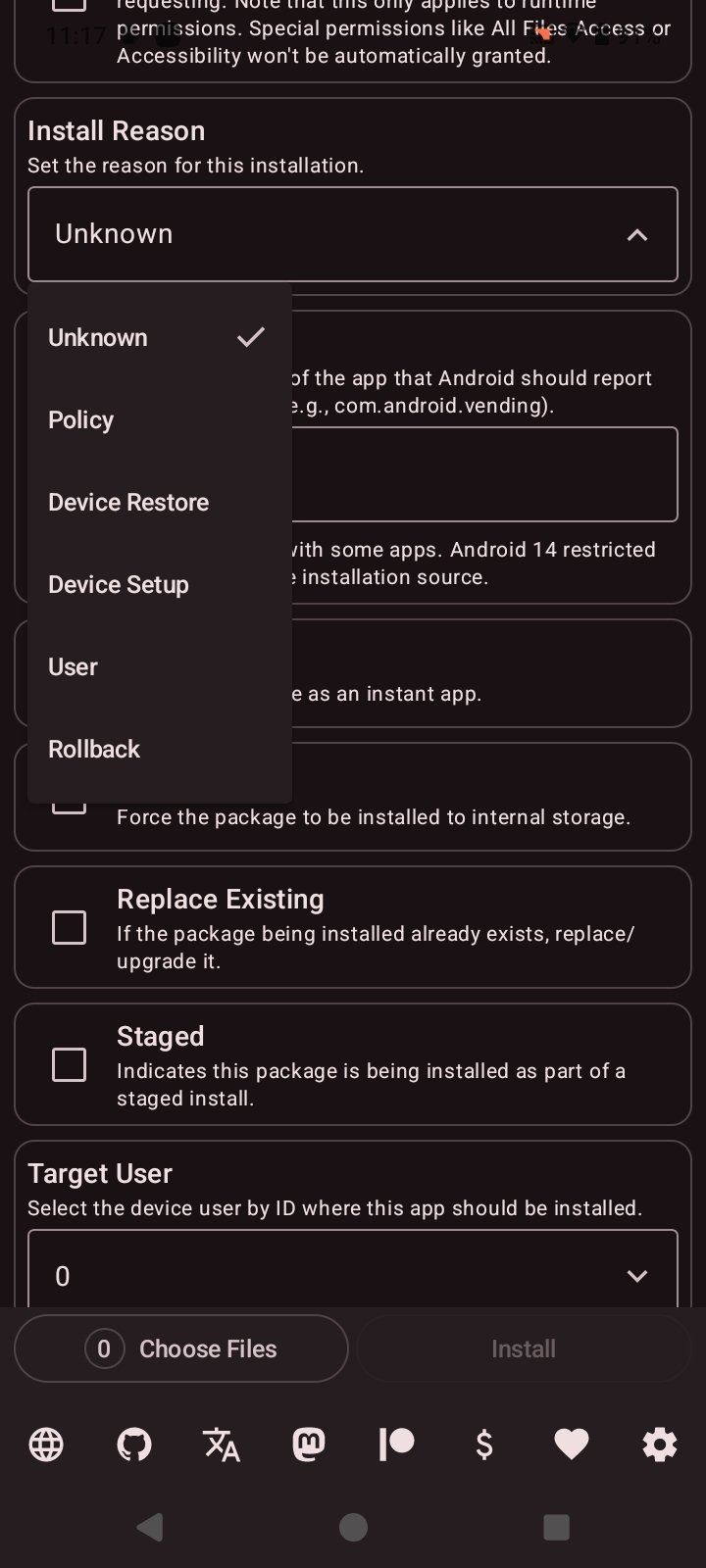
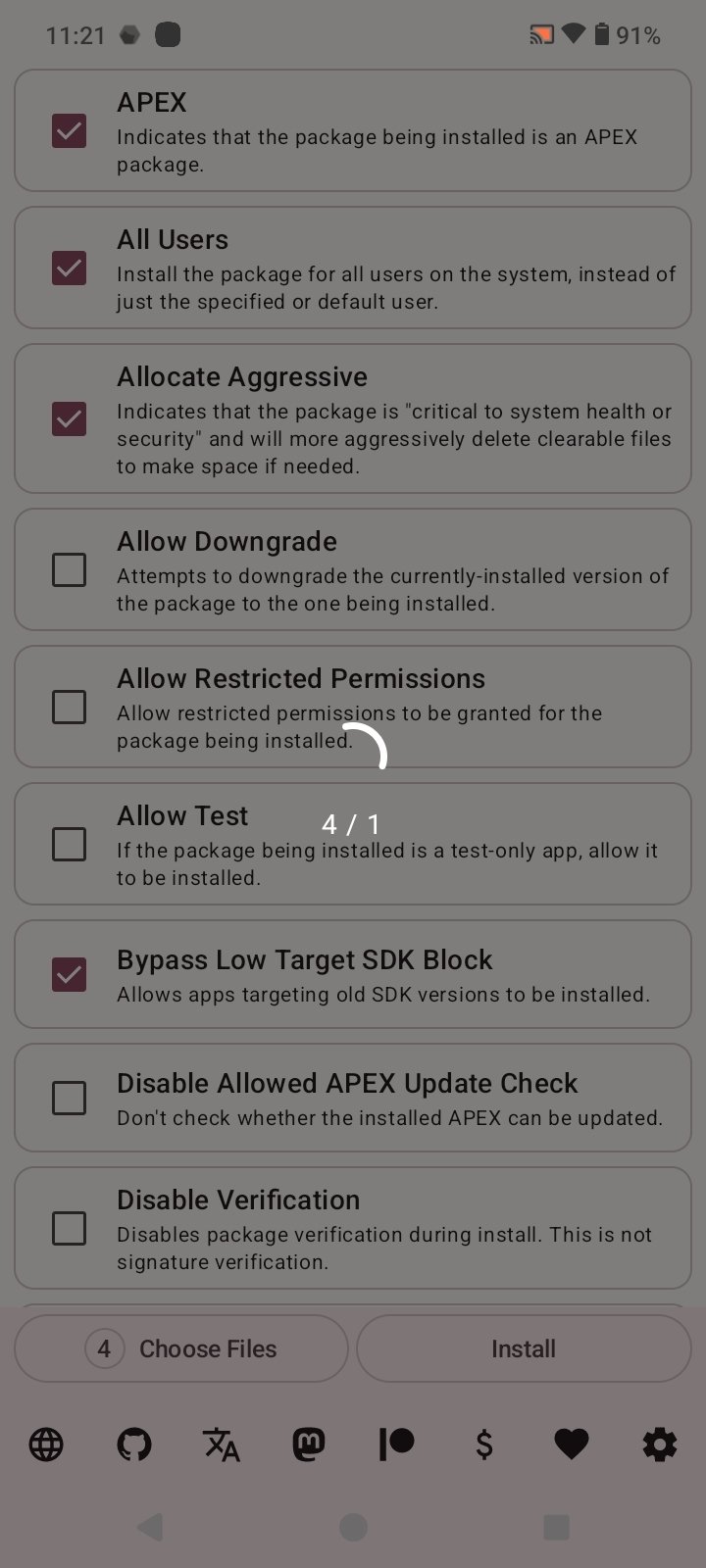
The service works through Shizuku, an app that provides access to system functions without needing root on many devices. Once configured, applications can be installed with specific options, such as permission management or compatibility settings. And all through a simplified and accessible interface.
Main features of Install with Options
- Tool to install APK files with advanced system parameters.
- Integration with Shizuku to execute operations with elevated permissions without root.
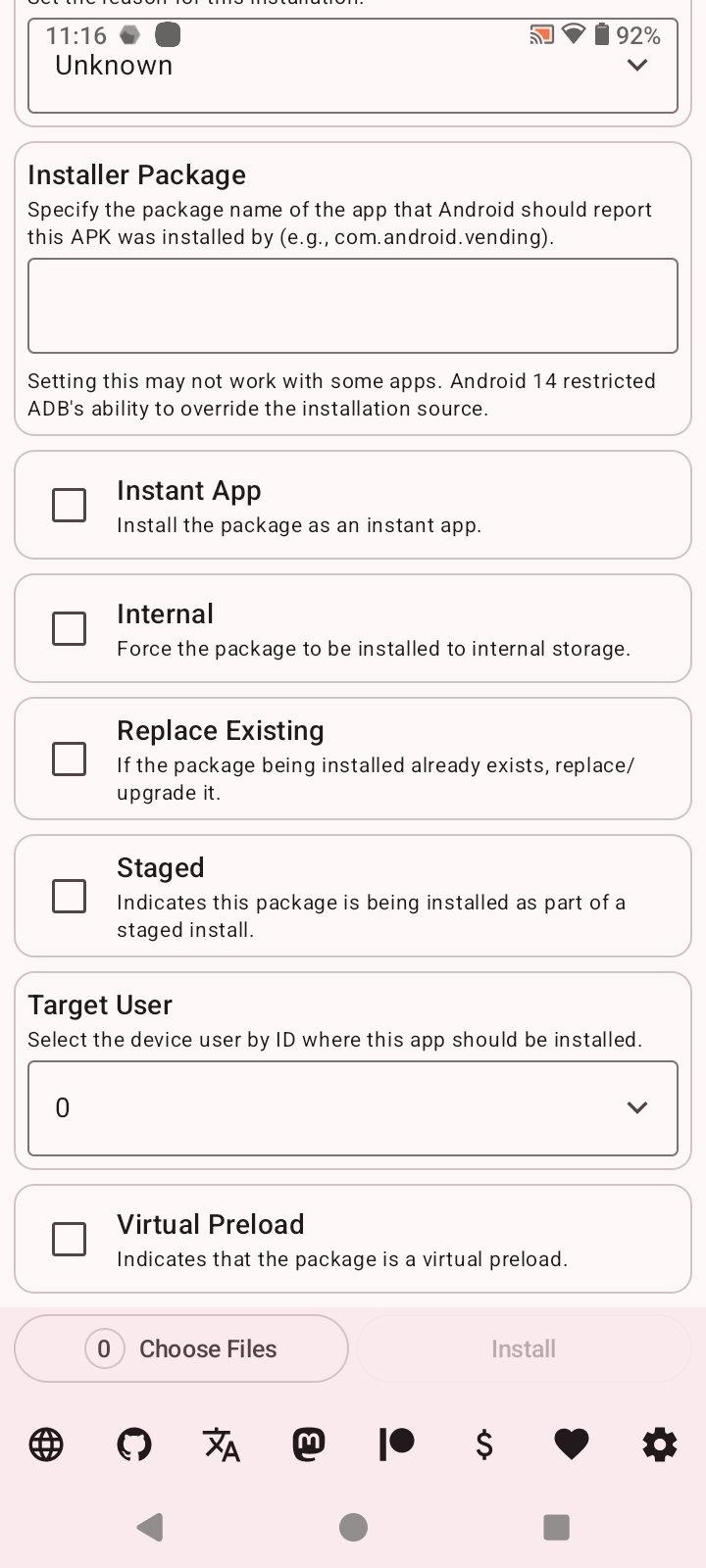
- Option to reinstall applications while keeping or replacing data according to settings.
- Management of signatures and control over version conflicts.
- Installation of packages as an update or as a new app.
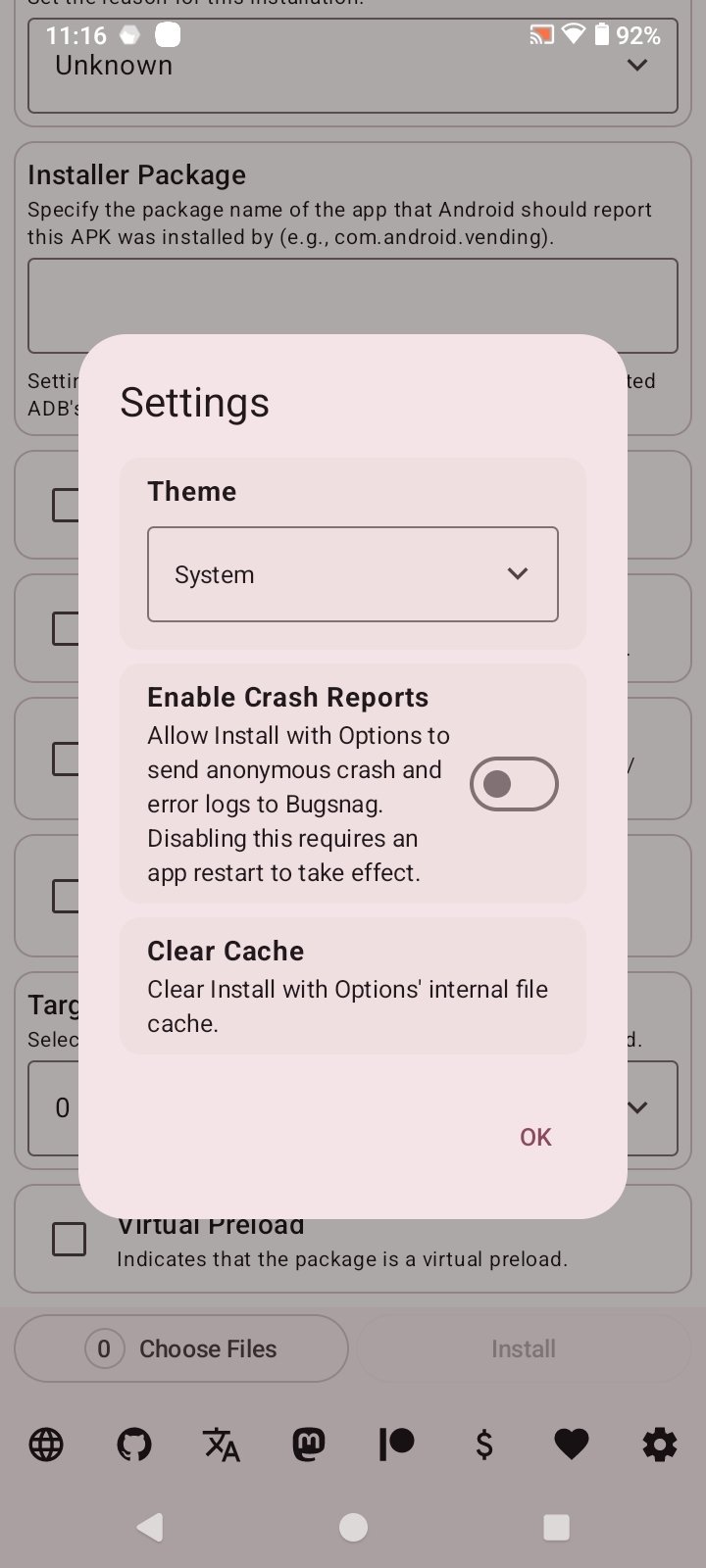
- Light and dark mode.
- Open-source project with transparent development and public updates.
Ultimately, Install with Options APK is a specialized solution that goes a step beyond the traditional Android installer. Although it relies on Shizuku to work, it offers a high level of control and numerous customization options.
Requirements and additional information:
- Minimum operating system requirements: Android 11.
- The installation of the app by means of the APK file requires the activation of the "Unknown sources" option within Settings>Applications.
 Almudena Galán
With a degree in Law and Journalism, I specialized in criminology and cultural journalism. Mobile apps, especially Android apps, are one of my great passions. I have been testing dozens of apps every day for over six years now, discovering all...

Susana Arjona