



Free WPS Office: The best MS Office alternative for Windows

June 24, 2026
10 / 10

WPS Office is a lightweight office suite for Windows that includes WPS Writer for creating and editing documents, WPS Spreadsheet for creating and editing spreadsheets, WPS Presentation for designing presentations, and WPS PDF for viewing, editing, and converting PDF files. It is also fully compatible with Word, Excel, and PowerPoint. If you are looking for the best alternative to the Microsoft Office suite, go ahead and download WPS Office offline installer for PC; you won't regret it.

Key Features of WPS Office

  • All-in-one office suite featuring WPS Writer, WPS Spreadsheet, WPS Presentation, and WPS PDF.
  • Compatibility with Microsoft Word, Excel, and PowerPoint formats.
  • Artificial intelligence tools for writing, summarizing, and improving texts.
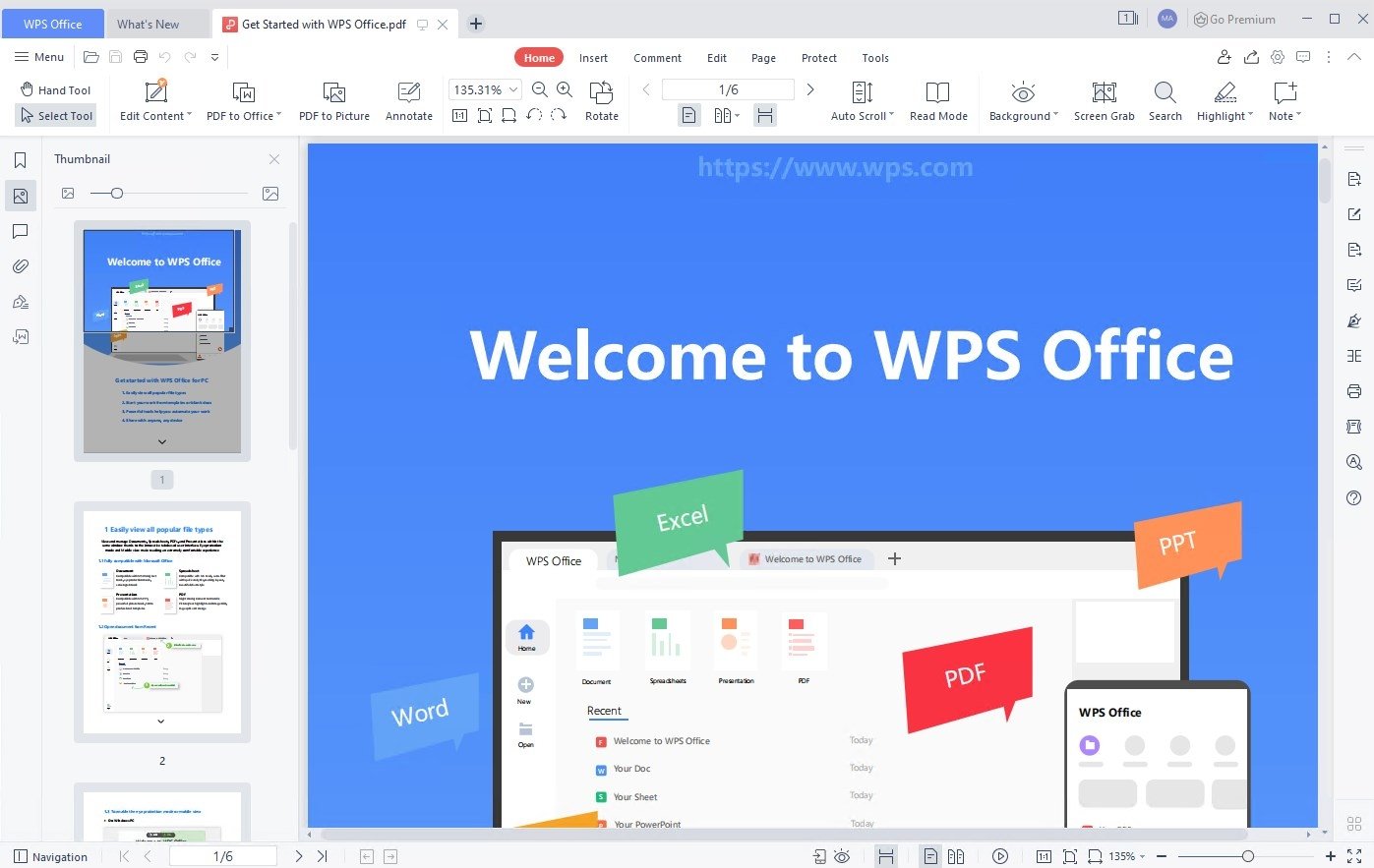
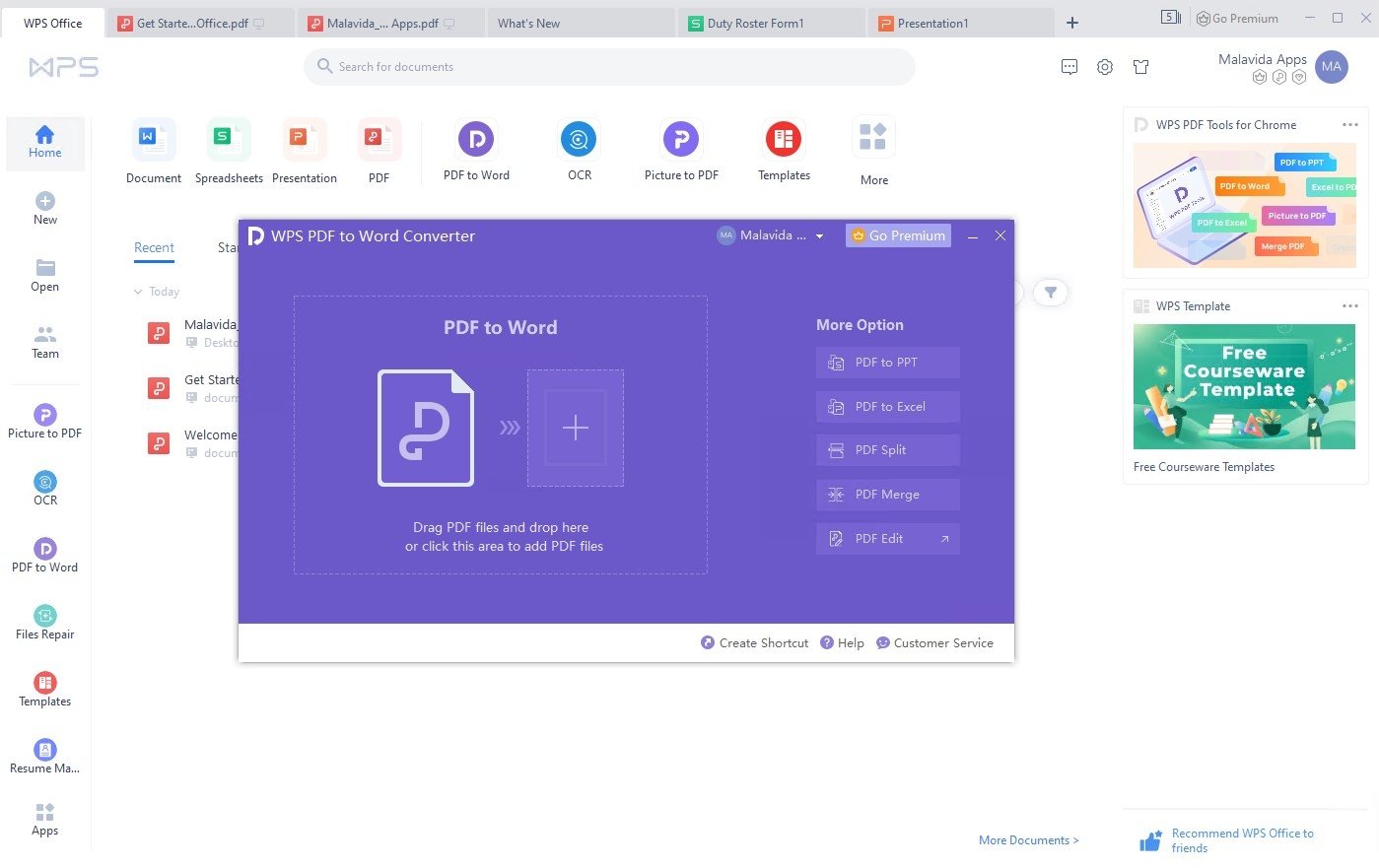
  • Built-in PDF editor for viewing, editing, and converting documents.
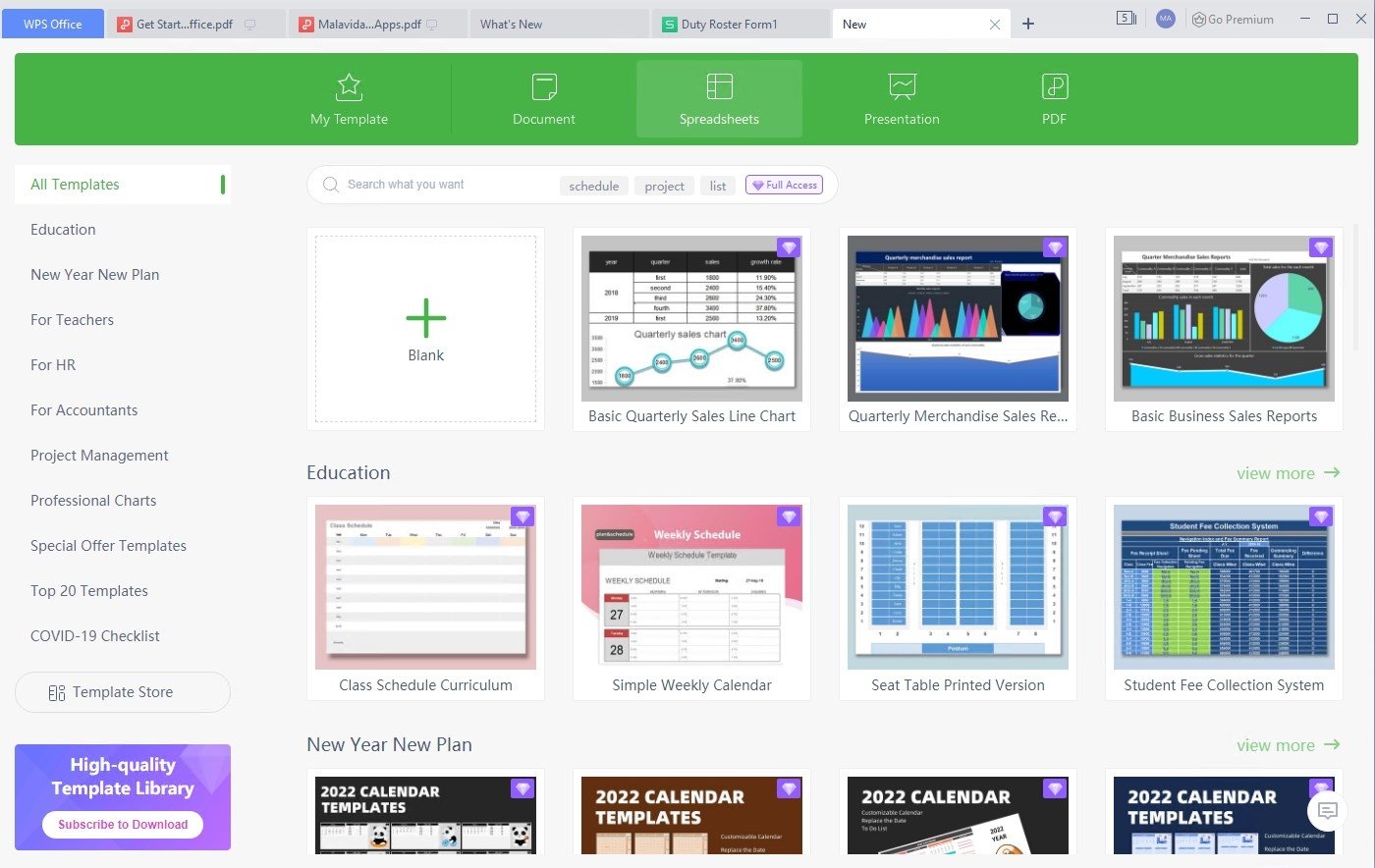
  • Large library of templates for resumes, reports, presentations, and more.
  • Cloud storage and synchronization across devices.
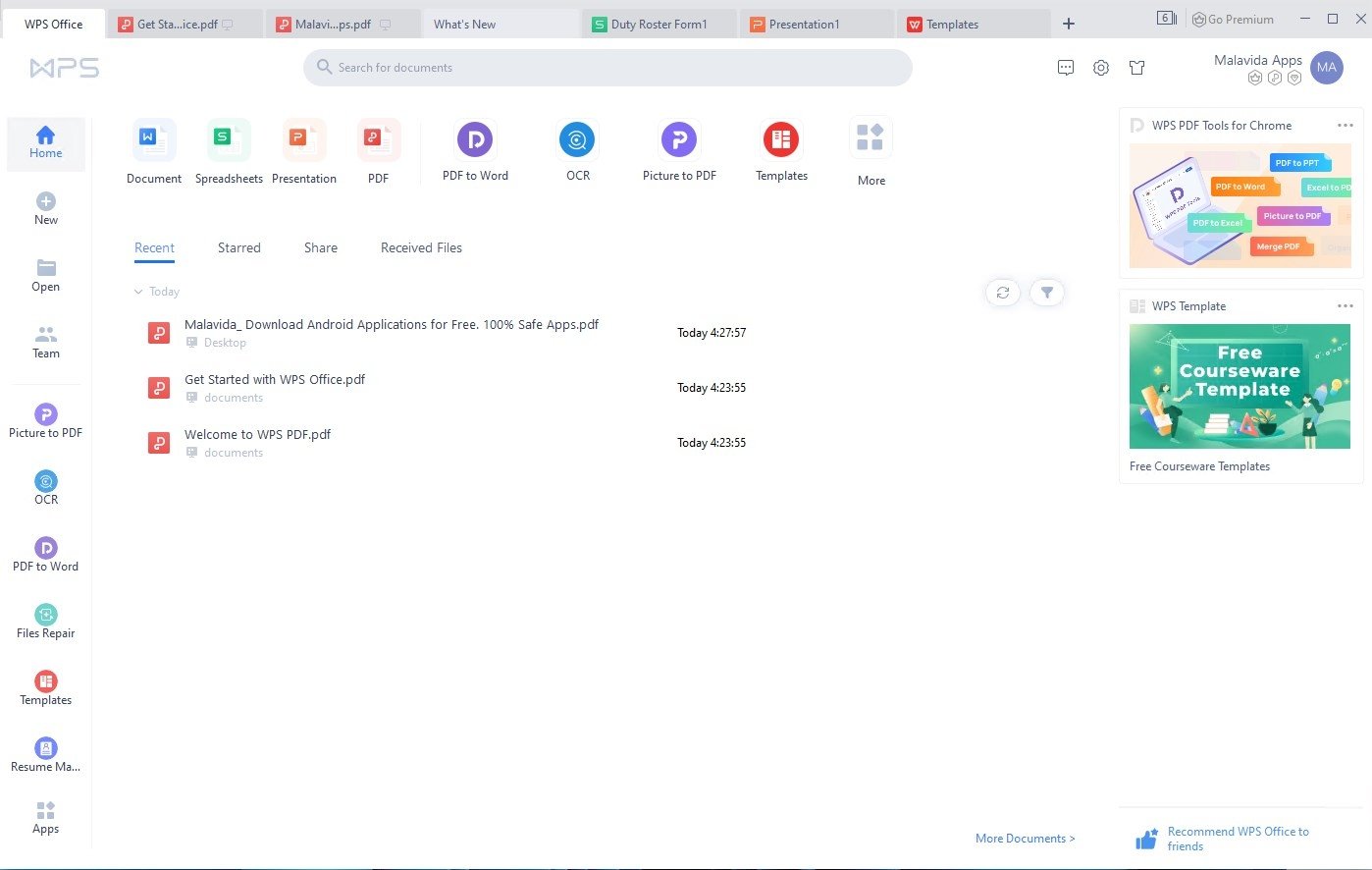
  • Tabbed interface for working with multiple documents at the same time.
  • Compatible with DOC, DOCX, XLS, XLSX, PPT, PPTX, and PDF formats.
  • Lower resource consumption than other office suites.
  • Free version with access to essential productivity features.

Boost your productivity with WPS Office's artificial intelligence

WPS Office's artificial intelligence is designed to help us work more effectively with our documents. We can use it to generate drafts, summarize lengthy reports, correct grammatical errors, improve the wording of a text, or adjust its tone to suit the context. It is also useful for extracting key information from long documents and speeding up tasks that would normally require several minutes of manual editing. Because it is directly integrated into the suite, this tool becomes a convenient and accessible addition for all types of users.

Edit, convert, and manage PDF files with WPS PDF

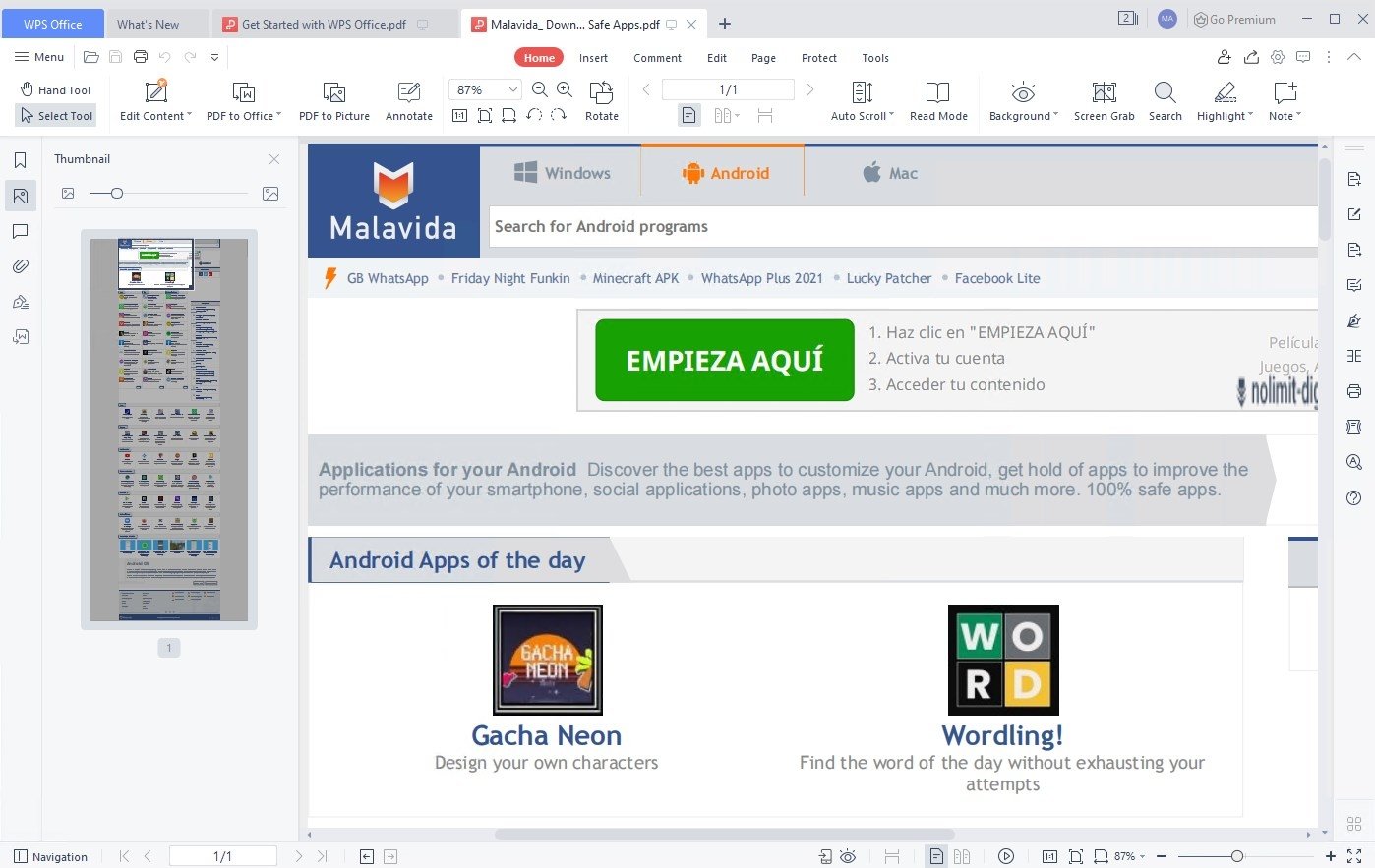
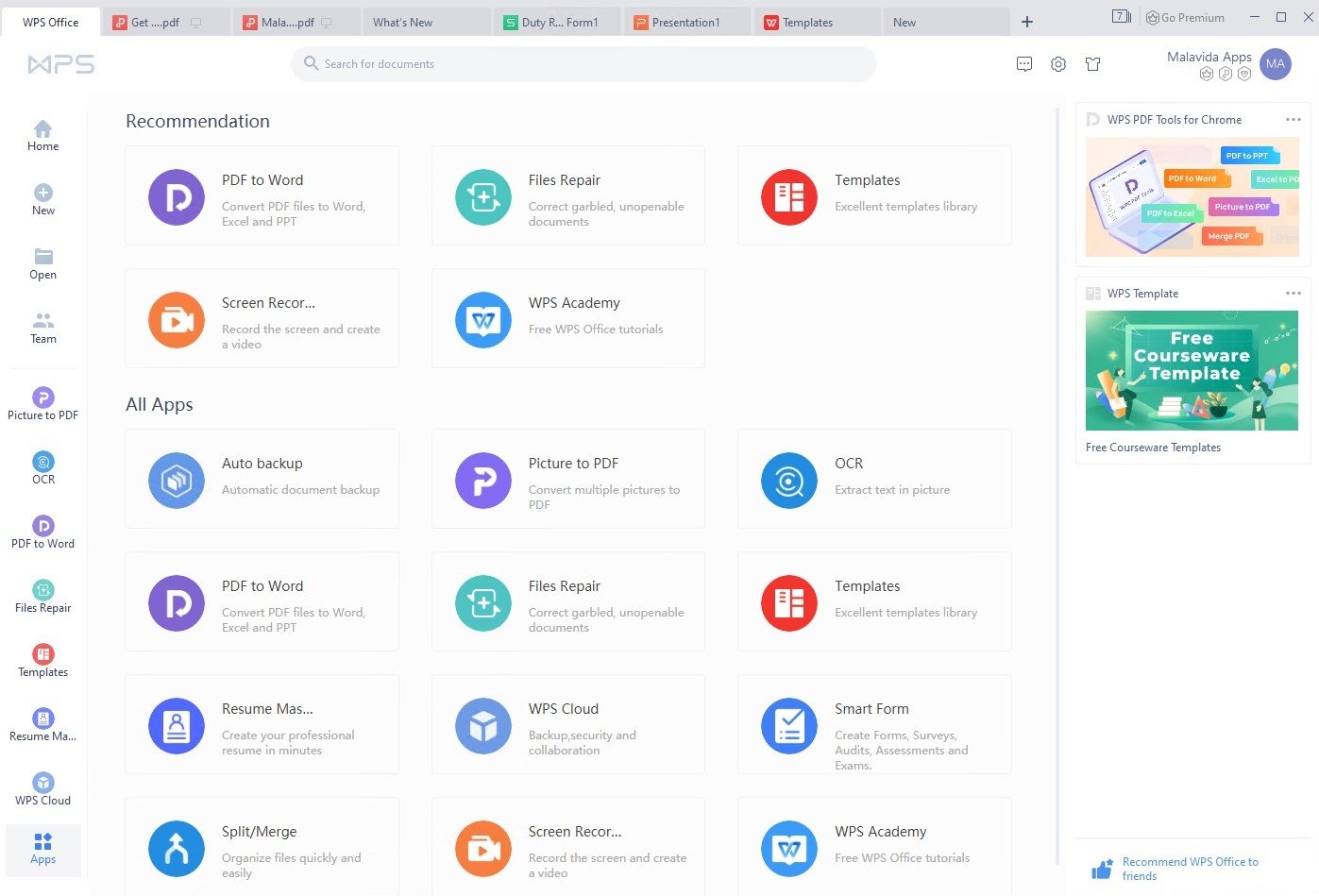
WPS PDF is one of the most comprehensive tools in the suite. In addition to allowing you to open, read, and manage PDF documents, it includes features for converting files to different formats, merging multiple documents, or splitting large PDFs in a matter of seconds. It also includes OCR (optical character recognition) technology, which can extract text from scanned documents and images and convert it into editable content. All of this from a single app, with no need to install additional tools.

A lightweight suite with templates for all kinds of projects

Another notable feature of WPS Office is its optimization. In an era when browsers, messaging apps, and other tools are consuming more and more system resources, it is refreshing to find a program that offers a complete experience without requiring high-end hardware. The suite launches quickly, runs smoothly even with multiple documents open, and works well on modest or older computers.

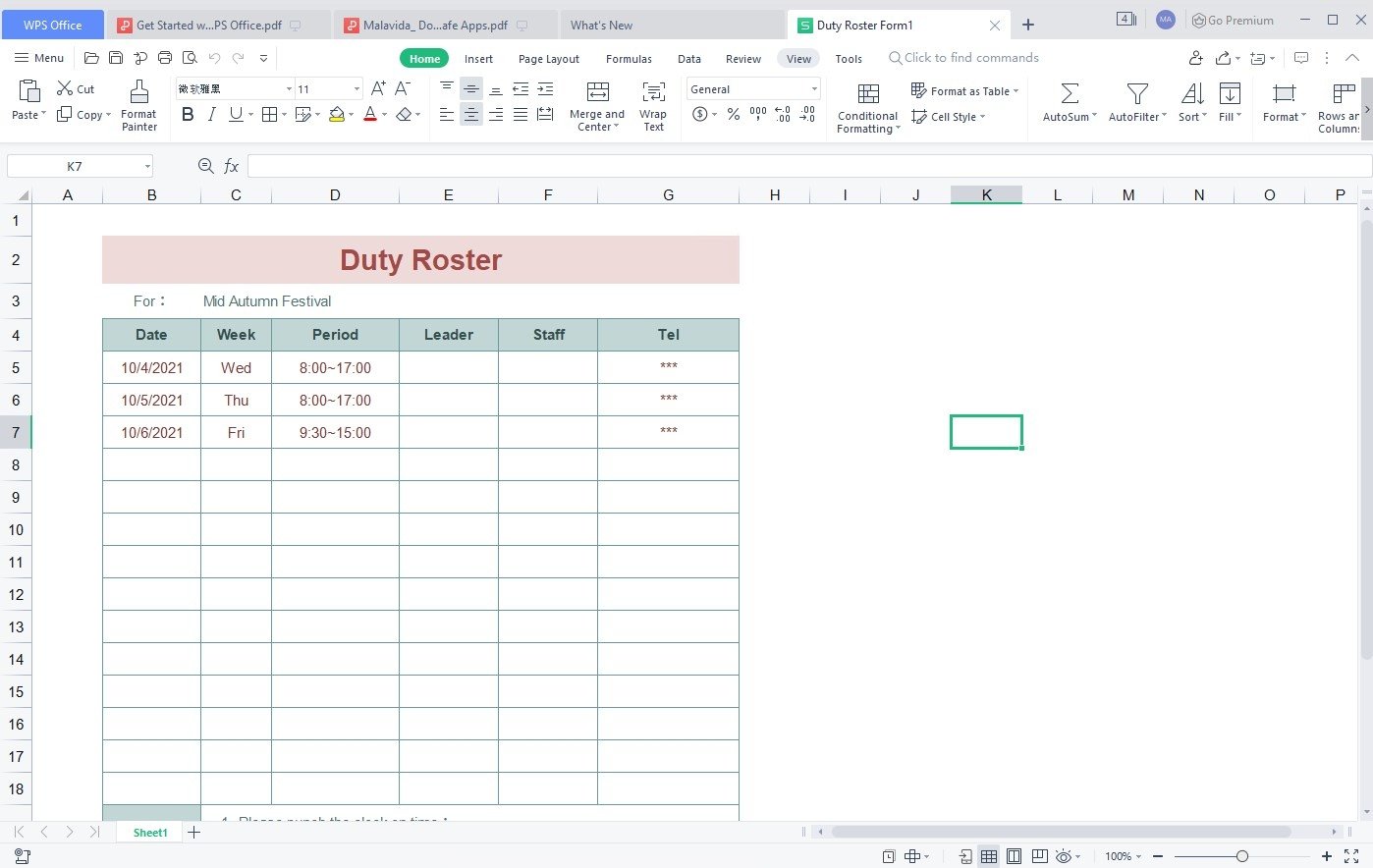
In addition, there is an extensive library of templates for resumes, reports, presentations, calendars, and other professional documents. Thanks to this, it is possible to create professional-looking documents in a matter of minutes, even if you have no design experience.

Fully compatible with Microsoft Office

Compatibility with Microsoft Office is one of the reasons why WPS Office has become such a popular alternative. The suite allows you to open, edit, and save Word documents, Excel spreadsheets, and PowerPoint presentations without converting them or making additional adjustments. In addition, it supports a wide variety of file formats, including DOC, DOCX, XLS, XLSX, PPT, PPTX, and PDF, as well as numerous legacy file extensions from previous versions of Office. This makes it easier to continue working with older documents or exchange files with other users without worrying about compatibility issues.

Comparison: WPS Office vs. Microsoft Office

It is inevitable to compare WPS Office with Microsoft Office, since both suites offer tools for creating documents, spreadsheets, and presentations. They also incorporate artificial intelligence features to improve productivity. However, WPS Office stands out for offering a feature-packed free version, a built-in PDF editor, and lower resource usage. Microsoft Office, on the other hand, takes the lead on advanced features and integration with other services in the Microsoft ecosystem.

In practice, WPS Office offers a very similar experience for most everyday tasks. Furthermore, while some of Microsoft's AI features rely on Microsoft 365 and specific Copilot plans, WPS integrates these tools directly into its ecosystem. This, combined with its compatibility with Word, Excel, and PowerPoint formats, explains why it has become one of the most popular alternatives to Microsoft Office.

Is it really free to download WPS Office?

Yes, you can download WPS Office for free. The suite provides access to its main tools, including WPS Writer, WPS Spreadsheet, WPS Presentation, and WPS PDF, without paying for a subscription. This allows users to create, edit, and share documents right from the start, so it's no wonder that it has become a popular alternative to Microsoft Office.

However, not all features are available in the free version. Some advanced tools require a subscription. Even so, for most users, the free version offers everything they need to work with documents, spreadsheets, and presentations without paying for a license.

Is it safe to download and install WPS Office?

Yes, WPS Office is a legitimate, 100% Safe and Virus-Free office suite with no bloatware and no malware developed by Kingsoft, a company with decades of experience in the software industry. However, as with any program, security also depends on where you download it from. Therefore, we recommend downloading the latest version of WPS Office from official sources or trusted repositories, such as our servers, and avoiding third-party-modified installers.

WPS Office is a real alternative to Microsoft Office.

Considering all we've explained, it is safe to say that WPS Office is currently the best alternative to Microsoft Office available. Download WPS Office for PC and see why millions of users use it every day.

Manuel Sánchez

Passionate about web browsing since the early days of the internet, I consider myself a digital veteran who lived the rise of the internet from his own trenches in specialized forums that no longer exist. And now that I look back, it amazes me...

Features