




Google's digital wallet for Android devices
Google Wallet APK is the official app for Google's virtual wallet. It is designed to store cards, tickets, passes, and digital documents in a secure environment that is accessible from any Android device. When you download Google Wallet Android for free, you get a tool that facilitates contactless payment and lets you manage everything from boarding passes to tickets, all with a single app linked to your Google account.
What is Google Wallet, and what is it used for?
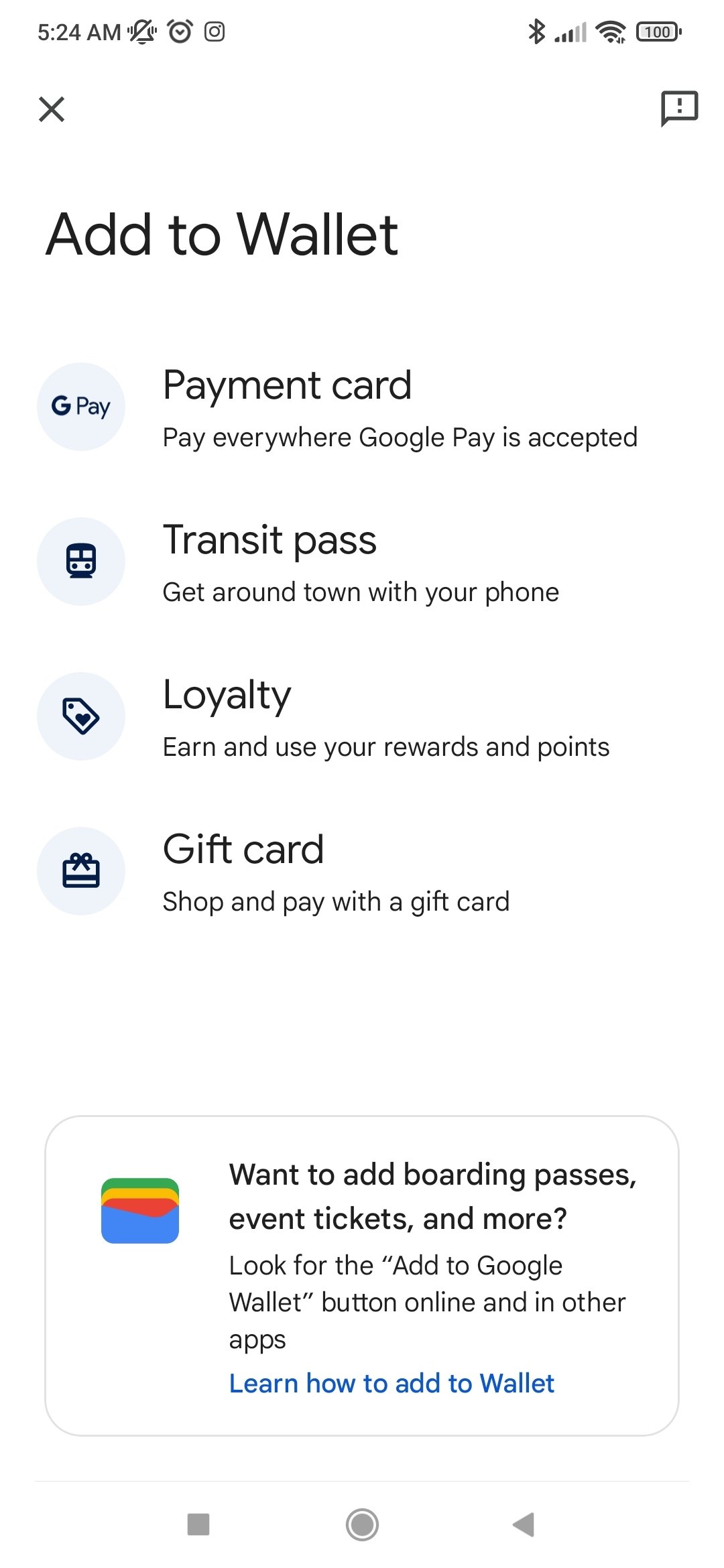
The Google Wallet APK app is a digital wallet compatible with Android devices that allows you to carry all your essential documents in electronic format. Unlike Google Pay (which focuses on processing payments), the Google Wallet Android app is responsible for organizing, storing, and presenting digital documents such as loyalty cards, tickets, bank cards, or passes with QR codes or NFC.
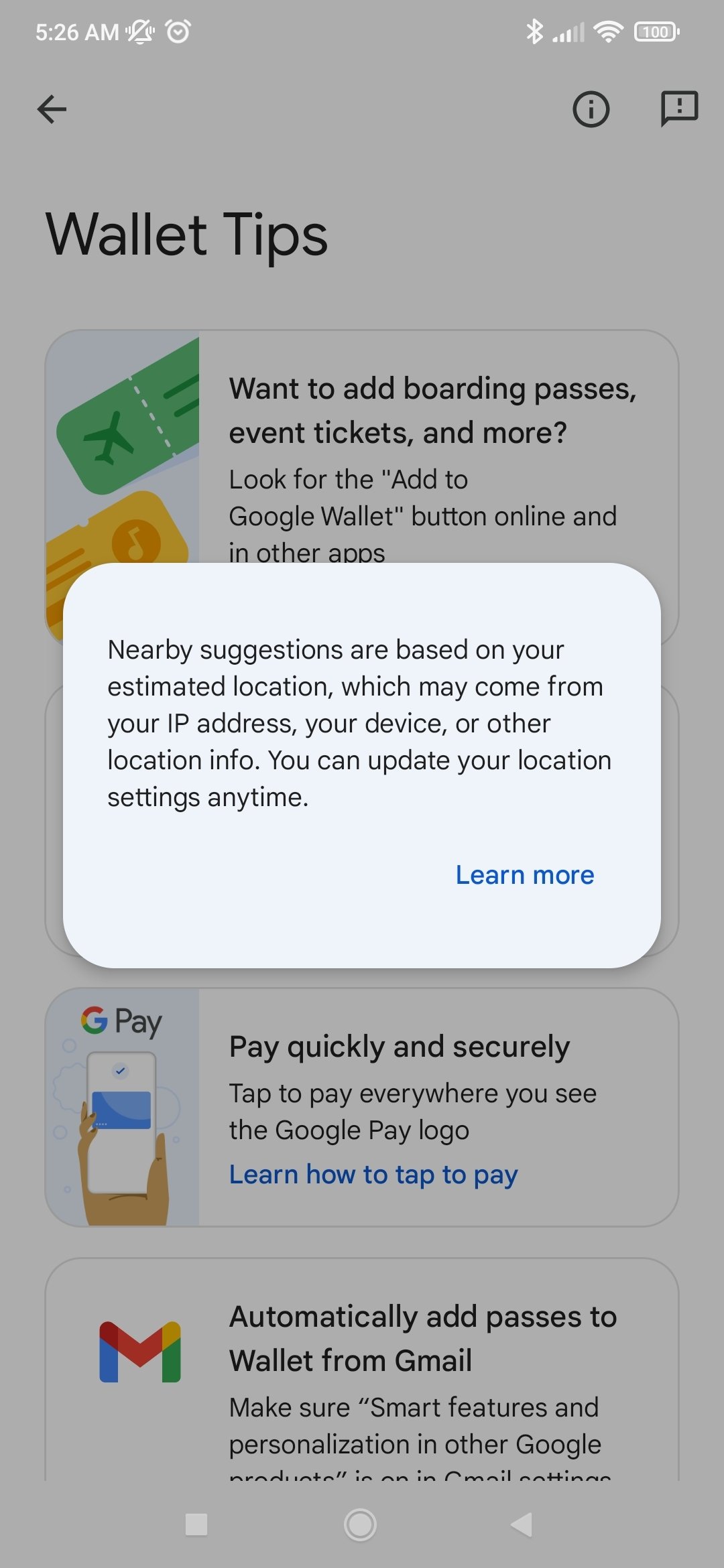
Now, you can access all the documents you want to have close at hand, such as payment cards, loyalty cards, or concert tickets, from your Android device.
How to pay with Google Wallet
To make contactless payments with this app, you first need to install Google Wallet on your smartphone. The device must have NFC technology and be unlocked. Once a compatible credit or debit card has been added, hold your smartphone close to a card reader to complete the transaction. The app also allows you to use authentication methods such as fingerprint or PIN to increase the app's security.
What is the difference between Google Pay and Google Wallet?
Google Pay is the system that handles transactions, especially on websites and apps. Wallet, on the other hand, acts as a smart container for all types of documents and digital credentials. Both services are integrated and can be used together, but their purposes are different: one manages payments, the other organizes information.
Key features of Google Wallet
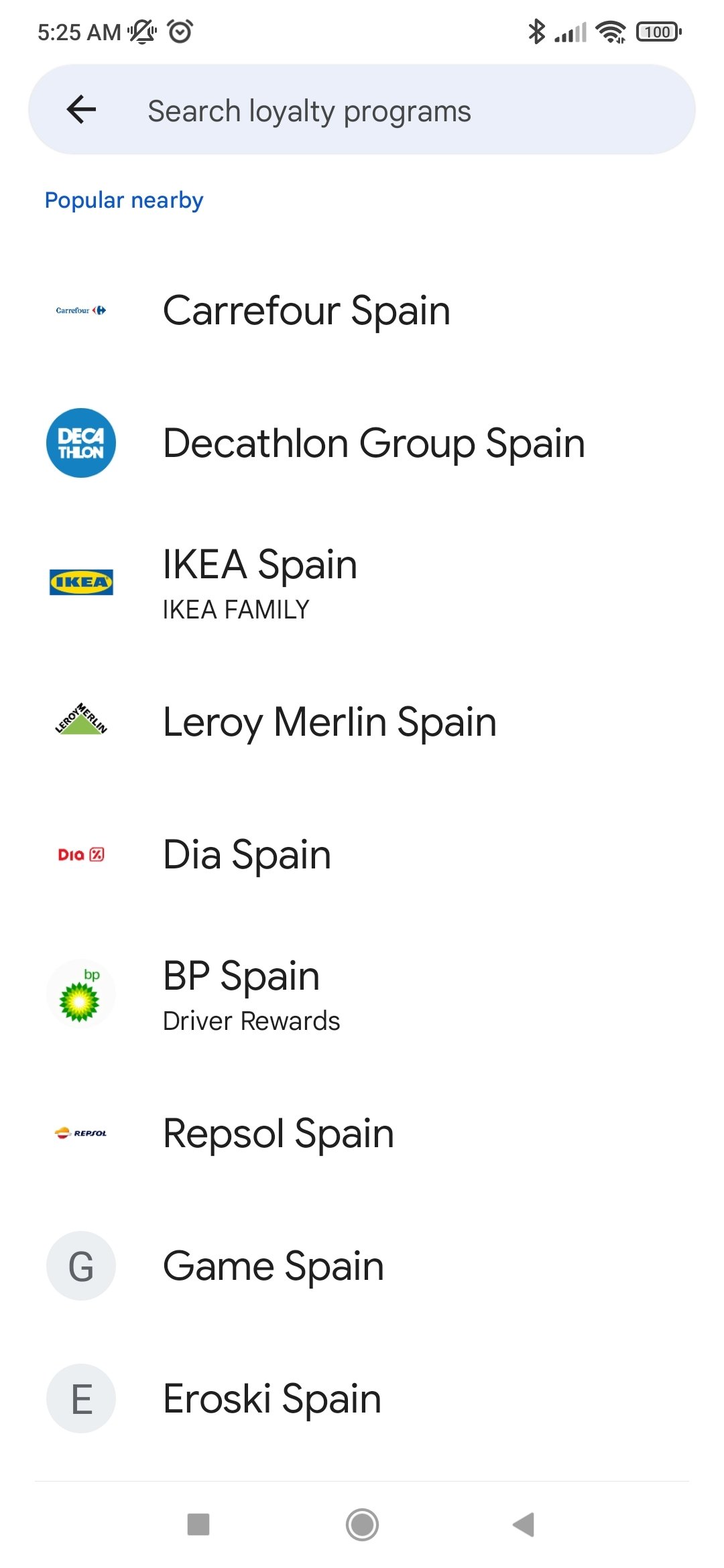
- Google's virtual wallet for storing digital documents, including ID cards, loyalty cards, tickets, passes, or bank cards.
- Management of bank cards for contactless payments from your smartphone.
- Compatibility with PKPASS files in Google Wallet.
- Integration with other Google services for immediate synchronization.
- Advanced security options with encryption, locking, and biometric verification.
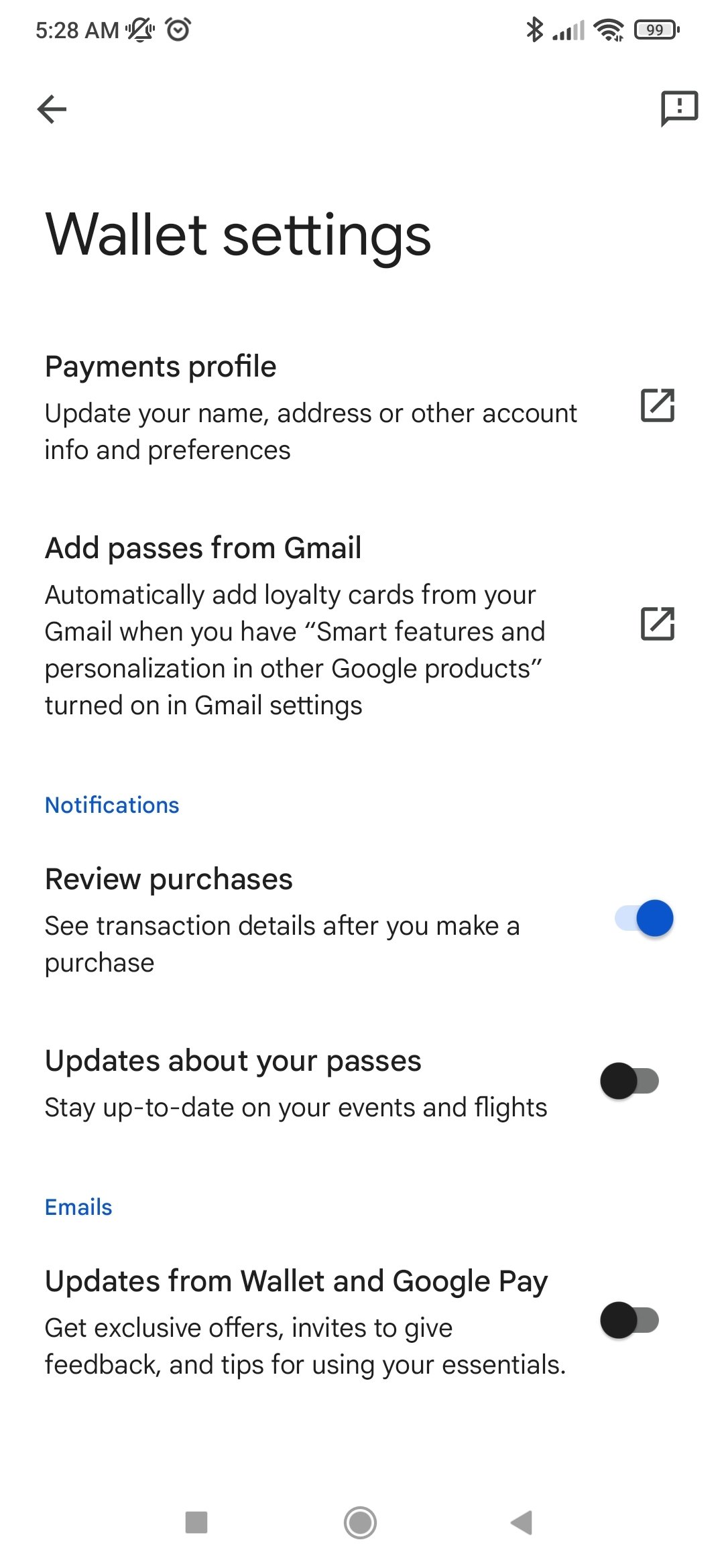
- Smart notifications about tickets, flights, or reservations.
- Clean design focused on usability.
- Simplified system for logging into Google Wallet.
In short, you can download Google Wallet for free to get a robust and well-integrated solution for centralizing payments and digital documentation. Thanks to its features, security, and ease of use, it is a convenient tool for both everyday use and travel.
Requirements and additional information:
- Minimum operating system requirements: Android 10.0.
- Instructions to install XAPKs on Android
 Almudena Galán
With a degree in Law and Journalism, I specialized in criminology and cultural journalism. Mobile apps, especially Android apps, are one of my great passions. I have been testing dozens of apps every day for over six years now, discovering all...

Manuel Sánchez