

Modern and efficient browser with advanced security features

June 11, 2026
9 / 10

Opera for PC is a browser that combines speed, privacy, and advanced features natively, making daily browsing-related tasks easier. It includes a free VPN, ad blocker, workspaces, a sidebar with applications, and a lightweight interface that works smoothly on computers of any range. If you want to try it out, you can download Opera for PC for free and enjoy a complete, intuitive, and smooth experience out of the box. In addition, with the arrival of Opera One R3, the browser reinforces its focus on productivity, multitasking, and smart tab organization.

What is Opera and who is it designed for?

Opera is a web browser designed to offer a fast, secure, and convenient experience. Unlike more basic or less optimized browsers, Opera doesn’t consume a lot of resources and offers useful tools such as a free VPN, ad blocker, sidebar apps, cross-platform synchronization, and data import from other browsers. And best of all, it is free and does not require you to create an account.

If you are a demanding user who needs a stable browser for work or study, Opera's workspaces become essential for organizing tasks, projects, and tab groups. Moreover, we can now say that Opera is not just a browser: it is a productivity assistant thanks to its contextual AI.

The Opera browser is ideal for:

  • Professionals who need to manage multiple projects and tasks from a single location.
  • Users who value privacy and security without additional complications.
  • People who want quick access to their favorite messaging apps without switching windows.
  • Those who seek seamless synchronization between devices to maintain their workflow consistency.

Key features of Opera

  • Native free VPN, designed for more private browsing.
  • Split-screen function so you can focus on four windows without switching tabs.
  • Ad and tracker blocker, which speeds up page loading.
  • Sidebar with applications such as WhatsApp, Messenger, or Instagram, as well as music streaming services such as Spotify, Apple Music, or Amazon Music, and tools such as Slack, Google Calendar, or Gmail.
  • Workspaces to divide groups of tabs and better organize your workflow.
  • Multi-platform synchronization, which facilitates use between PCs and mobile devices.
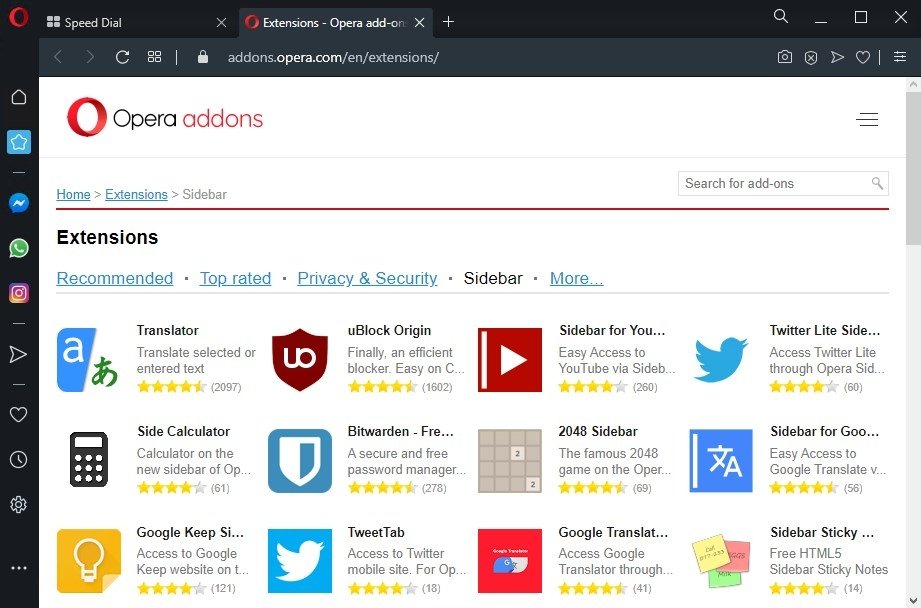
  • Opera extensions, compatible with its own store and the Chrome Web Store.
  • Battery saving mode, ideal for extending your laptop battery life.
  • Integrated AI from Opera, which acts as a personal assistant to help you with tasks, searches, and productivity.
  • Tab islands (Evolved Tabs), to save space, organize projects, maintain order, and easily switch between different contexts or groups of tabs, with the ability to customize the name and color of those tabs.

With these tools, Opera positions itself as a comprehensive and modern browser, designed to improve your productivity and elevate your internet browsing experience.

Pros and cons of using Opera as a browser

Pros

  • Faster and smoother browsing.
  • Easily enjoy greater privacy thanks to the integrated VPN.
  • Lower resource consumption, even with many tabs open.
  • Efficient work organization through spaces and tab islands.
  • Instant communication without switching windows, thanks to the side panel with messaging apps.
  • Easy to migrate from other browsers, saving you time on initial setup.
  • Wide variety of extensions in Opera, including some from third-party stores.
  • Battery saving that extends usage on laptops.
  • A customized experience that adapts to your style and needs.

Cons

  • Some features depend on Opera's servers, which may affect their availability.
  • The integrated VPN does not always allow you to choose a specific location, unless the user subscribes to VPN Pro.
  • Some websites may block or limit the functionality of ad blockers.
  • Advanced users may encounter limitations if they rely on very specific plugins.

Is Opera safe to use? Privacy and user protection

Opera is not only one of the most secure and reliable browsers, but also offers advanced and flexible settings that allow users to control permissions, cookies, and synchronization according to their needs. Thanks to these customizable options, Opera delivers a higher level of security than other browsers, such as Chrome or Edge, when their privacy tools are enabled.

It also features a built-in ad and tracker blocker that reduces exposure to malicious scripts and speeds up loading times, improving your browsing experience while protecting you.

Opera compared to other browsers: what makes it different?

Opera Browser stands out for integrating features that require a plugin or add-on on other browsers. While Chrome, Firefox, and Edge rely on add-ons for VPNs, ad blocking (if permitted), and quick access to messaging apps, Opera offers these tools natively.

Additionally, Opera stands out for its low resource consumption compared to Chrome, making it ideal for computers with limited hardware or users who open many tabs simultaneously. Its modern, customizable interface, along with features such as workspaces, tab islands, and dark mode, makes organization easier and improves the visual experience. Opera also supports extensions from the Chrome Web Store, expanding its capabilities without compromising performance.

Its advanced tab management and integrated contextual AI, which is completely free and does not require an account to use, also put it one step ahead of its competitors.

Resource consumption and actual performance of Opera for Windows

Opera for Windows offers solid and stable performance, even with multiple tabs open. Its optimized engine consumes less RAM than Chrome, keeping your computer running smoothly and preventing slowdowns.

The built-in ad blocker speeds up page loading and reduces CPU usage, providing more efficient browsing. Additionally, its battery-saving mode extends battery life in laptops without sacrificing performance.

Opera is an excellent choice for those looking for a fast, lightweight, and reliable browser on Windows.

Interface and customization in Opera: themes, sidebar, and shortcuts

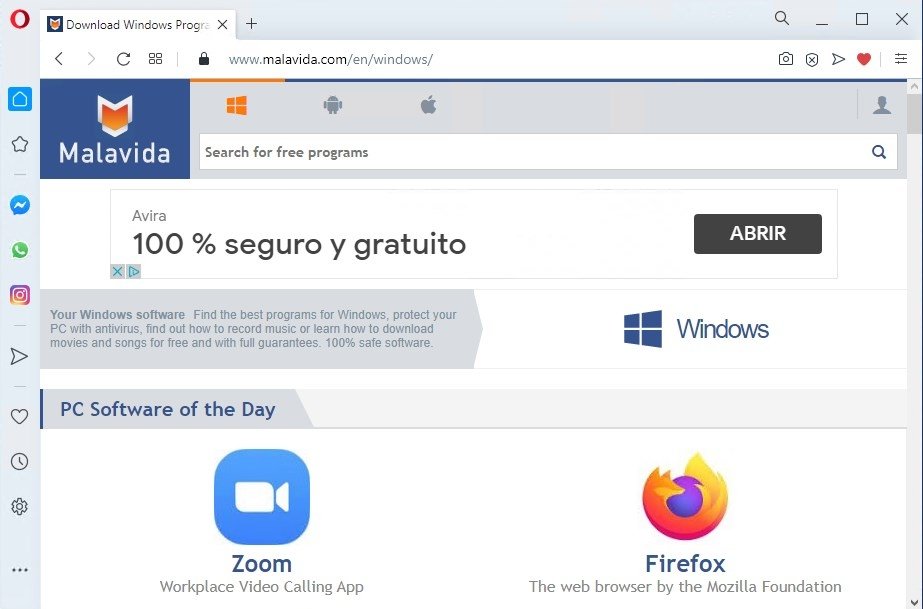
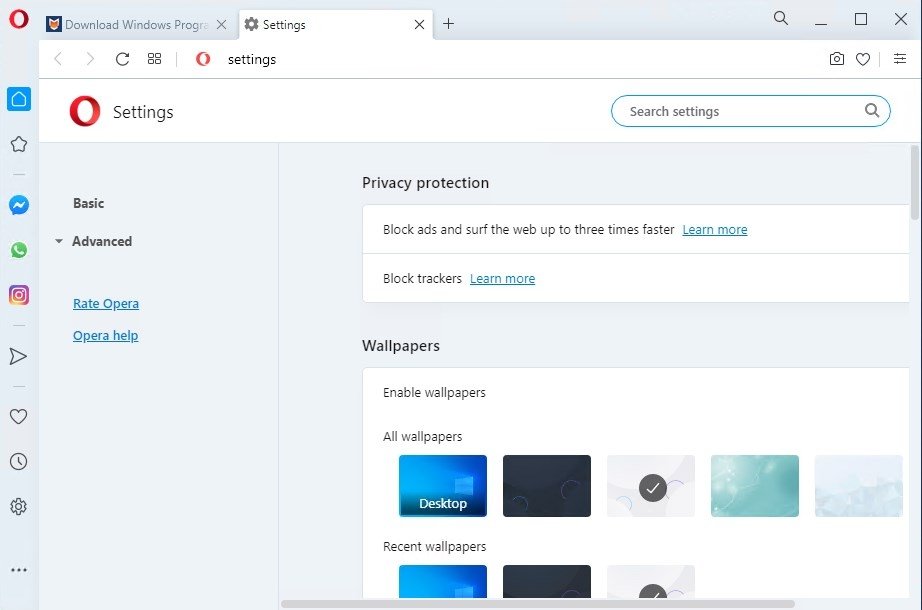
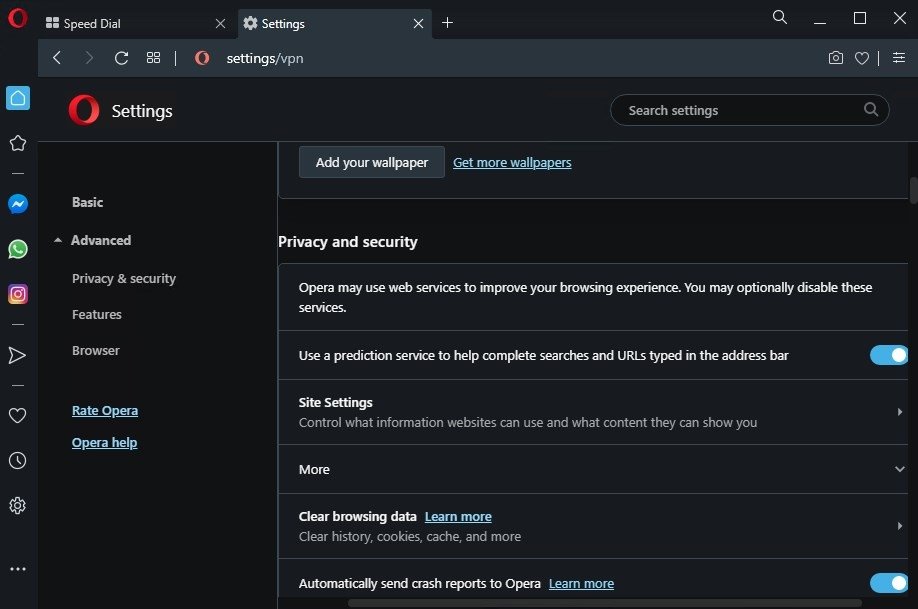
Opera for PC stands out for its modern, intuitive, and customizable interface. From the Opera settings, you can choose between light and dark themes, as well as dynamic backgrounds that bring freshness to the browser.

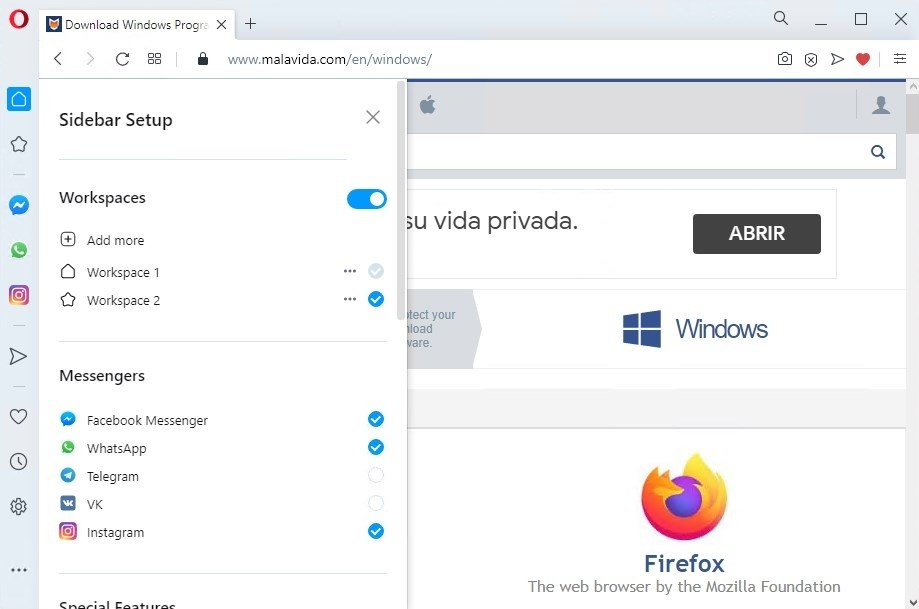
The sidebar integrates applications such as WhatsApp, Telegram, Messenger, and Instagram, making it easier to access messages and notifications without needing to switch tabs. Additionally, it can integrate music streaming services such as Spotify, Apple Music, or Amazon Music, as well as tools like Gmail or Google Calendar, providing a shortcut to these platforms and services. It also offers shortcuts to bookmarks, history, and the media player.

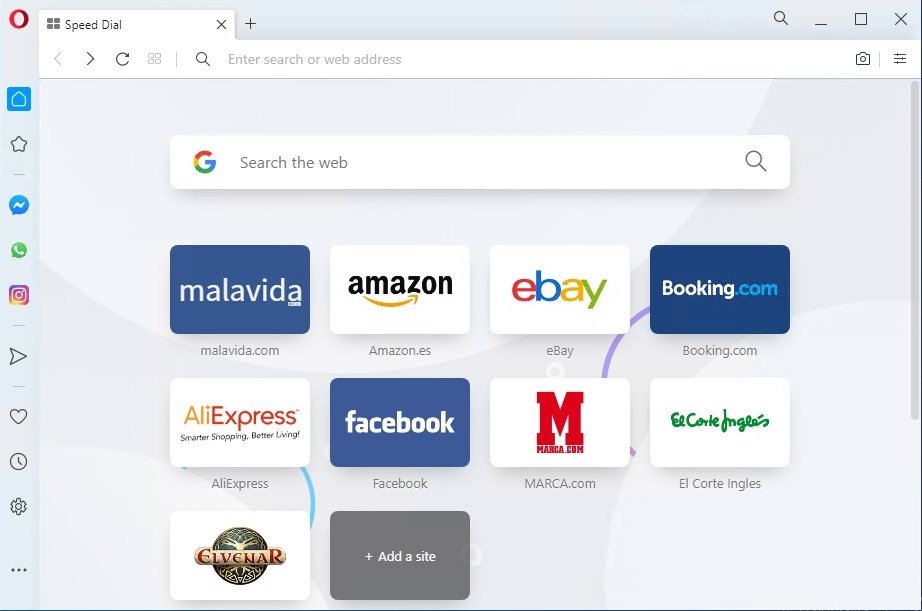
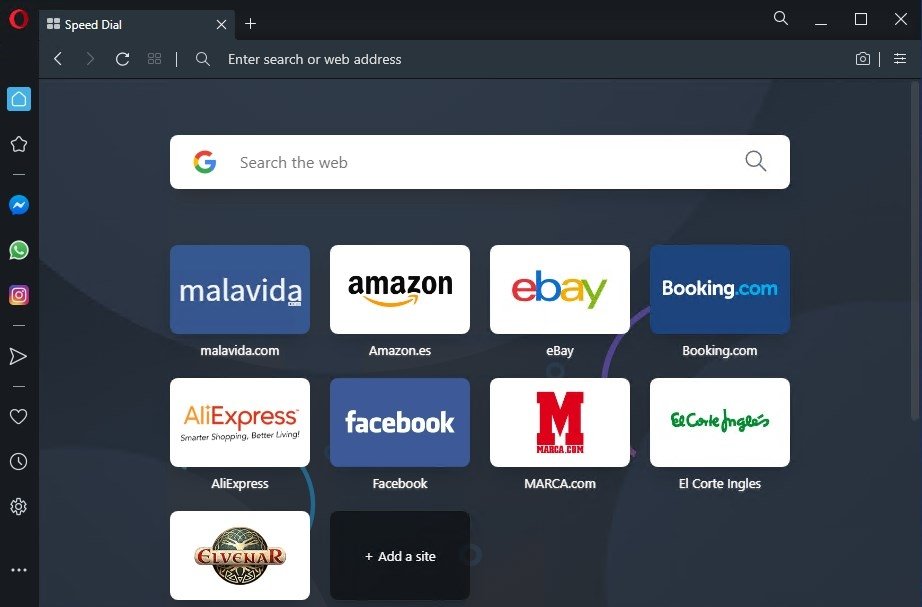
The home page features customizable tiles that allow you to organize your favorite sites for quick access. This combination of aesthetics and functionality makes Opera an efficient tool for increasing productivity.

In short, Opera for PC is a fast, lightweight browser packed with built-in features that simplify and enhance your everyday experience. With practical tools such as ad blocking, workspaces, a sidebar with applications, and advanced customization options, Opera adapts to all types of users and is indispensable for those who value their privacy. If you are looking for a browser that streamlines your workflow, consumes few resources, is easy to use, and secure, you should download Opera for Windows.

What's new in the latest version of Opera

  • More powerful integrated contextual AI with an improved command line and the ability to generate images.
  • Introduction of new dynamic themes that allow you to customize Opera's background.
  • New split-screen feature saves users time and allows them to focus on four windows without switching tabs.
  • New integrations in the sidebar, such as Gmail or Google Calendar, on top of the existing ones.
  • Media player with a modular design, allowing you to move any video around the screen while it is playing.
  • Update with security and performance improvements.
Manuel Sánchez

Passionate about web browsing since the early days of the internet, I consider myself a digital veteran who lived the rise of the internet from his own trenches in specialized forums that no longer exist. And now that I look back, it amazes me...

Features

Opera Tips & Tricks

  • The history of Opera: how a European browser defined innovation on the Internet

    In the technology industry, surviving more than thirty years is an anomaly. While giants that seemed unbeatable, such as Netscape, disappeared and others, such as Internet Explorer, became obsolete, Opera has managed to stay afloat. This browser, born in Europe, has not only stood the test of time but has become a beacon of innovation.

  • Opera One R3: The groundbreaking evolution of the browser that redefines multitasking

    To improve productivity and organize the daily browsing tabs chaos, Opera decided to make a bold move with the new Opera One R3. This update focuses on changing a fundamental part of the browsing experience: how we interact with the web. In the following sections, we present our experience after testing its new features, including split screen and AI image generation. Everything you need to know about this new browser is right here.