


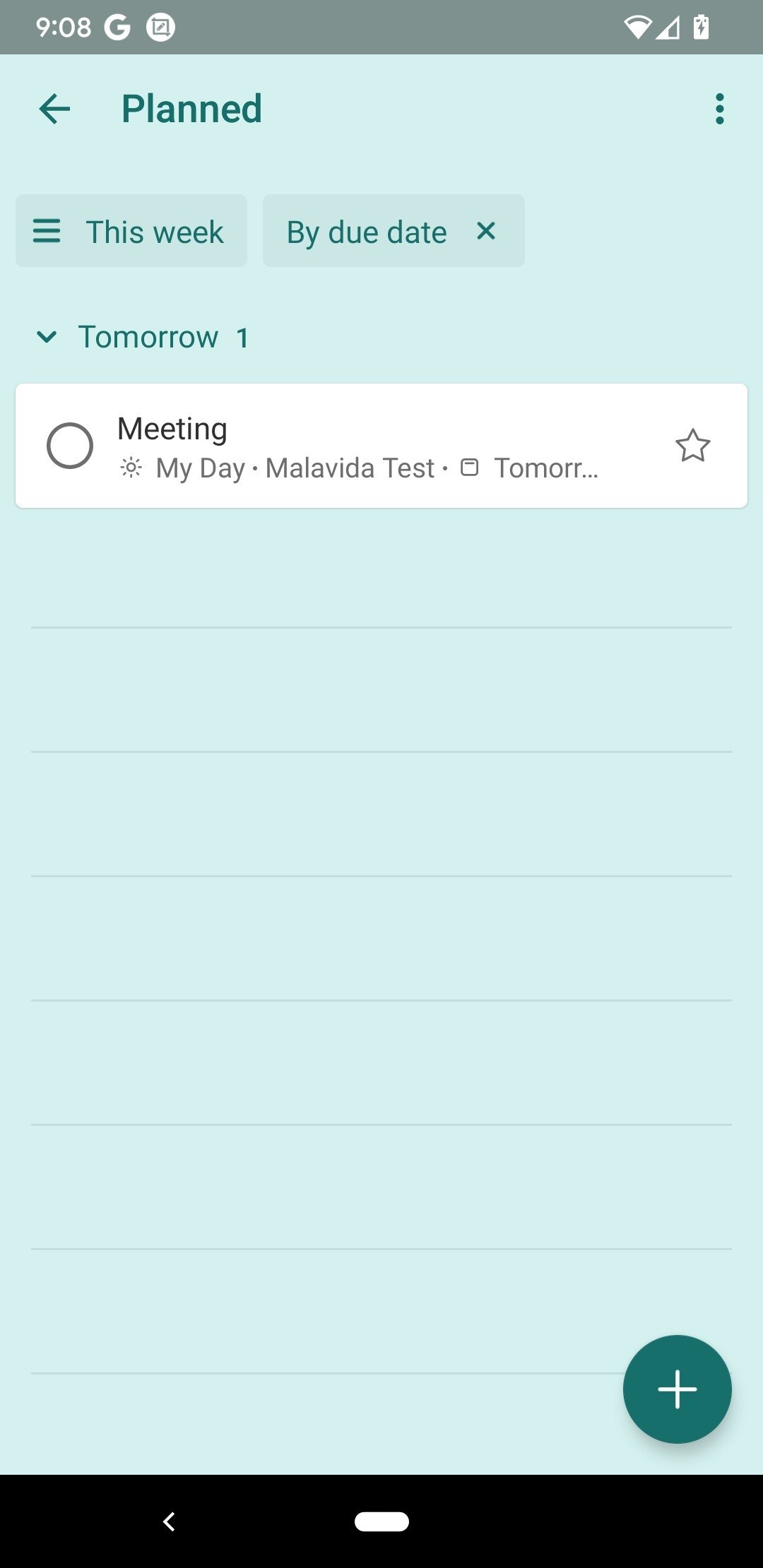
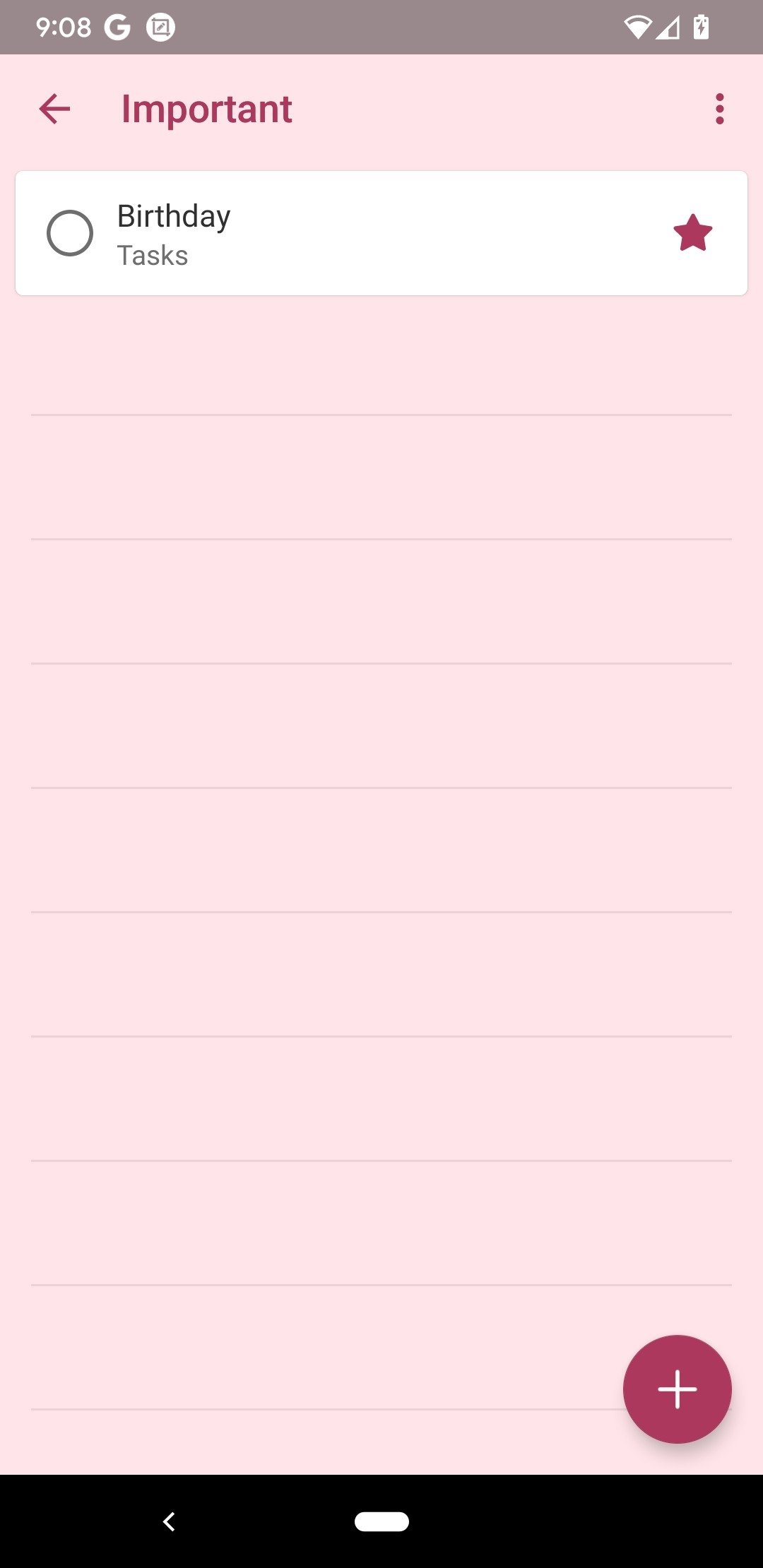

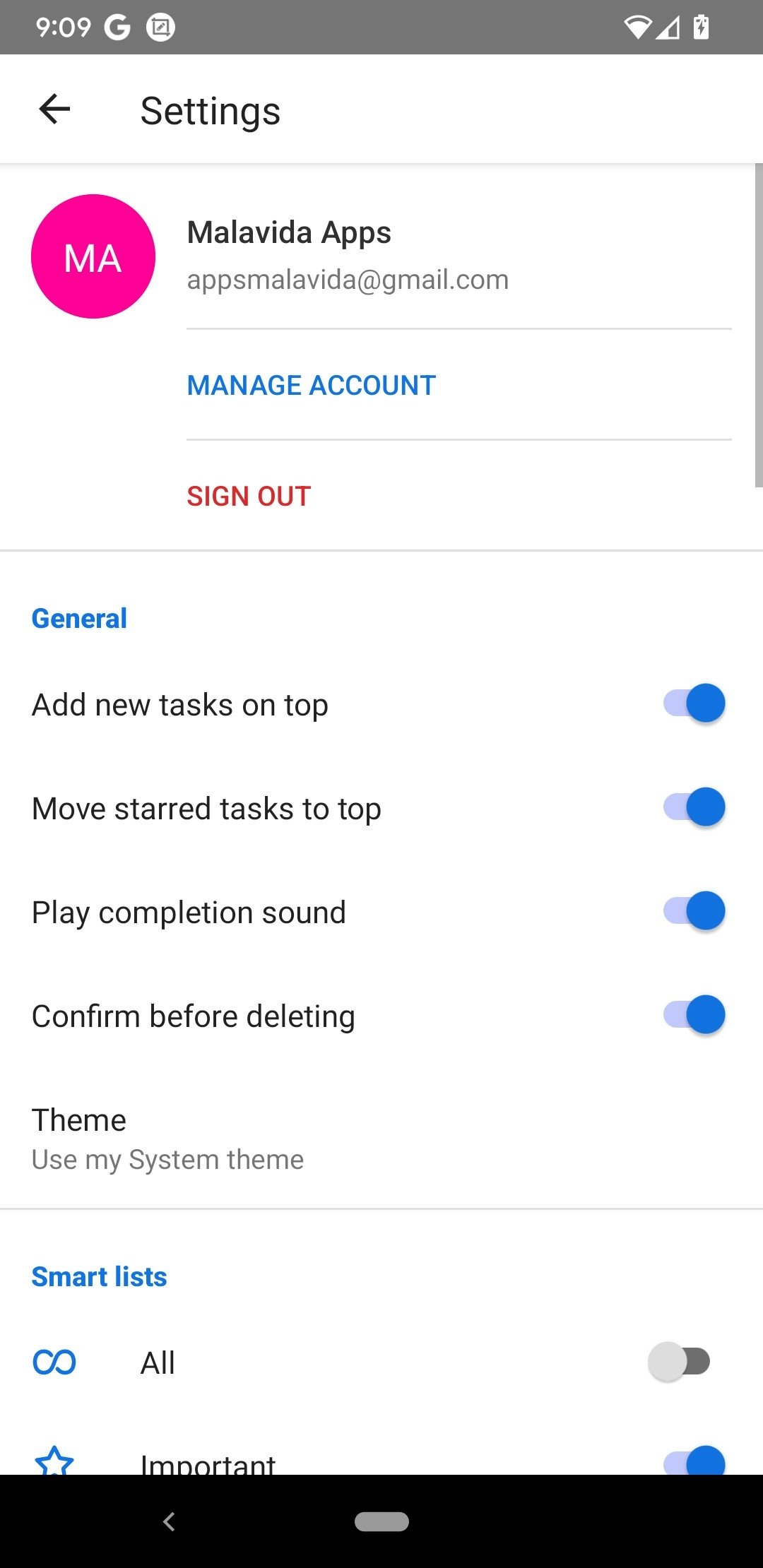
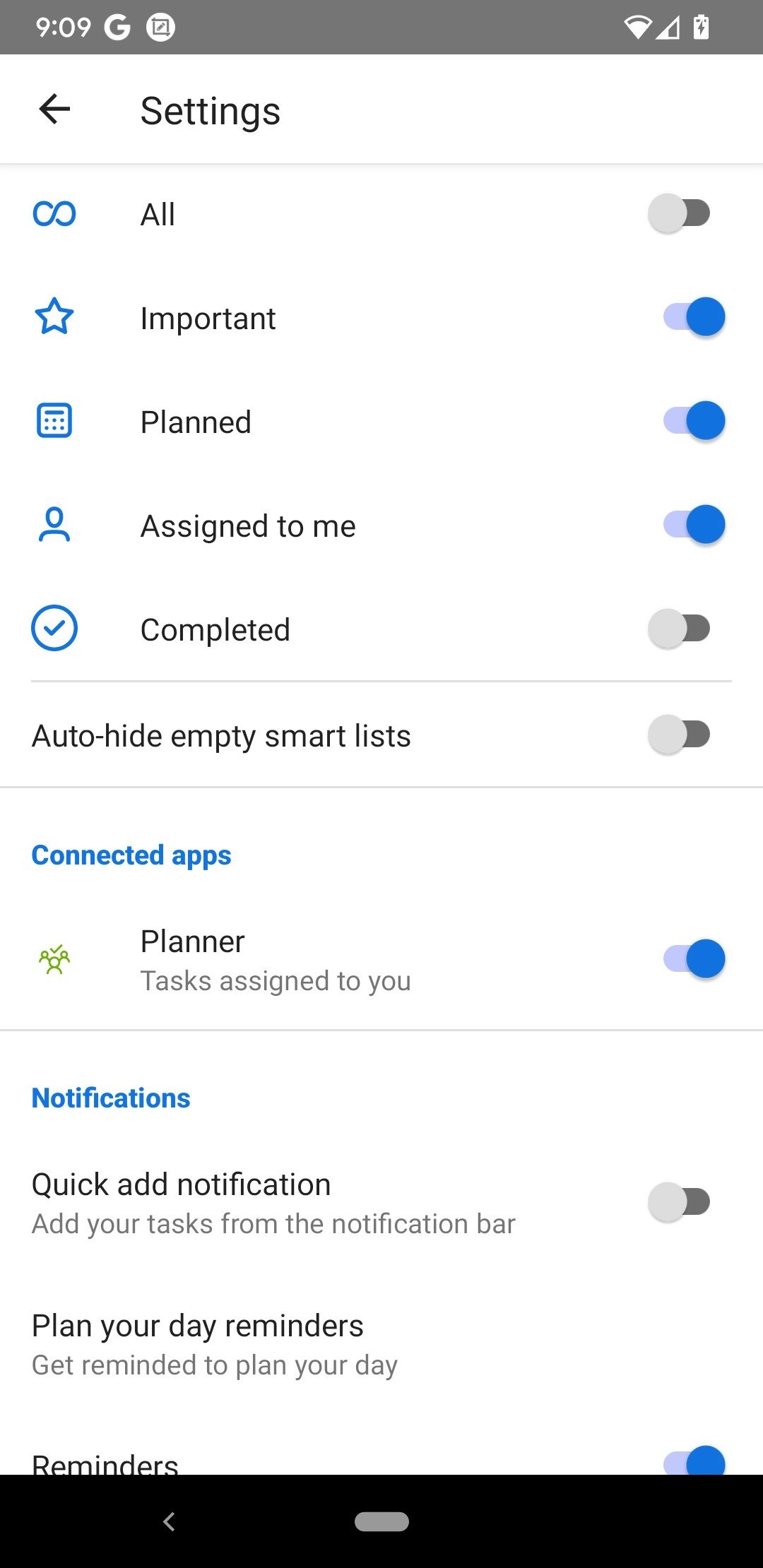
Microsoft's task manager and daily planner
Looking to improve your productivity, lower your stress levels, and empty your mind a bit without ever forgetting any pending tasks? Microsoft has a straightforward and intuitive tool for you. Microsoft To-Do APK is a to-do list manager developed by the technology giant that allows users to stay on top of everything they have to do and helps them plan their day to day. Download Microsoft To-Do Android to organize yourself better.
Improve your productivity and reduce your stress with a task manager
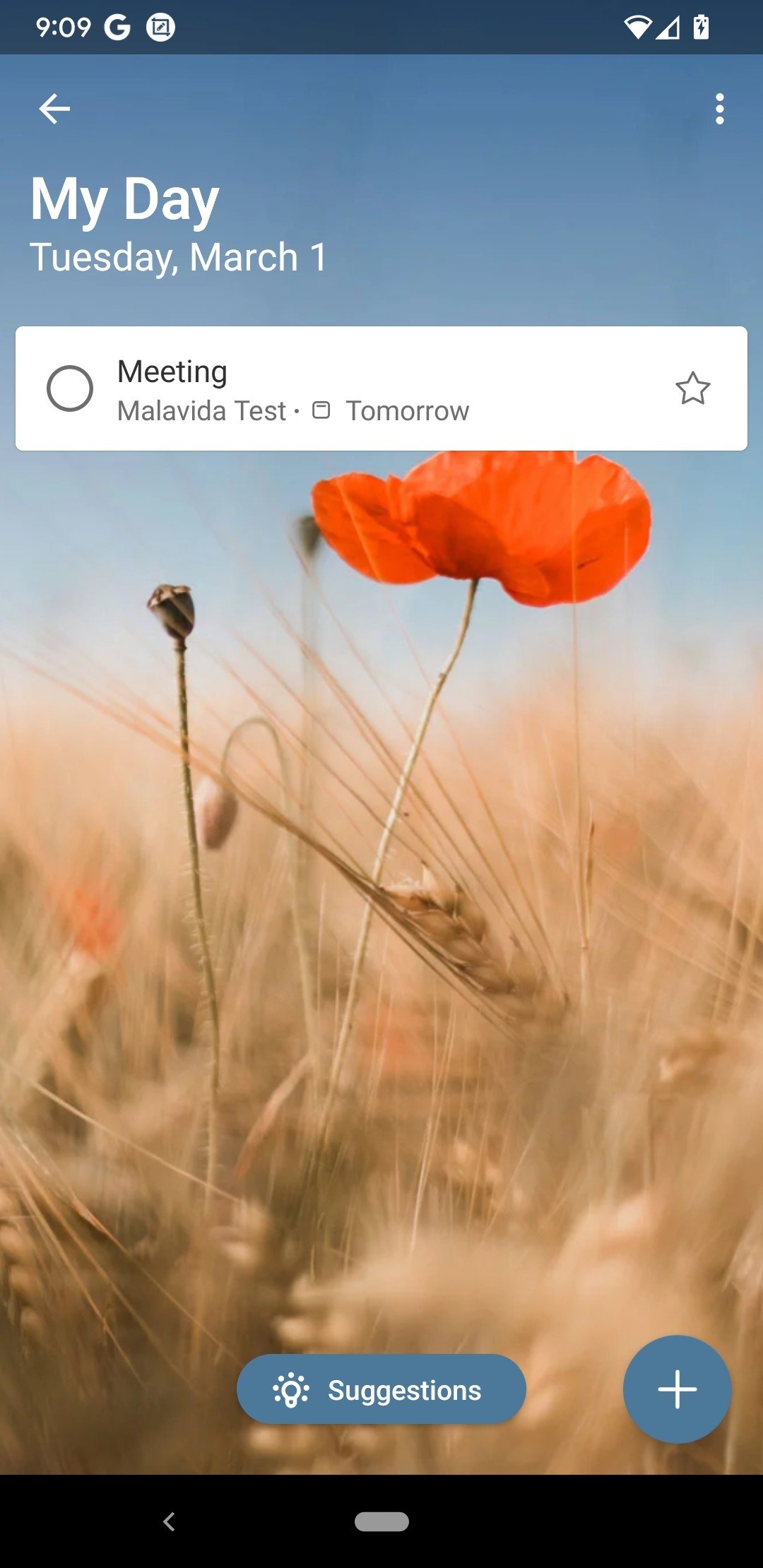
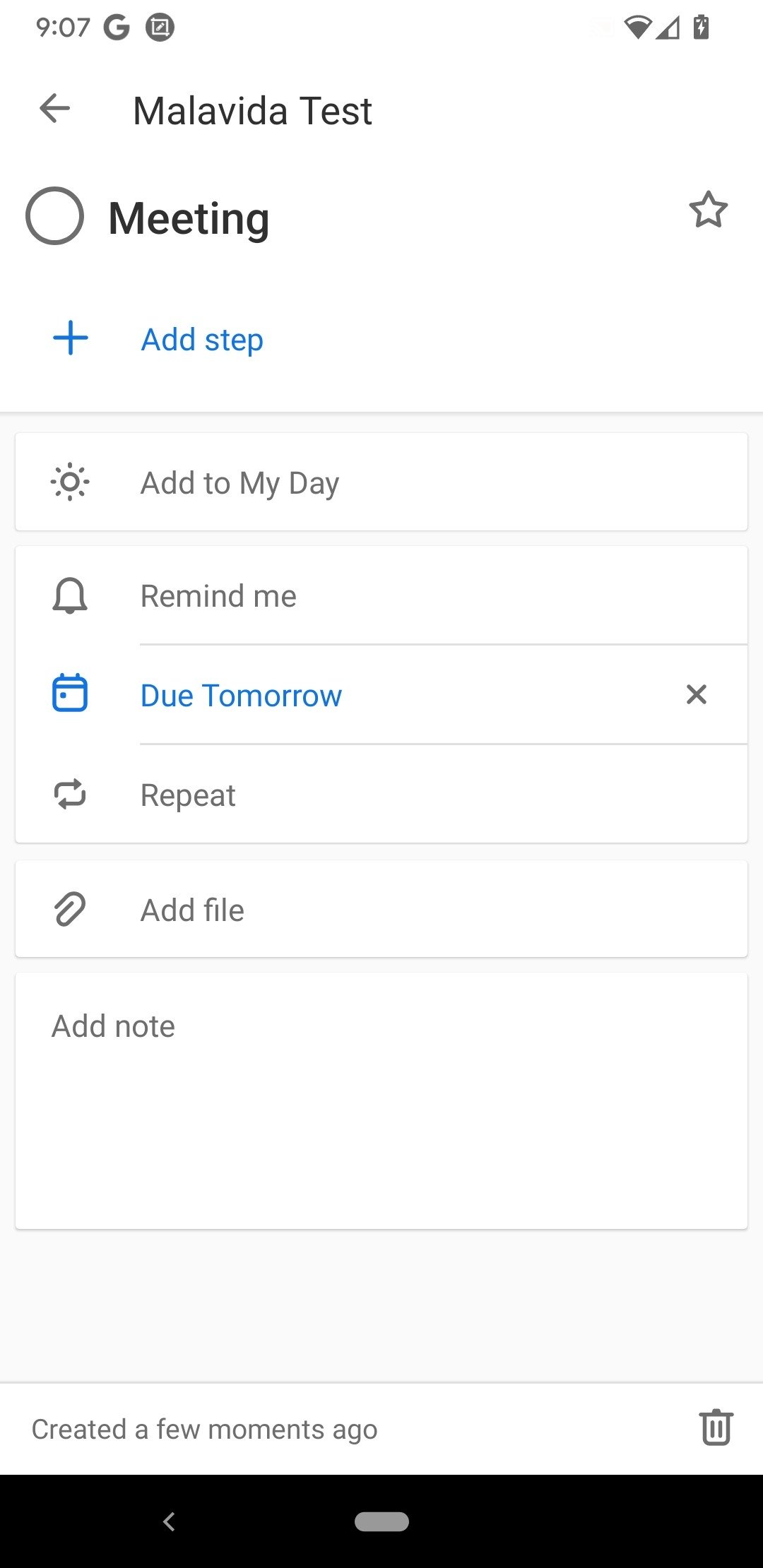
Microsoft To-Do APK has been designed to feature a friendly user interface that allows any user to find their way around the app right away, adding or discarding tasks easily. Each task can include a due date, linked subtasks, attachments, descriptions, and reminders. In addition, it syncs with your Microsoft account so it can be easily accessed on any of the user's devices.
Key Features
These are the main features that the application has to offer:
- Microsoft To-Do displays the My Day panel, a personalized daily planner with suggested tasks.
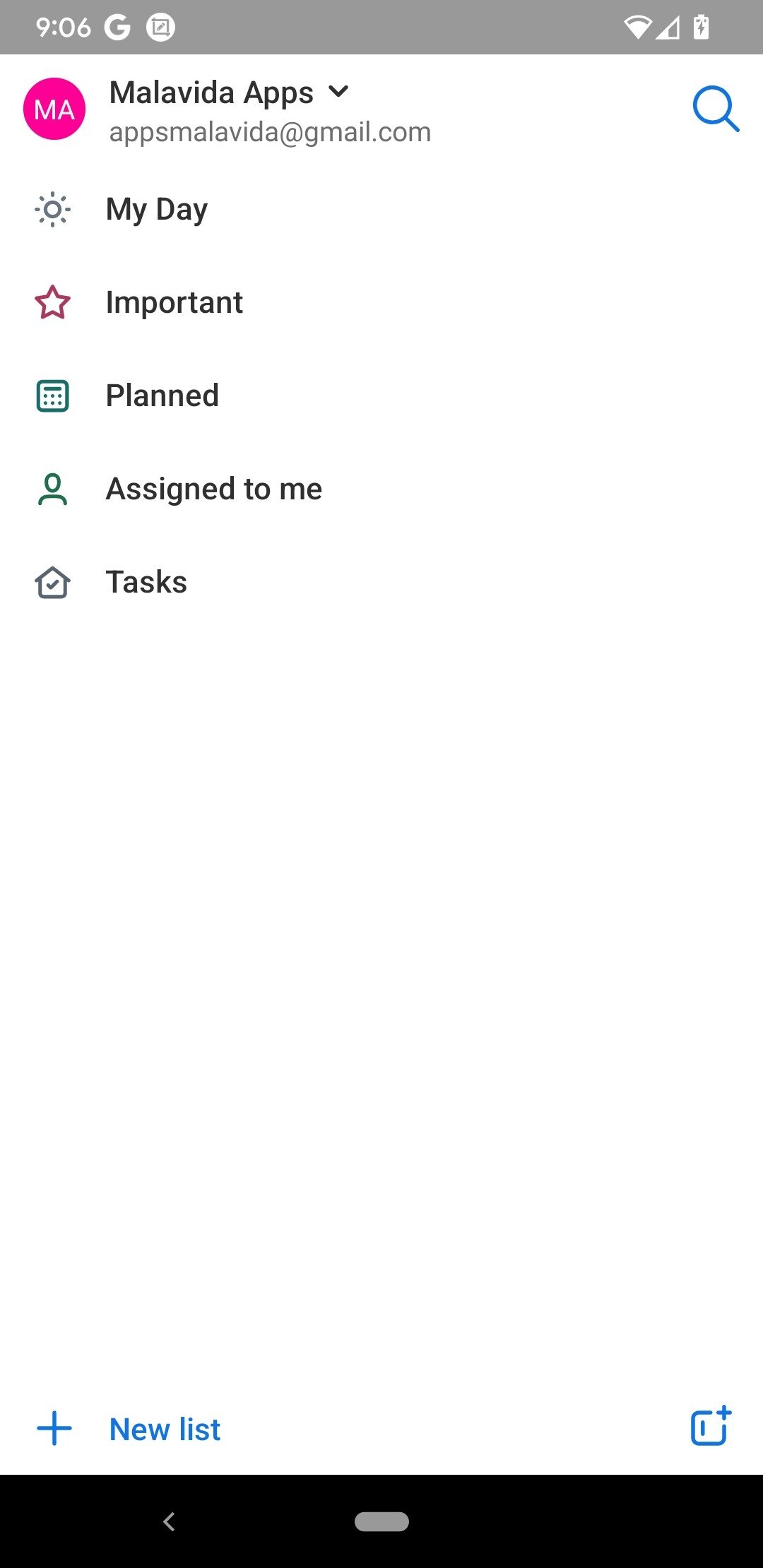
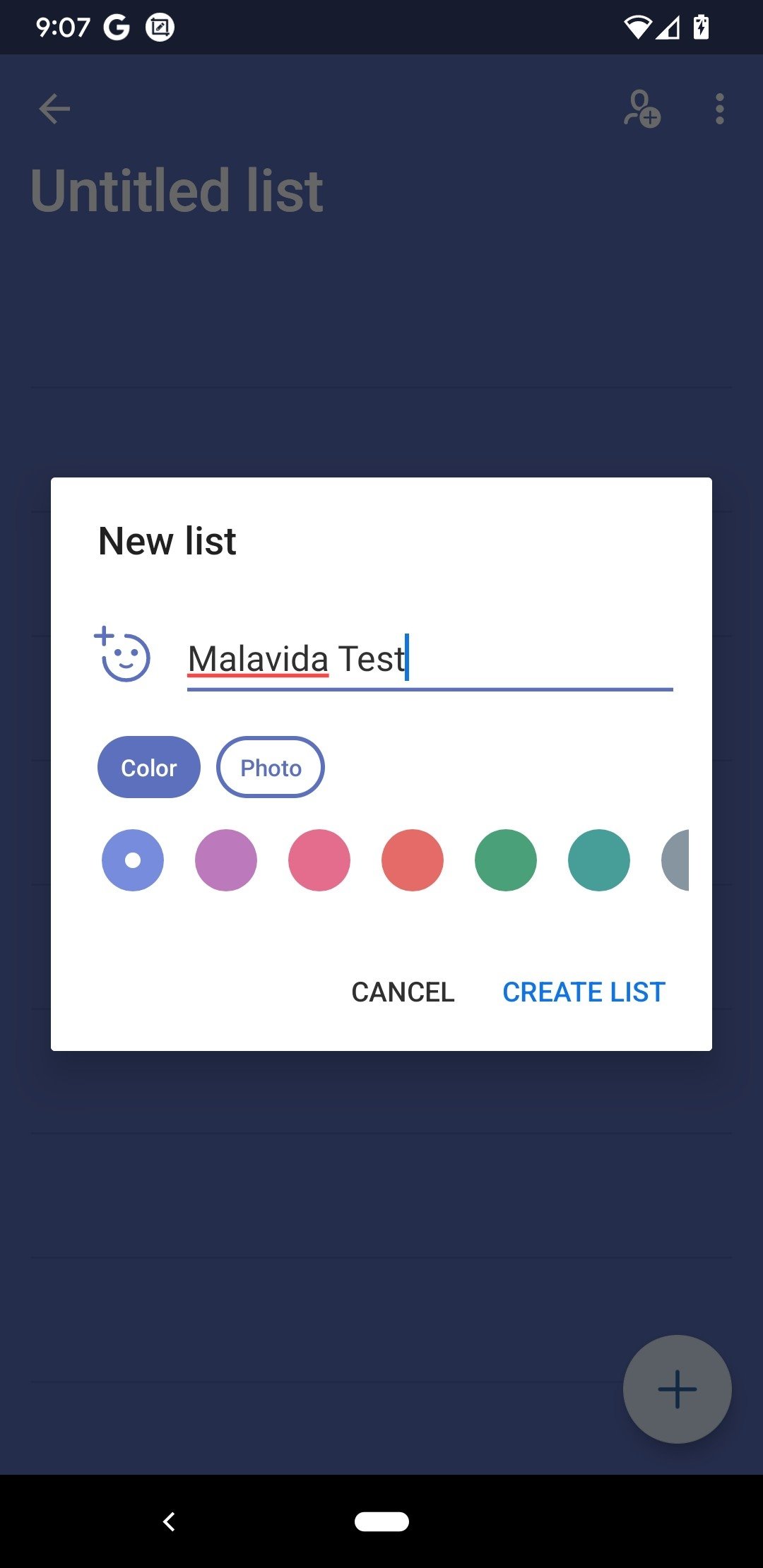
- Easily create to-do lists.
- Each task can include subtasks, notes, attachments up to 25MB, and descriptions.
- Users can set due dates and reminders.
- To-do lists can be shared among co-workers, classmates, friends, and family members.
- It synchronizes across all of the user's devices.
- The manager interface is color-coded customizable and themed.
- The app can be synchronized with the Outlook email account.
If you have trouble getting organized, don't hesitate and download Microsoft To-Do Android for free.
What's new in the latest version
- Stability improvements.
Requirements and additional information:
- Minimum operating system requirements: Android 7.0.
 Lauriane Guilloux
Hi, I’m Lauriane Guilloux. I grew up surrounded by gadgets and technology and everyone who knows me assumes that it will always be one of my greatest interests. I’ve evolved hand-in-hand with PCs, laptops, video gaming consoles, smartphones,...

Susana Arjona